

Pixop

ML video enhancement built for broadcast and archive workflows

Advanced API
Screenshot of Pixop, ML video enhancement built for broadcast and archive workflows

What is Pixop?

Pixop uses machine learning to enhance video for broadcasters and media companies, offered either as a licensed pipeline you run yourself (Prime) or a managed SaaS service (File). It targets UHD HDR delivery from HD sources, real time playout and large scale archive remastering.

Pixop is a machine learning video enhancement company aimed at broadcasters, media companies and content owners sitting on large libraries. Rather than selling a consumer editor, it offers two products that share the same underlying enhancement technology. Pixop Prime is a licensed pipeline that customers run inside their own cloud or on premises, covering both real time work for broadcast and linear playout and file based work for VOD, library enhancement and remastering, with a single licence that can be redeployed between the two modes. Pixop File is a fully managed SaaS service where assets are submitted through a web app or a REST API and returned as delivery ready output. The practical pitch is upconversion without an infrastructure rebuild. The company positions its software as a way to produce UHD and HDR from existing HD pipelines, which matters to media operations that cannot justify replacing capture, contribution and playout chains. Real time latency is quoted at roughly 600 ms, a figure that puts live use in reach for broadcasters rather than only post production. For archives, the managed route handles single assets or entire catalogues with the stated goal of consistent quality across a library, which is the harder problem when source material spans decades of formats and bitrates. Evidence of production use is specific: a World Cup broadcast in Chile, delivered with integration partner Dynamics Media Group, converted a live HD signal from Chilevisión into a continuous 4K channel for ClaroVTR. The company reports more than 400,000 videos processed and seven plus years of development. That track record, plus the option to self host, separates Pixop from cloud-only upscalers and from general purpose AI video editors. This is not a tool for individual creators. There is no self serve signup, no published price list and no free tier described on the homepage; engagement starts with a conversation about your workflow. Buyers should treat Pixop as enterprise video infrastructure, best evaluated through a pilot against their own material and delivery chain.

How do you use Pixop?

  1. 1Choose the deployment model
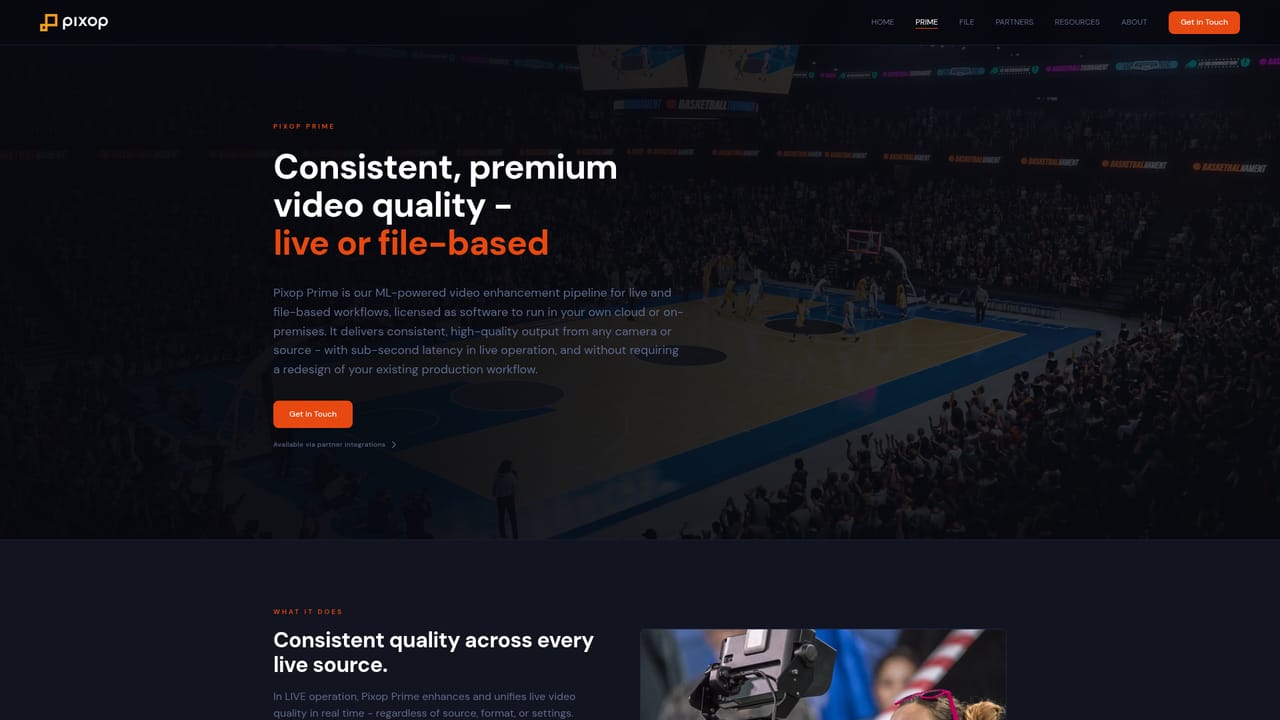
    Decide between Pixop Prime, which you run in your own cloud or on premises, and Pixop File, the managed SaaS route. The choice usually follows from security policy and whether you need real time playout.
    Pixop — Choose the deployment model
  2. 2Review the real time option
    If live or linear playout is the target, read the Prime live material to understand how the pipeline sits inside an existing broadcast chain and what latency to expect.
    Pixop — Review the real time option
  3. 3Review the file based option
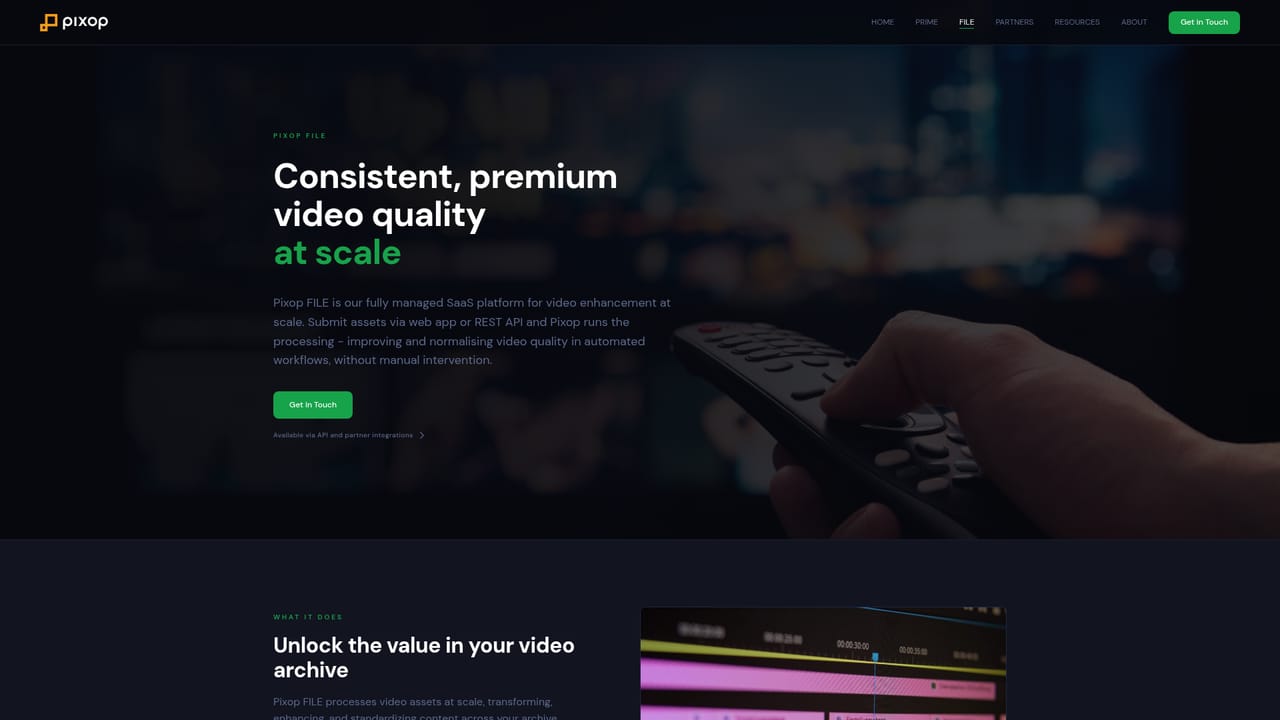
    For VOD, remastering or library work, the File page covers submitting assets through the web app or REST API and receiving delivery ready output.
    Pixop — Review the file based option
  4. 4Read the technical background
    The insights section includes engineering write ups on perceptual optimization and coding tradeoffs, useful for framing quality and cost expectations before a pilot.
    Pixop — Read the technical background
  5. 5Open a workflow conversation
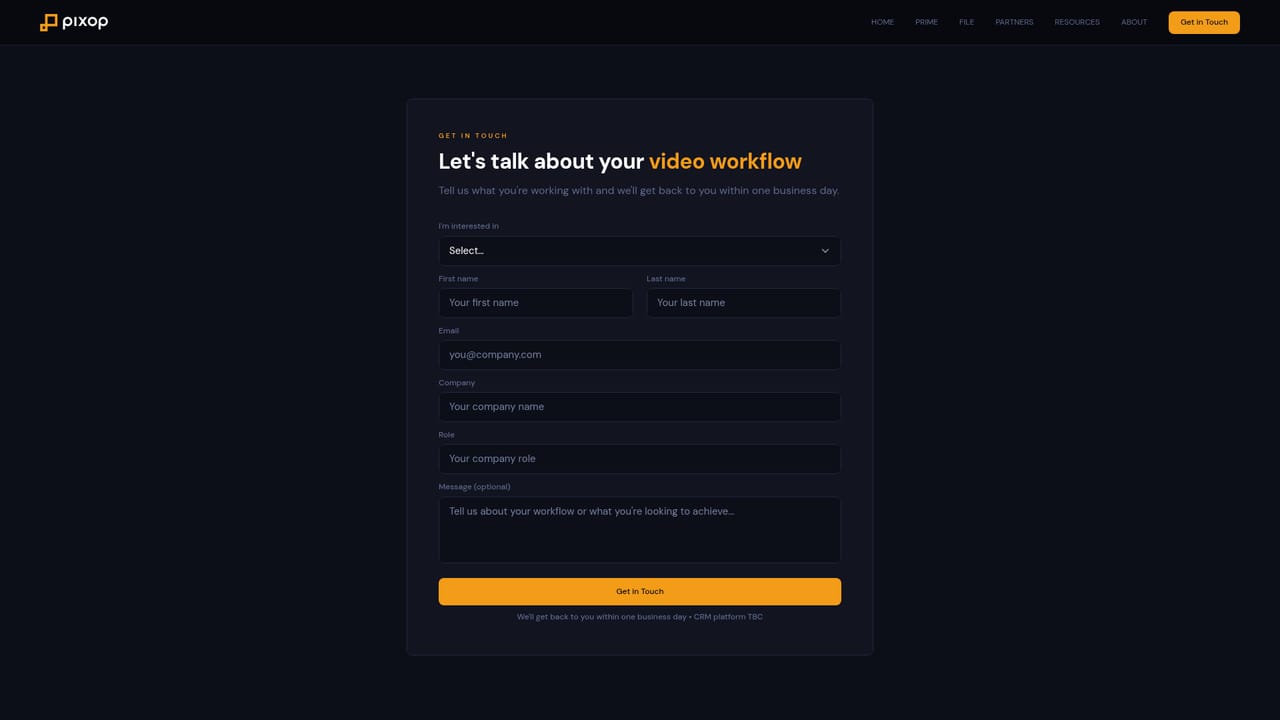
    Pricing and trials are handled through contact rather than a signup form. Describe your source formats, delivery targets and volume to get a scoped proposal.
    Pixop — Open a workflow conversation

Pros and cons

Pros

  • Covers both live broadcast playout and file based archive work from one technology baseAI
  • Prime can be deployed in your own cloud or on premises, which suits organisations with data residency or security constraintsAI
  • One Prime licence is redeployable between live and file based operation, limiting duplicate spendAI
  • Real time latency quoted at around 600 ms makes live HD to UHD conversion plausible within a broadcast chainAI
  • Production references include a 4K World Cup broadcast and more than 400,000 videos processedAI

Cons

  • No published pricing, no self serve signup and no free tier described on the homepage, so evaluation requires a sales conversationAI
  • The managed File service is a black box compared with open source upscalers: limited visibility into model settings per assetAI
  • Homepage gives no detail on codec support, container formats, resolution ceilings or HDR standards, which are the first questions a broadcaster asksAI
  • No public API documentation or integration list beyond the mention of a REST API and one named partnerAI
  • Built for media operations, so solo editors and small studios will find it oversized and awkward to buyAI

How much does Pixop cost?

Integrations

The homepage states that Pixop File accepts assets through a REST API and that Prime integrates into existing broadcast workflows. Dynamics Media Group is named as an integration partner on a 4K World Cup deployment. No further integrations are listed.

Features

Two products share one ML enhancement core. Pixop Prime is a licensed pipeline for live broadcast and linear playout or file based VOD, remastering and library work, run in the customer's own cloud or on premises, with one licence redeployable between modes. Pixop File is a managed SaaS platform accepting single assets or entire archives via web app or REST API, returning delivery ready output with consistent quality across a library.

Learn more

Frequently asked questions about Pixop

  • Does Pixop have an API?
    Yes, Pixop offers an API.
  • How do you use Pixop?
    The walkthrough on this page covers 5 steps: 1. Choose the deployment model 2. Review the real time option 3. Review the file based option 4. Read the technical background 5. Open a workflow conversation.
  • What platforms does Pixop support?
    Pixop is available on Web App.
  • What does Pixop integrate with?
    The homepage states that Pixop File accepts assets through a REST API and that Prime integrates into existing broadcast workflows. Dynamics Media Group is named as an integration partner on a 4K World Cup deployment. No further integrations are listed.
  • What are the limitations of Pixop?
    No published pricing, no self serve signup and no free tier described on the homepage, so evaluation requires a sales conversation. The managed File service is a black box compared with open source upscalers: limited visibility into model settings per asset. Homepage gives no detail on codec support, container formats, resolution ceilings or HDR standards, which are the first questions a broadcaster asks.

Status

StatusActive
Views0
Outbound clicks0
Added10/21/2026

Platforms

Web App

Pricing

PaidSubscription

