Prifina

Persistent personal context that outlives whichever AI model you use

Intermediate
Screenshot of Prifina, Persistent personal context that outlives whichever AI model you use

What is Prifina?

Prifina is a persistent personal intelligence layer beneath AI products. It keeps context, memory, permissions and sharing boundaries around the individual while different models do the work, and it powers Souvéa and AI Twin, both live today.

Prifina is building what it calls a persistent personal intelligence layer: a foundation for personal context, memory, permissions, relationships and sharing boundaries that sits around the person rather than inside any single AI service. The premise is straightforward. Models get swapped, agents multiply and applications come and go, yet personal context is repeatedly rebuilt inside each new product. Prifina's answer is to keep that context in one persistent space below the model, so the intelligence can change without the person starting over. The layer has four parts, all described as available today. A personal data space holds files, messages, calendar, health, contacts, travel, plans and personal knowledge. AI choice lets different models and capabilities (planning, research, health and wellbeing, communication) work against that space without rebuilding it. Storage and processing choices let a person decide whether data and AI requests run on a personal device, a trusted cloud, private infrastructure or systems in a chosen region. Shared contexts let selected information be contributed to a group or organisation environment while the rest stays private. In practice most people meet the architecture through two products. Souvéa is the consumer side: a personal assistant on iPhone and web that connects chosen information, summarises overnight messages, prepares a day plan from calendar and health data and asks for approval before sharing details. Prifina's AI Twin is the professional side: an approved, cited version of a person's knowledge that answers within scope and declines questions outside it. Spaces and Zones extend the same model to groups and organisations. The tool suits privacy-conscious professionals, academics, consultants and organisations that want AI assistance without handing a single vendor the full picture. Its natural comparison point is a platform assistant that keeps context locked inside one ecosystem. Prifina's difference is architectural rather than a feature list, and the trade-off is that setup asks more deliberate choices about storage, permissions and sharing than most consumer AI apps do.

How do you use Prifina?

  1. 1Understand the architecture before choosing a product
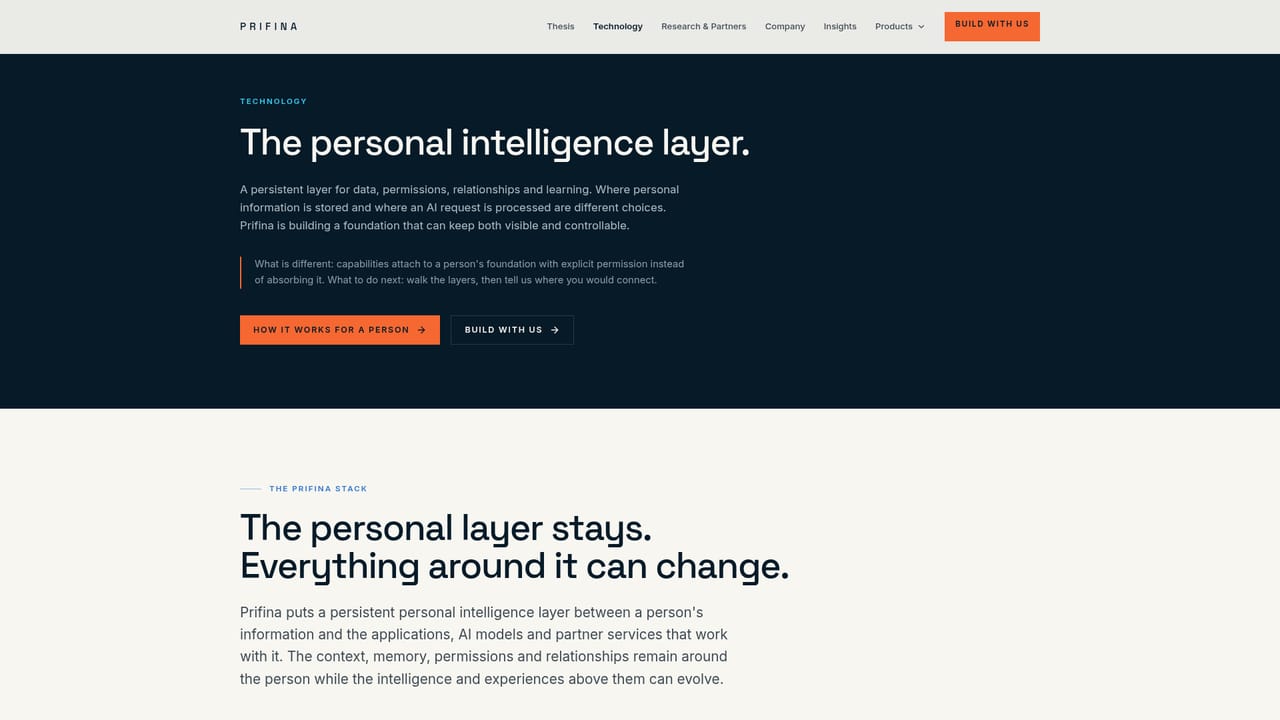
    Read the technology page to see how the personal data space, AI choice, storage options and shared contexts fit together. Each layer carries a status badge, so check what is live today versus available with partners.
    Prifina — Understand the architecture before choosing a product
  2. 2Pick your entry point
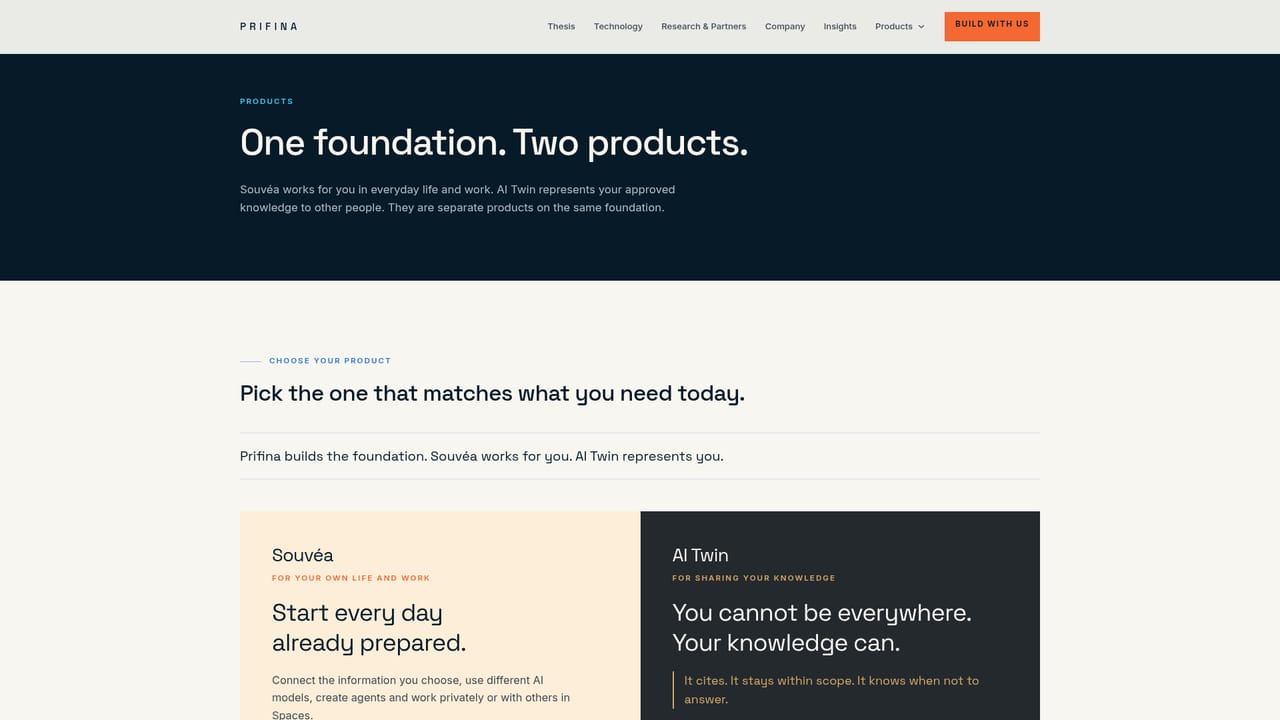
    Decide whether you want a personal assistant for your own life and work or a controlled representation of your knowledge for other people. The products page explains how Souvéa and AI Twin each express the same underlying layer.
    Prifina — Pick your entry point
  3. 3Start with Souvéa for daily personal use
    Download Souvéa on iPhone or open it on the web, connect the information you choose, and let it prepare plans and summaries. Sharing actions are surfaced as approvals rather than happening silently.
  4. 4Create an AI Twin to answer from approved sources
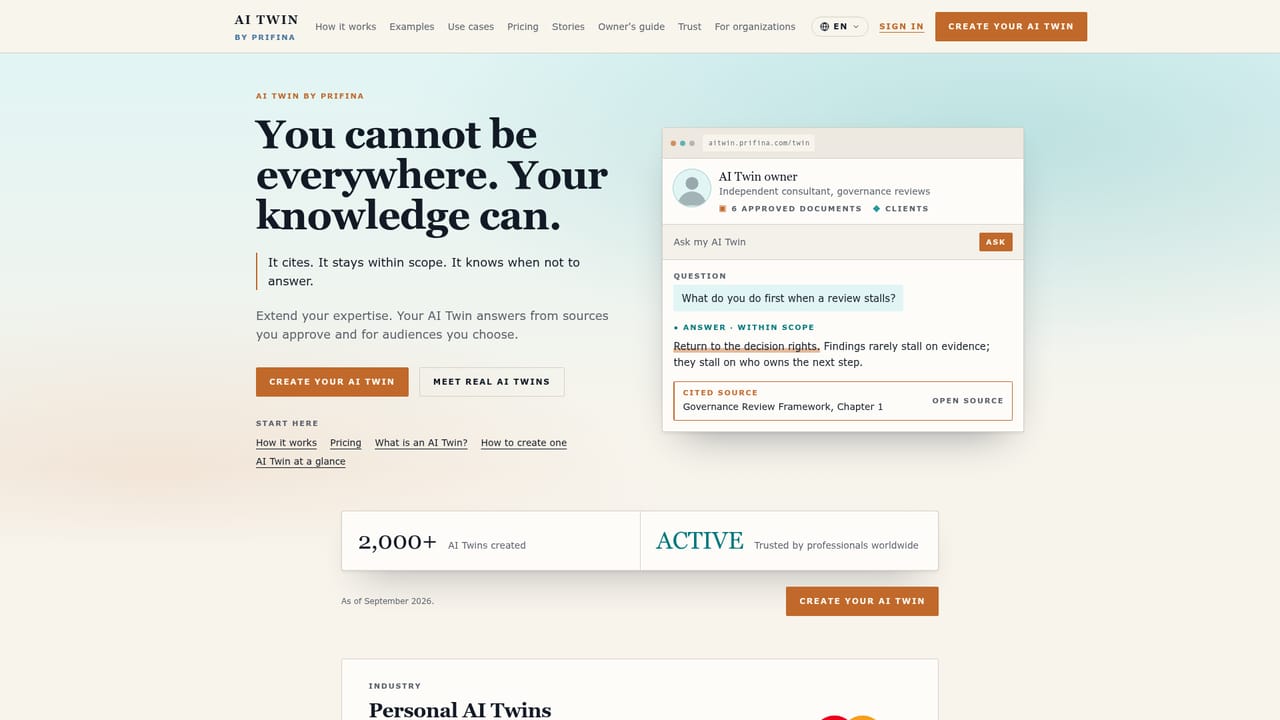
    Add the documents you want the twin to draw on and set the audience it should serve. Answers stay within scope and attach a citation, and out of scope questions are declined rather than guessed.
    Prifina — Create an AI Twin to answer from approved sources
  5. 5Set storage, processing and sharing boundaries
    Choose whether personal data stays on your device, in a trusted cloud or in a chosen region, then decide whether anything crosses into a shared context. This is the step that separates Prifina from a default cloud assistant.
  6. 6Go deeper or build on the layer
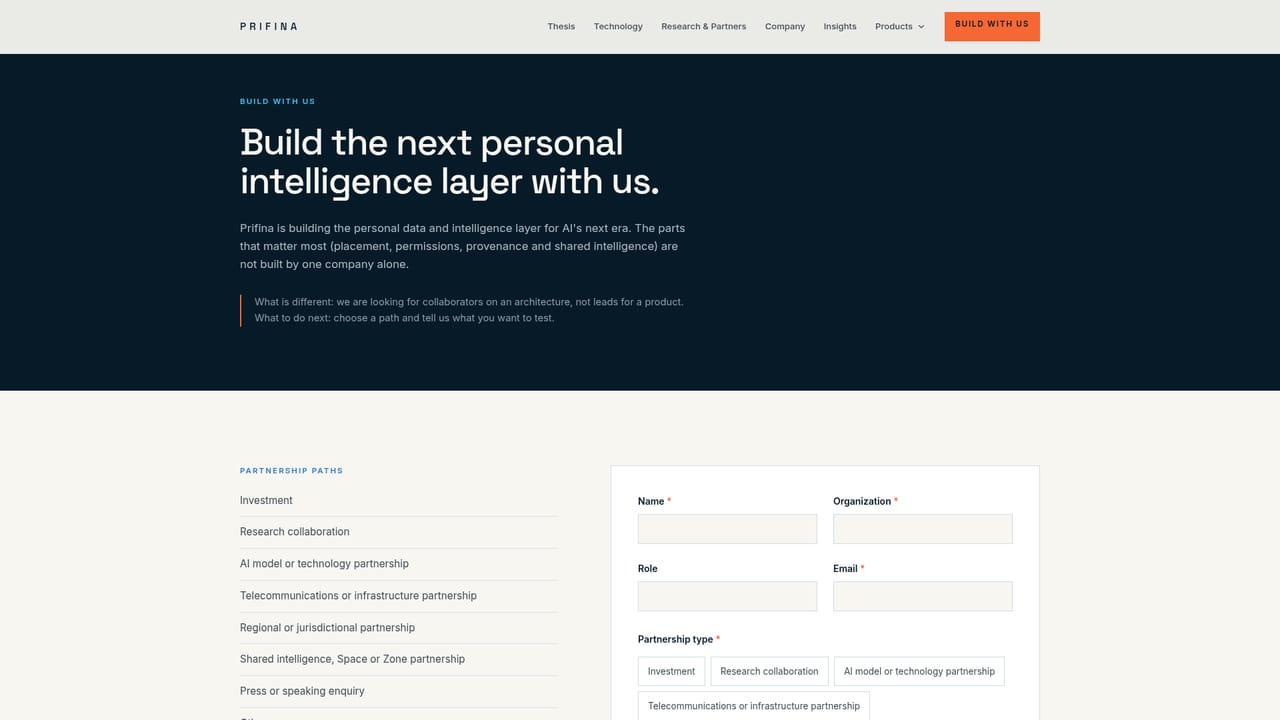
    Read the thesis and insights for the reasoning behind the design, and use the build with us page if you want to develop against the architecture rather than use the shipped products.
    Prifina — Go deeper or build on the layer

Pros and cons

Pros

  • Context, memory and permissions live outside any single model, so switching AI does not mean rebuilding the personal foundationAI
  • Explicit choices over where data is stored and where an AI request is processed, including personal device and regional optionsAI
  • Shared contexts let people contribute selected information to a group while the remainder stays personalAI
  • Backed by live products with thousands of users, including paying customers, and AI Twin has passed 2,000 creationsAI
  • Research collaboration with the University of Oulu covers edge intelligence, agent governance and provenanceAI

Cons

  • No pricing figures or plan tiers are published on the site, so cost has to be confirmed before committingAI
  • The architecture is the product; buyers wanting a single polished app must go through Souvéa or AI Twin separatelyAI
  • Zones for organisations are only available with selected partners, which limits enterprise adoption todayAI
  • Setup demands deliberate decisions about storage location, permissions and sharing boundaries, which is more work than a default cloud assistantAI

How much does Prifina cost?

Features

Four layers are presented as available today: a personal data space for files, messages, calendar, health and contacts; AI choice across planning, research, health and communication; storage and processing options spanning personal device, trusted cloud, private infrastructure and chosen region; and shared contexts for groups or organisations. Souvéa, AI Twin and Spaces are live, while Zones come through selected partners.

Learn more

Frequently asked questions about Prifina

  • How do you use Prifina?
    The walkthrough on this page covers 6 steps: 1. Understand the architecture before choosing a product 2. Pick your entry point 3. Start with Souvéa for daily personal use 4. Create an AI Twin to answer from approved sources 5. Set storage, processing and sharing boundaries 6. Go deeper or build on the layer.
  • What platforms does Prifina support?
    Prifina is available on Web App and iOS.
  • What are the limitations of Prifina?
    No pricing figures or plan tiers are published on the site, so cost has to be confirmed before committing. The architecture is the product; buyers wanting a single polished app must go through Souvéa or AI Twin separately. Zones for organisations are only available with selected partners, which limits enterprise adoption today.

Status

StatusActive
Views0
Outbound clicks0
Added10/22/2026

Platforms

Web AppiOS

Pricing

Freemium