Free trial
A free Trial plan provides 10 credits per month with SD images, 15 styles and personal use only. Advanced tools and custom styles are excluded, designs are public and no support is included.
Learn moreTurn any room photo into a styled interior render or virtual staging shot

AI4spaces is an AI image upscaler tool that turns any room photo into a styled interior render or virtual staging shot. AI4spaces restyles room and house photos with AI, offering 40+ interior styles, virtual staging, 360 degree views, walkthrough videos and upscaling from a single uploaded image.
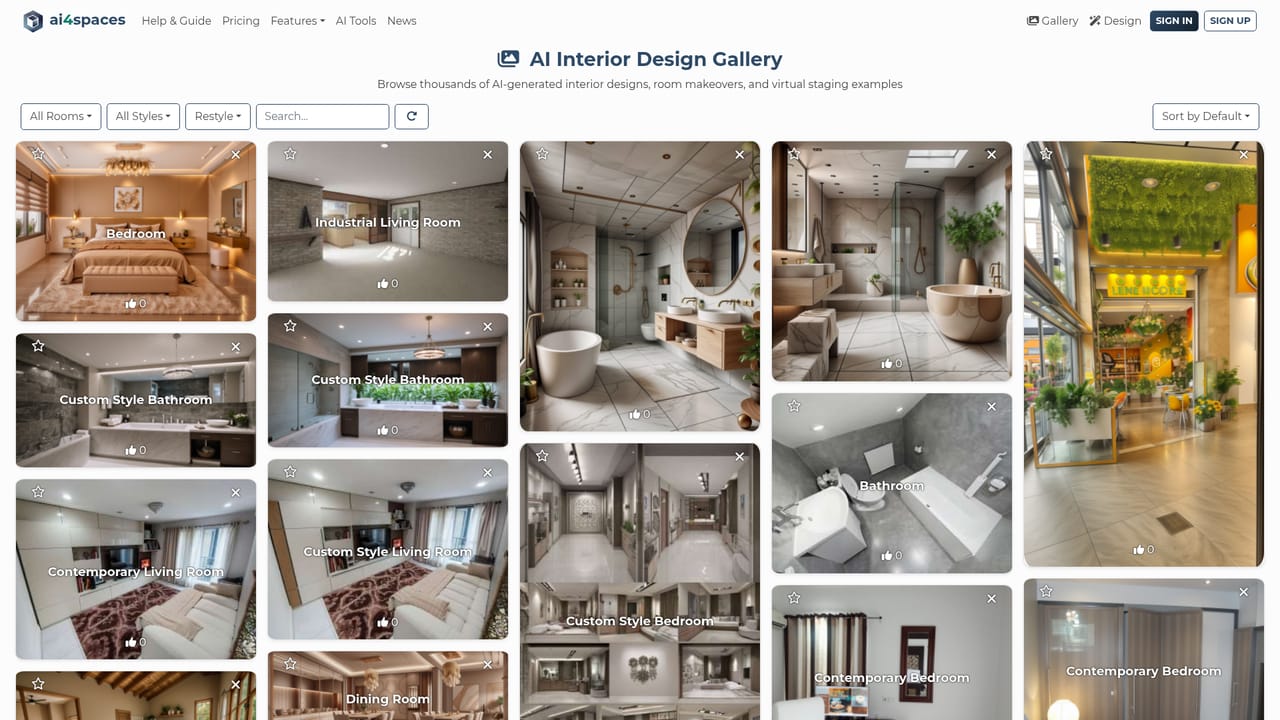
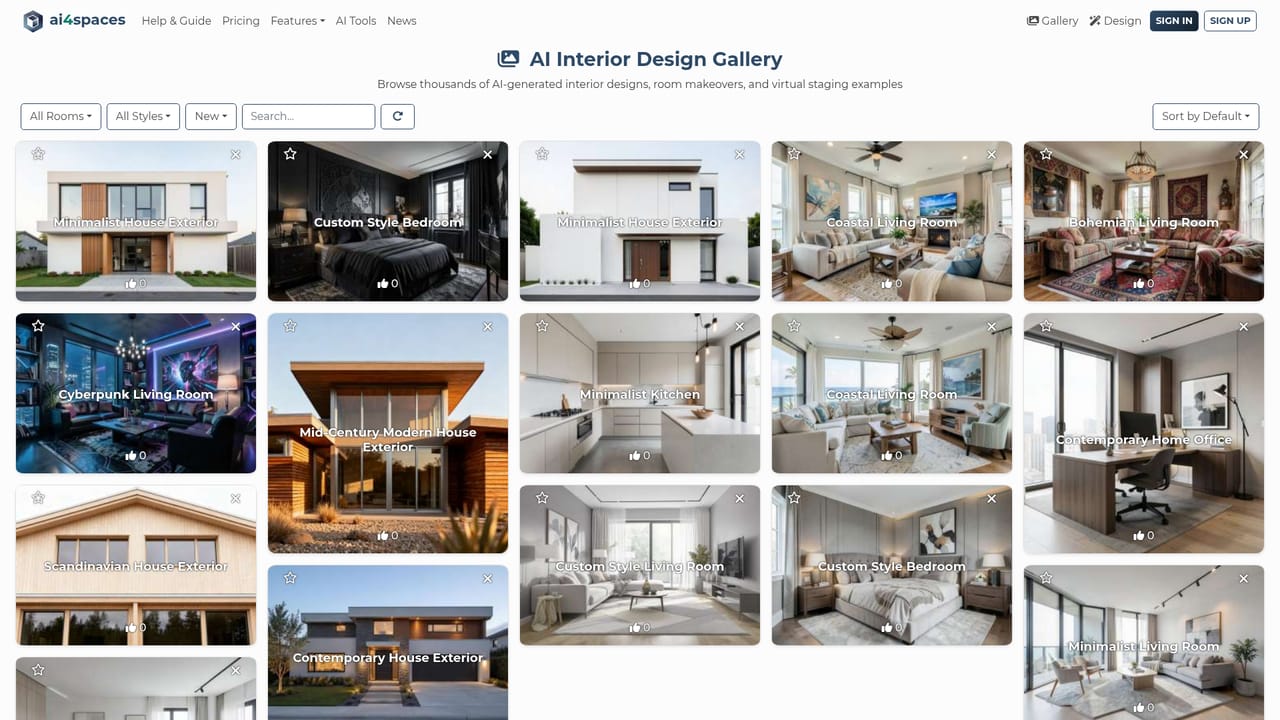
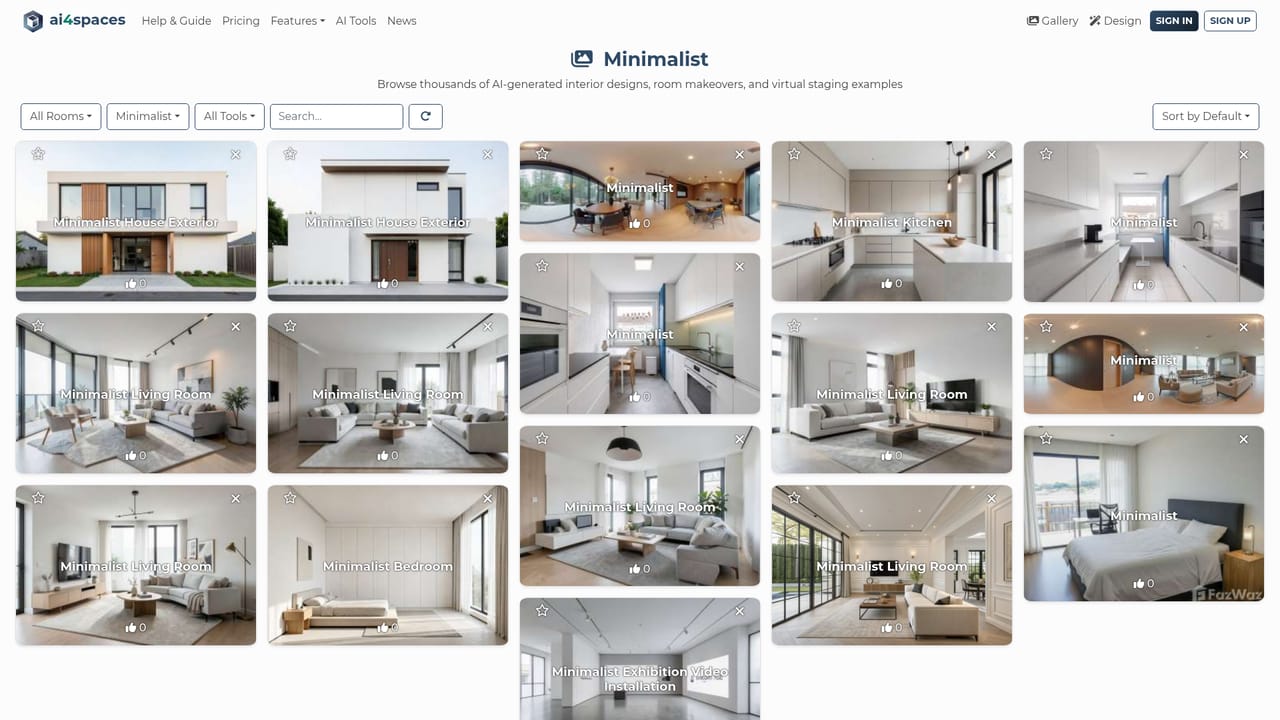
AI4spaces is a browser based interior design generator built around a single idea: a photo, sketch or 3D render of a room is enough input to produce a redesigned version of that same space. Upload an image, pick a style, and the tool returns a rendered interior or exterior. The library covers more than 40 named styles, from Minimalist, Coastal and Bohemian to Cyberpunk, Industrial and Zaha Hadid, plus custom styles that users have saved. Recent model additions (Nano Banana 2, Nano Banana Pro, Seedream V5 Pro) extend the tool beyond restyling into structural edits: switching a scene from day to night, extending a garden, adding floors or a pool, and generating architectural drawings such as ground plans and elevations. The workload splits into several tools on the same account. Restyle handles room makeovers, the house design tool works on full exteriors, and separate modes generate walkthrough videos, 360 degree panoramas and upscaled high resolution output. A precision editor lets you adjust colors, place furniture and refine details after the first render. The practical audience is real estate agents staging empty listings, interior designers producing concept variations for clients, and homeowners testing ideas before committing to a renovation budget. Workflow is simple enough for a first time user: pick a tool, upload the source image, choose a style and review the result. There is no CAD import or measured floor plan workflow, so the output is a visual concept rather than a buildable specification. Against dedicated virtual staging services, AI4spaces leans further into creative restyling and fantastical styles, and its public gallery of thousands of examples doubles as a style reference. Against general purpose image generators, the advantage is that the room geometry is preserved from your own photograph.

A free Trial plan provides 10 credits per month with SD images, 15 styles and personal use only. Advanced tools and custom styles are excluded, designs are public and no support is included.
Learn moreThe homepage lists a free Trial plan with 10 credits per month, SD images, 15 styles, one simultaneous task and public designs. Premium starts at $12 per month for personal use. Monthly, annual and pay-as-you-go pricing tabs exist, but only the trial and Premium entry price are shown in the captured content.
Learn moreThe free Trial plan explicitly excludes support. No help centre, documentation or contact channel is described in the captured homepage content.
Restyle room photos, redesign house exteriors, convert sketches and 3D renders into photorealistic renders, and generate walkthrough videos, 360 degree panoramas and upscaled images. More than 40 interior styles plus custom styles, structural edits such as day to night shifts and added floors, architectural drawings, and a precision editor for colors and furniture.
 AI Angels400+ customizable AI girlfriends for NSFW chat, voice calls, and roleplay
 Candy AIExperience the future of companionship with AI friends who chat, role-play, and connect with you on a human level.
 ourdream.aiA vast AI roleplay platform with millions of characters for chat, images, video and voiceAI Angels400+ customizable AI girlfriends for NSFW chat, voice calls, and roleplayCandy AIExperience the future of companionship with AI friends who chat, role-play, and connect with you on a human level.ourdream.aiA vast AI roleplay platform with millions of characters for chat, images, video and voice


