Free trial
No credit card is required to start. The free tier is a permanent plan with 50 questions per month rather than a time limited trial.
Learn moreTurns PDFs, slides, videos and topics into graded quizzes in seconds

Quizbot is an exam preparation tool that turns PDFs, slides, videos and topics into graded quizzes in seconds. An AI quiz maker that converts PDFs, Office files, videos, links and images into multiple choice, true/false, fill in the blank and other question types with answer keys, plus study and classroom tooling.
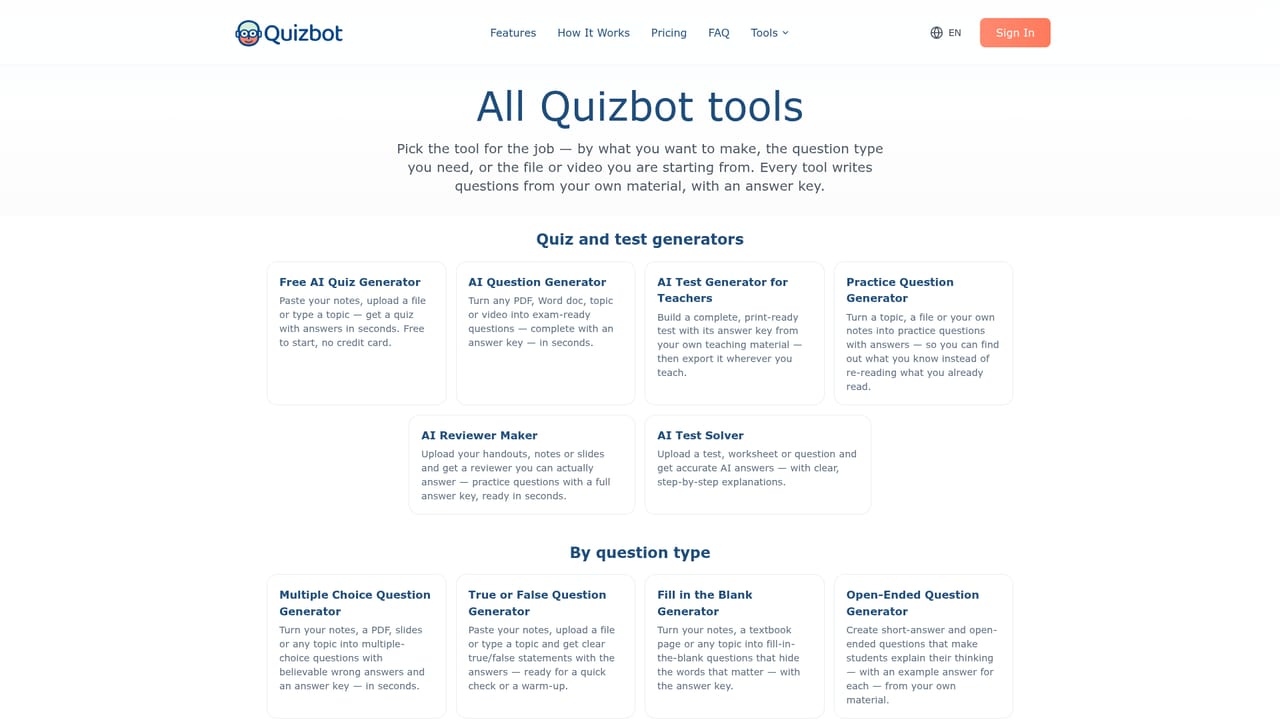
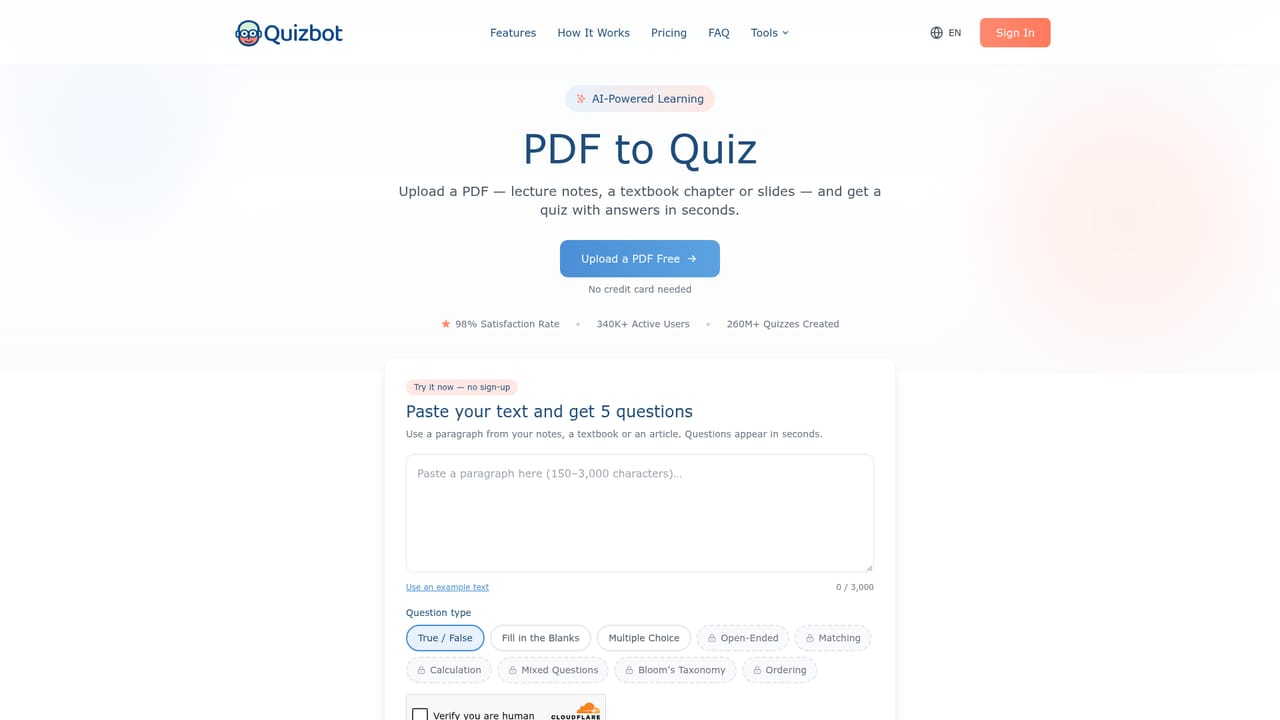
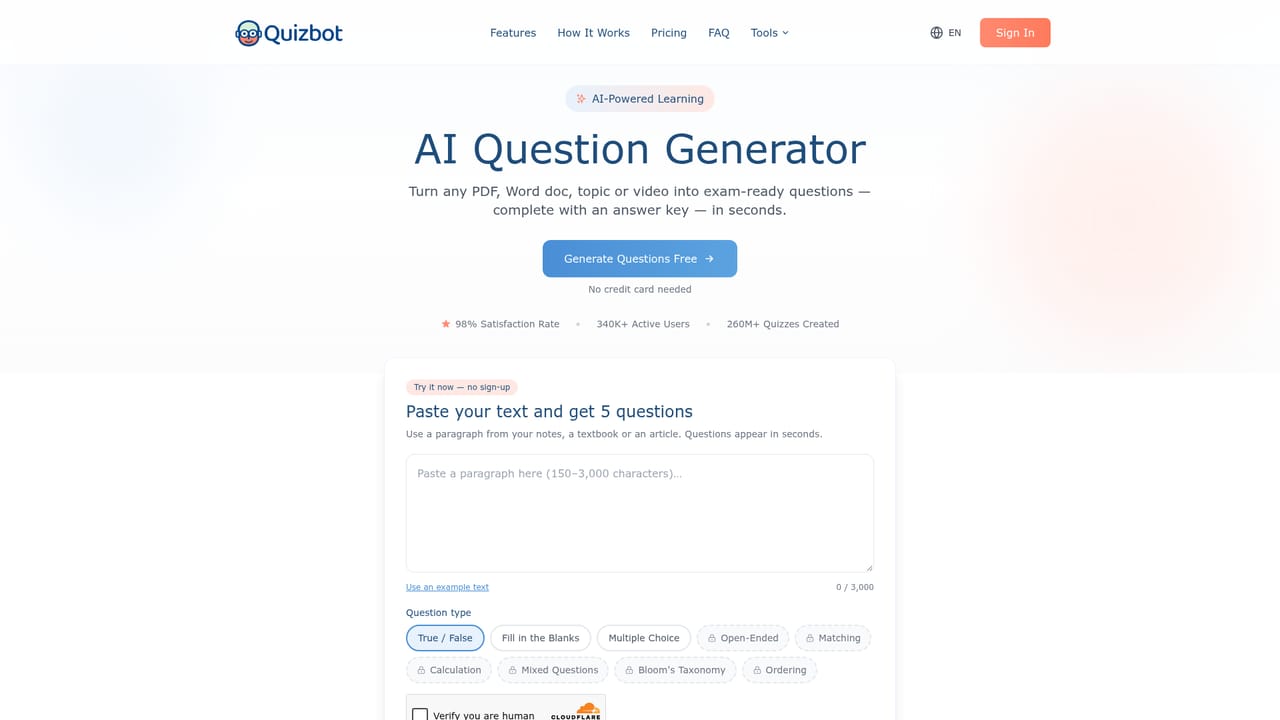
Quizbot is a quiz generation tool that accepts a wide range of source material and returns finished question sets with answer keys. Upload a PDF, Word document or PowerPoint, paste text or a web link, drop in a YouTube or Vimeo URL, add an image, or simply type a subject. The parser reads the content, then produces multiple choice, true/false, fill in the blank, open ended, matching, calculation or mixed items. Question count and difficulty are adjustable, and an optional Bloom's Taxonomy mode pushes questions toward specific cognitive levels. The site claims the whole cycle runs in roughly 30 seconds, with video links returning output in as little as two seconds. The product is built for two audiences. Teachers and trainers get a workspace for assembling assessments, sharing a quiz link with a class, and pulling class results back as a CSV. The Educator tier adds ordering and categorization item types, Likert scale surveys, OpenStax library questions, and export paths into Google Classroom, Moodle, Canvas, Blackboard, Kahoot, Word, PDF and the Aiken format. Students get a different surface: an interactive self assessment mode with performance breakdowns by concept, AI explanations for missed questions, flashcards, mindmaps, spaced repetition review sessions and an AI tutor that answers questions from uploaded course material kept in subject notebooks. In practice the workflow is linear and short. Material goes in, formats and counts are chosen, and the result is either played online, run as a gamified class game with points, badges and leaderboards, or exported to an existing learning system. Paid tiers separate mostly on volume and study depth: Standard caps at 2,000 questions per month, while Pro and Educator are unlimited and unlock the tutor sessions, study planner and analytics stack. Among AI quiz makers, Quizbot's distinguishing bet is breadth beyond generation. Most competitors stop at producing questions. Quizbot wraps that output in a study loop (diagnostics, scheduled review, tutor chat) and a classroom loop (LMS export, shared links, result collection). The tradeoff is tiering: much of the retention and classroom machinery sits behind the higher plans, so the free and entry tiers function mainly as question factories.
No credit card is required to start. The free tier is a permanent plan with 50 questions per month rather than a time limited trial.
Learn moreFree plan at $0 with 50 questions per month. Standard is $7.5 monthly or $75 yearly for 2,000 questions. Pro is $12.5 monthly or $125 yearly with unlimited questions and study tools. Educator is $18.5 monthly or $185 yearly with LMS export and classroom features.
Learn moreExports and connectors cover Google Classroom, Moodle, Canvas, Blackboard, Kahoot, Word, PDF, HTML and the Aiken format. Sign in is also offered via Google, Microsoft and Apple.
Source to quiz conversion from PDF, Word, PowerPoint, links, YouTube and Vimeo videos, images, audio and typed topics. Question types include multiple choice, true/false, fill in the blank, open ended, matching, calculation, ordering, categorization and mixed, with Bloom's Taxonomy alignment. Output runs as interactive quizzes or gamified class games, and exports to Word, PDF, Google Classroom, Moodle, Canvas, Blackboard, Kahoot and Aiken.
Learn more AI Angels400+ customizable AI girlfriends for NSFW chat, voice calls, and roleplay
 Candy AIExperience the future of companionship with AI friends who chat, role-play, and connect with you on a human level.
 ourdream.aiA vast AI roleplay platform with millions of characters for chat, images, video and voiceAI Angels400+ customizable AI girlfriends for NSFW chat, voice calls, and roleplayCandy AIExperience the future of companionship with AI friends who chat, role-play, and connect with you on a human level.ourdream.aiA vast AI roleplay platform with millions of characters for chat, images, video and voice


