Free trial
A free tier gives 1,000 words every month with no credit card required. There is no separate time-limited trial mentioned beyond that allowance.
Learn moreSpeak naturally, get clean writing instead of a raw transcript

RambleFix is an AI transcriber tool that speaks naturally, get clean writing instead of a raw transcript. A voice-to-writing tool for Mac and the browser that converts rambling speech into polished emails, notes, summaries and action lists, with verbatim transcripts available for uploaded audio.
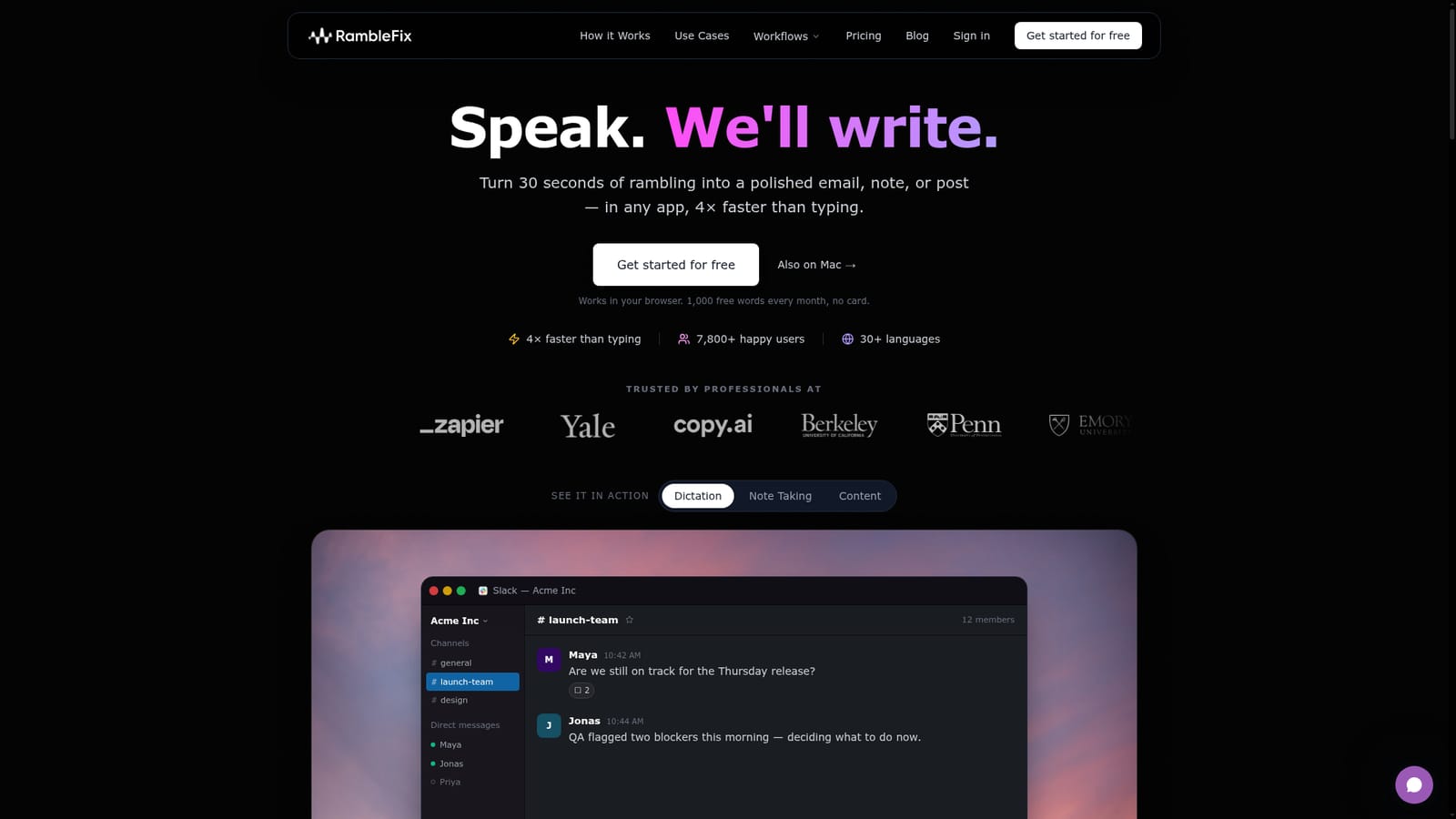
RambleFix is a voice-to-writing tool that treats speech as a draft rather than a final product. You talk the way you normally talk, with fillers, false starts and half-finished thoughts, and the service returns a cleaned-up email, note, post, summary or action list in your own tone. The pitch is speed: the company claims the workflow runs about four times faster than typing, and the core audience is people who think out loud and then lose time cleaning up the mess in a text editor. On Mac the product works as a system-wide layer. A keyboard shortcut opens a listening prompt over whatever app is in front of you, and polished text lands at the cursor once you stop speaking. That covers Slack, Notion, Gmail, Google Docs, Outlook, Word, Teams and any other field you can type into, so there is no separate editor to copy from. In the browser the same job happens on a web page, and pre-recorded audio can be uploaded for transcription instead of live speech. Recordings are stretchable by plan, from 20 minutes per file on the entry tier to four hours on the top tier, with verbatim transcripts, grammar clean-ups, one-click summaries, action-item extraction and the option to mimic your writing style. It suits knowledge workers who write a lot of short, tone-sensitive text: customer success replies, meeting minutes, client notes, blog drafts, social updates and AI prompts. Interviews are a second use case, since uploads can come back as timestamped transcripts. Support for more than 30 languages widens that reach beyond English speakers. Against plain dictation, the difference is the rewrite step. Operating system tools transcribe what you said; RambleFix rewrites it, which matters when the output has to be sendable without editing. It is not a full meeting recorder with speaker diarization or a deep recorder library, and it is not a document editor. Think of it as a writing shortcut that sits between your voice and every text box on your machine.
A free tier gives 1,000 words every month with no credit card required. There is no separate time-limited trial mentioned beyond that allowance.
Learn moreFree tier: 1,000 words per month, no card. Paid tiers run $5 (Personal), $10 (Plus) and $20 (Pro) per month when billed yearly, and all three include unlimited words. The tiers differ by maximum recording length: 20 minutes, 90 minutes and 4 hours.
Learn morePolished rewrites in your tone, verbatim transcripts, grammar clean-ups, one-click summaries and action-item lists. Style mimicry is included on every paid tier. On Mac a hotkey dictates into any app, and pre-recorded audio can be uploaded for longer material. Support for 30+ languages is stated.
 AI Angels400+ customizable AI girlfriends for NSFW chat, voice calls, and roleplay
 Candy AIExperience the future of companionship with AI friends who chat, role-play, and connect with you on a human level.
 ourdream.aiA vast AI roleplay platform with millions of characters for chat, images, video and voiceAI Angels400+ customizable AI girlfriends for NSFW chat, voice calls, and roleplayCandy AIExperience the future of companionship with AI friends who chat, role-play, and connect with you on a human level.ourdream.aiA vast AI roleplay platform with millions of characters for chat, images, video and voice


