Support
Documentation is available on a dedicated docs site, and sales contact is by email. The homepage mentions direct engineering support alongside its uptime SLA.
Learn moreReal-time infrastructure and APIs for streaming world models

Reactor is a developer platform that hosts real-time world models, video and avatar models behind one SDK, with sub-50ms frame streaming, dedicated GPU isolation and an early-access robotics inference cloud.
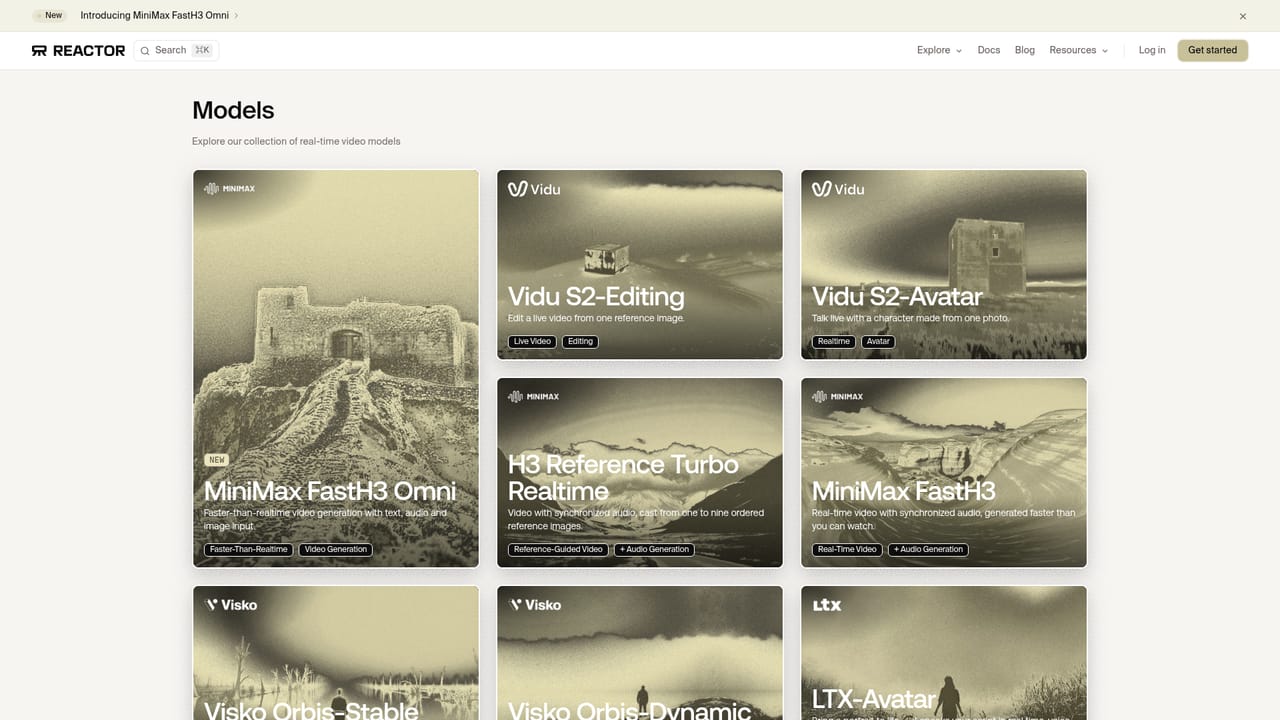
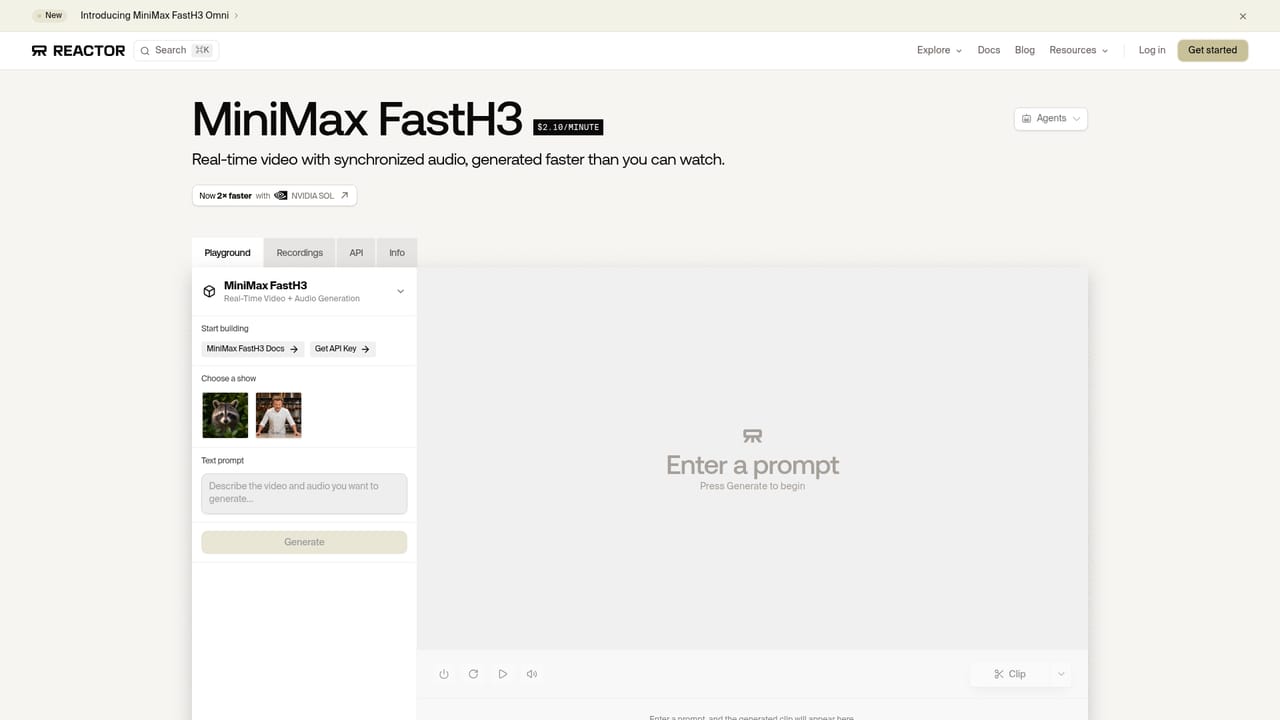
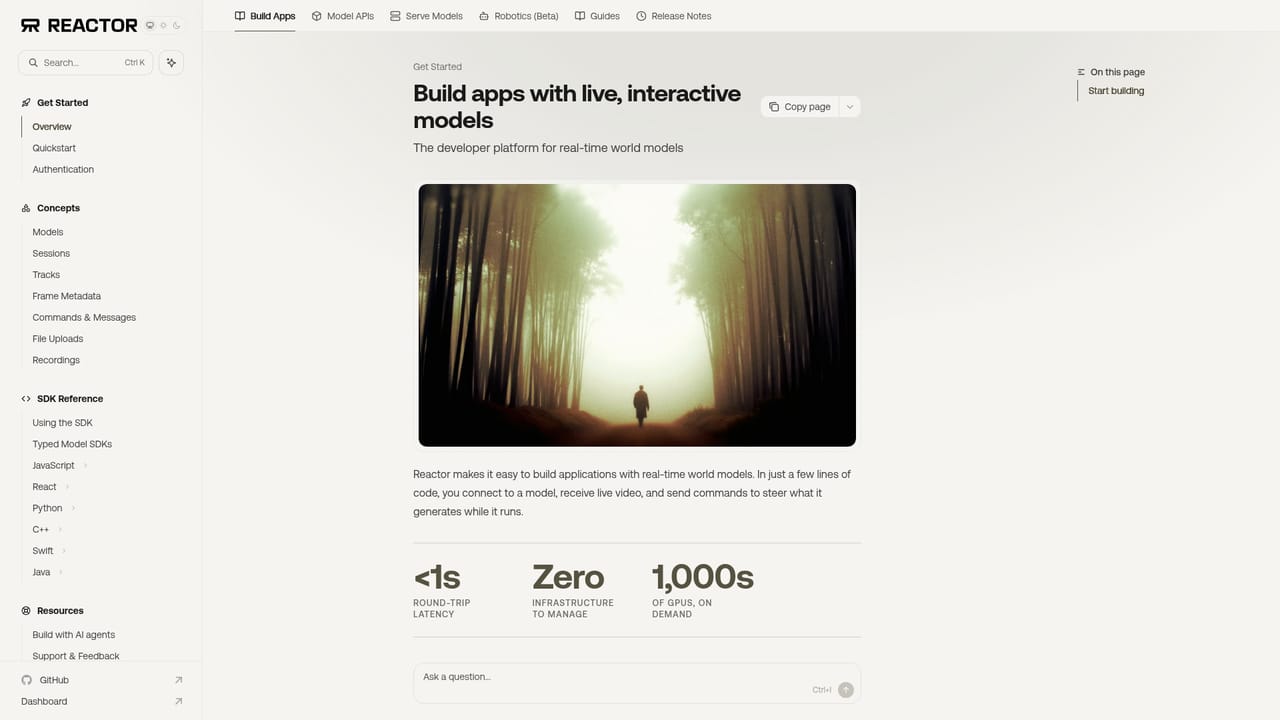
Reactor is developer infrastructure for real-time generative media, built around world models: systems that generate interactive environments, video and audio frame by frame as a user watches or plays. Instead of asking teams to host GPUs and tune kernels themselves, the platform exposes hosted models behind one SDK and a streaming network layer, so an application can request a session and receive frames almost immediately. The catalog on the homepage includes MiniMax FastH3 for real-time video with synchronized audio, LingBot World 2 for interactive high-fidelity environments, LTX 2.5 for portraits that speak a script with lip-synced video, and Happy Oyster for worlds that are explored live. Vidu S2-Editing and Vidu S2-Avatar are also listed, and a Sandbox lets developers try a model before writing code. Integration is done through TypeScript packages: a model-specific client for queuing and playing clips, or the general Reactor JS SDK that connects with a token and attaches the incoming video stream to a page element. Documentation sits on a separate docs site. The audience is software teams building games, interactive video, avatar products and robotics applications. Reactor also runs an early-access robotics offering that hosts policies from several publishers, or a customer's own weights, on a globally distributed GPU cloud. Companies that train their own world models can deploy them on the platform, with dedicated GPU isolation so weights stay out of shared pools. The performance claims are specific: sub-50ms frame delivery against an industry average the vendor puts above 400ms, in-house kernels for NVIDIA and other architectures, a 99.99% uptime SLA and support for up to 10,000 concurrent sessions without a minimum commit. Among alternatives, general inference hosts and single-model video APIs cover parts of this space, while Reactor positions itself as the streaming layer specialized for world models. Pricing details are not published on the homepage, so cost comparison requires signing up or contacting sales.
Documentation is available on a dedicated docs site, and sales contact is by email. The homepage mentions direct engineering support alongside its uptime SLA.
Learn moreIntegrates through a TypeScript SDK (@reactor-team/js-sdk) and per-model packages. Hosts models from MiniMax, Alibaba, Lightricks (LTX), Vidu and Robbyant, plus robotics policies from Black Forest Labs, NVIDIA and Xiaomi.
Learn moreHosted real-time world, video, audio and avatar models behind one SDK, sub-50ms frame streaming, in-house inference kernels, dedicated GPU isolation, up to 10,000 concurrent sessions, custom model deployment, a model Sandbox, and early-access robotics inference.
Learn more


