Free trial
Start with 200 free AI-generated emails. A 50% discount is available on the first paid month with code READY50.
Learn moreAI email assistant that drafts Gmail replies in your voice.
Own Ready to Send? Verify ownership to get a dofollow link

Ready to Send is a Gmail add-on that automatically writes draft replies in your voice. It scans incoming emails, skips newsletters and notifications, and uses a customizable knowledge base to insert relevant details. Drafts are ready for review within minutes, and you can edit or regenerate them before sending.
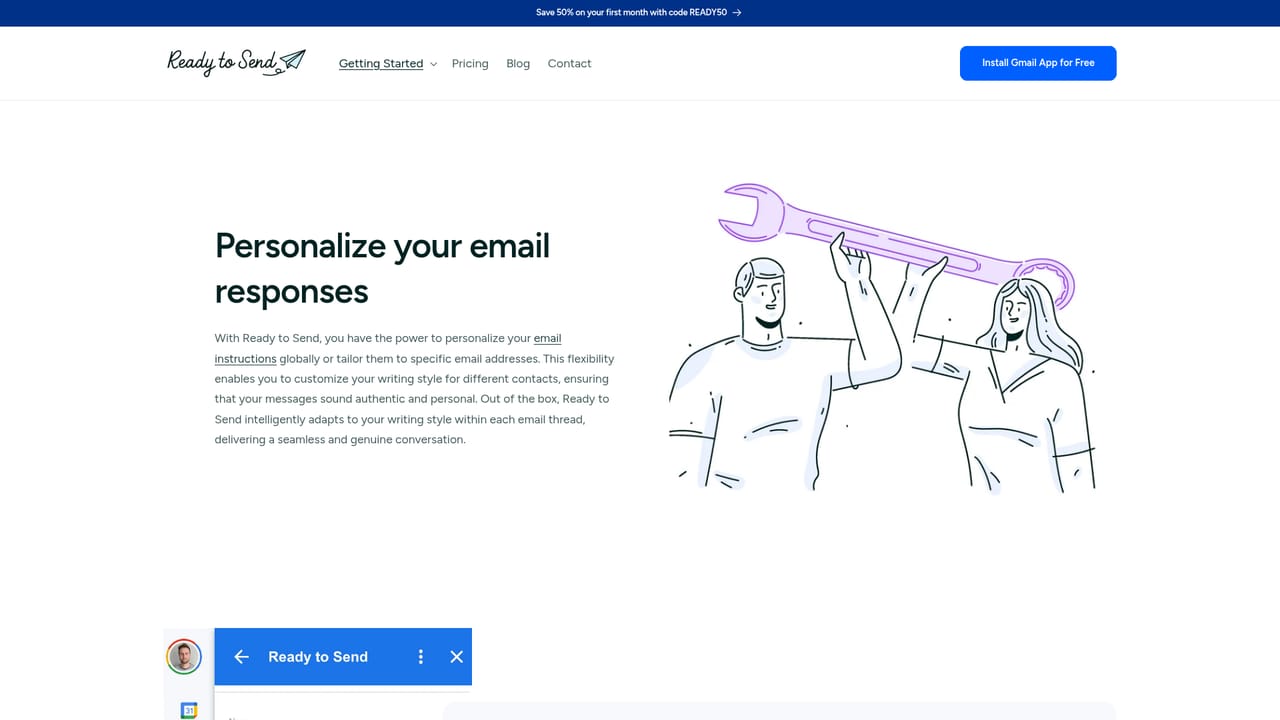
Ready to Send is an AI email assistant that lives inside Gmail and writes complete draft replies for incoming messages. It scans your inbox, identifies emails that need a response, and generates context-aware replies based on your personalization settings. The tool is built for professionals, support teams, and anyone who wants to cut down the time spent on routine email. Drafts appear automatically within minutes of a message arriving, and you can edit, regenerate, or delete them before sending. The system learns your writing style from instructions you provide, either globally or per contact, so responses sound like you. It skips newsletters, promotions, and automated notifications, and you can use Gmail labels to control which emails trigger a draft. For businesses, Ready to Send supports a knowledge base called Snippets, where you store reusable content like refund policies, pricing details, or onboarding steps. The AI pulls the most relevant snippet into the reply, keeping answers consistent and accurate. You can also generate new emails from scratch by describing the message or just entering a recipient and subject line. Ready to Send works across devices through the native Gmail apps on Android and iOS, and it appears in third-party clients like Apple Mail and Outlook when those accounts are added to Gmail. It supports over 100 languages and can detect the language of an incoming email to respond appropriately. Under the hood, the tool uses large language models from OpenAI by default, with options to connect your own API keys for OpenAI, Anthropic, or Google Gemini models. Privacy is a stated priority: emails are not stored, and models are not trained on your data. Ready to Send has passed a Google security audit and is certified for Cloud Application Security Assessment Tier 2. Compared with general AI writing assistants, Ready to Send is narrower but more automated. It does not require you to open a separate app or prompt a chatbot for each reply. Instead, it works in the background and leaves drafts waiting for your review. The trade-off is that it is tied to Gmail and does not offer a standalone editor or deep integration with other email providers beyond what Gmail itself supports. For individuals and teams already living in Gmail, it offers a practical way to maintain fast, personalized communication without sacrificing control over what gets sent.
Start with 200 free AI-generated emails. A 50% discount is available on the first paid month with code READY50.
Learn moreReady to Send offers a free tier with 200 free AI-generated emails to start. Paid plans are available with a 50% discount on the first month using code READY50. Custom API key integration requires a subscription; users can set their own monthly email limits. Visit the pricing page for current plan details.
Learn moreSupport is available via email and through guides on the website, including installation instructions, personalization tips, and troubleshooting for automatic replies.
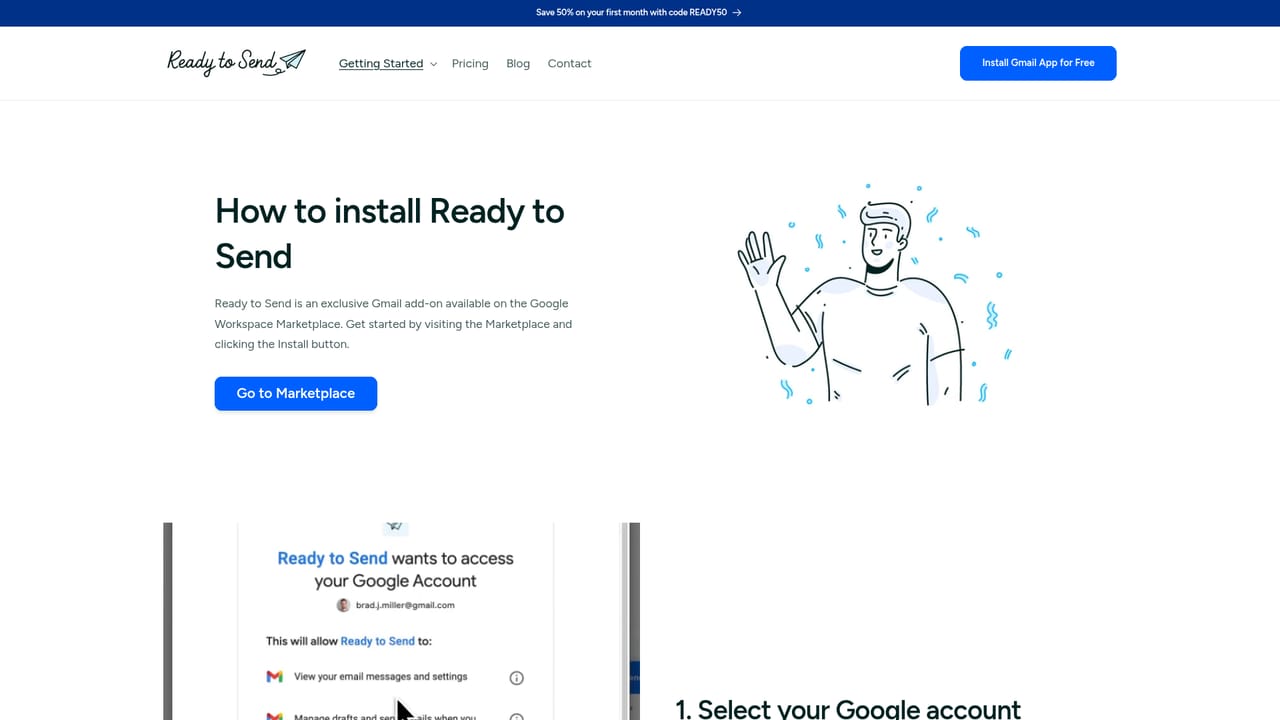
Ready to Send integrates directly with Gmail on web, Android, and iOS, and works with third-party clients like Apple Mail and Outlook when accounts are added to Gmail. It connects to OpenAI by default and supports custom API keys for OpenAI, Anthropic, and Google Gemini.
Ready to Send automatically drafts context-aware Gmail replies in your voice, with per-contact personalization and instructions. It skips newsletters and automated messages, supports 100+ languages, and includes a Snippets knowledge base for consistent answers. You can generate new emails from a description, use Gmail labels to trigger drafts, and connect your own OpenAI or Anthropic API keys.
 AI Angels400+ customizable AI girlfriends for NSFW chat, voice calls, and roleplay
 Candy AIExperience the future of companionship with AI friends who chat, role-play, and connect with you on a human level.
 ourdream.aiA vast AI roleplay platform with millions of characters for chat, images, video and voiceAI Angels400+ customizable AI girlfriends for NSFW chat, voice calls, and roleplayCandy AIExperience the future of companionship with AI friends who chat, role-play, and connect with you on a human level.ourdream.aiA vast AI roleplay platform with millions of characters for chat, images, video and voice


