Free trial
Free access is confirmed in the FAQ, which answers the cost question with a simple yes. No time limit or feature restriction for the free entry point is described.
Learn moreTurn your notes into AI quizzes for last minute exam review
Own Remember Quick? Verify ownership to get a dofollow link

Remember Quick is an exam preparation tool that turns your notes into AI quizzes for last minute exam review. Remember Quick turns PDF, Docx and text notes into AI generated practice quizzes, stores wrong answers for later review, and targets students who need fast exam revision.
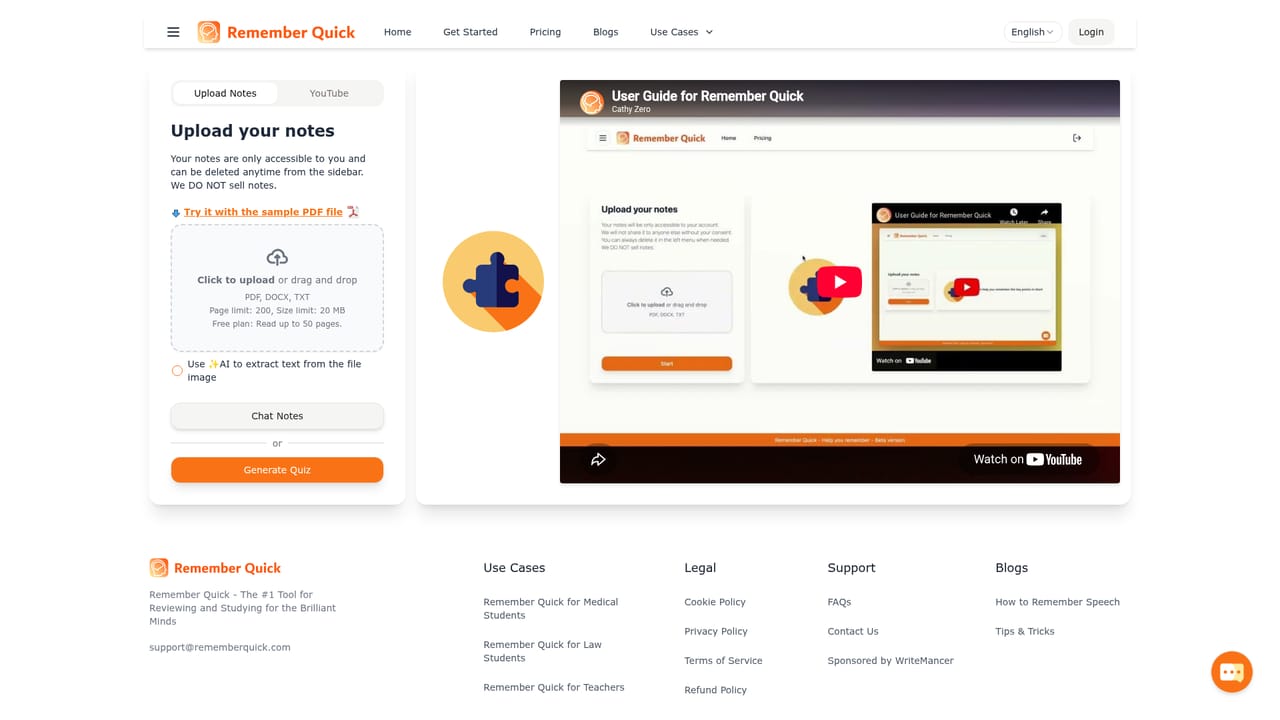
Remember Quick is a browser based study tool that converts your own notes into practice quizzes. You upload a PDF, Docx or text file, and the service generates questions from the material in seconds. It is built for students who need to revise quickly before an exam, and the site leans heavily toward medical school use cases, listing exam prep, clinical training and scenario practice among its target workloads. The workflow is deliberately short. After uploading a file, the AI parses the content, including images embedded in PDF or Docx documents, and produces a quiz set. Questions you answer incorrectly are collected in a review mode so you can return to them later. The pitch rests on two ideas borrowed from learning science: the brain holds only a few concepts at once, so notes are reduced to focused questions, and spaced repetition schedules review at increasing intervals to slow forgetting. Compared with Anki and Quizlet, Remember Quick positions itself as an alternative that removes the card creation step. Rather than writing flashcards by hand, you outsource that work to the model and spend your time answering instead. The site adds gamification elements and claims AI driven insights into your learning patterns, though the public pages do not specify how those insights are presented. It is a single purpose product: there is no scheduling suite, no collaboration layer and no integrations listed. The site reports more than 8,000 users and a 5.0 rating, both self published. Mobile and desktop browsers are supported, so review sessions can happen on a phone. Access is free to start, and the FAQ confirms a free entry point, but the homepage does not publish tiers, limits or paid prices. Students who want a no setup quiz generator from lecture notes are the natural fit; those who need fine control over card formatting or deck sharing should weigh that against Anki's deeper customization.
Free access is confirmed in the FAQ, which answers the cost question with a simple yes. No time limit or feature restriction for the free entry point is described.
Learn moreThe FAQ states that you can start for free. The homepage does not list paid tiers, subscription prices, quiz limits or what a premium plan would include, so the cost of heavier use is unknown from published material.
Learn moreQuiz generation from PDF, Docx and text files, including recognition of images inside those documents. Incorrect answers are saved in a review mode, and the tool applies spaced repetition plus focused questioning drawn from learning science. Mobile and desktop browser support, a gamified quiz format, and stated AI insights into learning patterns round out the feature set.
 AI Angels400+ customizable AI girlfriends for NSFW chat, voice calls, and roleplay
 Candy AIExperience the future of companionship with AI friends who chat, role-play, and connect with you on a human level.
 ourdream.aiA vast AI roleplay platform with millions of characters for chat, images, video and voiceAI Angels400+ customizable AI girlfriends for NSFW chat, voice calls, and roleplayCandy AIExperience the future of companionship with AI friends who chat, role-play, and connect with you on a human level.ourdream.aiA vast AI roleplay platform with millions of characters for chat, images, video and voice


