Free trial
The Free plan has no time or functional limits and gives access to the whole EbSynth workflow, with exports capped at 720p MP4. No separate trial is needed to evaluate the tool.
Learn moreRepaint one frame, let the video carry the style

EbSynth is VFX software that propagates hand painted or edited keyframes across a video, used for rotoscoping, retouching, colorizing and turning performances into animation. It relies on texture synthesis rather than generative AI, runs in the browser, and offers a free tier plus paid Pro and local Studio plans.
EbSynth is VFX software built around a simple premise: an artist paints or edits a small number of frames, and the software transfers that work across the rest of the shot. The homepage frames it as a tool for retouching, rotoscoping and stylization. In practice that covers turning a live performance into hand drawn animation, applying digital makeup or colorizing footage without manual tracking, and adding painterly texture to line art so a single well painted keyframe replaces a hundred rushed ones. The engine behind it is not a generative model. EbSynth states plainly that the propagation of keyframes does not use AI: it is a texture synthesis algorithm that reads only the supplied video and keyframes, with no external training data involved. An optional Generate Image feature does exist for creating keyframes with AI. That distinction matters for artists and studios who need reproducible, footage derived output rather than something synthesised from a model's priors. The free browser version runs in Chrome, where the company recommends a dedicated graphics card for heavier projects. The practical workflow rewards planning. Keyframes should land on frames that show the most content and clear poses rather than the middle of a movement, and the shapes in a keyframe need to line up with the video or stretchy, ripple like artifacts appear. Shots that move independently, such as background, face and eyes, are best split across separate video tracks. The company also advises soft diffuse lighting, textured clothing and higher frame rates for fast motion, because propagation quality depends on optical flow from a guiding video. EbSynth sits in a different lane from generative video tools. It is closer to a compositing utility for animators, VFX artists and independent filmmakers who want stylistic control without hand rotoscoping every frame. Projects stay on the local computer, with video and keyframes uploaded temporarily for rendering and deleted once results return. The Studio tier moves processing to a Windows desktop app for teams whose footage cannot leave their own machines.
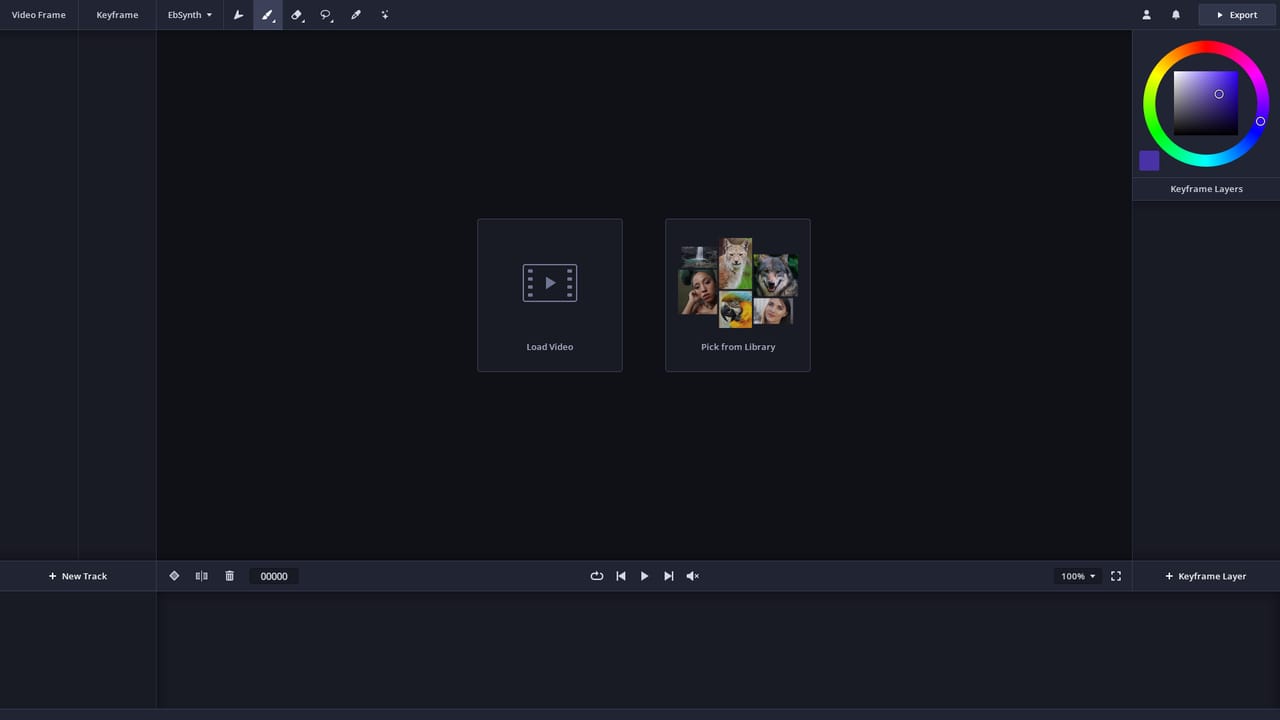
The Free plan has no time or functional limits and gives access to the whole EbSynth workflow, with exports capped at 720p MP4. No separate trial is needed to evaluate the tool.
Learn moreFree at $0 with all core functions, 720p export and MP4 output. Pro costs $20 per month and adds 1080p and 4K exports, PNG with alpha and priority processing. Studio costs $200 per month per seat and runs EbSynth locally through a Windows desktop app, keeping footage on your own machines. Custom deals are available through the Studio contact page.
Learn moreContact by email at hello@ebsynth.com or through the contact page. Studio and custom licensing questions go to studio@ebsynth.com. The homepage FAQ covers browser choice, project storage, cancellation and keyframe advice.
Learn moreKeyframe propagation across a timeline via texture synthesis, with an optional AI Generate Image feature for producing keyframes. Supports painting over video for hand drawn animation, retouching, digital makeup and colorizing without manual tracking, and painterly styling of line art. Transparent background keyframes and alpha channel output support isolated elements on separate tracks.
 AI Angels400+ customizable AI girlfriends for NSFW chat, voice calls, and roleplay
 Candy AIExperience the future of companionship with AI friends who chat, role-play, and connect with you on a human level.
 ourdream.aiA vast AI roleplay platform with millions of characters for chat, images, video and voiceAI Angels400+ customizable AI girlfriends for NSFW chat, voice calls, and roleplayCandy AIExperience the future of companionship with AI friends who chat, role-play, and connect with you on a human level.ourdream.aiA vast AI roleplay platform with millions of characters for chat, images, video and voice


