Free trial
New accounts receive $10 of usage credit on signup with no card required.
Learn moreIssue tracker that assigns backlog work to AI coding agents

Retasc is a server-side issue tracker for AI coding agents. Agents request work through MCP, the server claims unblocked issues atomically with leases and checkpoints, and parallel fleets avoid collisions and stranded tasks.
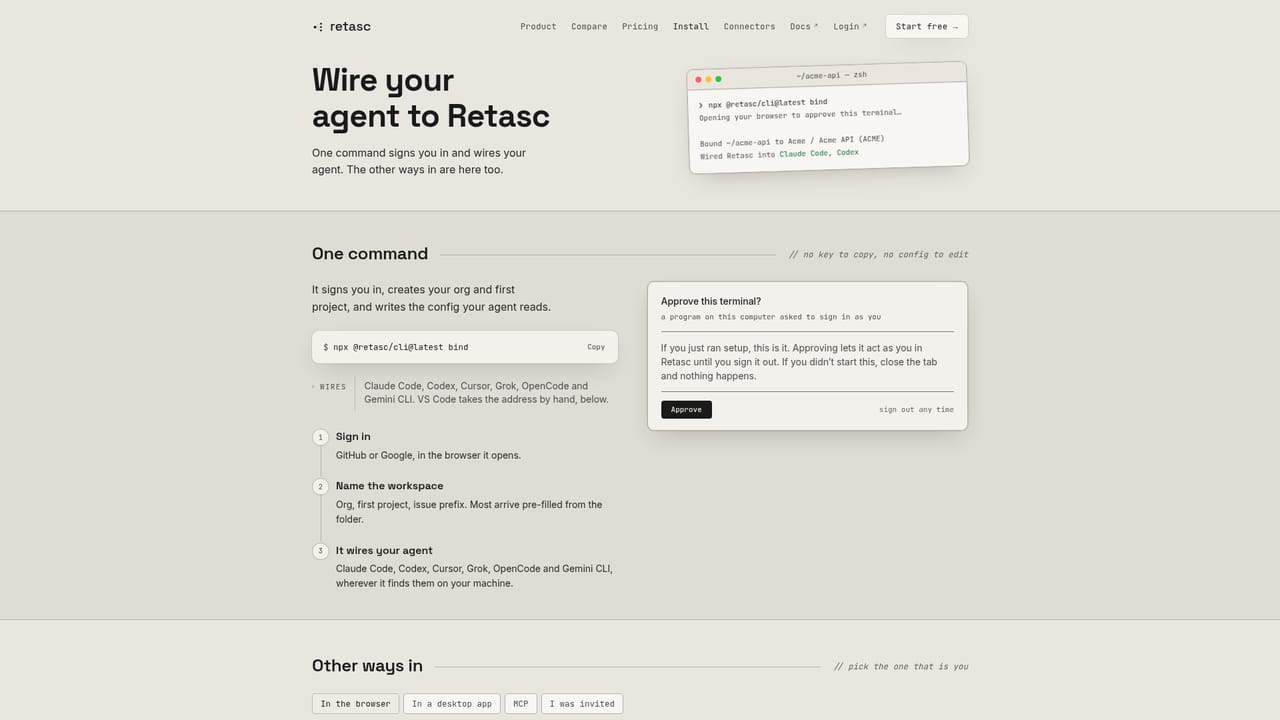
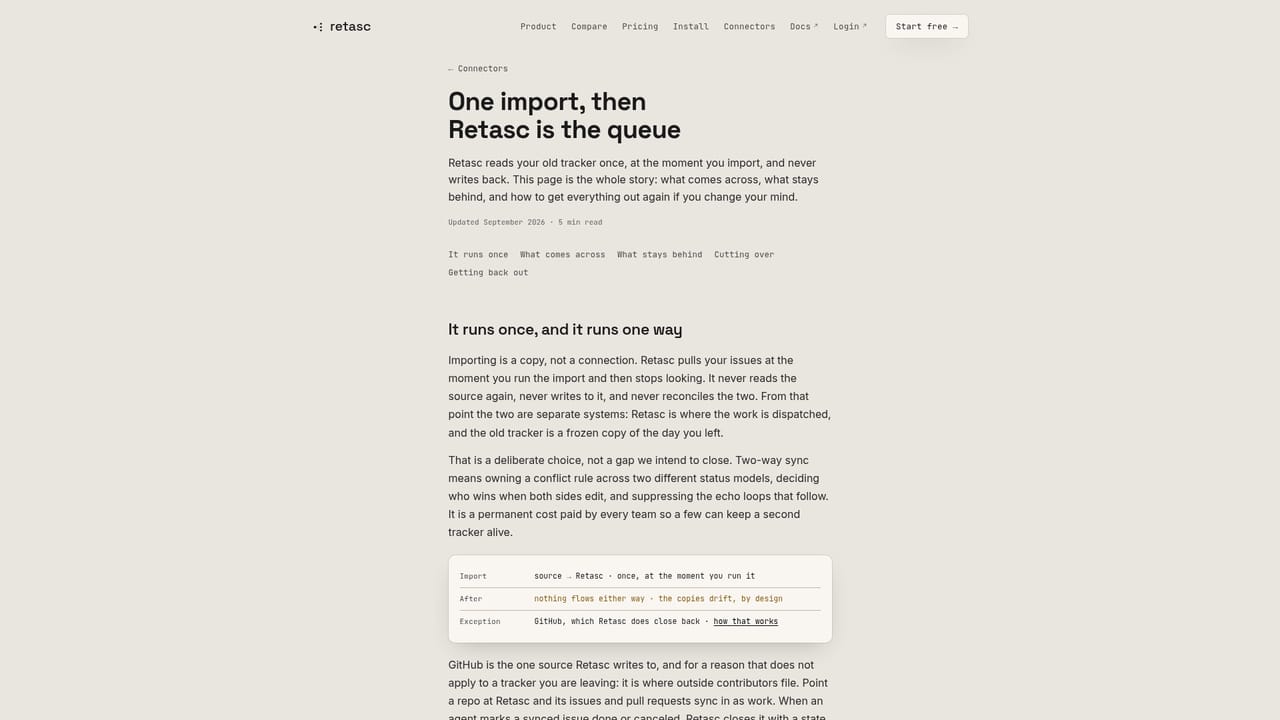
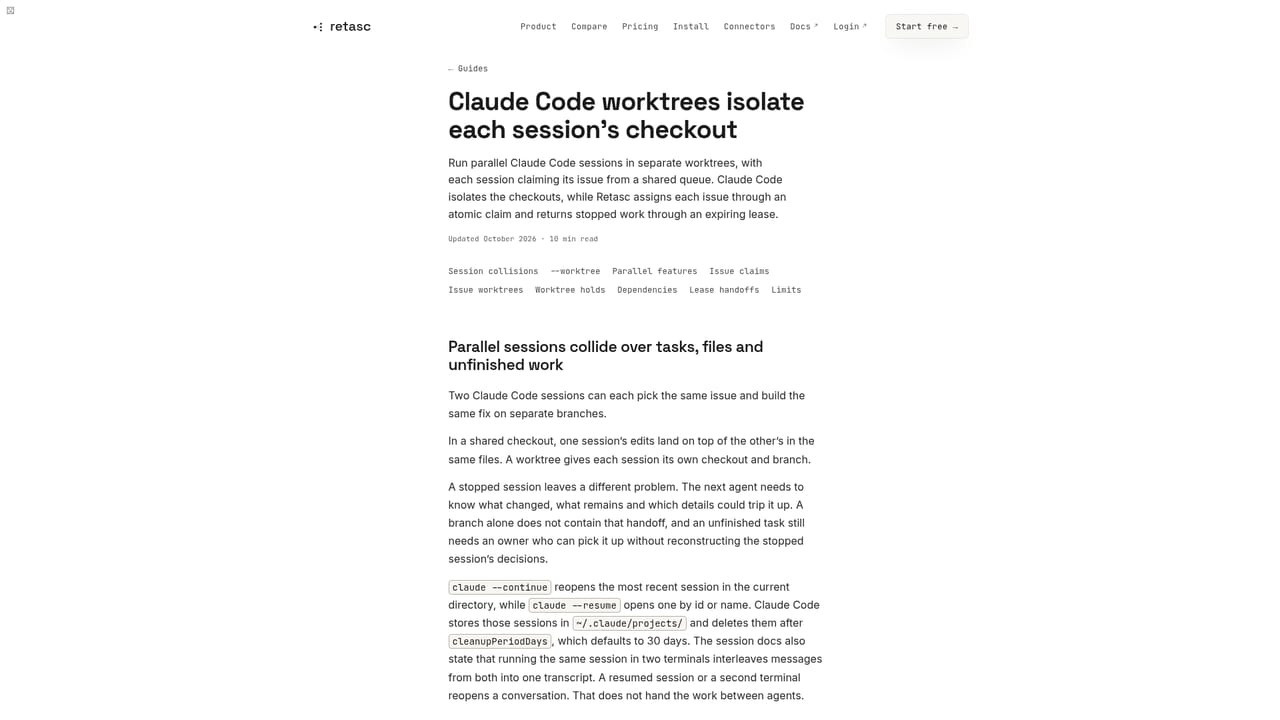
Retasc is an issue tracker built for fleets of AI coding agents rather than human teams. Instead of storing tickets and waiting for a person to assign them, its server decides which agent works on what. An agent calls next_issue, and the server locks the highest-priority unblocked task to that caller in a single transaction. Because the claim happens server-side, correctness does not depend on agents following a markdown file or remembering conventions. The design centres on leases and checkpoints. Every claim carries a fencing token and a lease that renews on heartbeat. If an agent hits a rate limit, a laptop closes or a session stalls, the lease lapses, the issue returns to the pool, and another agent on any runtime resumes from the last checkpoint. The dependency graph acts as the scheduler: blocked work is never handed out, a chore blocking an urgent feature inherits that urgency, and reviews climb in priority so finishing outranks starting. A next_batch call returns a wave of independent issues that can be split across subagents, each working in its own git worktree on the branch named by its claim. Retasc suits developers and small teams running Claude Code, Codex, Cursor, OpenCode, Gemini CLI, Grok, Pi or VS Code agents in parallel on one backlog. Agents connect over MCP, setup starts with a single npx command, and issues can sync in from GitHub and GitLab or be imported from Linear, Jira, ClickUp, Asana and Shortcut. A web Dash shows the live queue, activity trails, agent sessions, cost analytics and blockers, and data exports as JSON or CSV. Issue content is encrypted at rest per field under an org-specific key. Among alternatives, Retasc sits between conventional trackers such as Linear, which wait for a human to dispatch work, and workspace runners such as Vibe Kanban, which launch agents but do not hand out unblocked work from a shared queue. Pricing is metered per action rather than per seat, which favours small fleets and light usage.
New accounts receive $10 of usage credit on signup with no card required.
Learn moreMetered per action with no seats: reads, writes and dispatch each cost a fraction of a cent, roughly $1 to $7 per thousand calls depending on the call. Signup seeds $10 of usage with no payment setup.
Learn moreSupport channels are not stated on the homepage. It points to a library of guides for Claude Code, Cursor and swarm setups, plus comparison pages.
Learn moreConnects over MCP to Claude Code, Codex, Cursor, OpenCode, Gemini CLI, Grok, Pi and VS Code. Syncs with GitHub and GitLab, and imports from Linear, Jira, ClickUp, Asana and Shortcut.
Learn moreAtomic claims with fencing tokens, expiring leases and checkpoints, dependency-aware dispatch, next_batch waves, priority inheritance, GitHub and GitLab sync, DM alerts, a Dash with live queue, analytics and JSON or CSV export, and per-field encryption at rest.
Learn more


