Integrations
Plugins and connectors pull in outside tools, connected apps are managed through Rippling IAM (for example granting Zoom access or checking Slack permissions), and an MCP option feeds Rippling context into other AI tools.
Learn moreAI that answers HR, payroll and IT questions from your live data

Rippling AI is the assistant built into Rippling's workforce platform. It queries live HR, payroll and IT records to build reports and dashboards, answers employee questions about pay and benefits, and executes approved bulk actions such as payroll bonuses. Answers link back to source records and inherit existing permissions.
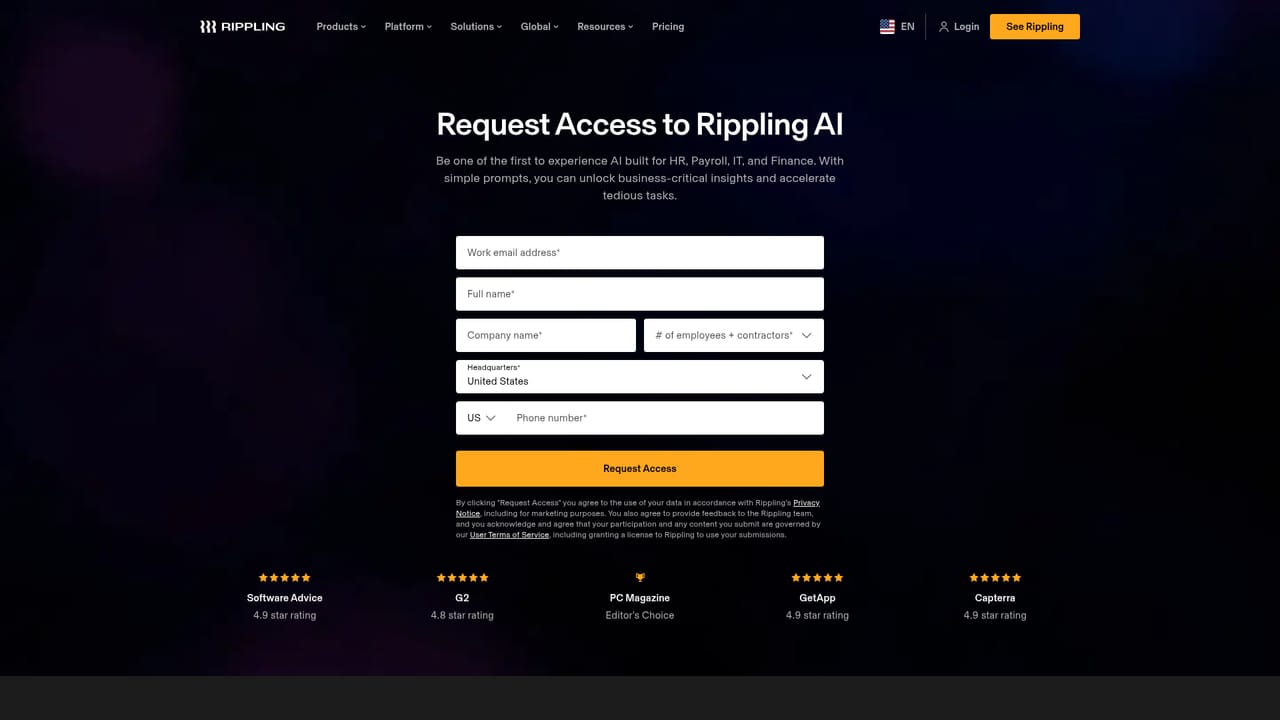
Rippling AI is the assistant layer built into Rippling's workforce platform. Rather than generating text from general knowledge, it queries the live records already held in Rippling (headcount, pay, benefits, device assignments, expenses, training dates) and turns those records into answers, reports and actions. Plugins extend that reach to outside systems, so sales data from a connected tool can sit alongside payroll figures in the same analysis. The product splits into three jobs. The first is analysis: users ask a question in plain language and the assistant locates the relevant data, runs the calculation, and returns an editable, shareable report or dashboard. The second is self-service: employees can look up their own pay, PTO, benefits and policy details without routing a ticket to HR. The third is execution: repeatable work is handled through AI skills that can be shared by role or location, automations triggered by schedules, employee record changes, events or webhooks, and bulk operations such as dragging in a bonus spreadsheet for payroll, where the AI maps the data, flags problems, waits for approval, then runs the command. It is aimed at HR, finance and IT teams inside companies already running Rippling, plus the employees those teams support. Admins are the primary builders, since they create skills and approvals; general staff are mostly consumers of answers. The design assumes a single unified data model, which is the core argument against general assistants such as ChatGPT or Claude: those tools have no access to the underlying personnel records and cannot verify a number back to its source. Practical use depends on that grounding. Every response links names and numbers to real records, responses inherit the requester's permissions, and any proposed action needs explicit human confirmation. Setup is minimal because the assistant reads existing Rippling data and help content out of the box, with optional document uploads to sharpen company-specific answers. The obvious trade-off: value concentrates where Rippling already holds the data, and third-party reach stops at what the integration itself supports.
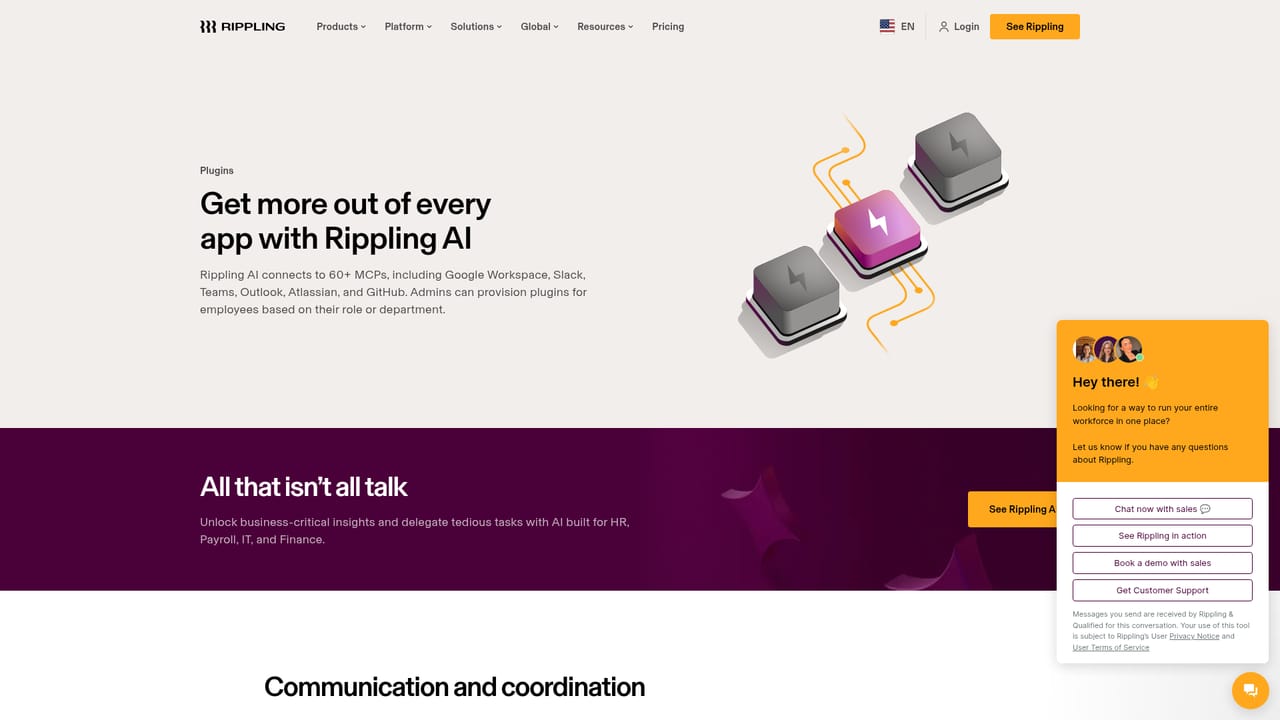
Plugins and connectors pull in outside tools, connected apps are managed through Rippling IAM (for example granting Zoom access or checking Slack permissions), and an MCP option feeds Rippling context into other AI tools.
Learn moreNatural language analysis over live Rippling data with editable, shareable reports and dashboards; employee self-service for pay, PTO, benefits and policies; shareable AI skills; automations triggered by schedules, record changes, events and webhooks; bulk payroll and bonus actions across 185+ countries; source-linked answers; permission-aware responses; mandatory approval before any action executes.
Learn more AI Angels400+ customizable AI girlfriends for NSFW chat, voice calls, and roleplay
 Candy AIExperience the future of companionship with AI friends who chat, role-play, and connect with you on a human level.
 ourdream.aiA vast AI roleplay platform with millions of characters for chat, images, video and voiceAI Angels400+ customizable AI girlfriends for NSFW chat, voice calls, and roleplayCandy AIExperience the future of companionship with AI friends who chat, role-play, and connect with you on a human level.ourdream.aiA vast AI roleplay platform with millions of characters for chat, images, video and voice


