Pricing
The homepage states that SAM TTS is completely free, with no subscriptions, no sign ups and no software to download, and that WAV downloads cost nothing. No paid tiers are described.
Learn moreThe Windows XP Microsoft Sam voice, rebuilt for the browser

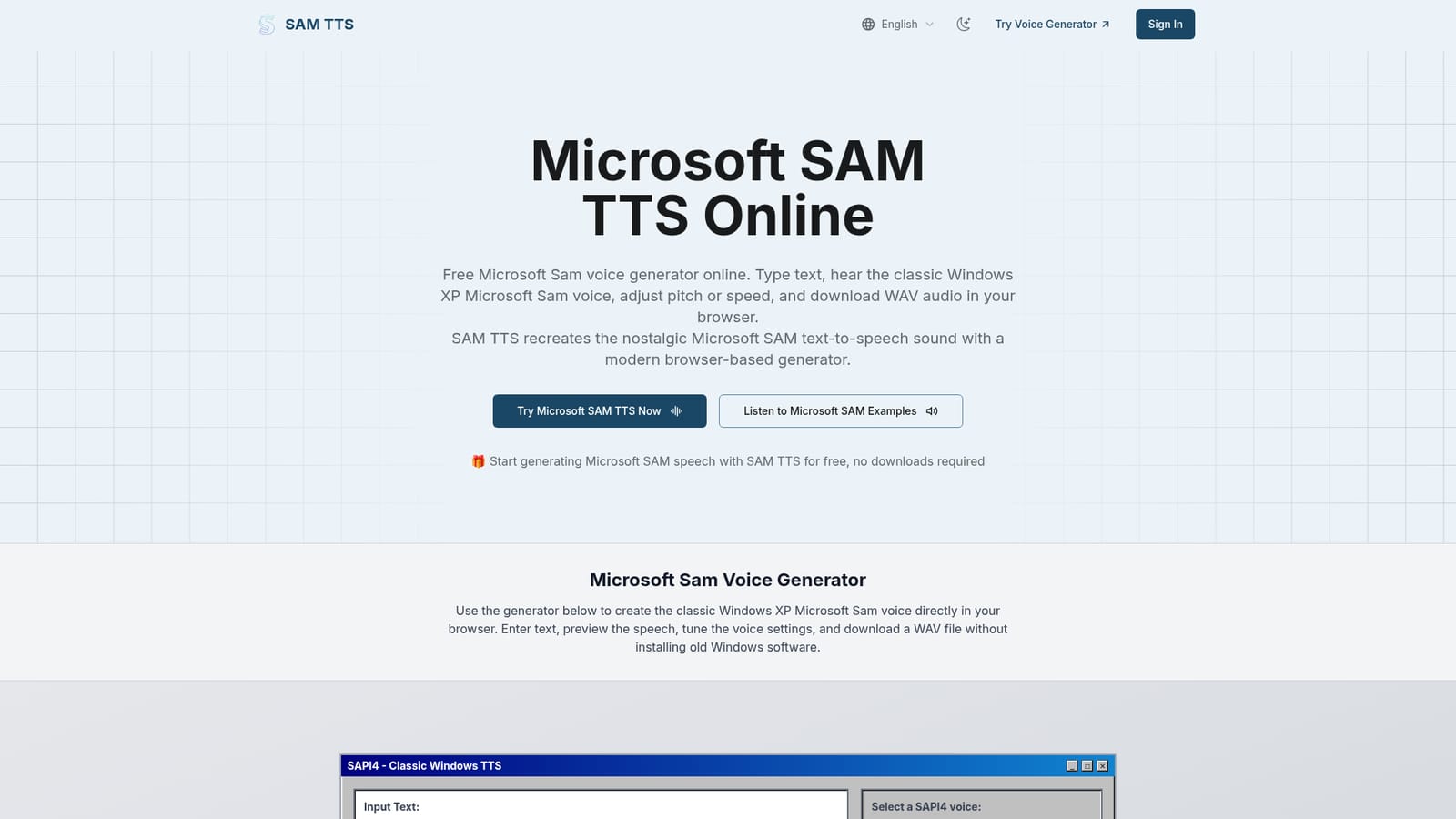
SAM TTS is a voice tool. SAM TTS recreates the classic Microsoft Sam voice from Windows XP in a free browser generator. Type text, switch between SAPI4 era voices like Mike, Mary, BonziBUDDY and RoboSoft, adjust pitch and speed, then download the result as a WAV file with no sign up.
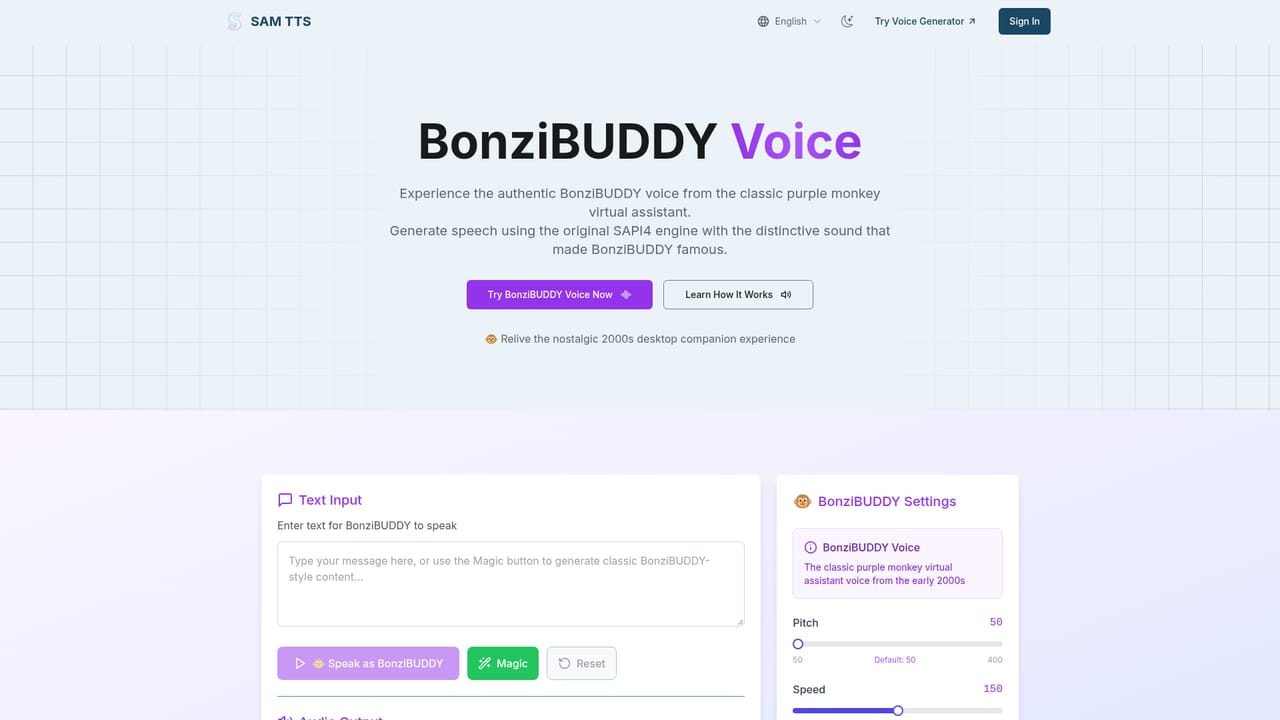
SAM TTS is a browser recreation of Microsoft Sam, the robotic male voice that shipped with Windows 2000 and became famous through Windows XP Narrator. The site rebuilds the original phoneme engine in JavaScript and runs it client side, so text typed into the page is converted into the familiar mechanical speech without any server round trip. An audio player, a voice dropdown and a WAV download button sit on one screen, which keeps the whole workflow short. The generator is not limited to a single voice. The dropdown lists SAPI4 era options alongside the default Sam: Microsoft Mike and Microsoft Mary with their telephone, hall, space and stadium variants, seven adult male voices, several RoboSoft presets, female and male whispers, and BonziBUDDY, the purple monkey assistant. Pitch and speed sliders shape any of them, while the documentation mentions mouth and throat parameters plus preset characters such as Elf, Little Robot, Stuffy Guy, Little Old Lady and Extra-Terrestrial. A Magic button fills the box with random text for quick testing, and export produces a WAV file at no cost. Practically, SAM TTS suits anyone chasing the retro sound: video editors adding nostalgic narration, game developers wanting a period correct voice line, meme makers, and teachers demonstrating how early speech synthesis worked. The site also publishes voice specific pages for Mike, Mary, BonziBUDDY, TruVoice Peter, RoboSoft and a Stephen Hawking style preset, plus themed generators for robot and creepy voices, so users hunting a particular character can start from the matching page. Among text to speech tools, SAM TTS is a niche option rather than a general purpose narrator. Neural services sound natural and handle many languages; this one deliberately sounds like 2001 hardware and is stated to work best with plain English text, with unusual proper names sometimes needing phonetic spelling. Developers who want the engine inside their own applications get a small JavaScript API covering playback, buffer generation and WAV output, and the same output is cleared for personal and commercial projects.
The homepage states that SAM TTS is completely free, with no subscriptions, no sign ups and no software to download, and that WAV downloads cost nothing. No paid tiers are described.
Learn moreThe site describes a small JavaScript API for embedding the engine in websites, games and applications, with methods for speaking text, generating audio buffers and creating WAV files. No third party integrations are listed.
Voice generation runs entirely client side on a phoneme based engine of under 100KB of JavaScript. Users get a SAPI4 voice dropdown covering Sam, Mike, Mary, BonziBUDDY, adult male and female options, RoboSoft presets and whispers, plus pitch, speed, mouth and throat controls, preset characters, a Magic text button, an in-page player and one click WAV download.
 AI Angels400+ customizable AI girlfriends for NSFW chat, voice calls, and roleplay
 Candy AIExperience the future of companionship with AI friends who chat, role-play, and connect with you on a human level.
 ourdream.aiA vast AI roleplay platform with millions of characters for chat, images, video and voiceAI Angels400+ customizable AI girlfriends for NSFW chat, voice calls, and roleplayCandy AIExperience the future of companionship with AI friends who chat, role-play, and connect with you on a human level.ourdream.aiA vast AI roleplay platform with millions of characters for chat, images, video and voice


