Pricing
The homepage states that The Reply Project is free to use, with no tiers, paid plans or usage limits described.
Learn moreClear your inbox by replying to every email on a single screen.
Own The Reply Project? Verify ownership to get a dofollow link

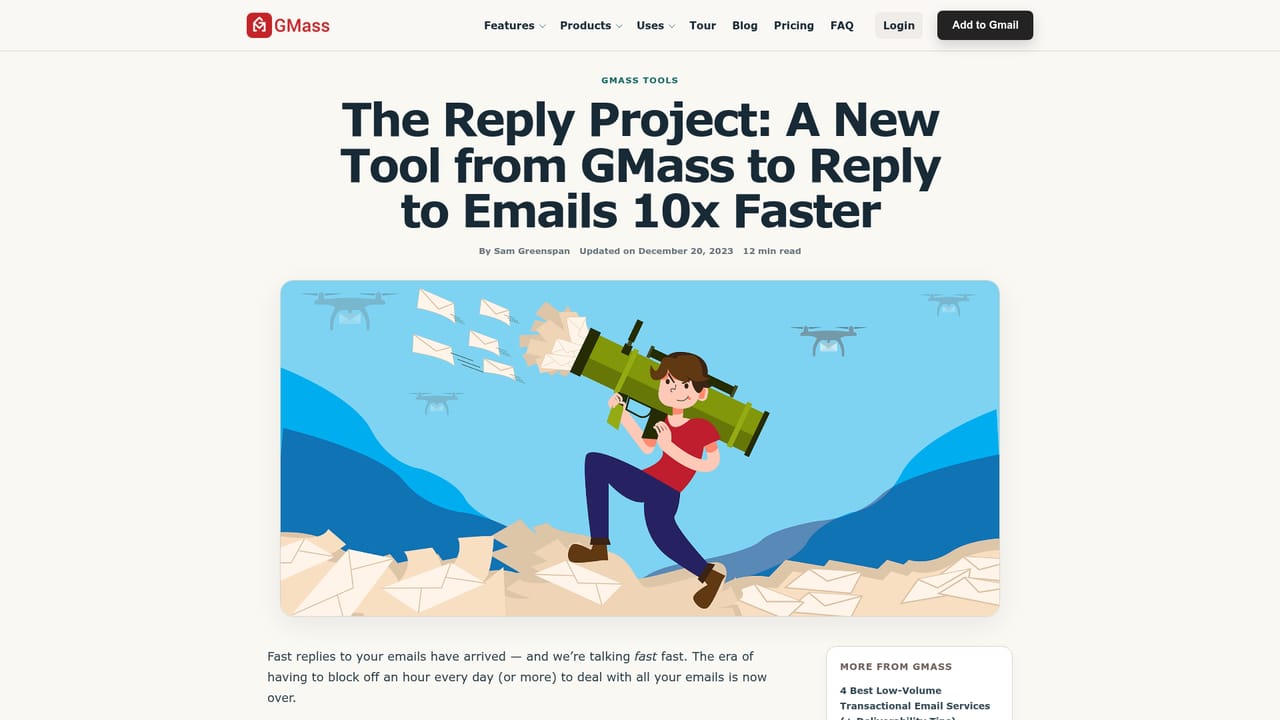
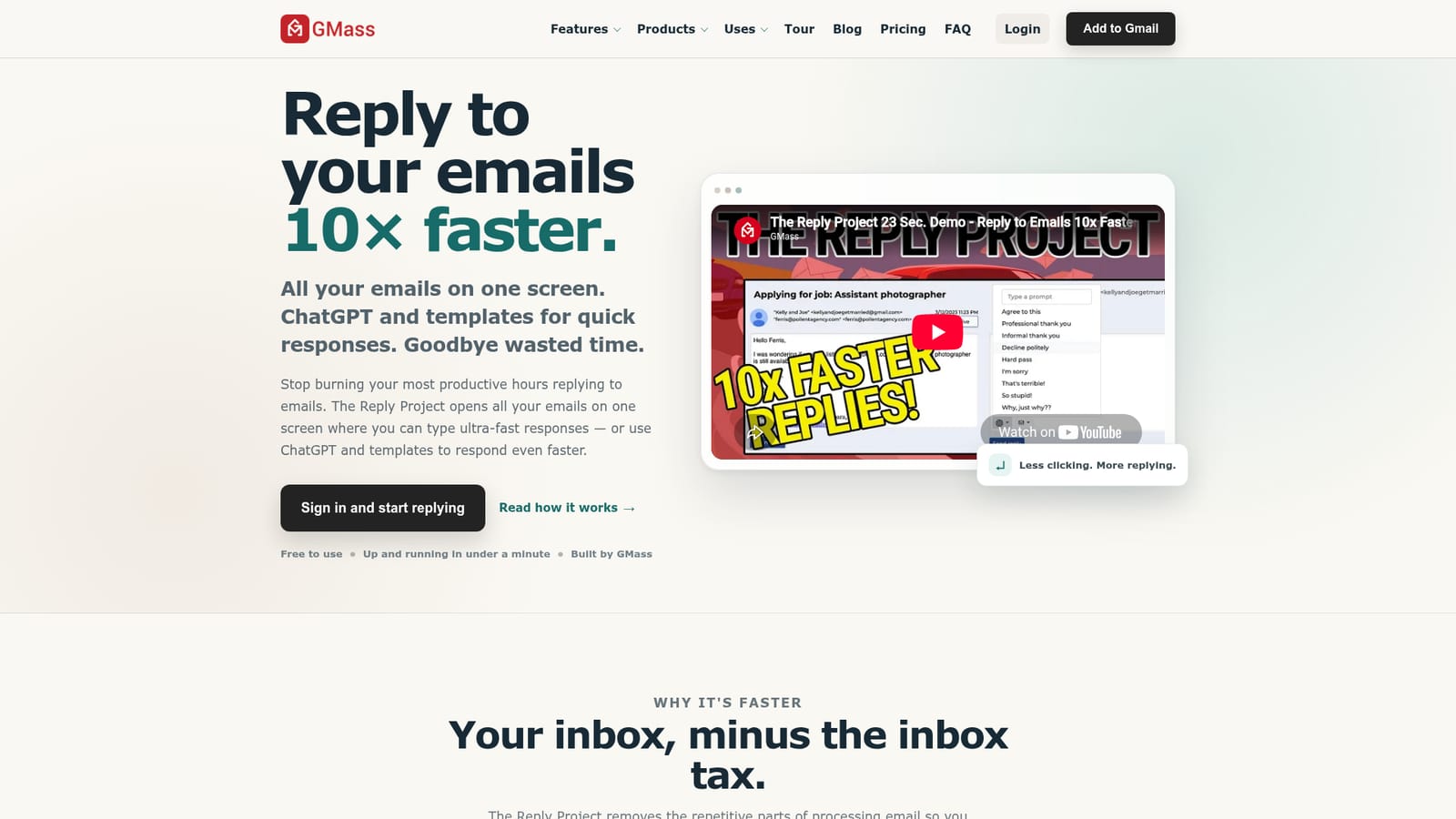
The Reply Project is an email polishing tool. A free web tool from GMass that gathers all your emails on one screen for rapid replies, with ChatGPT drafting help and reusable templates for the answers you send repeatedly. Setup is minimal: sign in and start working through messages.
The Reply Project is a lightweight email client built around one job: getting through a backlog of replies quickly. Instead of the usual open, read, close, navigate loop, it pulls your messages into a single workspace where every email is visible at once. You read, type, and move to the next message without jumping between threads or losing your place in the inbox. When a reply needs more than a quick one-liner, ChatGPT can draft a starting point so you are editing text rather than staring at a blank box. Canned templates cover the answers you send over and over, such as scheduling confirmations or standard follow-ups, and you can still adjust the wording before anything goes out. The combination means short acknowledgements take seconds and longer responses take a first draft instead of a blank page. The intended user is anyone whose day is eaten by correspondence: support staff, sales teams, founders, freelancers and anyone fielding a steady stream of routine mail. Setup is deliberately minimal. You sign in, the tool assembles your email into the streamlined view, and you start working through messages. The project states that sign-in to first reply takes under a minute, and no configuration is required beyond that. It sits in a crowded field, so position it honestly. Full email clients like Gmail or Outlook are better for organisation, folders, calendars and long-term archives. AI email assistants tend to live inside that client as an add-on. The Reply Project is the opposite trade: a narrower, faster surface that does one thing and is free to use, built by GMass, a company already known for email outreach tooling. If your bottleneck is the act of replying rather than managing mail, this is aimed squarely at you.
The homepage states that The Reply Project is free to use, with no tiers, paid plans or usage limits described.
Learn moreA single-screen workspace that shows all your emails at once so you can work through replies without opening and closing threads. ChatGPT is available inside the reply flow to draft responses that need more than a quick sentence, and templates let you reuse recurring answers while still personalising them before sending. Sign-in to a working setup reportedly takes under a minute.
Learn more AI Angels400+ customizable AI girlfriends for NSFW chat, voice calls, and roleplay
 Candy AIExperience the future of companionship with AI friends who chat, role-play, and connect with you on a human level.
 ourdream.aiA vast AI roleplay platform with millions of characters for chat, images, video and voiceAI Angels400+ customizable AI girlfriends for NSFW chat, voice calls, and roleplayCandy AIExperience the future of companionship with AI friends who chat, role-play, and connect with you on a human level.ourdream.aiA vast AI roleplay platform with millions of characters for chat, images, video and voice


