Free trial
The generator can be tried without creating an account, and SlikSafe describes the tool as freemium. Specific free usage limits are not stated.
Learn moreDraft emails in seconds with a few choices and your own context.
Own SlikSafe Email Generator? Verify ownership to get a dofollow link

SlikSafe Email Generator is an email polishing tool. A no login needed email drafting tool from SlikSafe that generates messages from an email type, tone, subject and optional thread. It outputs a draft you can review and copy or send, and sits alongside SlikSafe's other free AI utilities.
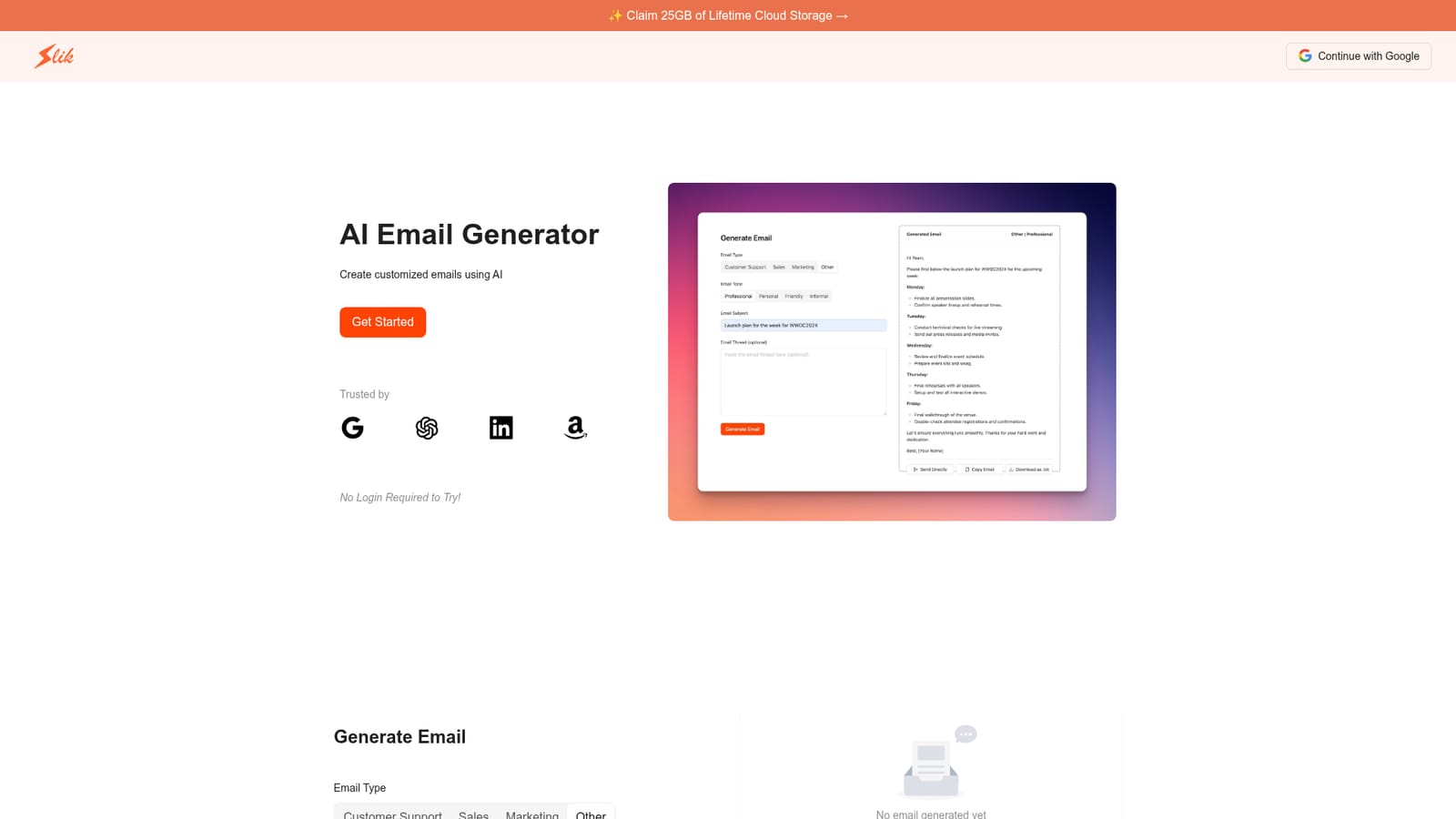
SlikSafe Email Generator is a browser based writing tool that turns a handful of prompts into a finished email draft. You pick an email type (Customer Support, Sales, Marketing or Other), choose a tone (Professional, Personal, Friendly or Informal), enter a subject line, and optionally paste in the existing email thread. The tool then produces a ready to review message. It is aimed at people who write the same kinds of messages over and over and want a first draft without staring at a blank compose window. Small sales teams, support staff, founders and freelancers are the obvious audience, and the no login preview on the homepage makes it easy to judge the output before committing. In practice the workflow is short. You supply the type, tone, subject and thread context, press Generate Email, and read the result. The thread field is the part that matters most: supplying earlier messages gives the model the details it needs to answer a specific question rather than write something generic. From the generated text you can copy it out or send it directly from the tool, according to the site. A positioning statement for a cold email can be drafted in the same interface as a reply to a frustrated customer, though the context you provide determines how much of the result is actually usable. The generator sits alongside other free SlikSafe tools, including a Resume AI Builder, a PDF AI Summarizer, a Question AI App and a Human AI Writer for making AI text read more naturally. Compared with larger writing platforms, it is narrower: there are no long template libraries, brand voice profiles or campaign sequencing. The proposition is speed and a low barrier to entry rather than depth. Anyone who needs polished outreach at volume will likely outgrow it, but for everyday correspondence the four dropdown and field inputs cover most cases without a setup process.
The generator can be tried without creating an account, and SlikSafe describes the tool as freemium. Specific free usage limits are not stated.
Learn moreSupport is handled through SlikSafe's Contact Us page and its FAQs. There is no dedicated help centre for this tool on the listed pages.
Sending directly from the tool is described on the site. No named email platform integrations are listed.
Four email types (Customer Support, Sales, Marketing, Other) and four tones (Professional, Personal, Friendly, Informal). You supply a subject and an optional email thread, then generate a draft that can be copied or sent from the tool. A preview is available without login.
 AI Angels400+ customizable AI girlfriends for NSFW chat, voice calls, and roleplay
 Candy AIExperience the future of companionship with AI friends who chat, role-play, and connect with you on a human level.
 ourdream.aiA vast AI roleplay platform with millions of characters for chat, images, video and voiceAI Angels400+ customizable AI girlfriends for NSFW chat, voice calls, and roleplayCandy AIExperience the future of companionship with AI friends who chat, role-play, and connect with you on a human level.ourdream.aiA vast AI roleplay platform with millions of characters for chat, images, video and voice


