Free trial
The site offers a free way to start using the app through its download link, but it does not publish trial length or what a trial includes.
Learn morePodcast player built to turn listening into notes, snips and searchable knowledge

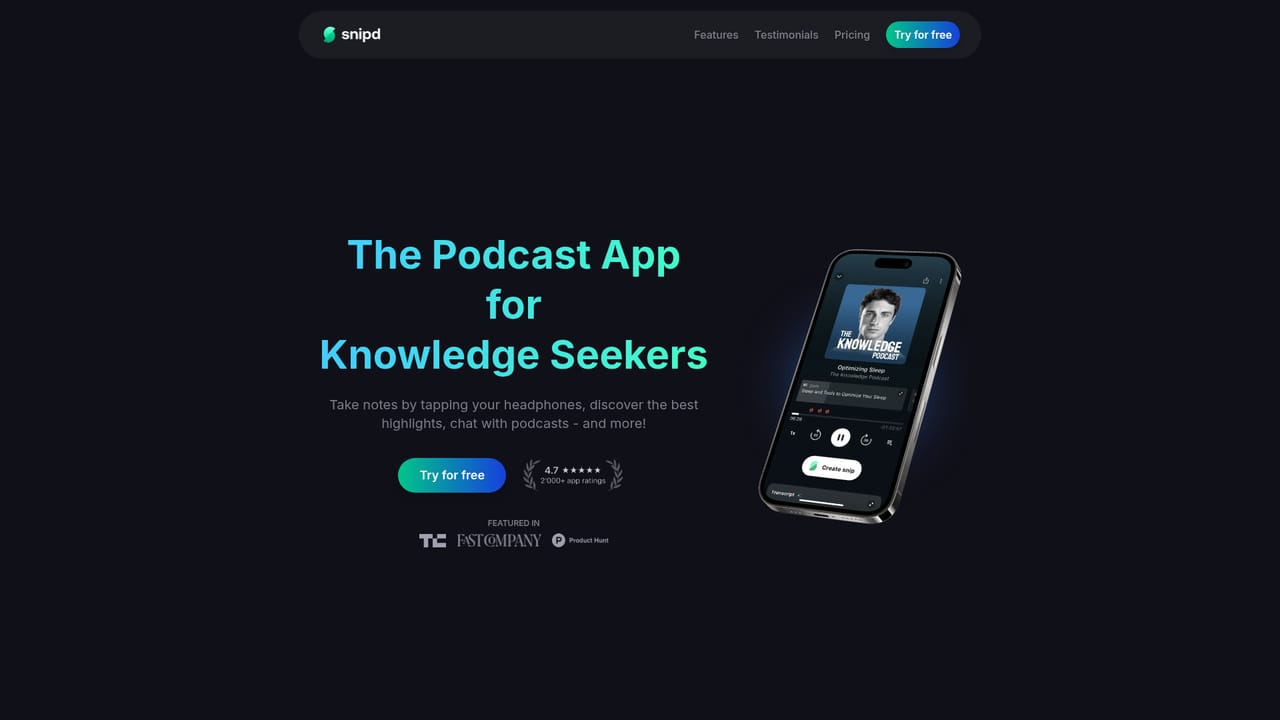
Snipd is a podcast app for people who want to remember what they hear. Triple tap your headphones to save a moment with audio, transcript and AI summary, chat with past episodes, read speaker identified transcripts, and sync highlights to Notion, Obsidian or Readwise.
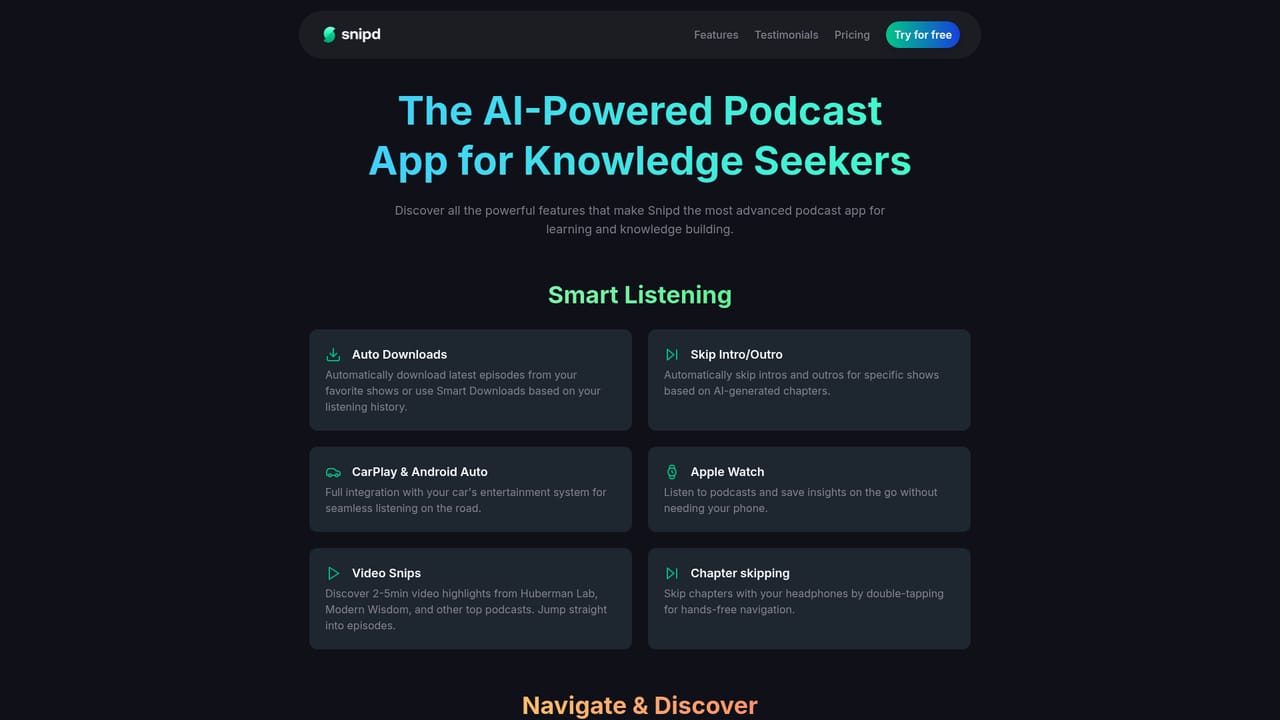
Snipd is a podcast player rebuilt around a single behavior: capturing the moment you hear something worth keeping. Instead of juggling a player and a notes app, the listening experience itself produces artefacts. A triple tap on connected headphones creates a snip, and the app attaches the audio segment, a transcript and an AI written summary to it automatically. The saved material lands in a personal library that can be searched later, so an insight heard during a commute is still recoverable months afterwards. The surrounding feature set leans on the same transcript foundation. Full episode transcripts include speaker identification, and readers can jump around by tapping text. AI generated chapters break long episodes into navigable blocks, while mini summaries preview topics, guests and key takeaways before play starts. A chat mode answers questions against episodes already heard, and mentioned books plus guest profiles add context around a conversation. Custom AI prompts let users define how a snip should be summarised and how long the captured window should be. Sharing is covered too: highlights leave the app as text, images, links, video clips or quote cards with speaker context. Capture is not limited to podcast feeds. YouTube videos, audiobooks from Libro.fm and user uploaded audio files can be brought in, which broadens the app into a general listening inbox. Exports matter as much as imports here: snips sync with transcripts and metadata into Notion, Readwise, Obsidian, Glasp, Bear and Logseq, or leave as Markdown. AI features cover 26 languages, so non English shows are not a dead end. The audience is knowledge seekers rather than casual listeners: researchers, writers, students and professionals who treat podcasts as a reading list. Compared with a traditional player such as Overcast, Snipd trades polish in pure playback for a transcript first workflow. Against generic transcription services, it wins on being where listening already happens. It is a client, not an editor: there is no tool for producing or publishing a podcast, so the directory's editing label fits only loosely.
The site offers a free way to start using the app through its download link, but it does not publish trial length or what a trial includes.
Learn moreSnips sync with transcripts and metadata to Notion, Readwise, Obsidian, Glasp, Bear and Logseq, with Markdown export as an alternative. Import covers YouTube videos, Libro.fm audiobooks and uploaded audio files.
Learn moreCore features include headphone triggered snips with audio, transcript and summary, full transcripts with speaker identification, AI auto chapters, mini summaries for episodes, chat against listened episodes, custom AI prompts, mentioned books, guest profiles, shareable quote cards and clips, and AI coverage across 26 languages.
Learn more AI Angels400+ customizable AI girlfriends for NSFW chat, voice calls, and roleplay
 Candy AIExperience the future of companionship with AI friends who chat, role-play, and connect with you on a human level.
 ourdream.aiA vast AI roleplay platform with millions of characters for chat, images, video and voiceAI Angels400+ customizable AI girlfriends for NSFW chat, voice calls, and roleplayCandy AIExperience the future of companionship with AI friends who chat, role-play, and connect with you on a human level.ourdream.aiA vast AI roleplay platform with millions of characters for chat, images, video and voice


