Free trial
The site's meta description refers to a free trial, but no length, usage limit or eligibility terms are stated on the homepage.
Learn moreLive Mac dictation that cleans, edits and sends by voice

soink is a Mac dictation app that streams cleaned-up text into any focused field as you speak, then lets you fix words and send messages by voice. Built by a founder with a TFCC wrist injury, it targets heavy typists and people with RSI or limited hand mobility.
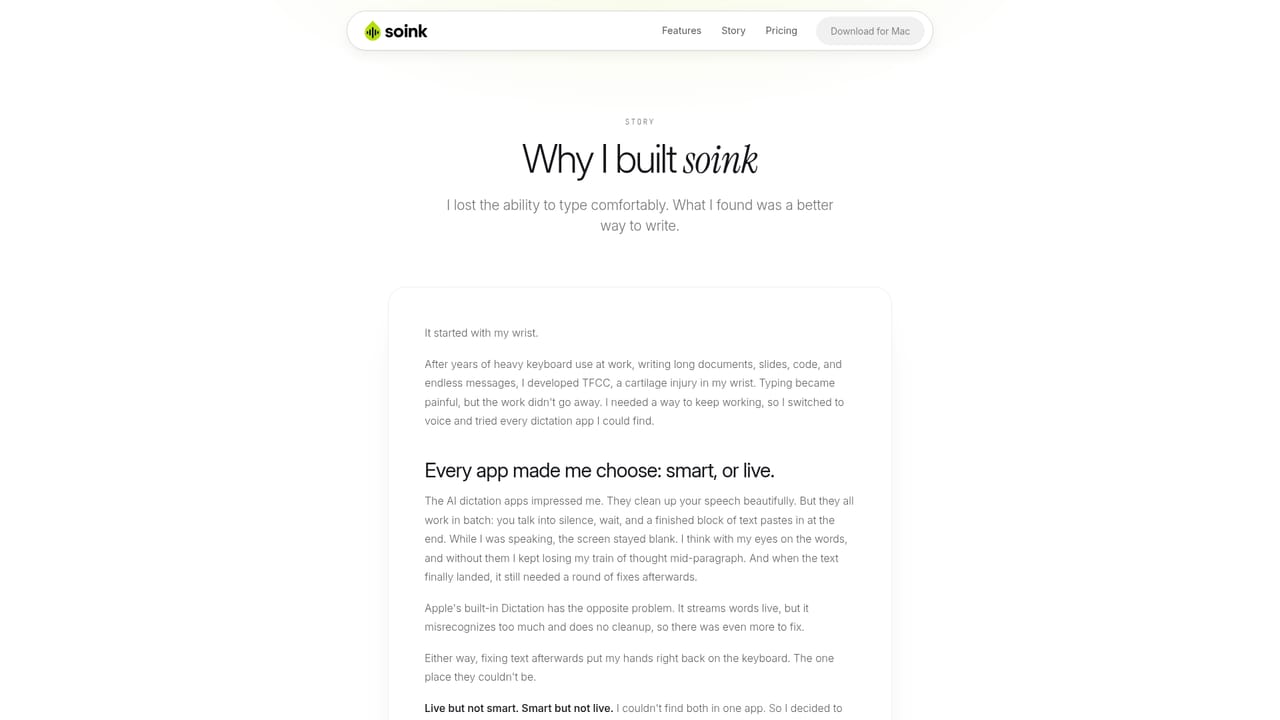
soink is a Mac dictation app built around a specific problem: the keyboard is the bottleneck, and for people with wrist pain it can be the source of the injury itself. The founder developed TFCC after years of heavy typing, tried the existing dictation tools, and found that the accurate AI options all worked the same way: record, wait, then paste a finished block of text. Words did not appear as they were spoken, which made it easy to lose the thread of a sentence, and the cleanup work still landed back on the keyboard. soink was built to close both gaps. The core mechanic is live streaming. Each word lands in whatever text field has focus the moment it is spoken, rather than arriving as a pasted block once the recording stops. An Auto Polish layer strips filler sounds, false starts and rambling and fixes grammar on the fly, so the spoken sentence reads closer to something typed. From there the app adds editing controls that stay on voice: saying a correction such as "change Tuesday to Wednesday" rewrites the word without selecting or retyping, and saying "send" presses enter in the active app. Sessions do not end when a message goes out, so in a chat window or an AI assistant one message can follow another without tapping to restart. Because it behaves as a system keyboard, soink works in any app with a text field. The site names Slack, Gmail, Google Docs, Notion, Linear, Figma, VS Code, Terminal, Cursor, ChatGPT, Claude, Gemini, Perplexity, WhatsApp, Telegram, Discord, Teams, Outlook, Zoom, Obsidian and others. Typing and speaking can also be mixed inside one sentence, with no mode to switch and no shortcut to press again. It is aimed at heavy keyboard users who want to rest their hands, and at people managing RSI, TFCC or a disability. Dictation currently covers 11 languages across 16 variations, including regional English, Spanish, Arabic and Chinese variants. Processing runs in the cloud, so an internet connection is required and offline use is not yet available. Privacy terms state that audio is converted to text and then deleted, with no logging of typing or voice and no training on user data.
The site's meta description refers to a free trial, but no length, usage limit or eligibility terms are stated on the homepage.
Learn moreQuestions can be sent to ask@soink.ai or raised in the project's Discord community, where language requests are also collected.
Learn moreNo formal integration or API programme is listed. Because it acts as a system keyboard, it works inside apps such as Slack, Gmail, Google Docs, Notion, VS Code, Terminal, ChatGPT, Claude, Figma and WhatsApp.
Live streaming dictation that types into the focused field as you speak, live Auto Polish for filler and grammar, voice editing commands that rewrite words in place, Voice Send that presses enter on command, continuous dictation across consecutive messages, mixed voice and keyboard input, and a system-wide keyboard that works in any Mac app with a text field.
 AI Angels400+ customizable AI girlfriends for NSFW chat, voice calls, and roleplay
 Candy AIExperience the future of companionship with AI friends who chat, role-play, and connect with you on a human level.
 ourdream.aiA vast AI roleplay platform with millions of characters for chat, images, video and voiceAI Angels400+ customizable AI girlfriends for NSFW chat, voice calls, and roleplayCandy AIExperience the future of companionship with AI friends who chat, role-play, and connect with you on a human level.ourdream.aiA vast AI roleplay platform with millions of characters for chat, images, video and voice


