Free trial
Free to start with no credit card required, and the SketchUp extension is free to install. The homepage does not state a time limit or credit cap for the free tier.
Learn moreAI interior design renders from sketches, 3D models and room photos

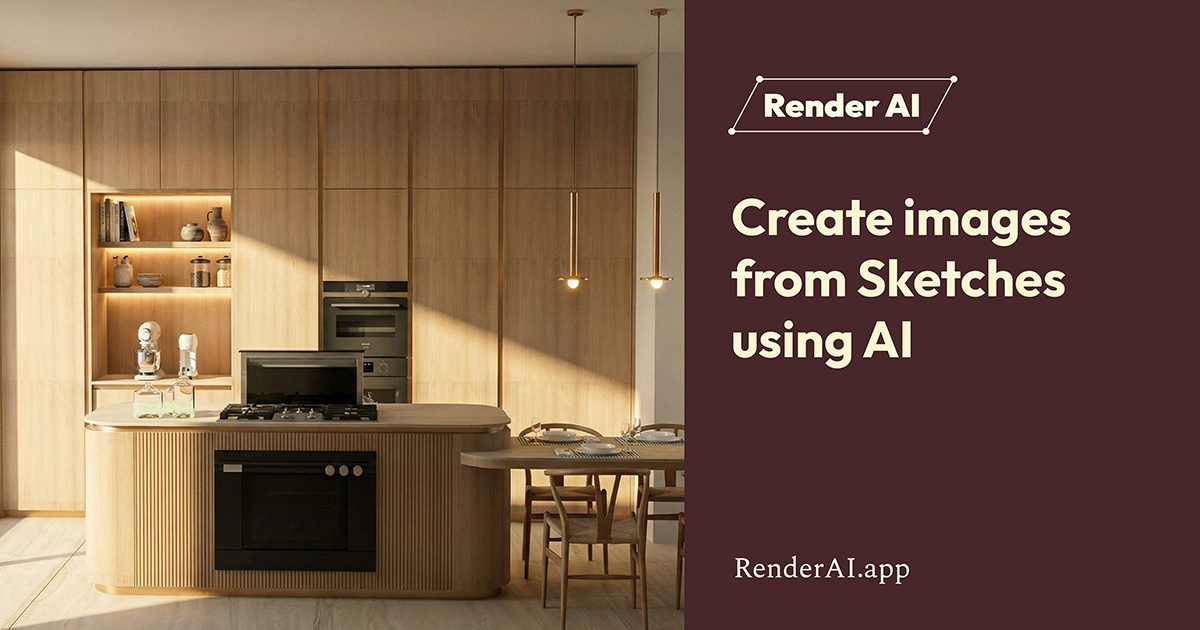
Spacely is a drawing to image tool. Spacely AI converts sketches, 3D models and room photos into photorealistic interior renders in under a minute, keeping original materials and geometry intact so revisions are fast. Built for interior designers, architects and real estate teams, with a shared Team Canvas and a free SketchUp extension.
Spacely AI is an interior design rendering tool that turns sketches, 3D models and room photographs into photorealistic visuals, with the site promising output in under 60 seconds. The core idea is texture lock: the render is adjusted while the original materials and geometry stay intact, so a revision does not force a rebuild of the file. Lighting, furniture, material and layout changes are handled as separate adjustments on top of existing work rather than as a fresh generation. The workflow mirrors how studio work actually moves. A team uploads a sketch, a 3D design or a room image into a project, develops and revises it inside the canvas, then prepares client-ready visuals for sign-off. Realistic Render is the flagship mode, alongside editing, lighting, furnishing and enhancement steps. Prompt examples on the homepage range from a modern classic living room to a minimalist Japandi cafe and a modern tropical house exterior, which hints at the scope: residential interiors, hospitality spaces and exteriors, not only single rooms. The audience is professional rather than casual. Interior designers, architects, real estate agents and firms are named directly, and the site lists Gensler, Perkins & Will, Cooper Carry, Corgan and Nelson among its clients. A newer Team Canvas feature puts several people on one shared canvas with visible cursors, live edits and shared credits, aimed at studios that currently pass versions back and forth by email. For SketchUp users there is a free extension that renders models without leaving the application. Alternatives fall into two camps: consumer room restylers that are quick but hard to control, and traditional rendering pipelines that are precise but slow and often outsourced. Spacely positions itself between them, selling in-house speed with retained control. Buyers should verify seat limits, credit allowances and file export options on the pricing page before committing a studio to it.
Free to start with no credit card required, and the SketchUp extension is free to install. The homepage does not state a time limit or credit cap for the free tier.
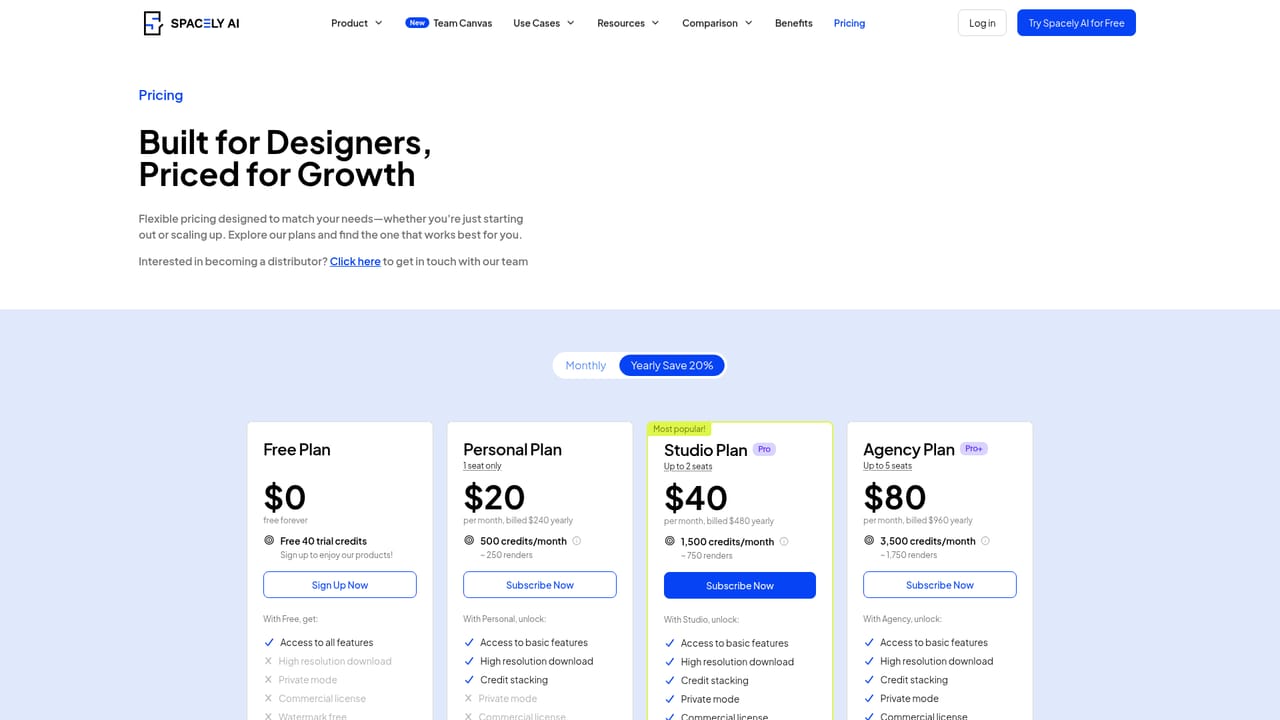
Learn moreThe homepage confirms free signup with no credit card and mentions an additional discount on premium plans after registration, plus separate team pricing. No tier names, prices or credit allowances are stated on the homepage, so exact costs need checking on the pricing page.
Learn moreAn FAQ page is published on the site. No support channels, response times or service-level commitments are described on the homepage.
Learn moreA free SketchUp extension is available from the SketchUp Extension Warehouse, letting users render 3D models without leaving SketchUp. No other integrations are described on the homepage.
Realistic renders from sketches, 3D models and room photos in under 60 seconds, with texture lock preserving original materials and geometry. Separate adjustment modes cover editing, lighting, furnishing and enhancement. Team Canvas adds a shared workspace with live cursors, in-canvas feedback, shared projects and credits, and team access controls.
Learn more AI Angels400+ customizable AI girlfriends for NSFW chat, voice calls, and roleplay
 Candy AIExperience the future of companionship with AI friends who chat, role-play, and connect with you on a human level.
 ourdream.aiA vast AI roleplay platform with millions of characters for chat, images, video and voiceAI Angels400+ customizable AI girlfriends for NSFW chat, voice calls, and roleplayCandy AIExperience the future of companionship with AI friends who chat, role-play, and connect with you on a human level.ourdream.aiA vast AI roleplay platform with millions of characters for chat, images, video and voice