Free trial
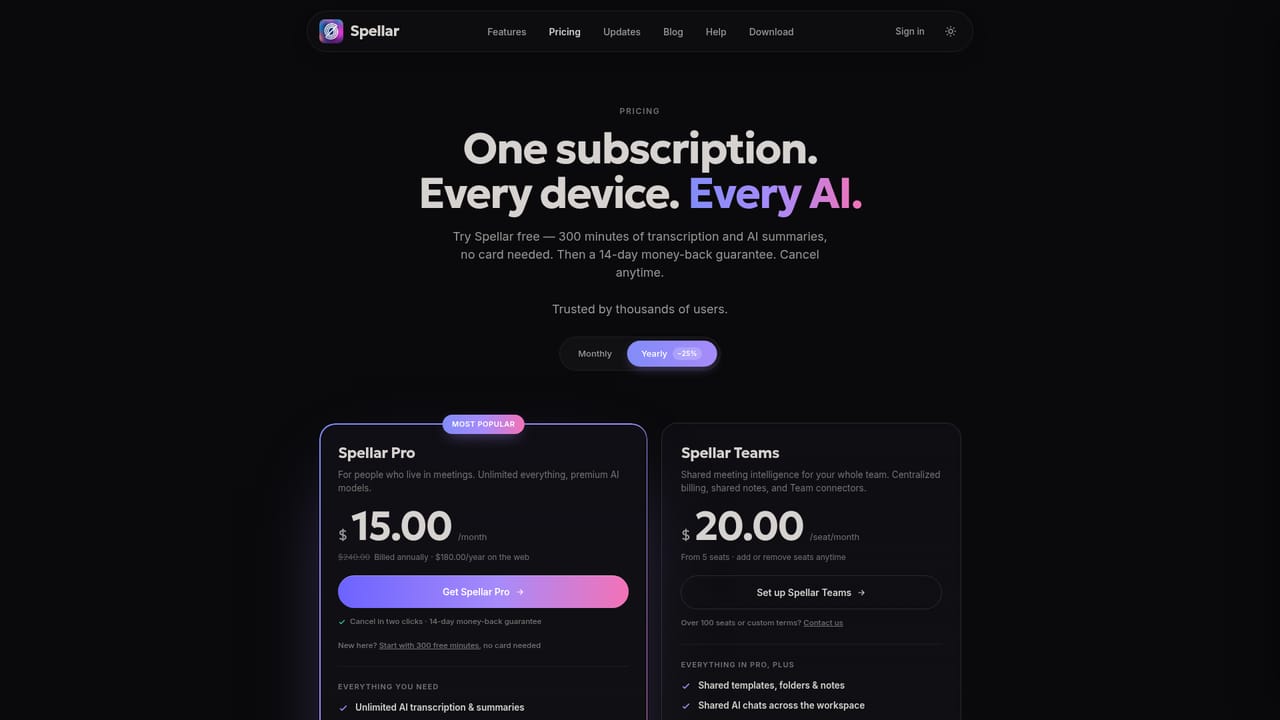
A free trial is offered through the Try Spellar signup, and paid plans carry a 14-day money-back guarantee.
Learn moreAI meeting notes recorded on your device, with no bot in the call

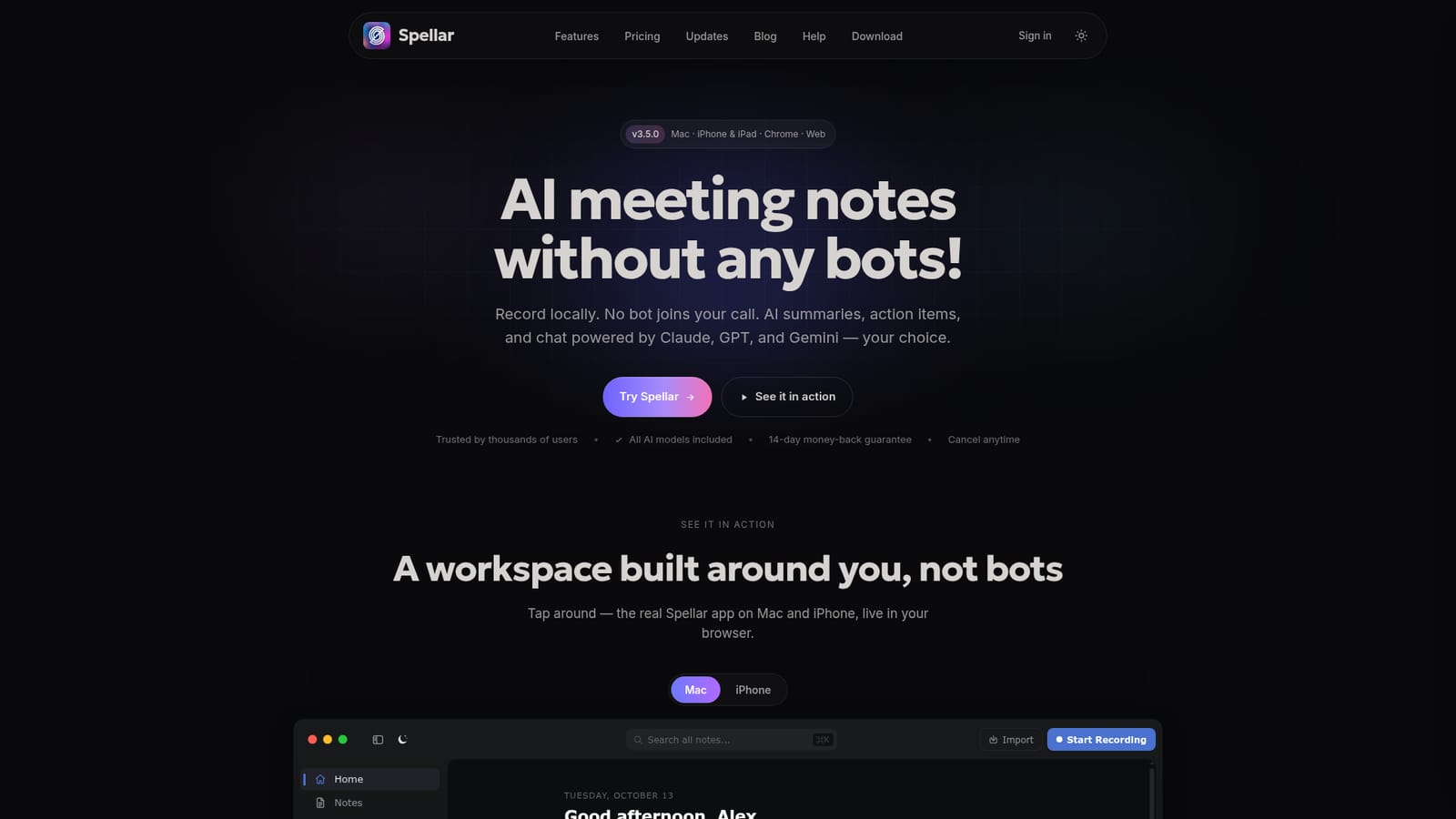
Spellar AI is an AI transcriber tool. Spellar records meetings directly on Mac, iPhone, iPad or Chrome with no bot joining the call, then produces AI summaries, action items and a citable cross-meeting chat using Claude, GPT or Gemini. Fifteen native connectors push notes into Notion, Slack, Jira and Linear.
Spellar is a meeting recorder and note taker that runs on the user's own hardware instead of sending a bot into the call. Recording happens locally on a Mac, iPhone, iPad or in Chrome, so participants in Zoom, Meet, Teams or an in-person conversation never see a joining participant. Audio is captured on the device, and cloud transcription is an opt-in setting rather than the default. Retention is configurable, from one hour to indefinite or device-only storage. The note layer sits on top of the transcript. Claude, GPT and Gemini are bundled, and the user chooses per meeting, per template or per question, with the option to supply an API key for unlimited usage. More than 30 built-in templates cover standups, one-to-ones, retros, sales discovery and customer interviews, and custom templates can be described in plain language. Output includes summaries, action items and topic tags. A cross-meeting chat answers questions such as what was decided about a launch, and each answer cites the moment in the recording where it was said. Distribution is where Spellar differs from standalone note takers. Fifteen native connectors push summaries and tasks to Notion, Slack, Jira, Linear, Google Docs, Asana and ClickUp, with two-way sync pulling tasks back from Linear and Jira and a calendar connector adding context to each scheduled meeting. Weekly and monthly digests compile wins, blockers and open commitments, and can be shared with a manager. The product fits individuals and small teams who handle sensitive calls (security reviews, investor updates, hiring or customer discovery) and who cannot invite a third-party bot. It competes with bot-based note takers on privacy and local capture, but it is a recording-first tool: the on-device workflow depends on supported hardware, and it is not a general transcription service for uploaded archives. Pricing starts at $15 per month with all AI models included, a 14-day money-back guarantee and cancellation at any time, and a trial signup is available.
A free trial is offered through the Try Spellar signup, and paid plans carry a 14-day money-back guarantee.
Learn morePricing starts at $15 per month and covers every device and every bundled AI model. All AI models are included, cancellation is available at any time, and a 14-day money-back guarantee applies. Full plan tiers are listed on the pricing page.
Learn moreFifteen native connectors including Notion, Slack, Jira, Linear, Google Docs, Asana, ClickUp, Todoist and Google Calendar, with two-way sync for Linear and Jira plus webhooks for Zapier and similar tools.
On-device recording for Zoom, Meet, Teams and room audio with no bot in the call. Claude, GPT and Gemini are included with per-meeting model choice and optional bring-your-own API key. Over 30 templates, summaries, action items, cross-meeting chat with cited answers, weekly and monthly digests, and configurable retention from one hour to device-only.
 AI Angels400+ customizable AI girlfriends for NSFW chat, voice calls, and roleplay
 Candy AIExperience the future of companionship with AI friends who chat, role-play, and connect with you on a human level.
 ourdream.aiA vast AI roleplay platform with millions of characters for chat, images, video and voiceAI Angels400+ customizable AI girlfriends for NSFW chat, voice calls, and roleplayCandy AIExperience the future of companionship with AI friends who chat, role-play, and connect with you on a human level.ourdream.aiA vast AI roleplay platform with millions of characters for chat, images, video and voice


