Pricing
The homepage states that generation is free, funded by public donations and by NLnet / NGI0 Core, and run by the volunteer non-profit Haidra. No paid tiers or specific price points are listed.
Learn moreCommunity-run image and text generation powered by shared hardware

Stable Horde is a generative image tool. A free, open source image and text generation network where volunteers share their hardware. Prompt in the browser, pick from several hosted models, and browse a public gallery that reveals the prompt and model behind each result.
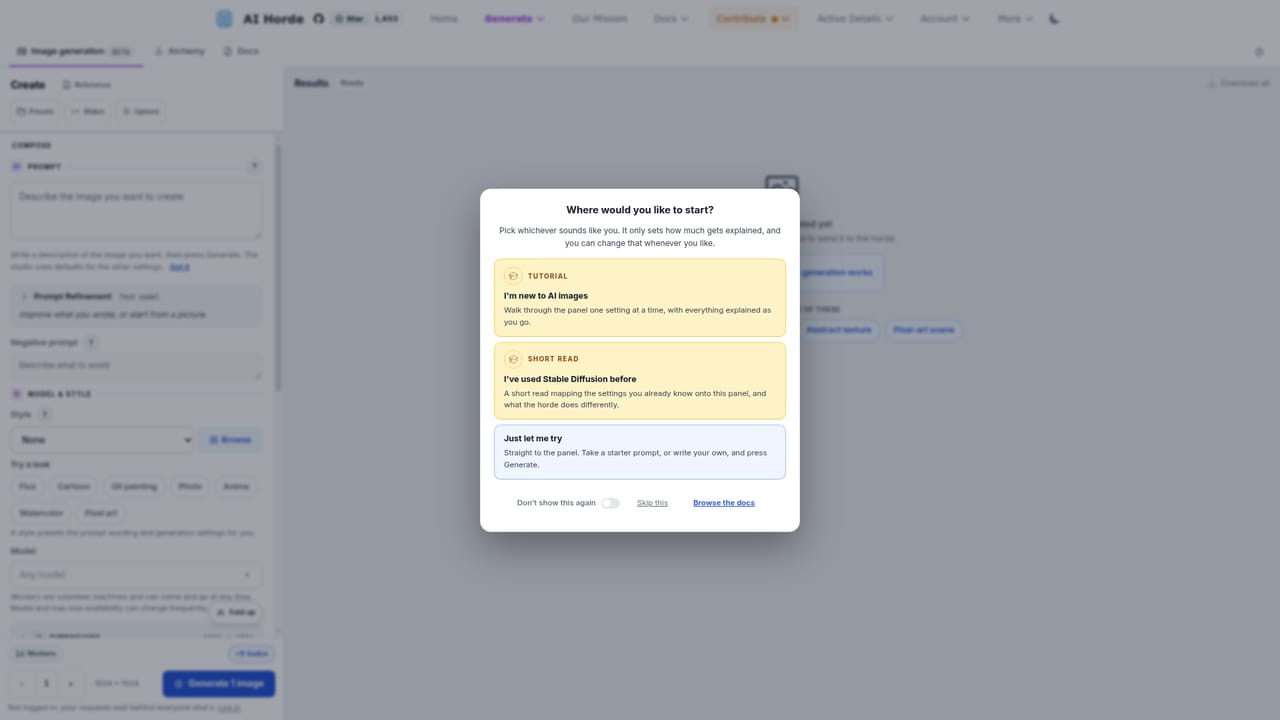
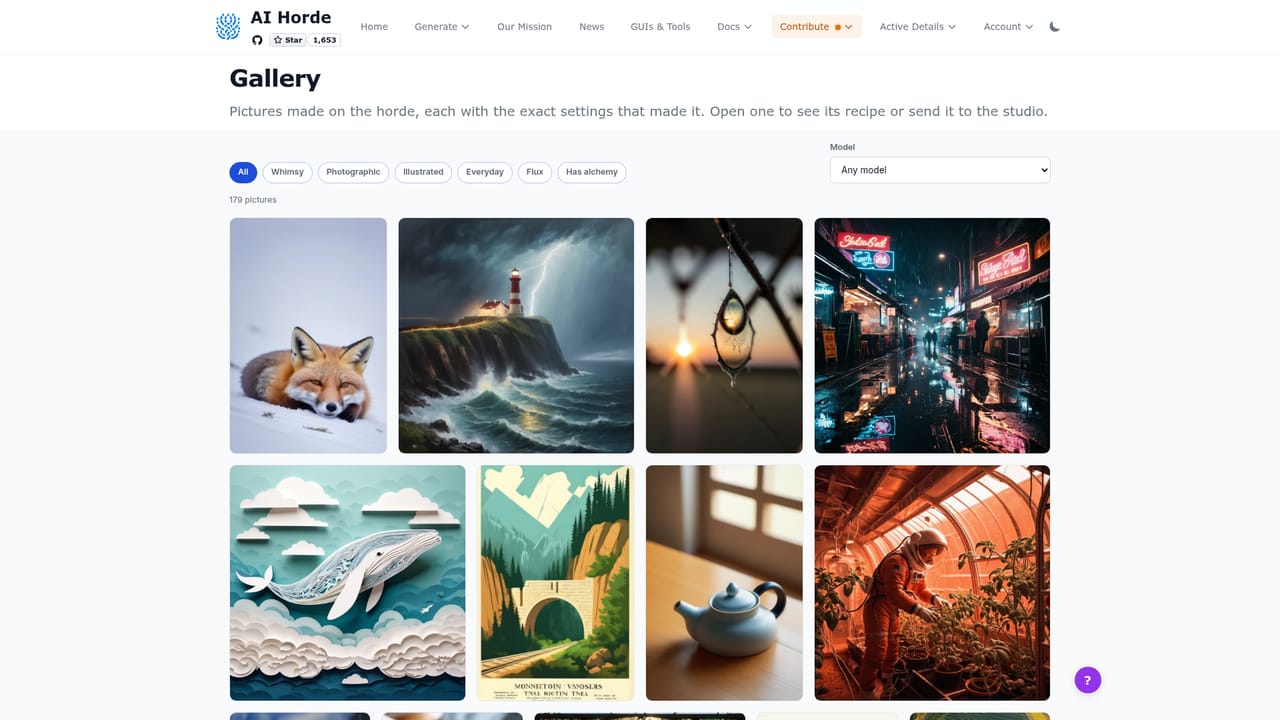
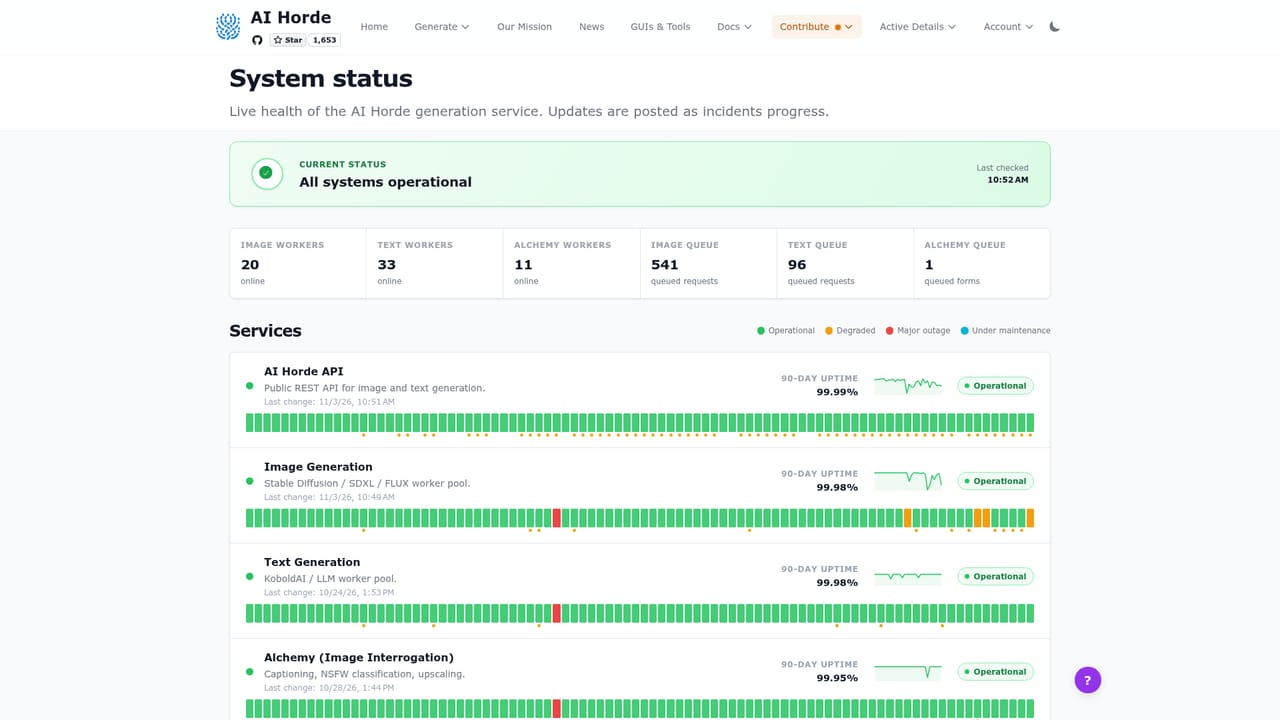
AI Horde is a free, community-run generation service. Volunteers contribute the processing power of their own machines, and anyone can use that pooled capacity to produce images, text, or other outputs from a prompt. The project is open source, funded by public donations and by NLnet / NGI0 Core, and operated by Haidra, a volunteer-run non-profit. The image generator runs in the browser with no installation. You type a prompt, pick one of the hosted models (the gallery shows work from AlbedoBase XL 3.1, Juggernaut XL, DreamShaper XL, Stable Cascade 1.0, Cheyenne, and a compact Flux.1-Schnell build), and the job is queued for an available worker. Every picture in the public gallery is clickable and reveals the exact prompt and model behind it, which makes it a practical place to study what a given checkpoint does before you commit to a request. A text side handles writing and language tasks in the same pooled way, and a smaller alchemy queue covers additional processing jobs. The trade-off for the price is queueing. The status board publishes live worker counts, pending requests, and throughput for each channel, so you can see how busy the network is before you start. Workers are ordinary people's computers, so wait times move with demand rather than with a service level agreement. Output coming from many different machines and checkpoints can also vary in quality across runs. The service suits hobbyists, prompt tinkerers, and developers building on open infrastructure who want image and text generation without a subscription or a hosted API key. Anyone can also join the supply side by running a worker or donating, which earns kudos. For teams that need guaranteed latency, fixed model versions, or commercial support terms, a paid hosted provider remains the more predictable route.
The homepage states that generation is free, funded by public donations and by NLnet / NGI0 Core, and run by the volunteer non-profit Haidra. No paid tiers or specific price points are listed.
Learn moreA REST API reference plus links to third-party tools and GUIs are published. A separate OpenAI-compatible proxy is available at oai.aihorde.net.
Browser-based image generation with a choice of hosted checkpoints, a text generation channel, and an alchemy queue for additional processing. Clickable gallery entries reveal the prompt and model behind each image. A live status board reports workers, queue size, and throughput per channel, and a public REST API is available for developers.
Learn more AI Angels400+ customizable AI girlfriends for NSFW chat, voice calls, and roleplay
 Candy AIExperience the future of companionship with AI friends who chat, role-play, and connect with you on a human level.
 ourdream.aiA vast AI roleplay platform with millions of characters for chat, images, video and voiceAI Angels400+ customizable AI girlfriends for NSFW chat, voice calls, and roleplayCandy AIExperience the future of companionship with AI friends who chat, role-play, and connect with you on a human level.ourdream.aiA vast AI roleplay platform with millions of characters for chat, images, video and voice


