Support
A support page is published on the Study Fetch site for help with the product.
Learn moreTurns your lecture slides and notes into an AI study system

Study Fetch is an exam preparation tool that turns your lecture slides and notes into an AI study system. An AI study platform that converts PowerPoints, lectures, notes and PDFs into structured notes, flashcards, quizzes and games, with a personal tutor, an automatic lecture recorder and a planner built around the student's own deadlines.
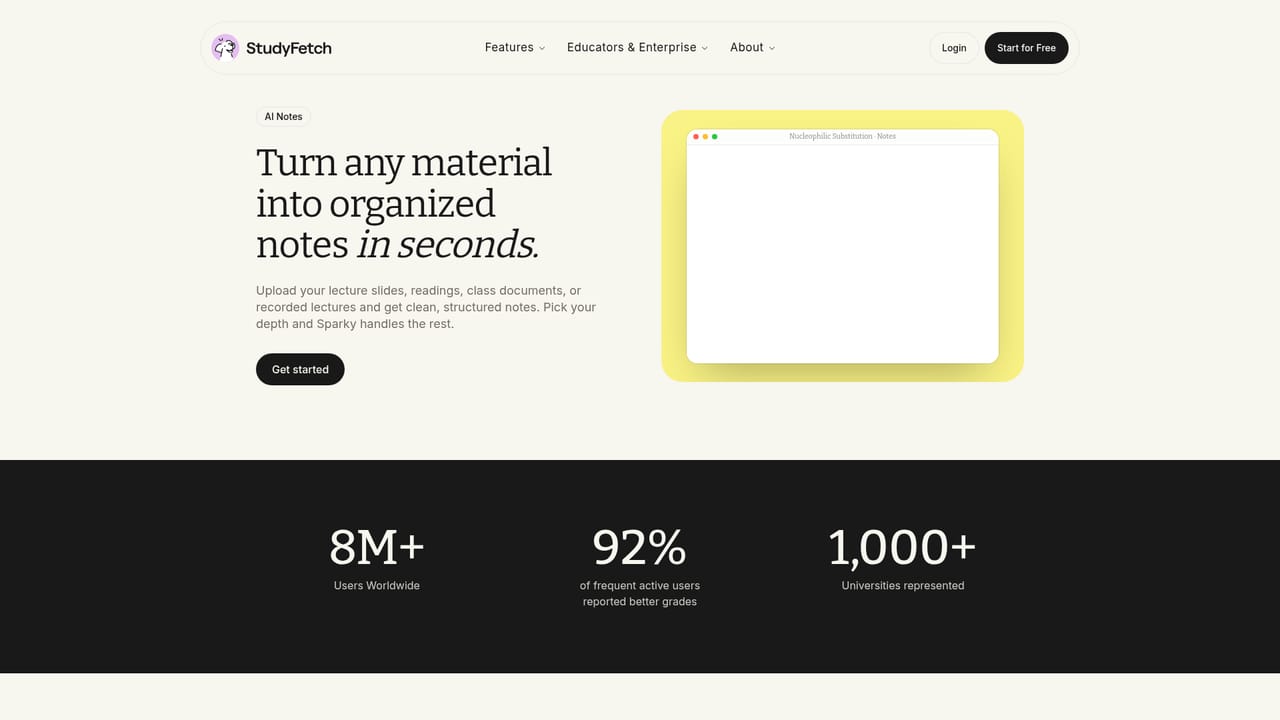
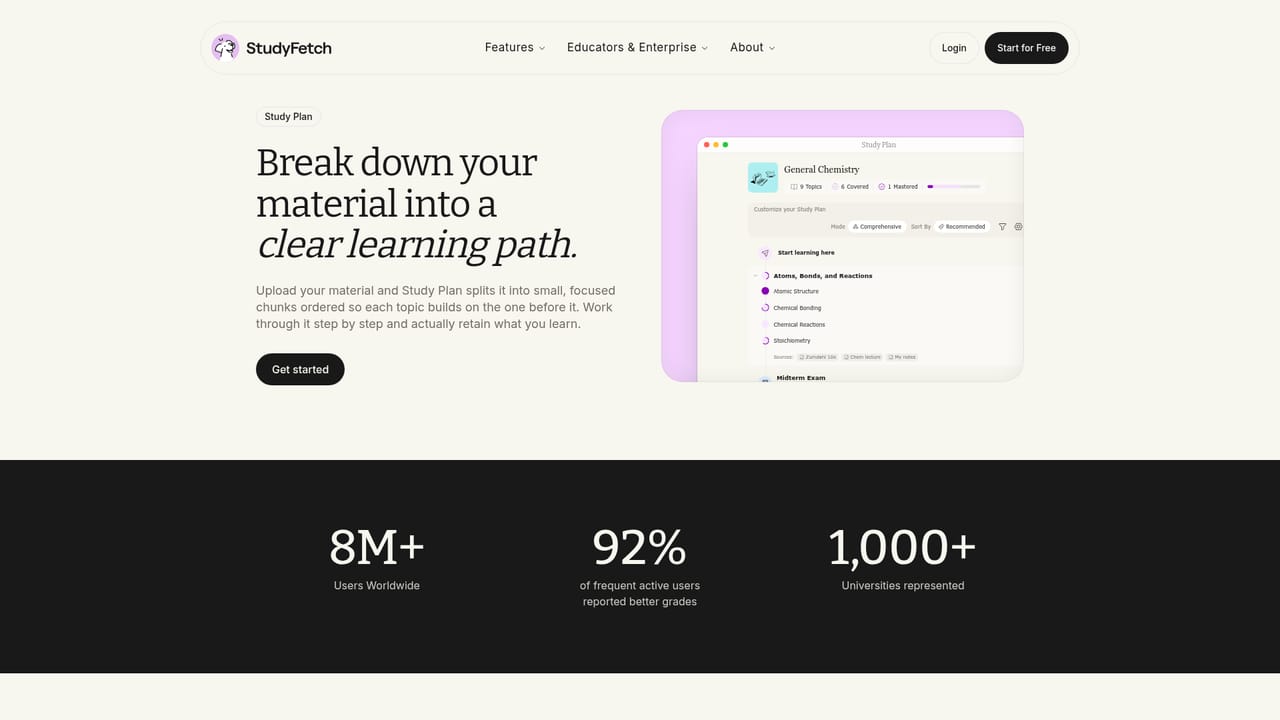
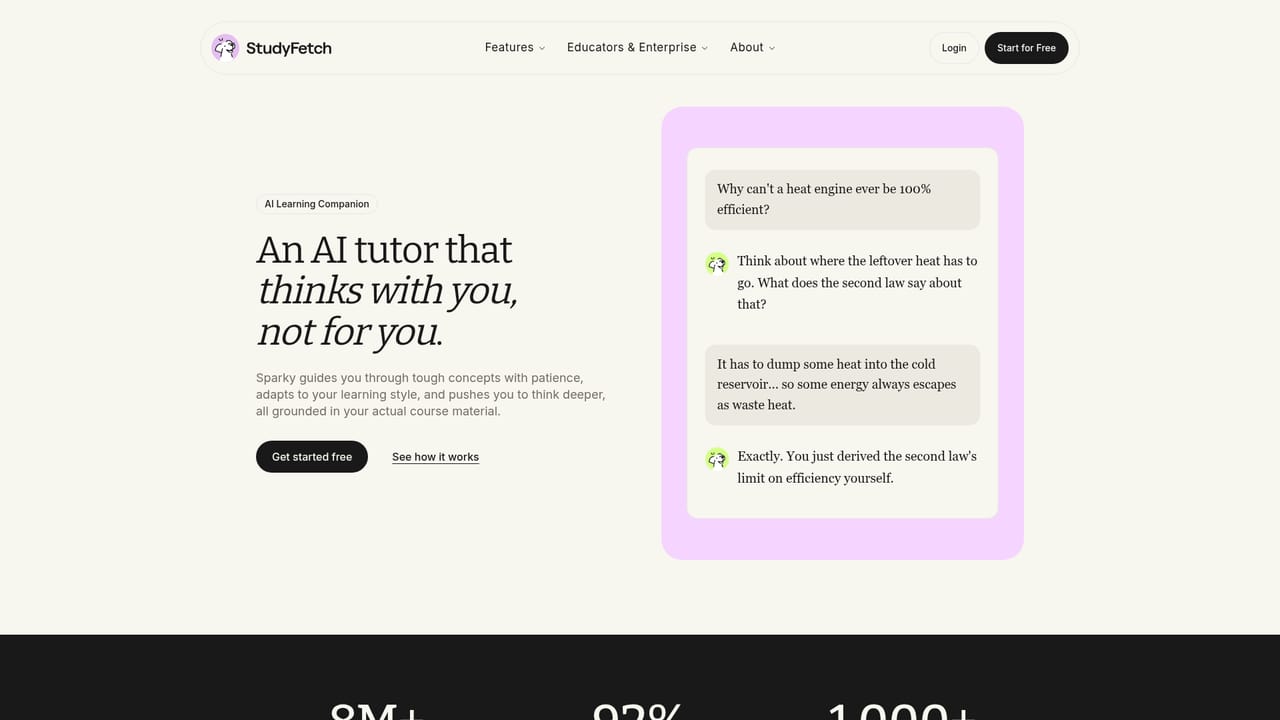
Study Fetch is a study platform that takes the raw materials of a course (PowerPoint decks, lecture recordings, class notes, PDFs, videos and study guides) and rebuilds them into formats a student can actually learn from. Upload the source files and the system produces structured notes, flashcards, quizzes and tests, then layers a personal tutor on top. The stated audience is students, with a strong tilt toward higher education courses in science, nursing and computing, though the company also publishes work on K through 12 workforce readiness. The product is a set of connected tools rather than one feature. Study Plan builds a schedule around the student's own materials and deadlines, breaking the term into milestones. Sparky is the tutor persona, a chat assistant that answers questions with reference to the uploaded material and is designed to push students toward finding the answer rather than handing it over. Tutor Me offers interactive lectures and open conversation in a format the company describes as tailored to the individual learner. Live Lecture records a class and generates notes in real time, with the option to enhance those notes afterwards. Arcade converts course content into game style challenges such as matching pairs, aimed at retention. Notes handles the initial conversion of PDFs, slides and videos into clean outlines. In practice the workflow is upload, then choose a study surface. A nursing student might load a two slide deck on fluid balance, work through the comparison in Tutor Me and ask follow up questions about which finding takes priority. A history student records a lecture on the Western Front and arrives with an enhanced summary. A language learner drills Spanish preterite verbs in Arcade. Studying is a crowded field, with general purpose chat assistants on one side and traditional flashcard apps on the other. Study Fetch sits between them, closer to a course aware workspace than a generic chatbot, which matters mainly if the student will put real course files in and work through them consistently. The site claims 8 million users, a 4.9 App Store rating from 10,000 reviews, and that 92 percent of regularly active users reported grade improvements. Those are the company's own figures and should be read as marketing claims rather than independent research.
A support page is published on the Study Fetch site for help with the product.
Learn moreStudy Plan builds a schedule from your materials and deadlines. Sparky is a chat tutor that works from your uploads. Tutor Me runs interactive lectures and open conversation. Live Lecture records class and generates notes as it goes. Notes converts PDFs, slides and videos into outlines. Arcade turns the same content into game style challenges. An iOS app is also offered.
 AI Angels400+ customizable AI girlfriends for NSFW chat, voice calls, and roleplay
 Candy AIExperience the future of companionship with AI friends who chat, role-play, and connect with you on a human level.
 ourdream.aiA vast AI roleplay platform with millions of characters for chat, images, video and voiceAI Angels400+ customizable AI girlfriends for NSFW chat, voice calls, and roleplayCandy AIExperience the future of companionship with AI friends who chat, role-play, and connect with you on a human level.ourdream.aiA vast AI roleplay platform with millions of characters for chat, images, video and voice


