Superapp

Describe an idea, get a native Swift app for iPhone, iPad, Watch and Mac

Beginner
Screenshot of Superapp, Describe an idea, get a native Swift app for iPhone, iPad, Watch and Mac

What is Superapp?

Superapp turns plain-English descriptions into native Swift apps for iPhone, iPad, Apple Watch and Mac, automates App Store publishing, and offers an AI marketing agent (Selfdrive, in beta) to help new apps find users.

Superapp is an AI app builder focused on Apple platforms. A user describes an app in plain English, and the tool generates native Swift code for iPhone, iPad, Apple Watch and Mac, with websites also supported. The pitch rests on one distinction: the output is real native code rather than a web wrapper, which the vendor ties to better performance and fewer App Store rejections. Games are supported too, and the code can be exported at any time. The tool reaches beyond building. Once an app is ready, a connected Apple Developer account lets Superapp prepare the build, metadata, screenshots, privacy declarations and submission, so publishing is reduced to a couple of clicks. An Apple Developer account is only needed at that stage, not for building. Backend needs can be met with Superapp Cloud (database, storage and backend included) or with a user's own Supabase instance. RevenueCat handles subscriptions and in-app purchases, Figma designs can be imported, and a generated landing page can be published on the app's own domain. There are two ways to work. Superapp Web runs in any browser with nothing to install and is aimed at getting a polished app out quickly. Superapp Mac is a desktop app that asks for a one-time Xcode setup, adds Mac app building, and suits people who want more control, including those who pair it with Claude Code, Codex and Xcode. Usage is metered in credits: a whole new screen costs roughly one credit, while small tweaks cost around a tenth of that. Growth is handled by Selfdrive, an AI marketing agent in beta that covers Apple Ads, App Store optimization, website and SEO work, and creator campaigns. It sends a daily email with downloads and suggested next steps, and spending requires approval. Access is limited to selected accounts and is included in the top plan. Among alternatives, Superapp competes with web-first no-code builders and cross-platform tools such as Lovable, Replit, Bubble, FlutterFlow and React Native options. It suits solo founders and small teams who specifically want Apple-native apps and a path from idea to revenue without a technical co-founder.
How do you use Superapp?

  1. 1Describe your app idea
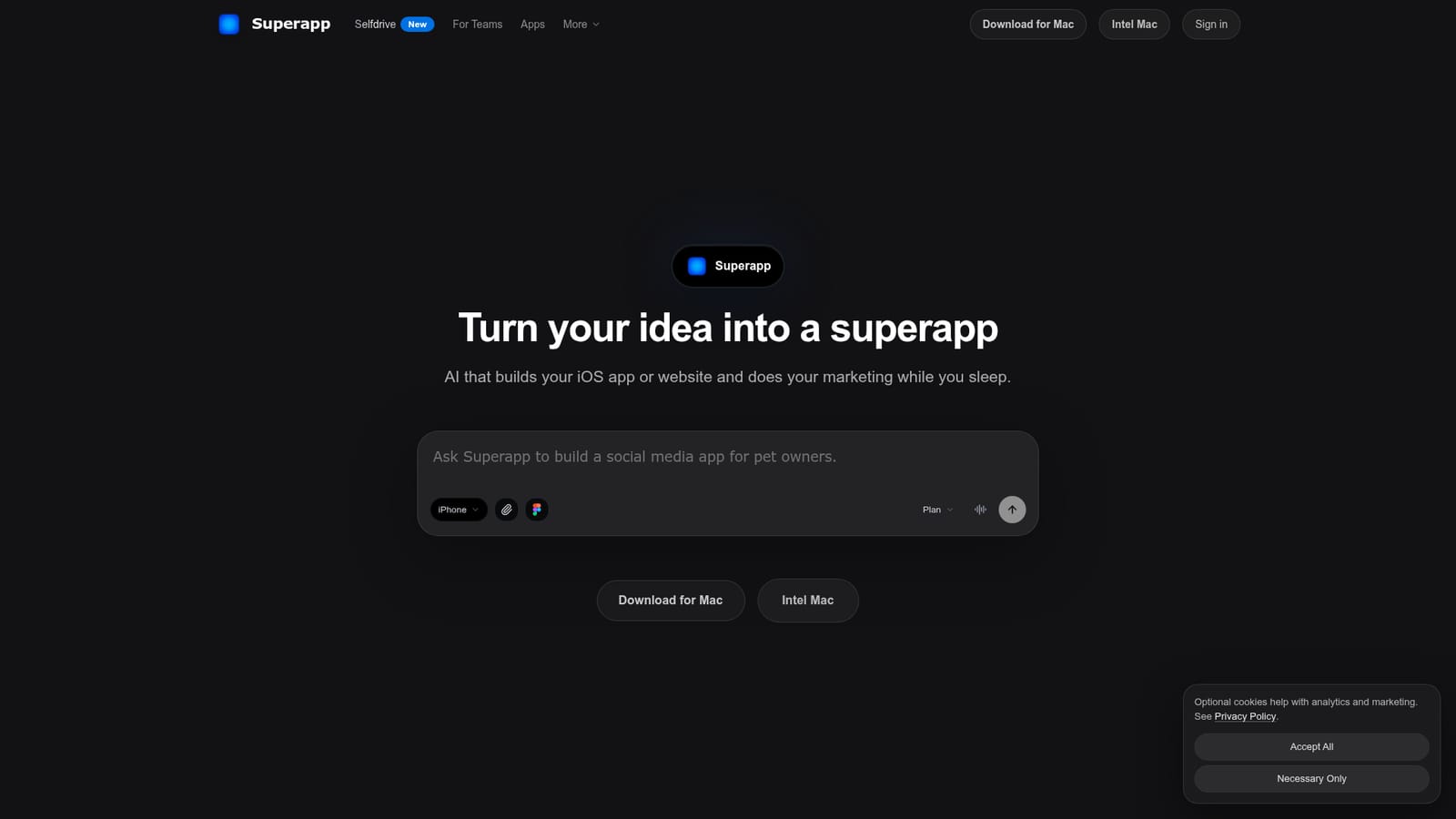
    Open the Superapp homepage and type the app idea in plain English into the prompt, or download the Mac version if more control is preferred. Nothing needs installing on the web.
    Superapp — Describe your app idea
  2. 2Pick a plan and credits
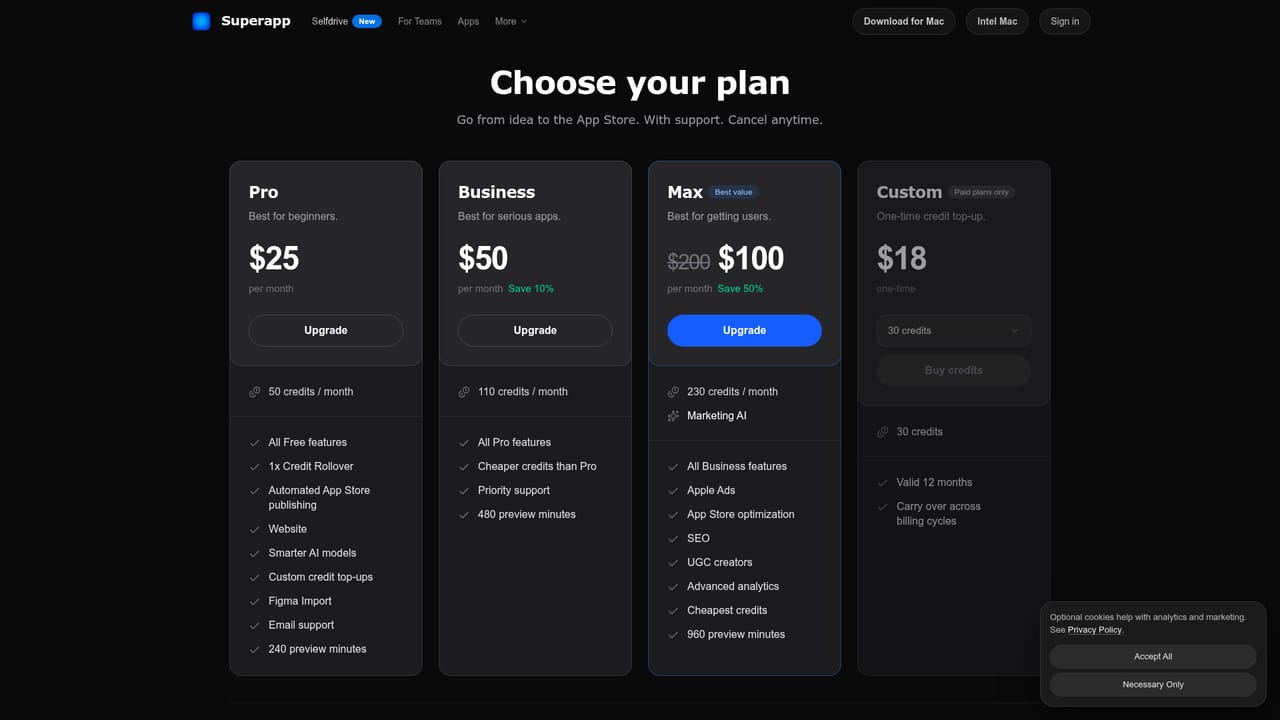
    Compare the Pro, Business and Max plans, which differ in monthly credits, preview minutes and marketing features. Custom top-ups are available on any plan.
    Superapp — Pick a plan and credits
  3. 3Refine the app with follow-up prompts
    Ask Superapp to change screens, add features or connect Supabase, RevenueCat or Figma designs. Small tweaks use fewer credits than generating a whole screen.
  4. 4Connect your Apple Developer account
    When the app is ready, sign in with an Apple Developer account. Superapp prepares the build, metadata, screenshots and submission for App Store review.
  5. 5Explore live examples
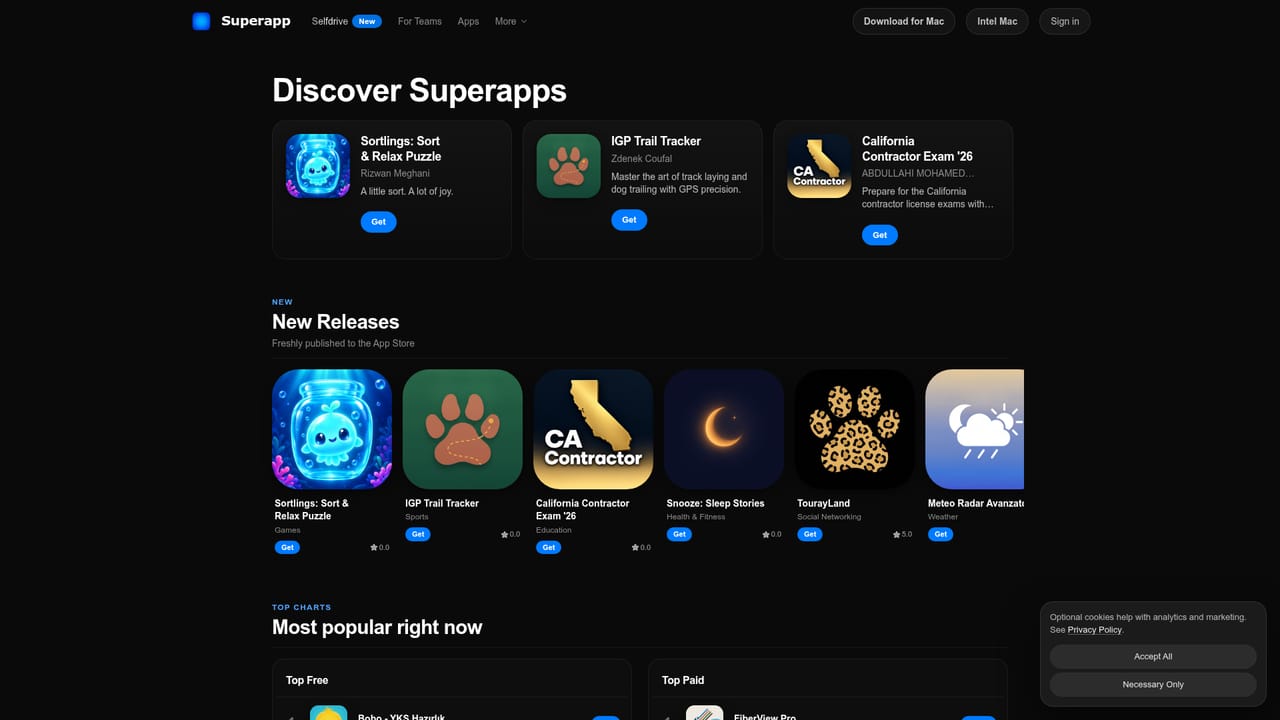
    Browse apps built with Superapp in its App Store directory to see the range of paid and free apps that have shipped.
    Superapp — Explore live examples
  6. 6Request Selfdrive for growth
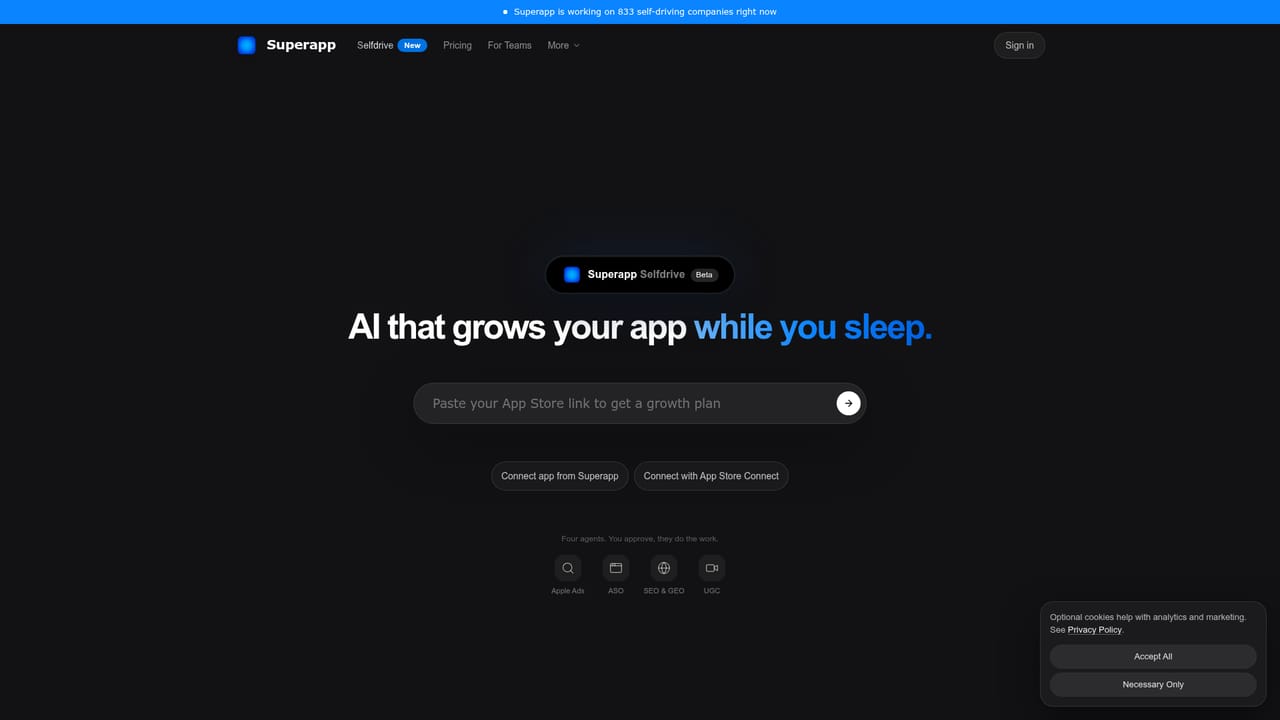
    On the Max plan, ask for Selfdrive access to get help with Apple Ads, App Store optimization, SEO and creator campaigns, with a daily results email.
    Superapp — Request Selfdrive for growth

Pros and cons

Pros

  • Generates real native Swift code rather than web wrappers, aimed at better performance and smoother App Store reviewAI
  • Automates App Store submission including metadata, screenshots and privacy declarations once a developer account is linkedAI
  • Covers iPhone, iPad, Apple Watch, Mac and websites, with games supportedAI
  • Code is fully owned by the user and can be exported at any timeAI
  • Web version needs no Mac or install; Mac version works alongside Claude Code, Codex and XcodeAI

Cons

  • Focused on Apple platforms, so it is a poor fit for anyone needing an Android or cross-platform appAI
  • Credit-based usage means heavy iteration can require top-ups or a higher planAI
  • The marketing agent Selfdrive is in beta and limited to selected accounts, and results are not guaranteedAI
  • The Mac version needs a one-time Xcode setup and a reasonably recent macOSAI
  • Publishing still requires a paid Apple Developer account, and the user must handle that part themselvesAI

How much does Superapp cost?

Free trial

A free plan includes free credits to start building in most countries. No Apple Developer account is needed until publishing.

Learn more

Pricing

Free plan includes starter credits in most countries. Pro is $25/month for 50 credits, Business $50/month for 110 credits, and Max $100/month (listed as $200 before a 50% saving) for 230 credits plus marketing AI. Custom credit top-ups are available on any plan.

Learn more

Support

Support is offered through Discord and email, with priority support on the Business plan and above. The team says it helps users reach the App Store.

Integrations

Integrates with Supabase for auth, database and storage, RevenueCat for subscriptions and in-app purchases, Figma for design import, Apple Developer and App Store Connect, and Claude Code, Codex and Xcode on the Mac version.

Features

Natural-language native Swift app generation for iPhone, iPad, Watch and Mac, plus websites and games. Automated App Store publishing, Superapp Cloud backend or own Supabase, Figma import, RevenueCat payments, code export, app landing pages, and the Selfdrive marketing agent (beta).

Learn more

Frequently asked questions about Superapp

  • How much does Superapp cost?
    Free plan includes starter credits in most countries. Pro is $25/month for 50 credits, Business $50/month for 110 credits, and Max $100/month (listed as $200 before a 50% saving) for 230 credits plus marketing AI. Custom credit top-ups are available on any plan.
  • Does Superapp offer a free trial?
    A free plan includes free credits to start building in most countries. No Apple Developer account is needed until publishing.
  • How do you use Superapp?
    The walkthrough on this page covers 6 steps: 1. Describe your app idea 2. Pick a plan and credits 3. Refine the app with follow-up prompts 4. Connect your Apple Developer account 5. Explore live examples 6. Request Selfdrive for growth.
  • What platforms does Superapp support?
    Superapp is available on Web App and MacOS.
  • What does Superapp integrate with?
    Integrates with Supabase for auth, database and storage, RevenueCat for subscriptions and in-app purchases, Figma for design import, Apple Developer and App Store Connect, and Claude Code, Codex and Xcode on the Mac version.
  • What are the limitations of Superapp?
    Focused on Apple platforms, so it is a poor fit for anyone needing an Android or cross-platform app. Credit-based usage means heavy iteration can require top-ups or a higher plan. The marketing agent Selfdrive is in beta and limited to selected accounts, and results are not guaranteed.

Status

StatusActive
Views0
Outbound clicks0
Added10/18/2026

Platforms

Web AppMacOS

Pricing

FreemiumSubscription