Free trial
The Hobby plan is free indefinitely with one upload per month, unlimited GPT-3.5 writing, unlimited video clips and audiograms. Signup requires no payment and the site invites users to start for free.
Learn moreTurn podcast episodes into summaries, show notes and articles

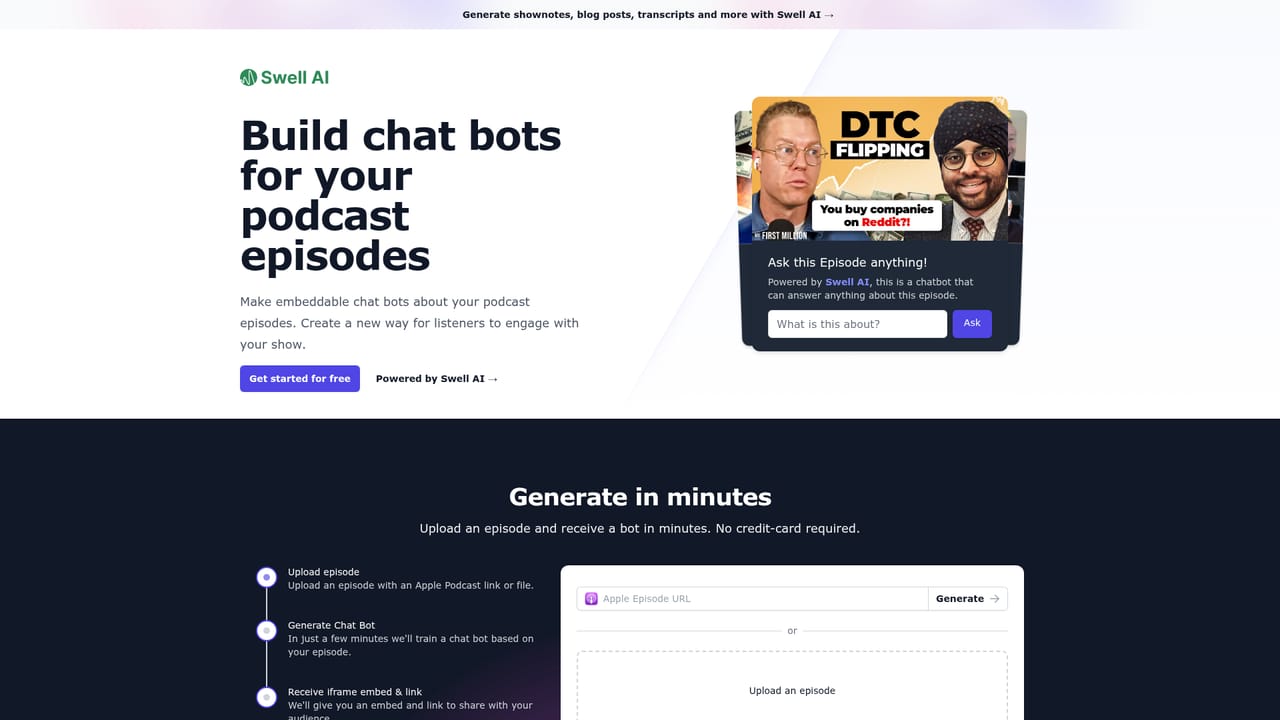
Swell AI is an AI summarizer tool that turns podcast episodes into summaries, show notes and articles. Swell AI transcribes podcasts and videos, then generates show notes, summaries, articles, newsletters, social posts, titles and ad copy from the transcript.
Swell AI is a repurposing platform built around one core workflow: bring in an audio or video file, let the system transcribe it, then generate finished marketing assets from that transcript. The output list is broad and specific to podcast production. It includes podcast summaries with referenced keywords, show notes with timestamps and key topics, long-form articles written in the tone of the episode, LinkedIn posts, newsletters, social posts, titles, midroll ad copy and intro scripts. The pitch is that a single recording can feed every channel a show publishes to, rather than being written up once and forgotten. The transcript editor is where most of the practical work happens. Speakers are identified and labeled automatically, and the editor flags sections it considers strong candidates for clips. Highlighting a passage saves it as a clip that the rest of the team can reach, and transcripts can be shared publicly or kept internal through a link. A brand voice setting and reusable content templates let a producer lock in house style so outputs do not need heavy rewriting before publishing. Multiple shows can be managed from one dashboard, which is the feature that matters most for networks and agencies rather than single-host operations. It fits best with podcast teams, content marketers and agencies that already have a back catalog and no writing capacity to match it. The site cites a customer who fed YouTube URLs into Swell and produced articles from a backlog in a day. Solo hosts on the free tier get one upload per month, which is enough to judge transcript and summary quality but not enough to run a weekly show. Compared with general writing assistants, Swell's advantage is that transcription, clip selection and template-driven output sit in one place. The tradeoff is that it is narrowly a repurposing engine: there is no audio editing, hosting or publishing layer here, so it complements a podcast host rather than replacing one.
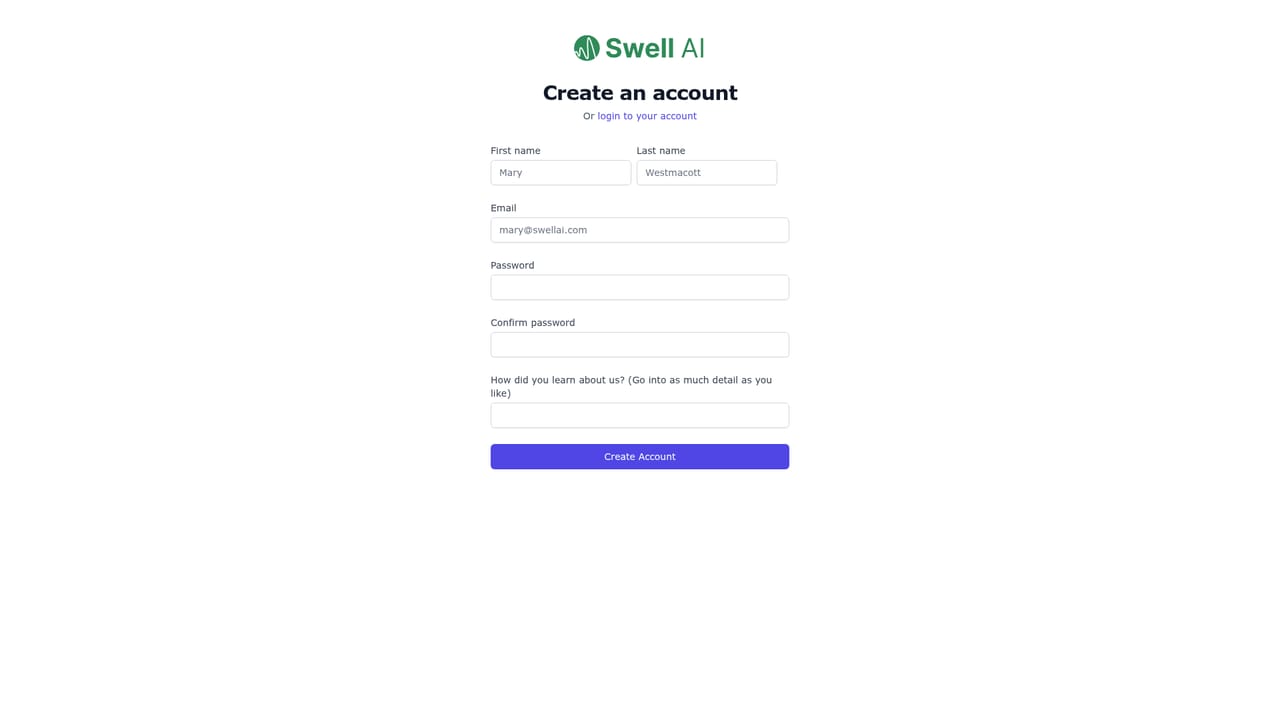
The Hobby plan is free indefinitely with one upload per month, unlimited GPT-3.5 writing, unlimited video clips and audiograms. Signup requires no payment and the site invites users to start for free.
Learn moreHobby is free with 1 upload a month and unlimited GPT-3.5 writing, clips and audiograms, but no customer support. Studio is $29/mo for 300 transcription minutes, Agency is $49/mo for 600 minutes, both with premium support. Pay as you go costs $8.99 per 60 minutes. Annual billing gives two months free and refunds are offered.
Learn morePremium customer support is listed on the Studio and Agency plans, while the free Hobby plan explicitly excludes customer support. A demo can be scheduled by phone call booking.
Transcription with automatic speaker labels, a transcript editor with AI clip suggestions and shareable links, and generation of podcast summaries, show notes, articles, newsletters, LinkedIn and social posts, titles, midroll ads and intro scripts. Brand voice settings, reusable templates, multi-show dashboards, Swell ChatGPT and unlimited clips and audiograms on paid plans.
 AI Angels400+ customizable AI girlfriends for NSFW chat, voice calls, and roleplay
 Candy AIExperience the future of companionship with AI friends who chat, role-play, and connect with you on a human level.
 ourdream.aiA vast AI roleplay platform with millions of characters for chat, images, video and voiceAI Angels400+ customizable AI girlfriends for NSFW chat, voice calls, and roleplayCandy AIExperience the future of companionship with AI friends who chat, role-play, and connect with you on a human level.ourdream.aiA vast AI roleplay platform with millions of characters for chat, images, video and voice


