Support
Documentation is available on the site, and the team can be reached by email at hello@usetelos.ai. The CLI source is available on GitHub.
Learn moreGoal-driven software factory that builds, deploys and maintains code

Telos turns written goals into running, maintained software. Coding agents define goals, and Telos builds, tests, deploys and re-checks them in persistent per-goal sandboxes, aimed at engineering teams already working with agents.
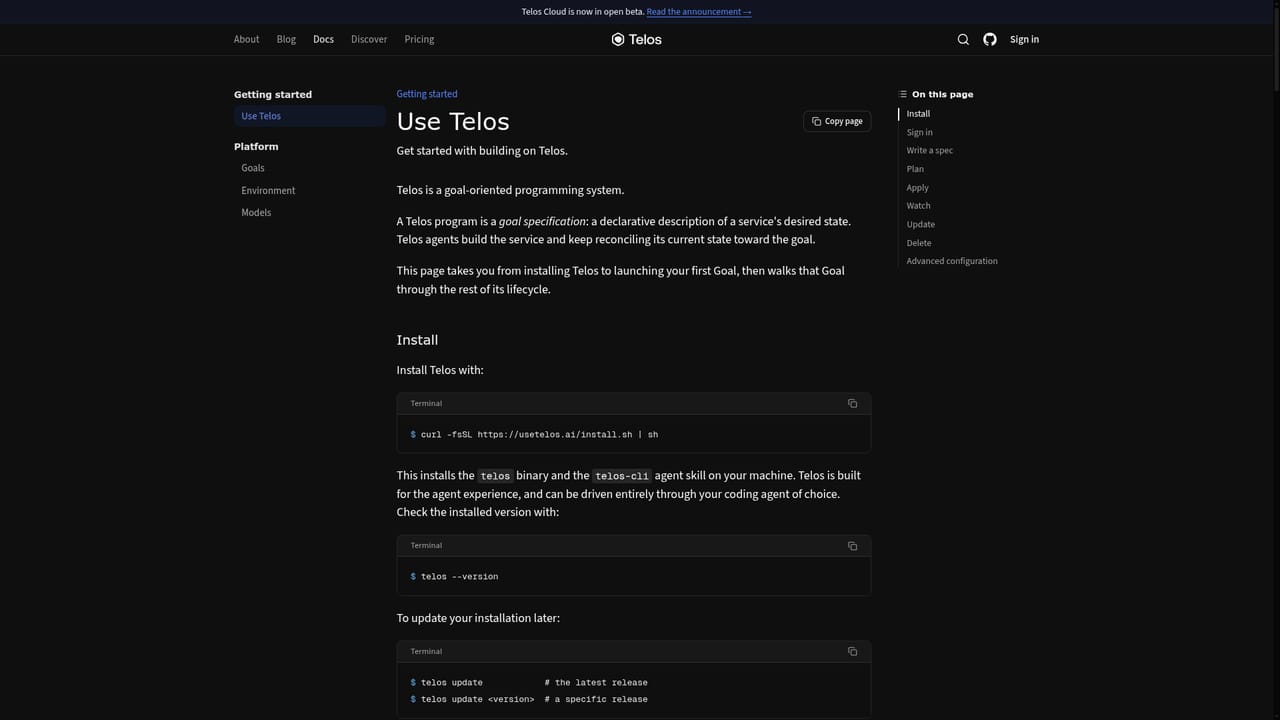
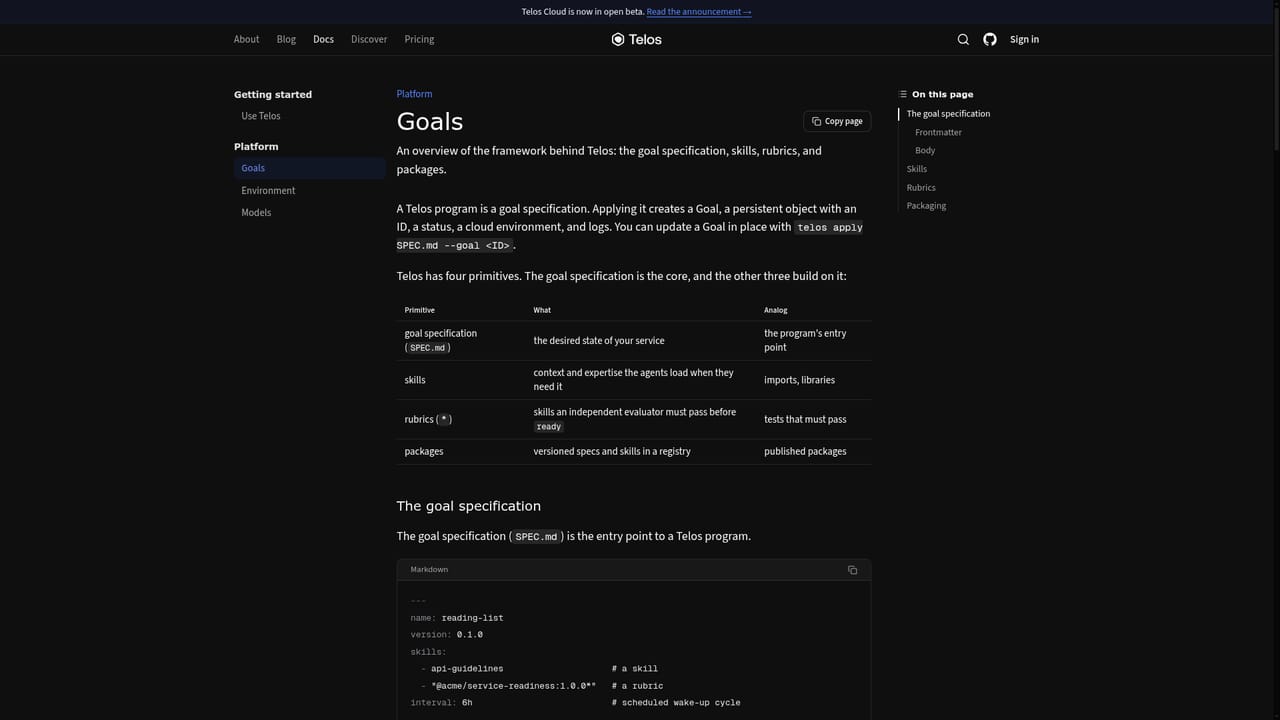
Telos is a platform for teams that already build with coding agents and have started to feel the cost of reviewing changes, coordinating work and operating a growing set of services. Instead of ending at the pull request, it treats a written goal as the durable contract for a piece of software. The goal holds the outcome, acceptance criteria and constraints, and Telos works to keep the running system reconciled with it as the goal changes. In practice, a user drives a goal from a coding agent such as Claude Code, Codex or another preferred agent. The agent installs the Telos CLI with a shell script, signs in to Telos Cloud with a login command and reads an installed skill to learn the workflow. A goal is versioned, every revision is recorded with what changed, and proposed changes wait until someone confirms the exact plan. A goal is considered ready once all required checks pass, and an agent periodically re-checks the live system against its spec. Correctness is pursued by running a pair of adversarial coding agents until the spec is satisfied. Each goal gets its own persistent virtual machine with checkpoint and restore, default-deny egress and a stable hostname, so agents keep the same workspace from first build through production. The environment bundles more than 40 developer tools covering building, testing, deploying and inspecting, including Python, Node.js, Playwright, Kubernetes, Helm and OpenTofu. Model choice is flexible: Telos-managed models, a connected ChatGPT or xAI subscription, or bring-your-own keys for OpenAI, Anthropic, OpenRouter and xAI. Teams can also publish specs, skills and rubrics as versioned packages. Telos positions itself against spec-driven development and vibe coding tools. Where those keep code as the artifact people maintain or treat prompts as disposable, Telos makes declarative goals the source of truth and abstracts the code away. The CLI is source-available, while Telos Cloud supplies managed execution and hosting. It suits engineering teams comfortable with agent workflows rather than beginners wanting a chatbot app builder.
Documentation is available on the site, and the team can be reached by email at hello@usetelos.ai. The CLI source is available on GitHub.
Learn moreWorks with Claude Code, Codex and other coding agents. Models can come from Telos-managed options, ChatGPT or xAI subscriptions, or your own OpenAI, Anthropic, OpenRouter or xAI keys. Toolchain includes Git, Kubernetes, Helm, OpenTofu and Playwright.
Versioned goals with acceptance criteria and constraints, plan confirmation, periodic re-checks, adversarial agent pairs, persistent per-goal VMs with checkpoint/restore, 40+ developer tools, flexible model choice including BYOK, and a versioned package registry for specs, skills and rubrics.
Learn more


