Free trial
The tool itself is free to use, with a watermark on downloads. Pro removes the watermark; no separate trial terms are stated on the homepage.
Learn moreFree browser tool that places text behind the subject of any photo.
Own Text Behind Image? Verify ownership to get a dofollow link

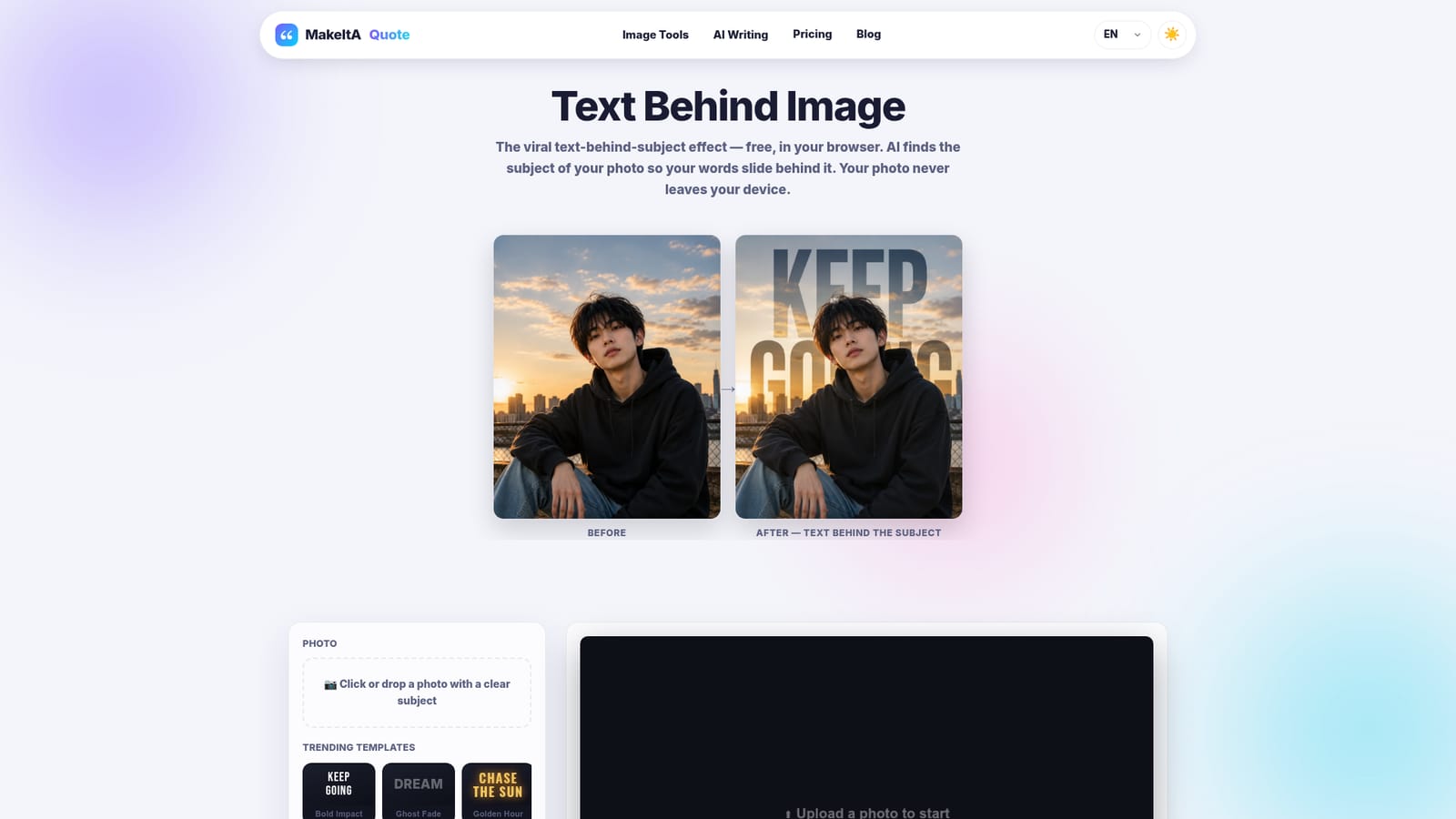
Text Behind Image is an edit pictures tool. A free, browser-based editor that uses local AI to detect the subject of a photo and place text behind it. Includes trending templates, adjustable fonts and a high-resolution PNG export, with a watermark on the free tier that Pro removes.
Text Behind Image is a browser-based editor built around a single visual trick: words that appear to sit behind a person, pet, car or product in a photograph instead of on top of it. The process happens locally. The subject detection model runs inside the browser, so the photo is never sent to a server. That detail matters for anyone handling client images, personal portraits or product shots that should not leave their machine. The workflow is stripped back. A photo is dropped onto the page, the AI separates the subject from the background, and the text is drawn on the layer between the two. Typed words can be dragged directly on the preview to land them where they read best, whether that is rising behind a head against a sunset or wrapping behind a car. A library of trending templates (bold impact, ghost fade, neon, handwritten, Japanese typefaces) sets a starting style, and each can be recolored and resized. Font options range from clean sans-serifs such as Inter and Poppins to display faces like Bebas Neue and script fonts like Caveat. This is a design utility rather than a general image editor, so it competes less with Photoshop and more with template apps and manual masking techniques. Its edge is speed and privacy; its trade-off is scope. The output is a flat PNG at the source photo's resolution, suitable for Instagram posts, TikTok covers, thumbnails and posters. Downloads on the free tier carry a small watermark, and a Pro plan removes it. The same site also offers a background remover and a quote image maker, which suggests the tool is one piece of a small writing and social content suite.
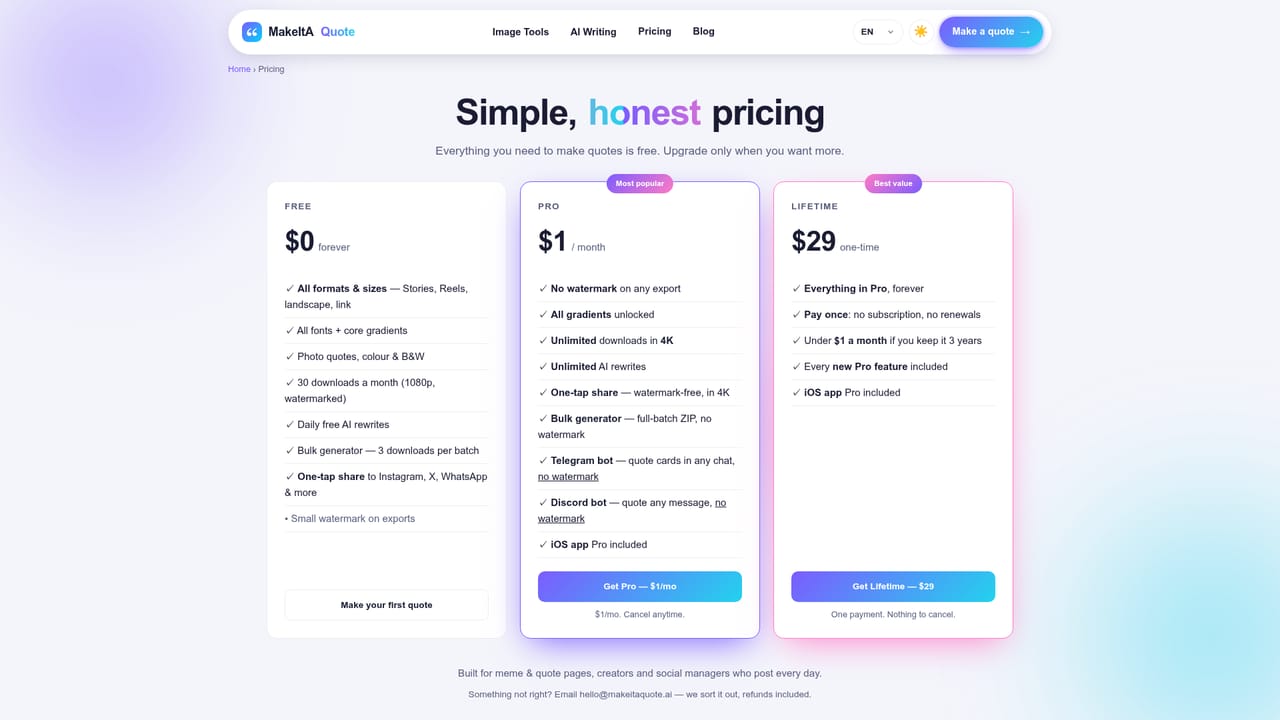
The tool itself is free to use, with a watermark on downloads. Pro removes the watermark; no separate trial terms are stated on the homepage.
Learn moreFree to use, with all fonts and templates included. Free downloads carry a small watermark. A Pro plan, listed on the pricing page, removes it. No specific prices are stated on the homepage.
Learn moreLocal AI subject detection, text layering behind the subject, trending templates, a font library, color and opacity controls, draggable positioning, high-resolution PNG export, and privacy-friendly processing in the browser.
 AI Angels400+ customizable AI girlfriends for NSFW chat, voice calls, and roleplay
 Candy AIExperience the future of companionship with AI friends who chat, role-play, and connect with you on a human level.
 ourdream.aiA vast AI roleplay platform with millions of characters for chat, images, video and voiceAI Angels400+ customizable AI girlfriends for NSFW chat, voice calls, and roleplayCandy AIExperience the future of companionship with AI friends who chat, role-play, and connect with you on a human level.ourdream.aiA vast AI roleplay platform with millions of characters for chat, images, video and voice