Free trial
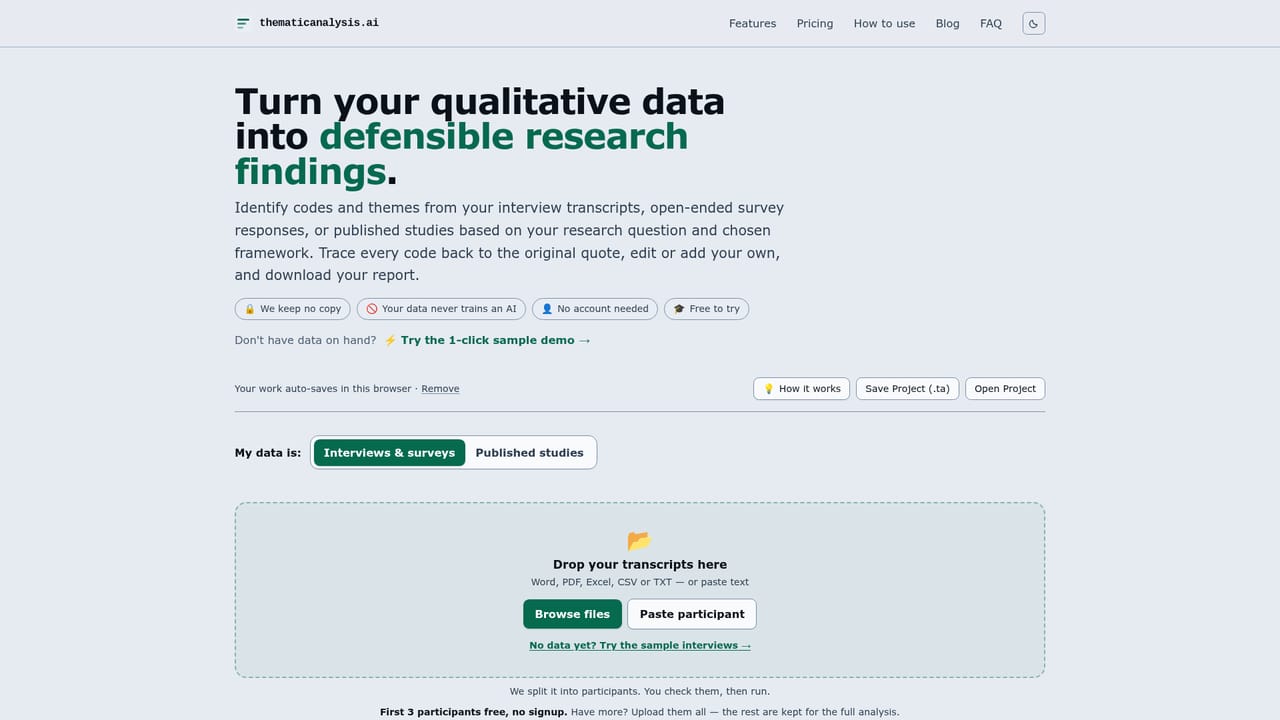
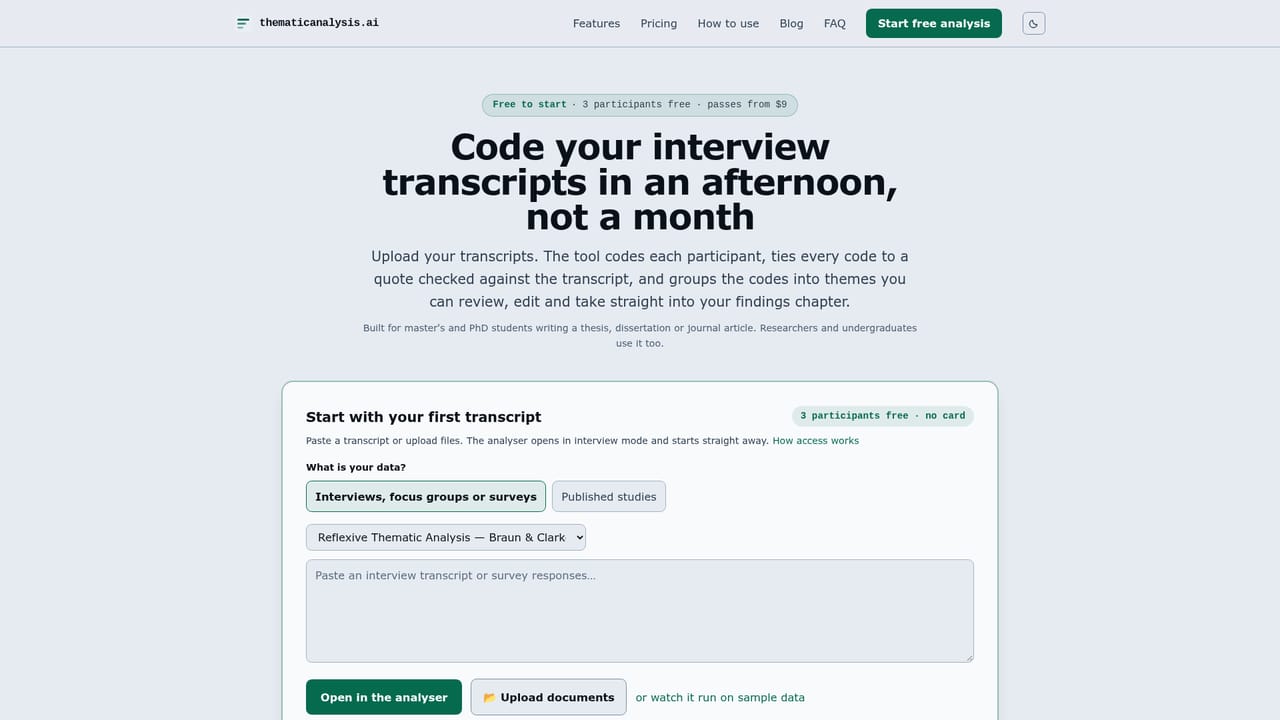
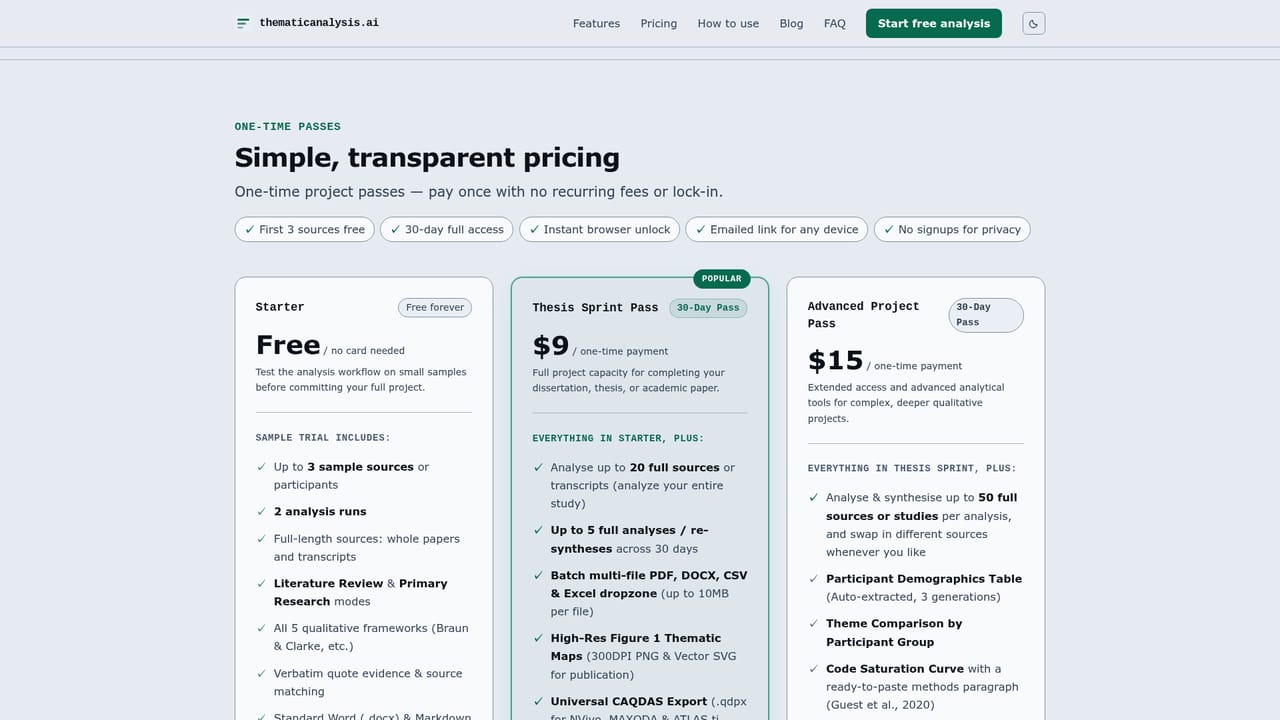
The Starter tier is free without a card and allows up to 3 sources or participants and 2 analysis runs, with full length files, both data modes and all five frameworks.
Learn moreAI qualitative coding where every code traces to a real quote
Own thematicanalysis.ai? Verify ownership to get a dofollow link

thematicanalysis.ai is an academic research tool. AI assisted qualitative coding that codes transcripts and study PDFs against a named framework, with every code checked word for word against the source and export to Word, CSV or NVivo.
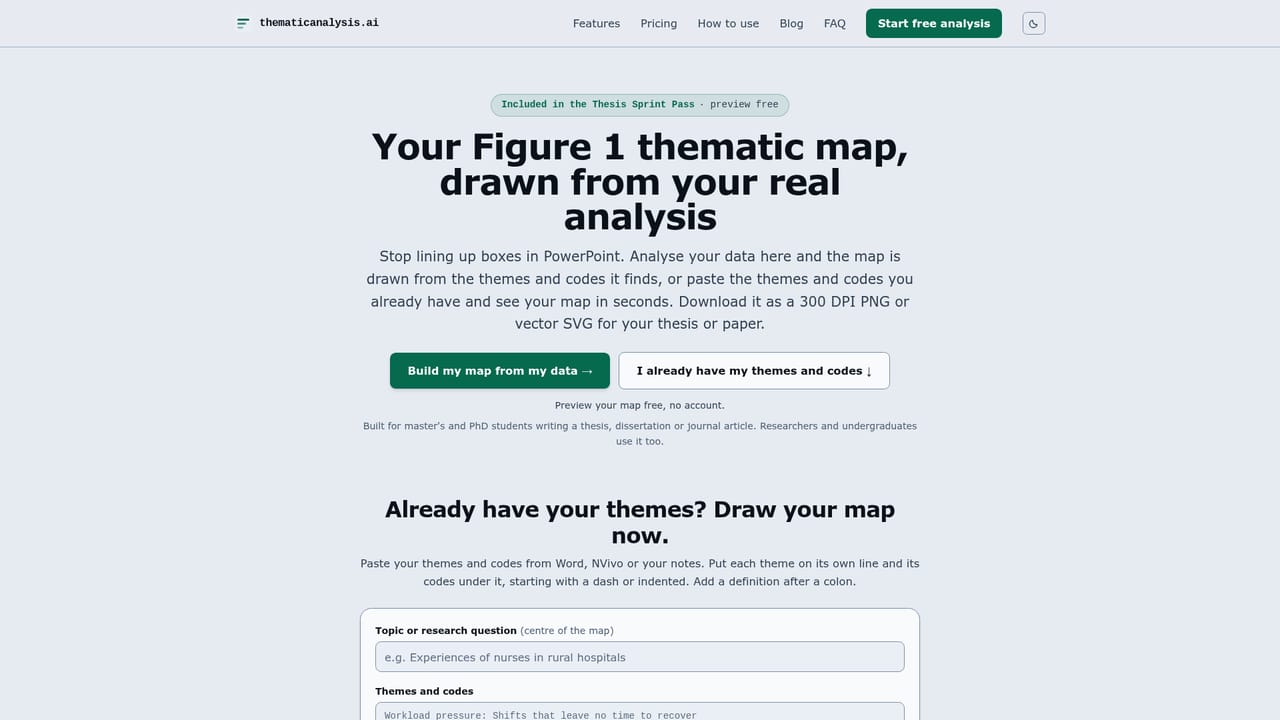
thematicanalysis.ai is a browser based qualitative analysis tool built for people who need findings they can defend. Researchers upload interview transcripts, open-ended survey responses or published study PDFs, choose a named methodological framework, and receive codes and themes drawn from their own data. The tool supports Braun and Clarke, Thematic Synthesis, Framework Analysis, Grounded Theory, Qualitative Content Analysis and several additional frameworks, and it writes in 13 languages. Each source is coded on its own before codes are grouped across the whole dataset, so themes carry a record of who said what. The distinguishing feature is verification. Every proposed code must be found word for word in its source; quotes that fail the search are removed and listed in the report with the reason. The same check applies to quotations used in the written analysis, and quotes drawn from an interviewer's questions rather than a participant's answer are flagged. Reviewers can rename themes, move or remove codes, add their own, and check any quote in context. Outputs include a Word report, high resolution thematic maps, CSV and Excel codebooks and matrices, and a .qdpx archive for NVivo, MAXQDA and ATLAS.ti. Students rushing a dissertation are one audience, since the workflow requires no installation and produces a methods paragraph and audit trail. Academics and research teams are the other: the framework is named in the report, an existing codebook can be supplied, and the audit trail includes SHA-256 data hashes and reflexivity prompts for viva defence. A separate literature review mode codes each paper, notes where studies disagree, and surfaces typed research gaps with supporting quotes. Against a general chatbot, the difference is methodological discipline. A chatbot returns prose with no named method and quotes that may be paraphrased. This tool separates the AI's proposal from the researcher's decision, keeps the unverified material visible, and exports into the software examiners expect. The company states that uploaded files are parsed in the browser, that no copy of the data is retained, and that participant text is never used to train a model.
The Starter tier is free without a card and allows up to 3 sources or participants and 2 analysis runs, with full length files, both data modes and all five frameworks.
Learn moreOne-time project passes with no subscription. Starter is free forever and covers 3 sources with 2 analysis runs. The Thesis Sprint Pass costs $9 for 30 days with up to 20 sources, 5 analyses, high resolution maps and CAQDAS export. The Advanced Project Pass costs $15 for 30 days with 50 sources, 10 analyses, demographics, group comparison, saturation curve, gap finder and Ask Your Data.
Learn moreExports project archives in .qdpx format for import into NVivo, MAXQDA and ATLAS.ti. No direct API or live software connectors are described on the site.
Coding of transcripts and study PDFs under five named frameworks with verbatim quote verification, cross participant theming, a participant matrix and reflexivity memos. Literature mode adds cross-study themes, divergence notes and a research gap finder. Advanced tools cover a demographics table, group comparison, a saturation curve with methods text and data-grounded Q&A. Exports include Word, CSV, Excel, thematic maps and .qdpx.
Learn more AI Angels400+ customizable AI girlfriends for NSFW chat, voice calls, and roleplay
 Candy AIExperience the future of companionship with AI friends who chat, role-play, and connect with you on a human level.
 ourdream.aiA vast AI roleplay platform with millions of characters for chat, images, video and voiceAI Angels400+ customizable AI girlfriends for NSFW chat, voice calls, and roleplayCandy AIExperience the future of companionship with AI friends who chat, role-play, and connect with you on a human level.ourdream.aiA vast AI roleplay platform with millions of characters for chat, images, video and voice


