Free trial
A free trial is advertised and the site describes a free account as the way to try a first site report, but plan tiers and limits are not stated on the homepage.
Learn moreSite reports and meeting minutes written from voice notes and photos

There turns voice notes, photos and on-site observations into structured site reports and meeting minutes, with AI drafting and editing inside the document, automatic email delivery and read tracking. Built for architects, engineers and consultants who write recurring project documentation.
There is a documentation tool built for the people who run construction sites: architects, engineers, consultants and project managers. The premise is that site meetings and visits generate a mess of voice memos, phone photos and scribbled reminders, and that turning those raw inputs into a report people actually read is slow, repetitive work. There records audio during a visit or meeting, transcribes and summarizes it, identifies who spoke, and pulls the content into a structured document. Photos become a captioned gallery, and tasks, decisions and reminders are organized under project sections so nothing gets lost between the field and the office. The workflow is deliberately continuous rather than a chain of separate apps. Notes and photos captured on a phone sync to the web editor in seconds, and the AI writes inside the document itself instead of in a chat window that has to be copy-pasted back. From there the tool helps summarize, rephrase, proofread and format the text, and it can draft the covering email from the document contents. Recipients are filled in automatically, the file is compressed, formatting holds up on mobile, and the message can be scheduled. Read tracking shows who opened the report, one-click reminders chase the people who did not, and the document can be locked after a contractual deadline. Report templates, including ready-made ones for common use cases, cut the setup per project. It suits teams producing recurring site reports, meeting minutes and inspection records, especially firms that want the same structure across projects. The comparison is explicit: it replaces Word as the drafting and distribution layer, while also absorbing the note-taking that often lives in a separate notes app. Organizations already inside a heavy document management platform may find it another system to reconcile, and the free entry point plus unlimited colleague invitations suggest team-wide rollout is the intended path. A word of caution on numbers: the site cites hours saved per project and per week, but those are customer quotes, not measured benchmarks.
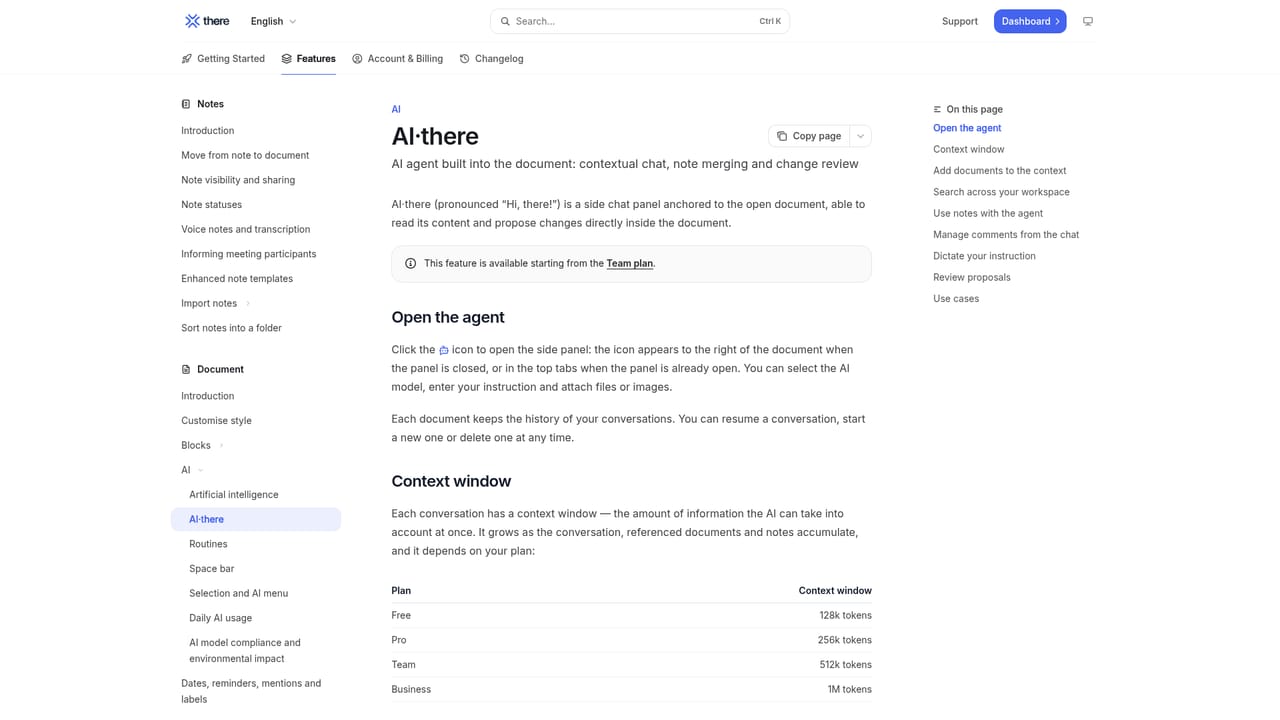
A free trial is advertised and the site describes a free account as the way to try a first site report, but plan tiers and limits are not stated on the homepage.
Learn moreThe demo lists OneDrive and Mezzoteam among the destinations available when sending a report; no broader integration directory is described on the homepage.
Voice and photo capture with AI transcription and speaker identification, in-document AI summarization, rephrasing, proofreading and formatting, report templates, task and decision tracking with due dates and reminders, annotated photo galleries, automatic email drafting and scheduling, read tracking with reminders, document locking, mobile-friendly recipient view, unlimited invited users.
Learn more AI Angels400+ customizable AI girlfriends for NSFW chat, voice calls, and roleplay
 Candy AIExperience the future of companionship with AI friends who chat, role-play, and connect with you on a human level.
 ourdream.aiA vast AI roleplay platform with millions of characters for chat, images, video and voiceAI Angels400+ customizable AI girlfriends for NSFW chat, voice calls, and roleplayCandy AIExperience the future of companionship with AI friends who chat, role-play, and connect with you on a human level.ourdream.aiA vast AI roleplay platform with millions of characters for chat, images, video and voice


