Toolplay

One playground for AI image, video and media editing tools

Beginner
Screenshot of Toolplay, One playground for AI image, video and media editing tools

What is Toolplay?

Toolplay is an AI image upscaler tool. Toolplay bundles image and video generation from many leading models (Kling, Veo 3.1, Sora 2, Midjourney, Seedream, Ideogram and more) with editing utilities like upscaling, background removal, reframing, subtitles, lip sync and sound generation, all in one browser platform.

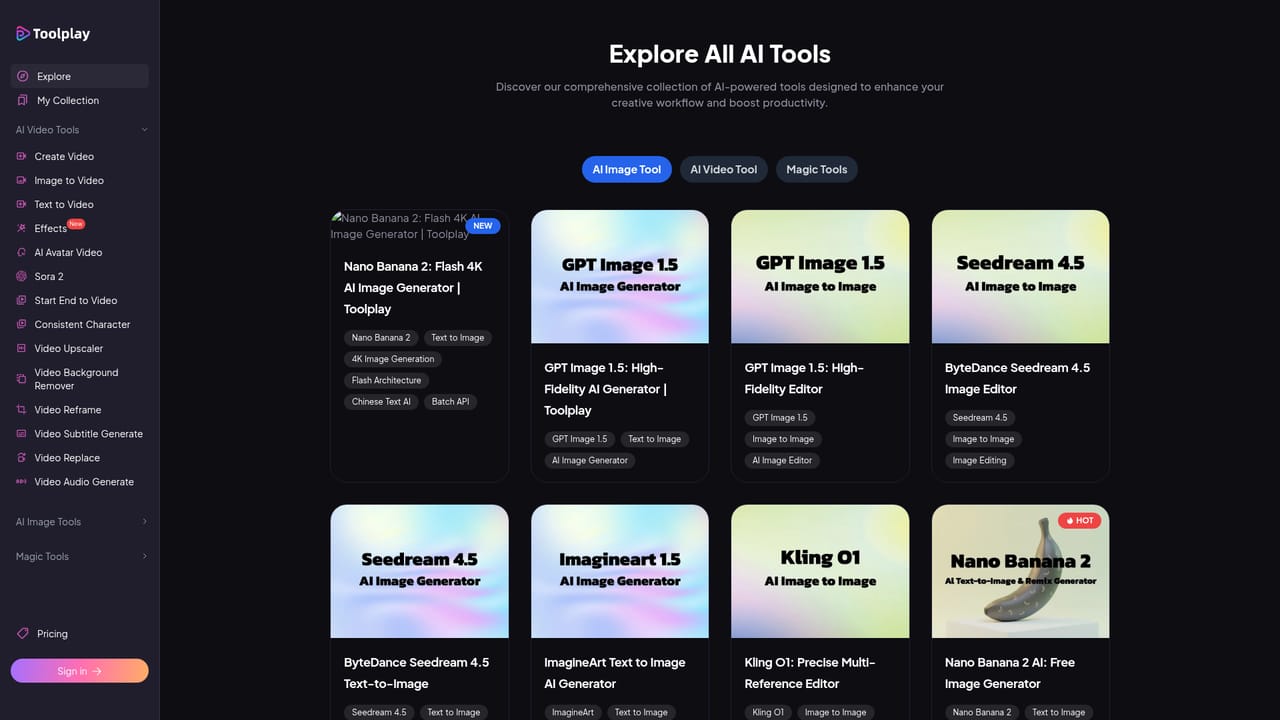
Toolplay is a browser based creative platform that gathers image generation, video generation and a set of practical media editing utilities under one roof. Rather than committing to a single model vendor, it acts as a front end to many of the well known engines in the field. The video line up includes Kling, Veo 3.1, Sora 2, Seedance 1.5 Pro, Hailuo 2.3, Pika 2.2, PixVerse 5.5, Vidu Q2 and Hunyuan. On the image side it lists Seedream 4.5, Nano Banana Pro, Reve V1, Midjourney, ImagineArt 1.5, GPT Image, Ideogram 3, Z-Image Turbo and Kling O1 for image to image work. The pitch is simple: pick the model that suits the shot instead of paying for several separate subscriptions. The platform is built for people who produce visuals regularly but do not want a deep technical setup. Social media creators, small marketing teams, indie filmmakers and designers prototyping concepts can move from a text prompt to a still image, then feed that image into an image to video model for motion. A separate library of cinematic video effects (A List Look, Bullet Time, Day to Night, Demon Transform and others) offers ready made looks to remix onto existing footage. Beyond generation, Toolplay bundles a practical editing layer. A video upscaler claims to push blurry clips toward 4K at 60fps, a background remover outputs transparent MP4 or GIF without a green screen, a reframe tool uses generative fill to convert horizontal footage to vertical, and an automatic subtitle generator transcribes audio and exports SRT or VTT. There is also object and background replacement, lip sync dubbing, and an MMAudio powered sound generator for silent clips. Image enhancement tools round out the set. In practice Toolplay sits between a single vendor product and a full studio suite. It is convenient for quick experiments and for hopping between models when one output disappoints, though the homepage does not detail how credits, queues or export limits work across those models, so it is worth checking account terms before relying on it for volume work.

How do you use Toolplay?

  1. 1Start with the free image generator
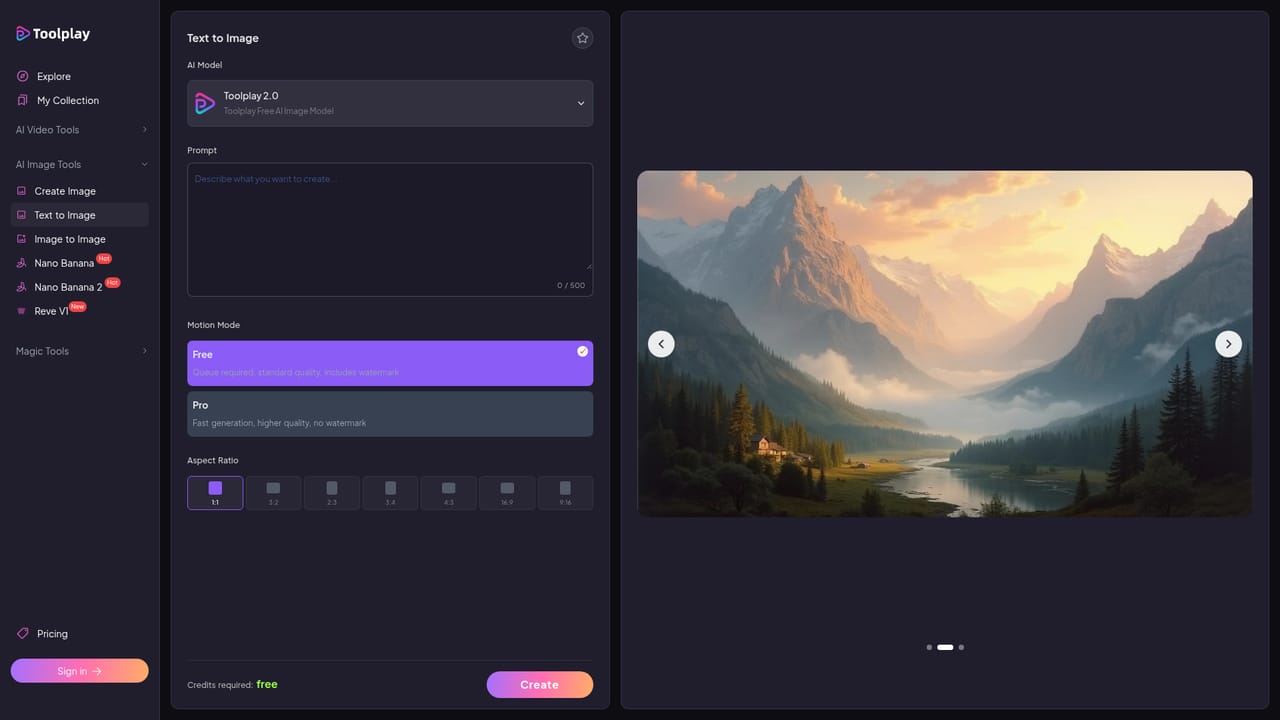
    Open the free AI image generator page and enter a prompt. This gives a low risk way to see which underlying model style suits your project before moving to named models.
    Toolplay — Start with the free image generator
  2. 2Compare named image models
    Browse the tools directory and try specific engines such as Seedream 4.5, Ideogram 3 or Midjourney. Running the same prompt across two models shows which handles text, faces or stylised art better.
    Toolplay — Compare named image models
  3. 3Animate the result with image to video
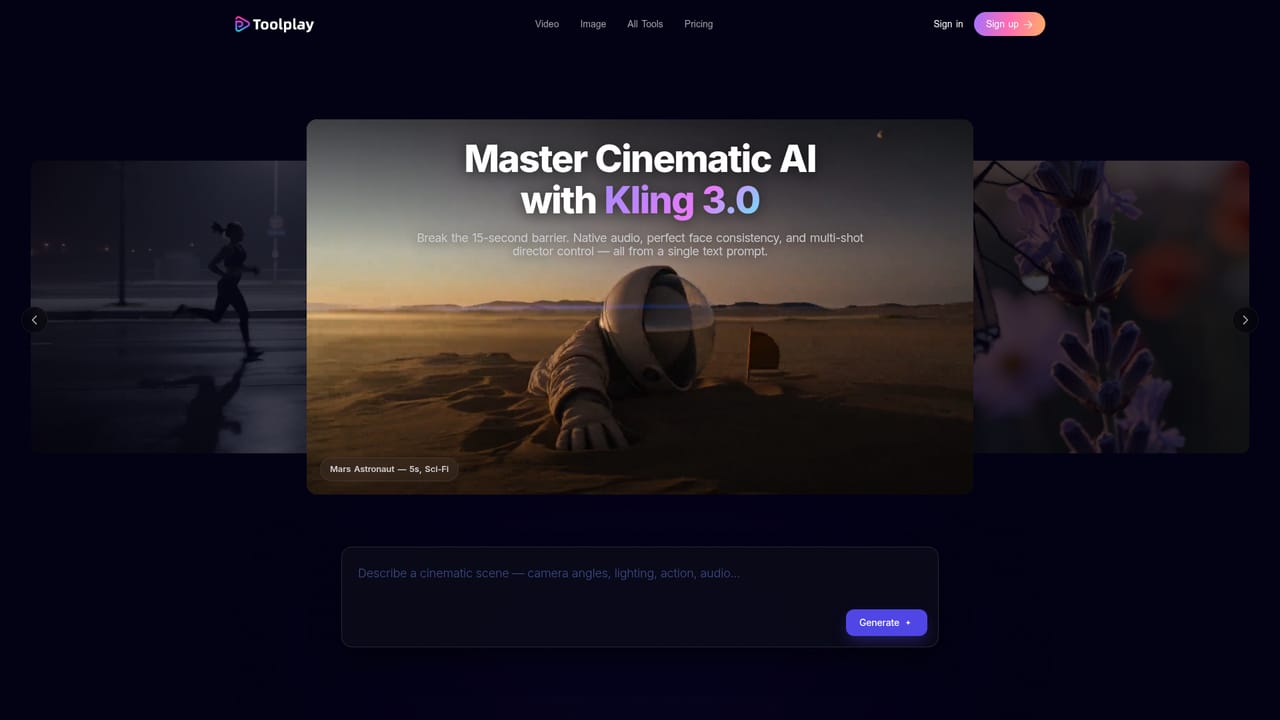
    Take a still you like and run it through an image to video model such as Kling 3.0, Veo 3.1 or Sora 2. Pick the model based on the motion style you want rather than the brand name.
    Toolplay — Animate the result with image to video
  4. 4Apply a video effect preset
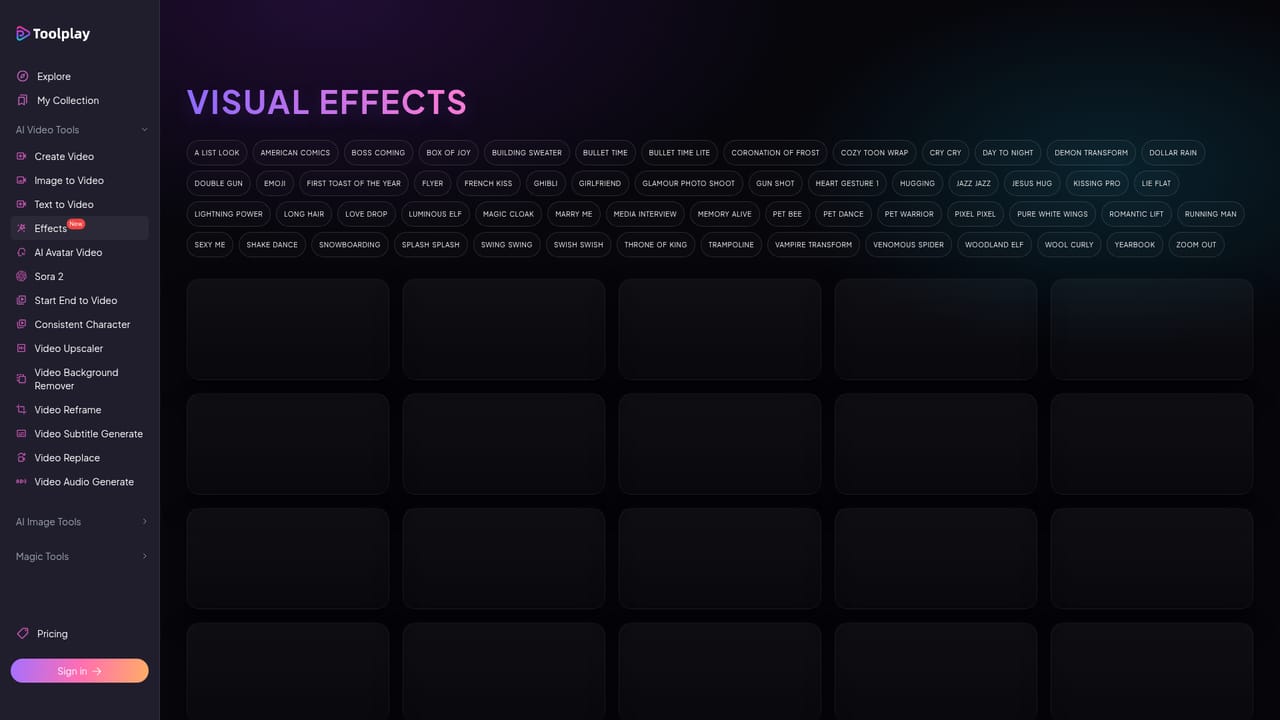
    If you want a specific look without prompting, browse the video effects library and remix a preset like Bullet Time or Day to Night onto your clip.
    Toolplay — Apply a video effect preset
  5. 5Clean up with editing tools
    Use the video upscaler, background remover or reframe tool to fix resolution, isolate subjects or convert to vertical for social formats before exporting.
  6. 6Add captions and sound
    Finish by running the subtitle generator for SRT or VTT files, and the video sound generator to add synced audio to silent clips.

Pros and cons

Pros

  • Access to a wide roster of recognised image and video models in a single accountAI
  • Editing utilities such as upscaling, background removal, reframing and subtitles sit alongside generationAI
  • Cinematic video effect presets give quick stylistic starting pointsAI
  • Free image and video generator pages lower the barrier for testing output qualityAI
  • Browser based workflow keeps image to video handoffs inside one toolAI

Cons

  • Homepage gives no pricing, credit cost or generation limit details per modelAI
  • Quality depends entirely on the underlying third party models rather than Toolplay's own researchAI
  • No mention of team collaboration, version history or asset management featuresAI
  • Heavy reliance on external engines means model availability and behaviour can change without noticeAI
  • No stated integrations with editing suites or cloud storage servicesAI

How much does Toolplay cost?

Features

Model hub for image and video generation covering Kling, Veo 3.1, Sora 2, Seedance 1.5 Pro, Hailuo 2.3, Pika 2.2, PixVerse 5.5, Vidu Q2, Hunyuan, Midjourney, Seedream 4.5, Nano Banana Pro, Reve V1, ImagineArt 1.5, GPT Image, Ideogram 3 and Z-Image Turbo. Editing utilities include a 4K video upscaler, background remover, generative reframe, subtitle generator, object replacement, lip sync, sound generation and an image to image tool. A video effects library adds cinematic presets.

Learn more

Frequently asked questions about Toolplay

  • How do you use Toolplay?
    The walkthrough on this page covers 6 steps: 1. Start with the free image generator 2. Compare named image models 3. Animate the result with image to video 4. Apply a video effect preset 5. Clean up with editing tools 6. Add captions and sound.
  • What platforms does Toolplay support?
    Toolplay is available on Web App.
  • What are the limitations of Toolplay?
    Homepage gives no pricing, credit cost or generation limit details per model. Quality depends entirely on the underlying third party models rather than Toolplay's own research. No mention of team collaboration, version history or asset management features.

Status

StatusActive
Views0
Outbound clicks0
Added11/3/2026

Platforms

Web App

Pricing

FreeFreemium