Integrations
Works with Claude Code, Codex, Gemini CLI, OpenCode, Kimi CLI and custom CLIs. Supports shadcn/ui, MUI, Chakra UI, Mantine, Radix UI and Tailwind CSS, plus Figma and HTML/CSS import and Git.
Learn moreDesign real React screens inside your own codebase with AI agents

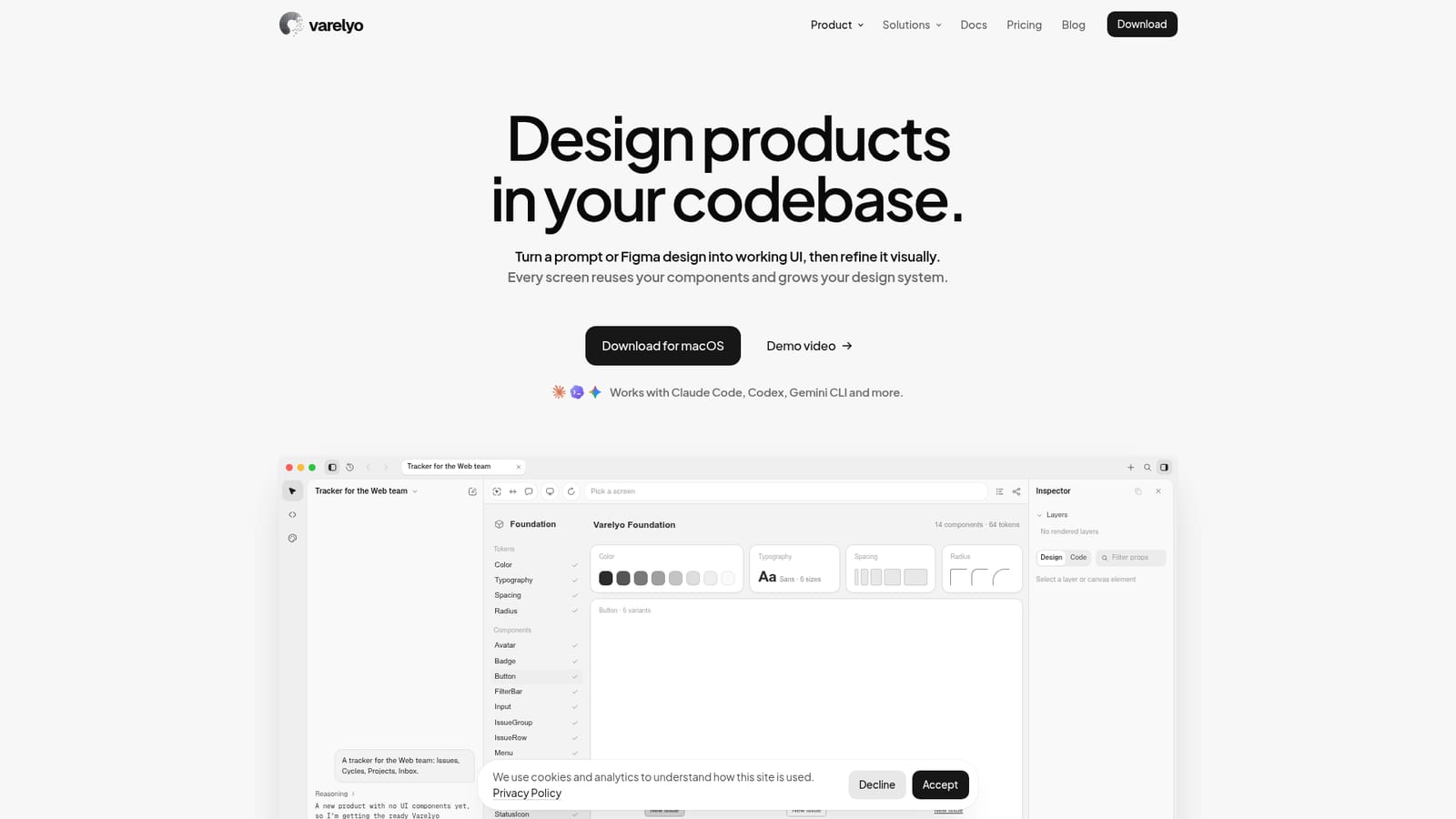
Varelyo is a coding tool that designs real React screens inside your own codebase with AI agents. Varelyo is a macOS design tool that turns prompts or Figma designs into working React UI inside your codebase, reusing your components, then lets you refine visually while your own coding agent CLI does the work.
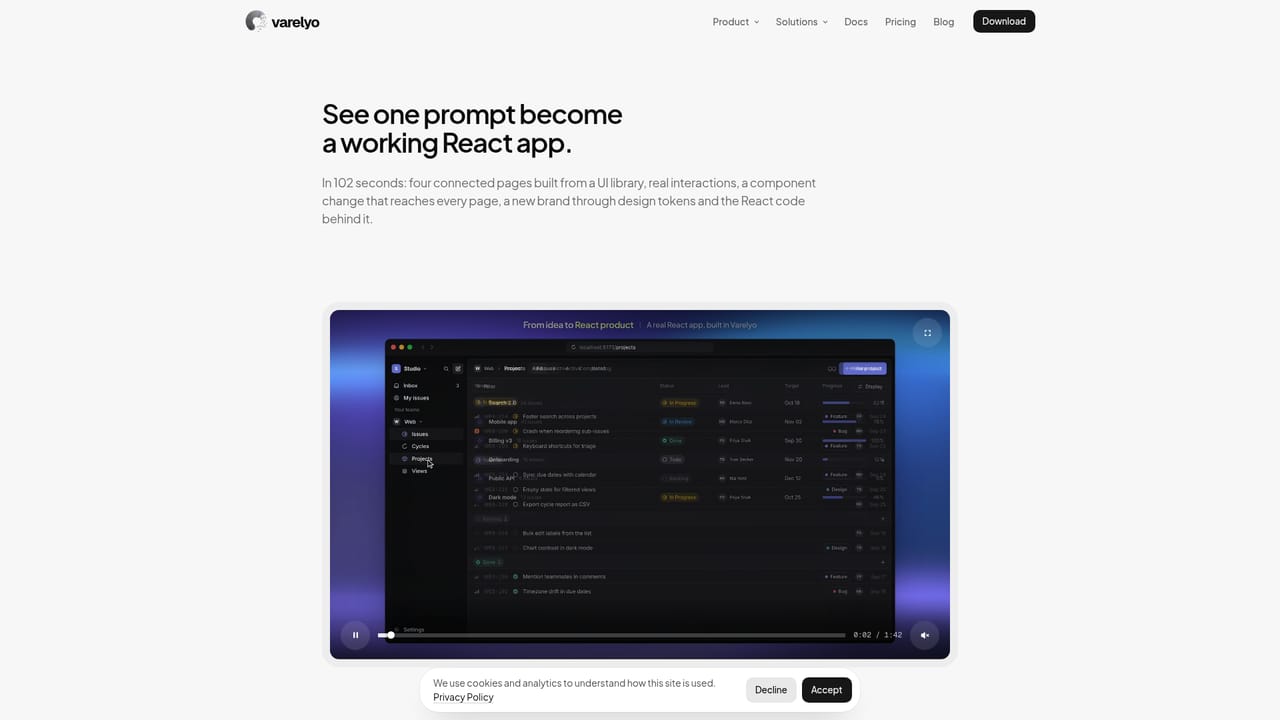
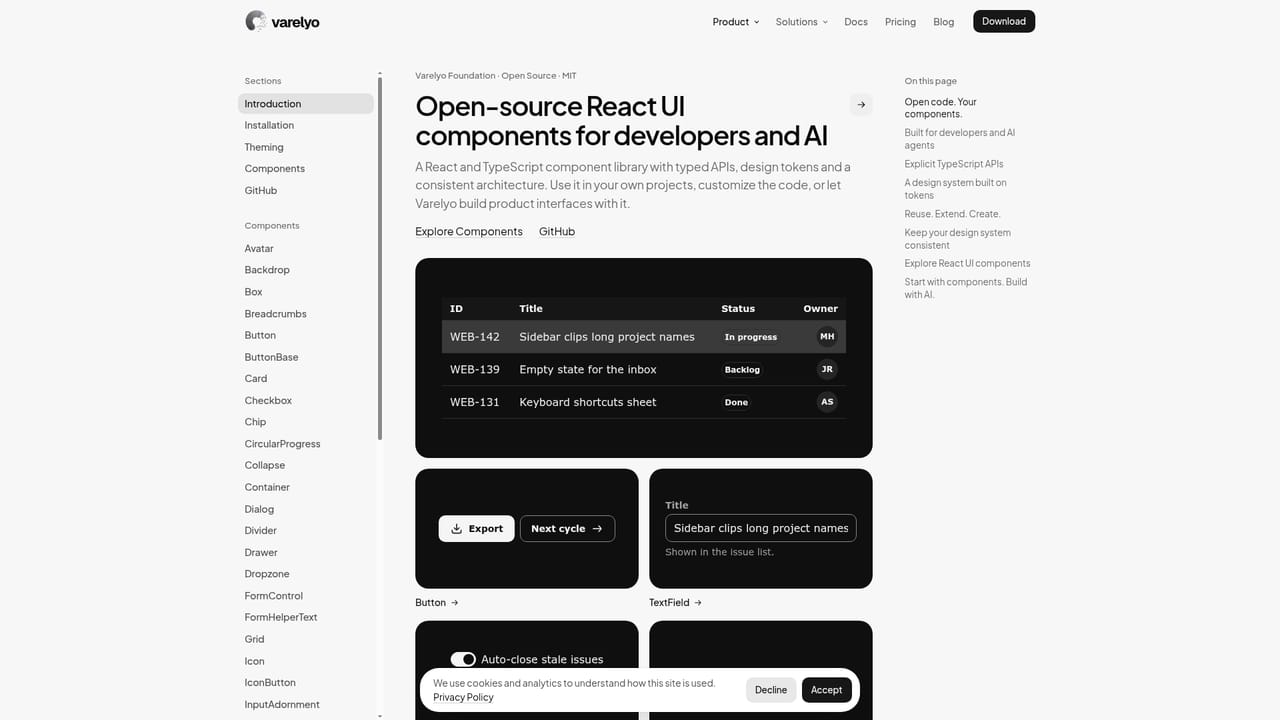
Varelyo is a desktop design tool that works directly on a React codebase instead of producing separate mockups. A user describes a screen in a prompt or imports a Figma design, HTML or CSS, and the tool generates working UI built from the components the project already contains. Each new screen is meant to reuse existing parts and extend the design system, so later pages start from a larger base. There are two ways in. Starting from scratch, a user picks a foundation and describes what is needed; Varelyo creates tokens and components, then assembles the page from them. Bringing an existing library, it reads component APIs and tokens, reuses what is available, and adds props or variants only when needed. Varelyo Foundation, an open-source React library with typed APIs and design tokens, is offered as a starting point, and shadcn/ui, MUI, Chakra, Mantine, Radix UI and Tailwind CSS are listed as supported libraries. Editing happens visually on real components. Layers map to components from the kit, props can be changed in an inspector with the live component re-rendering, and token edits (core, semantic and component levels) propagate across screens. Feedback can be drawn on the screen and sent to the agent, or pinned as comments tied to a file and line. The agent can ask clarifying questions first, run up to six agents in parallel on one plan, and every applied change is saved as a restorable version. Git integration creates a branch, commits approved changes and opens a pull request for normal team review. Varelyo does not bundle its own model. It runs on a Mac and drives agent CLIs the user has installed, including Claude Code, Codex, Gemini CLI, OpenCode, Kimi CLI or a custom CLI, giving each the same component context, tokens, rules and validation tools. The vendor states it never receives source code. It suits front-end teams and product engineers who want design and code to stay in one place, and it sits between prompt-to-UI generators that output isolated code and traditional design tools that require handoff.
Works with Claude Code, Codex, Gemini CLI, OpenCode, Kimi CLI and custom CLIs. Supports shadcn/ui, MUI, Chakra UI, Mantine, Radix UI and Tailwind CSS, plus Figma and HTML/CSS import and Git.
Learn morePrompt and Figma/HTML import to React UI, reuse and extension of existing components, visual prop and token editing, drawn and code-pinned feedback, clarifying questions, up to six parallel agents, version history, and Git pull request creation.
Learn more


