Free trial
A free plan needs no credit card and includes 10 credits per month, enough for up to 10 images or 2 videos.
Learn moreMulti-model AI video and image generator for fast social and ad content

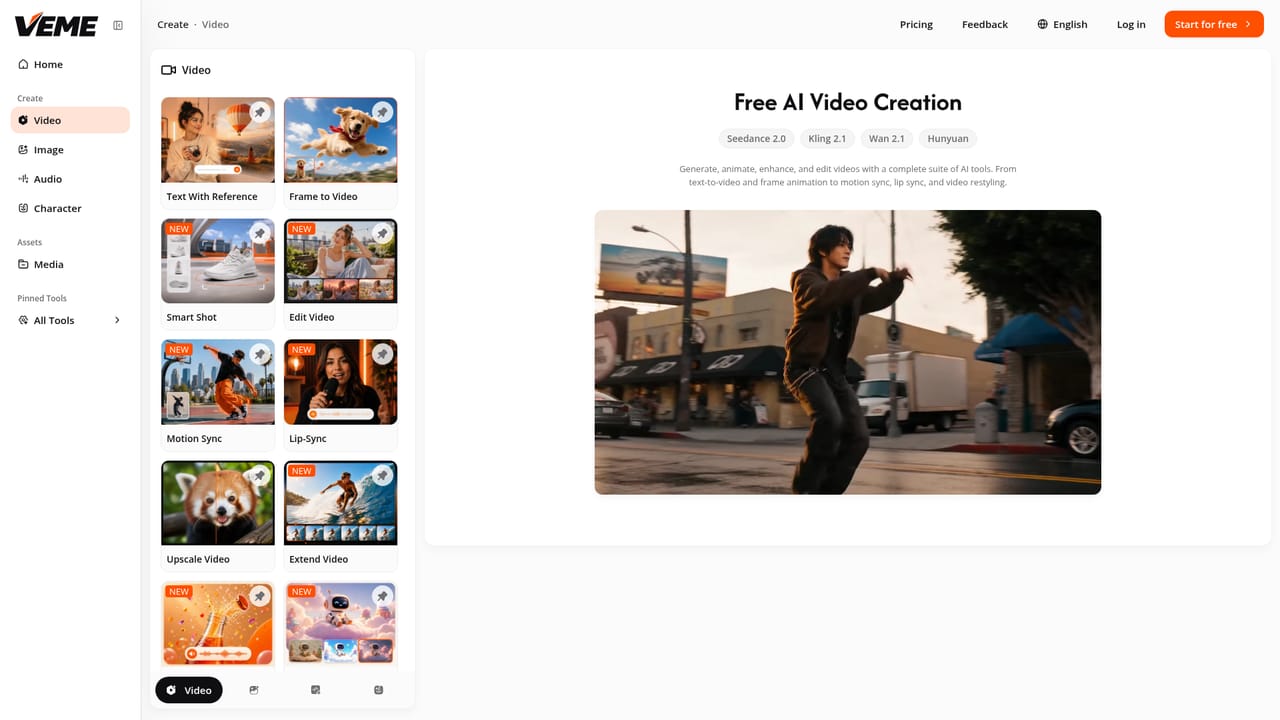
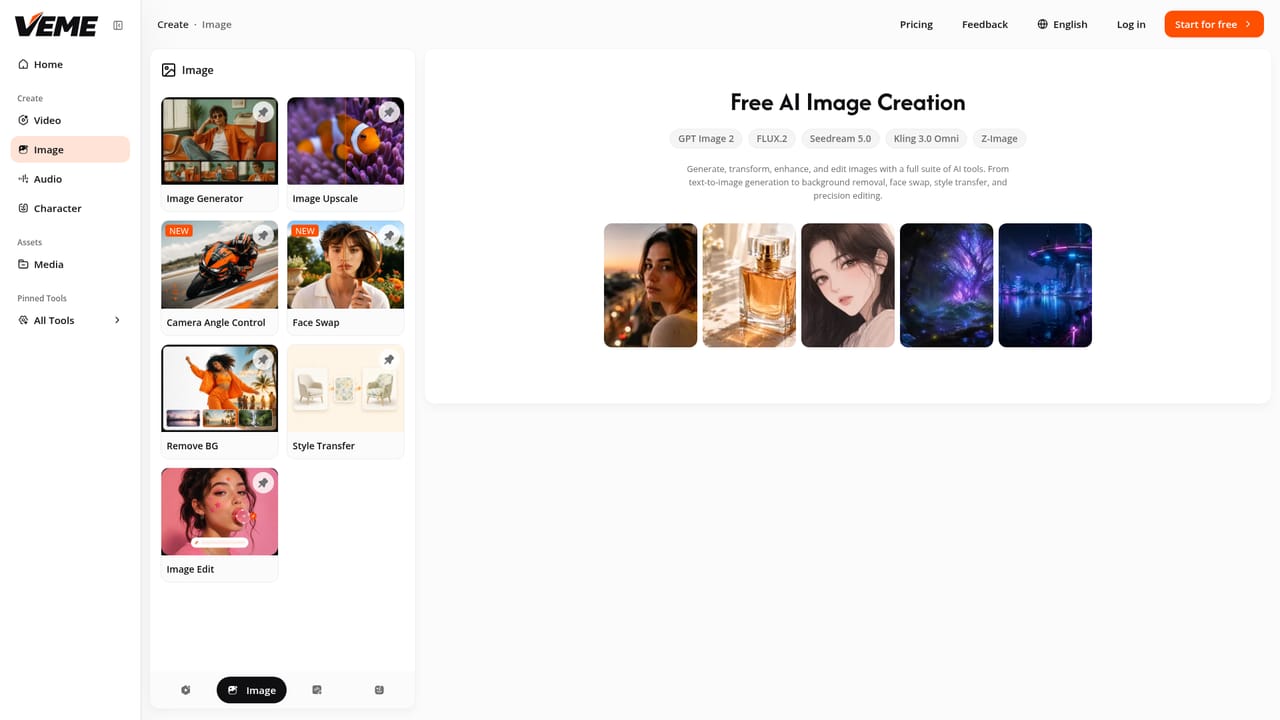
VEME AI is a web platform that turns text, images and photos into short videos using models like Sora, Veo, Kling, Seedance and Wan, and adds image generation, upscaling and style transfer under one credit-based subscription.
VEME AI is a browser-based generator that puts video and image creation under a single account. Users type a prompt, upload a still, or drop in a photo, and the platform returns a short animated clip without a timeline, keyframes or editing suite. Rather than relying on one engine, it routes work to a roster of third-party models: Sora, Veo, Kling, Seedance and Wan for video, and Seedream, GPT Image, Flux, Ideogram, Qwen and Nano Banana for stills. The model can be switched from one project to the next depending on whether the goal is photorealism, illustration or animation. The feature set goes beyond basic text-to-video and image-to-video. The homepage lists video extension (stretching 15 seconds of footage to 30 with matching motion), talking avatars that can be localised into other languages, and scene generation from a written description for trailers and short films. On the image side it offers 4x upscaling, style transfer into looks such as pixel art or oil painting, and background replacement that can be batched across roughly 100 product photos. The audience is clearly marketing-oriented: social media managers, e-commerce sellers turning product photos into ad clips, agencies, illustrators, indie game developers and solo creators. In practice, the workflow is credit-based. A free tier gives 10 credits per month, enough for up to 10 images or 2 videos, and requires no credit card. Paid plans (Plus, Pro and Professional) raise the annual credit pool and, according to the FAQ, unlock watermark-free output and premium models. Pricing is offered monthly, yearly or as a one-time payment. Among alternatives, VEME sits closer to model aggregators than to single-vendor tools such as a standalone Sora or Kling interface. The appeal is breadth: one subscription covers several engines plus image editing. The trade-off is that users depend on whichever models the platform chooses to host, and the free allowance is small enough that serious testing quickly requires a paid plan.
A free plan needs no credit card and includes 10 credits per month, enough for up to 10 images or 2 videos.
Learn moreFree plan: 10 credits per month (up to 10 images or 2 videos). Paid annual plans: Plus $8/mo ($96/year), Pro $15/mo ($180/year), Professional $84/mo ($1008/year). Monthly billing is $12, $29 and $129. A pay-once option is also shown.
Learn moreText to video, image to video, video extension, talking avatars and scene generation. Image tools include text to image, 4x upscaling, style transfer and batch background edits, across 15+ video and image models.
Learn more


