VideoDubber

AI video dubbing in 150+ languages, lip sync included

Beginner API
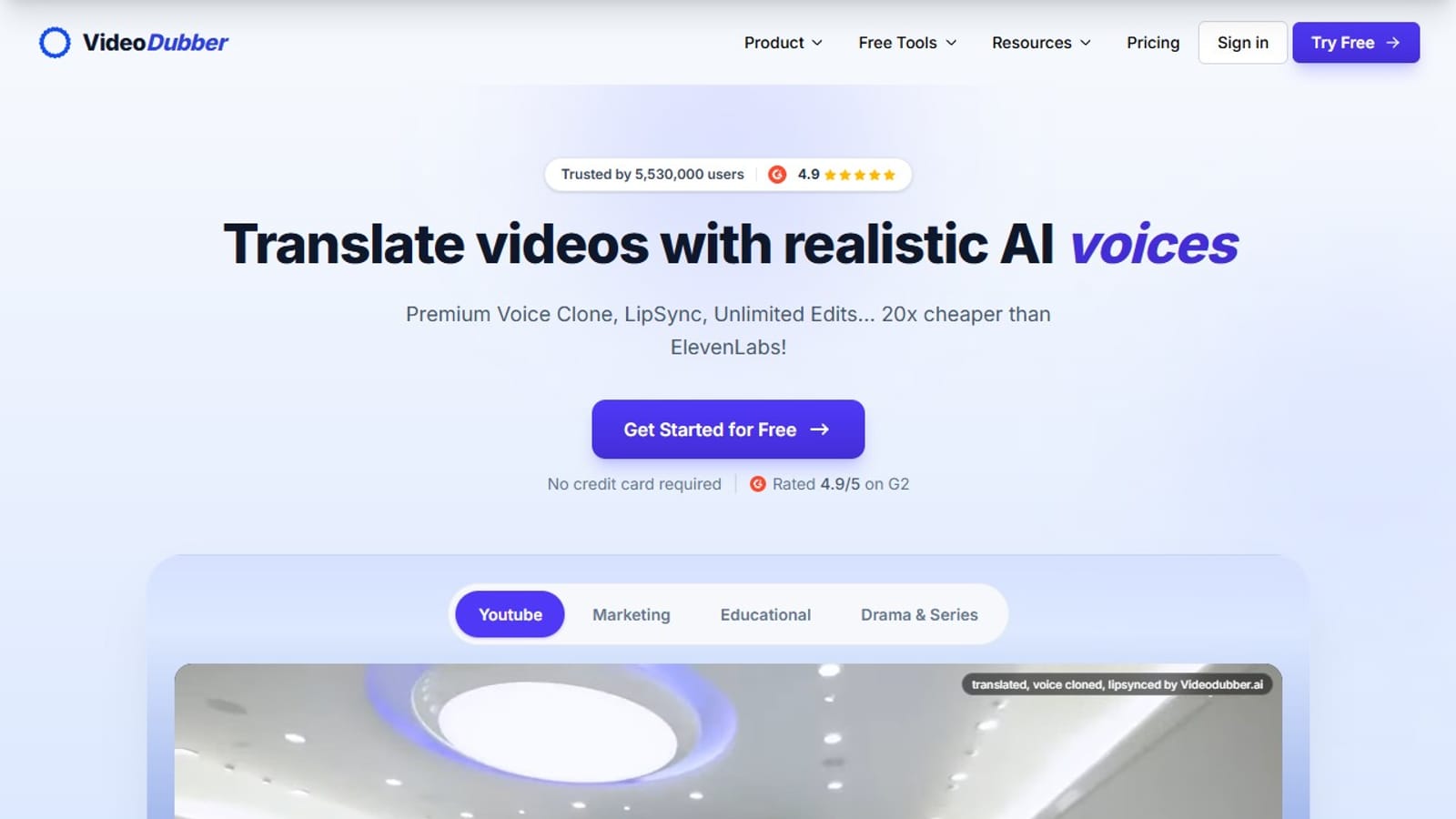
Screenshot of VideoDubber, AI video dubbing in 150+ languages, lip sync included

What is VideoDubber?

VideoDubber translates videos into 150+ languages using AI voice cloning and frame-accurate lip sync. Plans start at $9 per month with 9 free minutes available before committing, and unlimited edits are included on every tier.

VideoDubber is a web-based AI video localization service that translates spoken content into more than 150 languages, pairing automated transcription with voice cloning and frame-accurate lip sync. The platform is built around two proprietary technologies: VoicePARROT, a voice cloning model trained on over 200,000 hours of real speech, and SyncPRO, a lip-sync engine that aligns dubbed audio to the speaker's mouth movements frame by frame. Videos can be exported as a fully dubbed MP4 or as subtitle files in SRT and VTT formats, making it straightforward to feed results directly into publishing or streaming pipelines. The editing experience is designed for localization teams as much as solo creators. A built-in editor lets users refine scripts, adjust timing, swap voices, and re-translate individual lines at no additional cost. Unlimited edits are included in every plan, a meaningful distinction from rivals such as ElevenLabs and Rask AI that meter editing costs. Glossary support locks product names and key terms to specific translations across every language, and custom style prompts give teams control over formality, tone, and audience fit without rewriting the entire workflow. Pricing runs from $9 per month for the Starter tier with 25 translation minutes, up to $199 per month for the Scale plan with 2,000 minutes and priority support. A free entry point provides 9 minutes of translation without requiring a credit card, and a REST API exposes translate, dub, and lip-sync endpoints for teams that want to embed localization inside a CMS or LMS. An Enterprise tier adds shared workspaces, role-based access, and SOC 2-aligned security controls for organizations with stricter compliance requirements. The service positions itself against ElevenLabs and Rask AI primarily on value per minute: the site quotes 11 translated minutes per dollar versus less than one for those rivals. That gap, combined with broader language coverage (150+ versus 32 or 29 for the named competitors), makes VideoDubber a practical option for content teams that need to reach audiences across many markets without a high per-unit cost.
How do you use VideoDubber?

  1. 1Create a free account
    Go to the VideoDubber homepage and click Get Started for Free. No credit card is needed; the free tier provides 9 translation minutes immediately, enough to test voice cloning and lip sync quality before choosing a paid plan.
    VideoDubber — Create a free account
  2. 2Upload your video file
    From the project dashboard, upload a video file directly. The platform supports unlimited video length, so full-length courses, marketing videos, or episode-length content can all be processed in a single project.
  3. 3Select source and target languages
    Pick the original spoken language of the video and select one or more target languages from the 150+ available options. The system then transcribes the audio and generates a translated script automatically.
  4. 4Edit the translated script
    Review the transcribed and translated text in the built-in editor. Adjust wording, fix timing, lock terminology with the glossary, or apply a custom style prompt to control formality and tone. Every edit is free and unlimited.
  5. 5Configure voice cloning and lip sync
    Assign a cloning type to each detected speaker. On the Growth plan and above, enable SyncPRO lip sync. Uploading a clean voice sample for a speaker improves cloning fidelity beyond the instant one-click default.
  6. 6Export the finished video
    Download a dubbed MP4 with the translated audio baked in, or export subtitle files as SRT or VTT. Bilingual captions and burned-in text are additional export options available from the same project.

Pros and cons

Pros

  • Covers 150+ languages, substantially broader than key competitors ElevenLabs (32) and Rask AI (29)AI
  • Lip sync included across plans; the feature is absent from ElevenLabs entirelyAI
  • Unlimited edits at no extra cost on every subscription tierAI
  • Roughly 11 translated minutes per dollar, far more than competing servicesAI
  • Glossary feature keeps product names and key terms consistent across all target languagesAI

Cons

  • SOC 2 Type II audit still in progress; certification is not yet completeAI
  • Premium lip sync and ElevenLabs voices are locked behind the $49/month Growth plan or aboveAI
  • Free tier offers only 9 minutes, enough for a short clip test onlyAI
  • No desktop or mobile apps; the service is entirely browser-basedAI
  • Higher-quality voice cloning requires uploading separate clean voice samples for each speakerAI

How much does VideoDubber cost?

Free trial

9 free minutes are available at no cost and without a credit card. All paid plan CTAs on the pricing page are labeled Start free trial, though specific trial duration terms are not stated on the homepage.

Learn more

Pricing

Starter $9/month (25 minutes), Pro $39/month (150 minutes), Growth $49/month (250 minutes, ElevenLabs voices, premium lip sync), Scale $199/month (2,000 minutes, priority support). Extra minutes from $0.10 to $0.36 per minute depending on plan. Free entry tier provides 9 minutes at no cost.

Learn more

Support

Priority support included in Scale and Enterprise plans. Enterprise customers receive hands-on onboarding assistance. A contact form is available on the site for general inquiries.

Integrations

REST API with POST endpoints for translate, dub, and lip sync, plus a GET endpoint for job status. Available on AWS Marketplace. Infrastructure runs on Microsoft, AWS, and Google Cloud. ElevenLabs voices available on Growth plan and above.

Features

AI voice cloning (VoicePARROT, trained on 200K+ hours), frame-accurate lip sync (SyncPRO), 150+ languages, unlimited edits, glossary for consistent terminology, custom style prompts, SRT/VTT/MP4 export, multi-speaker studio, background music retention, OCR for hard-coded subtitles, REST API.

Frequently asked questions about VideoDubber

  • How much does VideoDubber cost?
    Starter $9/month (25 minutes), Pro $39/month (150 minutes), Growth $49/month (250 minutes, ElevenLabs voices, premium lip sync), Scale $199/month (2,000 minutes, priority support). Extra minutes from $0.10 to $0.36 per minute depending on plan. Free entry tier provides 9 minutes at no cost.
  • Does VideoDubber offer a free trial?
    9 free minutes are available at no cost and without a credit card. All paid plan CTAs on the pricing page are labeled Start free trial, though specific trial duration terms are not stated on the homepage.
  • Does VideoDubber have an API?
    Yes, VideoDubber offers an API.
  • How do you use VideoDubber?
    The walkthrough on this page covers 6 steps: 1. Create a free account 2. Upload your video file 3. Select source and target languages 4. Edit the translated script 5. Configure voice cloning and lip sync 6. Export the finished video.
  • What platforms does VideoDubber support?
    VideoDubber is available on Web App.
  • What does VideoDubber integrate with?
    REST API with POST endpoints for translate, dub, and lip sync, plus a GET endpoint for job status. Available on AWS Marketplace. Infrastructure runs on Microsoft, AWS, and Google Cloud. ElevenLabs voices available on Growth plan and above.

Status

StatusActive
Views0
Outbound clicks0
Added9/5/2026

Platforms

Web App

Pricing

FreemiumSubscription