What these tools do
Batch face swap tools replace one face with another across a group of files rather than a single image. You supply a source face, load the target photos, videos or GIFs, and the tool tracks faces and composites the swap across every file. Some run locally on your own hardware, others process in the browser or on a phone. They replace the manual routine of loading each file into an editor, aligning and masking a face, and exporting one clip at a time. The audience is creators producing recurring content, editors handling client footage, and hobbyists working through a folder of clips who care about consistent output rather than a one-off joke image.
How to choose one
The first decision is where the work happens. Local software such as FaceFusion keeps files on your machine but leans on your own GPU, while web apps trade that for upload time and per-use cost. Weigh the batch side seriously: how many files you can queue, whether video length is billed by the second, and whether the tool handles GIFs and photos alongside video. Pricing models differ, with free open-source options, pay-per-second billing and subscription tiers, so match the model to how often you swap. Check platform support too, since phone apps and desktop tools fit different workflows. Finally, confirm output quality on the face angles and lighting you actually have, because swaps degrade on profile shots and low light.
Notable tools
FaceFusion is open-source face swapping and editing that runs on your own machine, available for Windows, MacOS and Linux, which suits anyone with capable hardware who wants files to stay local.
Swap Me In offers pay-per-second AI face swap for videos and GIFs with no subscription, a reasonable fit for occasional jobs where per-use billing beats a monthly plan.
Video Upscaler provides browser-based AI face swapping for photos, videos and GIFs with no sign up, useful for a quick trial before committing to anything.
Reface works as both a face-swapping app and an AI avatar generator, appealing to mobile users who want swaps plus avatar output on Android or iOS.
DeepSwap is an online application for making face-swap videos and pictures in seconds, aimed at users who want fast web results without installing software.
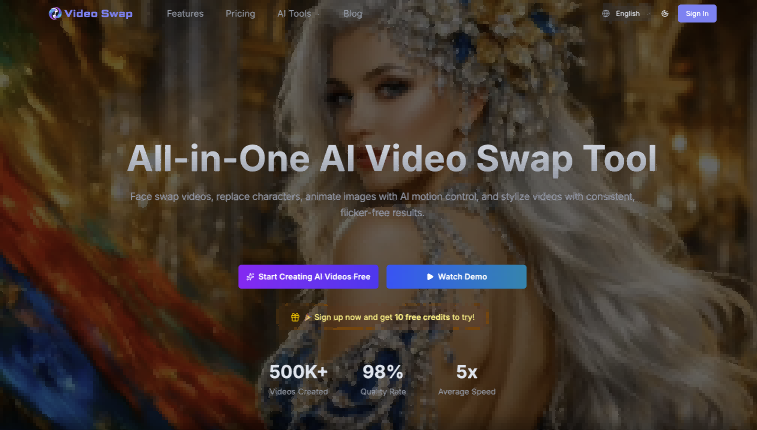
VideoSwap.app handles AI video face swap, character replacement and motion control in the browser, which helps when a sequence needs more than a static face replacement.
Common questions
Can I swap faces across many files at once?
That is the point of batch face swap tooling, but the limits vary. Open-source desktop software can usually queue a folder, while web apps may cap file count or bill by the second of video processed. Check the queue and pricing terms before committing to a large set.
Is batch face swapping free?
Some options are free, including open-source local software and browser tools with no sign up, though free tiers often come with watermarks, resolution caps or short clip limits. Pay-per-second and subscription tools cost more but remove those caps. The right choice depends on volume.
Do these tools work on videos and GIFs, not just photos?
Several do. Swap Me In, Video Upscaler, DeepSwap and VideoSwap.app all handle video, and some support GIFs. Desktop suites like FaceFusion also process video, so the main constraint is usually processing power rather than format support.
What makes a good source face for swapping?
Clear, evenly lit frontal shots with the whole face visible give the most convincing results. Profile angles, heavy shadows and partial occlusion tend to produce artifacts, especially when the target footage has the same problem. Test on a short clip before running a large batch.
When to look elsewhere
If you only need one photo swapped, the Face Swap category covers single-image tools, and Full Body Gender Swap handles whole-body transformation rather than the face alone.