What AI warper tools do
An AI warper takes footage that already exists and bends it into something different. The motion of one clip can be applied to another subject, a face or character can be swapped in, or the whole look can be restyled while the movement stays intact. These tools work on real video rather than building a scene from nothing, and all five listed here run as web apps in the browser.
They suit social creators, marketers who need several ad variants from one shoot, and small teams without a motion-capture setup. The work they replace is rotoscoping, frame-by-frame compositing and manual character replacement in desktop editing software.
How to choose an AI warper
Start with the kind of warp needed, because the tools split along that line. Motion transfer takes a reference video and a still person. Restyling keeps the original clip and changes its look. Face and character swaps replace who appears on screen. A few tools bundle several of these, which helps when one project needs more than one effect.
Next, check what has to stay fixed. If the background must not move, look for motion transfer that leaves the scene in place. If the original movement matters most, look for restyling that preserves it.
Then compare pricing models. Most tools here are freemium or offer a free trial, so a short test clip shows whether the output holds up before any subscription. One tool uses shared credits across video, image and audio, which suits teams that also produce other media.
Notable tools
Viyou AI Motion Control transfers motion from a reference video onto a still person while the scene stays put. It is freemium with a free trial.
Vid2vid restyles real clips into anime, cinematic or ad variants with motion intact. It is freemium or subscription based.
Video to Video AI is one generator for editing, lip sync, face swap, upscale and extend. It fits projects that need several effects in one place.
Voor AI is a browser-based studio for AI video, image and audio with shared credits. It is subscription only.
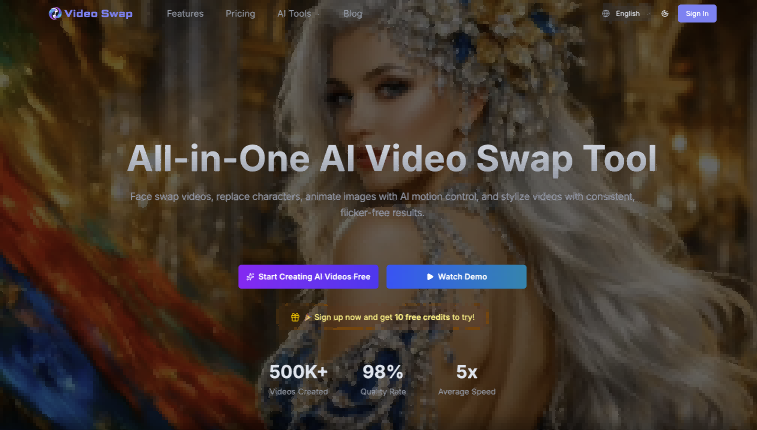
VideoSwap.app covers AI video face swap, character replacement and motion control in the browser. It is freemium or subscription based.
Common questions
What is an AI warper?
An AI warper is a tool that reshapes existing video using a model. Depending on the product, that means copying motion from one clip onto a different subject, replacing a face or character, or restyling the footage. The source video supplies the structure, and the AI changes how it looks or who appears in it.
What does warp video mean?
Searches for warp video, including the variant warp`video, point to the same idea: altering a clip by transferring motion, swapping subjects or changing style. The tools on this page cover that range, and each one is browser-based.
Do these tools need a reference video?
It depends on the effect. Motion transfer needs a reference video plus a still person. Restyling and face swap start from the clip being changed. Check the tool's input requirements on a short test before committing to a plan.
When to look elsewhere
If the goal is to take something out of a clip rather than reshape it, Video Object Remover is the closer category. For rearranging or recombining existing footage into new versions, Video Remixer is a better fit.