Pricing
Generations use a credit system, and the FAQ includes a question about per-generation cost. The homepage content does not state plan names, prices or credit amounts.
Learn moreOne workspace for 20+ AI video and image models

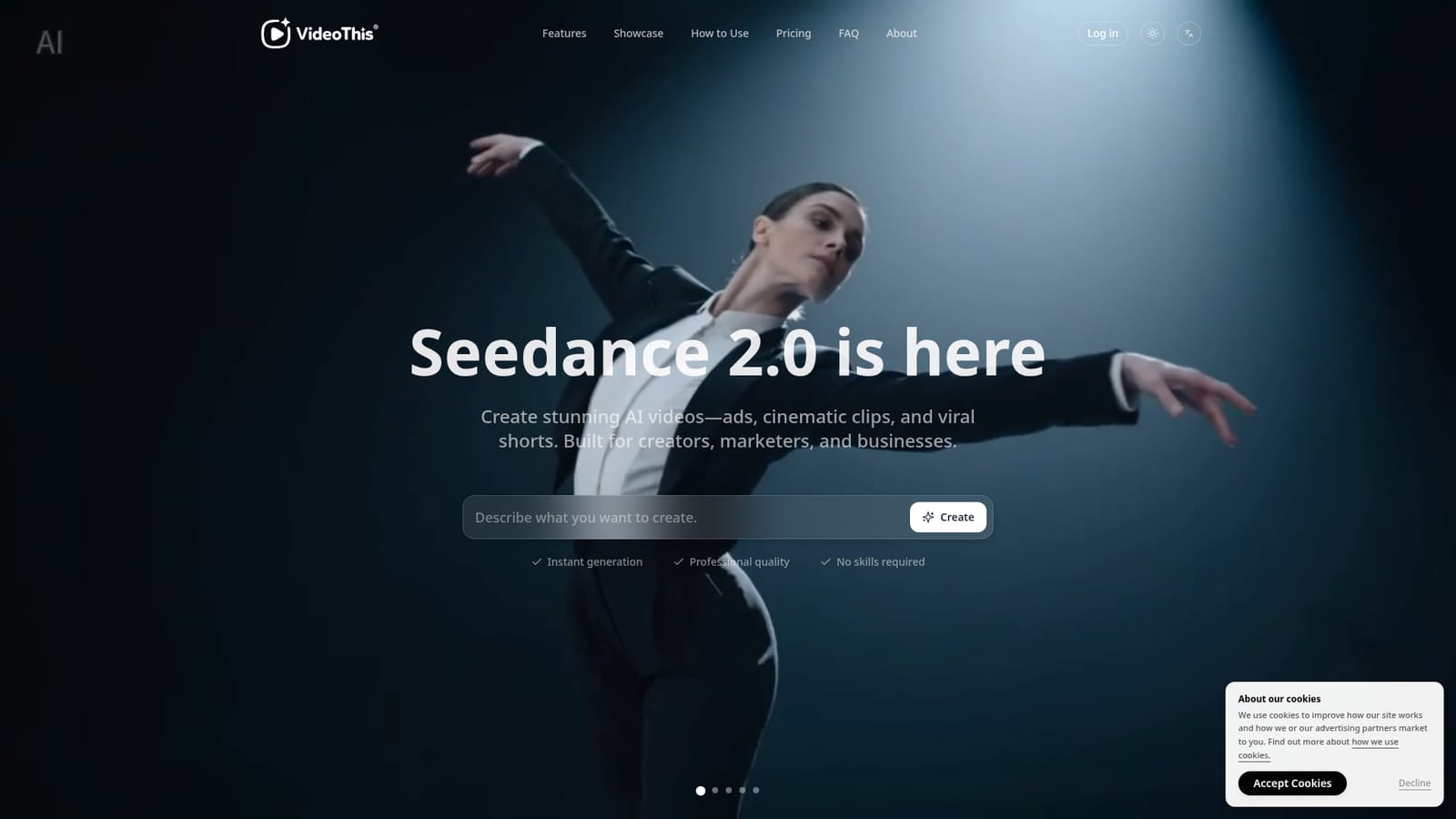
VideoThis is a web-based AI generator that bundles 20+ video and image models, including Seedance 2.0, Kling, Veo, Sora and Flux, for text to video, image to video and 4K image creation with downloadable results.
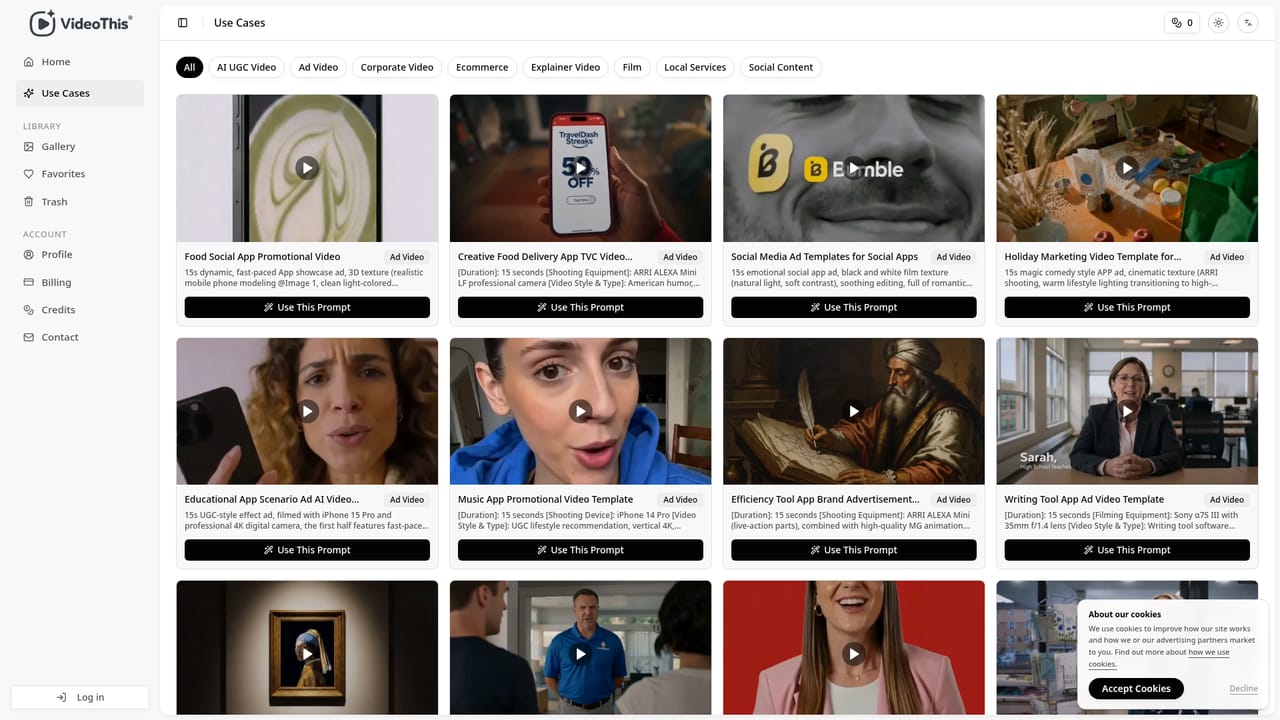
VideoThis is a browser-based generator that puts more than twenty AI video and image models behind a single interface. Seedance 2.0 is the headline model, and the catalog also lists Kling, Veo, Sora, Grok, Wan, Hailuo, Runway, Flux, Seedream and GPT Image. Instead of opening separate accounts with each model vendor, a user picks a model inside one workspace and works from there. The tool covers three jobs: text to video, image to video, and text to image. A text prompt can become a clip, an uploaded reference image can be animated through motion synthesis, and image models can render stills up to 4K resolution. The homepage showcases a spread of styles, including cinematic scenes, art-film pastiche, minimalist commercial spots, viral meme clips, painterly animation and anime action, all attributed to Seedance 2.0 output with no post-production. In practice the workflow has three steps. The user chooses video or image creation, optionally uploads a reference image, writes a prompt, then selects the model, style, resolution and other settings. Results are downloadable in high resolution once generation finishes, which the site says usually takes 30 to 120 seconds. Generations consume credits, and the FAQ lists a question on per-generation cost, though the answer is not visible in the page content. A use-cases page collects example prompts for people who want a starting point. The intended audience is broad: YouTube and TikTok creators, social media managers, marketers, e-commerce teams, small business owners, indie filmmakers who want pre-visualization, and agencies prototyping concepts. The testimonials are unverified marketing quotes and should be read that way. Among alternatives, VideoThis sits in the aggregator camp rather than the single-model camp. Tools such as Runway or Kling's own apps offer deeper control over one engine, while a multi-model hub trades that depth for choice and convenience. It suits users who want to compare how different models handle the same prompt without managing several subscriptions, and it is less suited to editors who need timeline-level control over finished footage.
Generations use a credit system, and the FAQ includes a question about per-generation cost. The homepage content does not state plan names, prices or credit amounts.
Learn moreAccess to 20+ video and image models, text to video, image to video, image generation up to 4K, multiple styles (cinematic, anime, commercial, art animation), selectable model, style and resolution settings, and instant high-resolution downloads.


