VidFab

Browser-based AI video generator with viral templates and series tools

Beginner
Screenshot of VidFab, Browser-based AI video generator with viral templates and series tools

What is VidFab?

VidFab is a web-based AI video generator that covers viral template remixes, text-to-video, image-to-video, and story-driven series with consistent characters, exporting HD clips for TikTok, Reels, Shorts and YouTube.

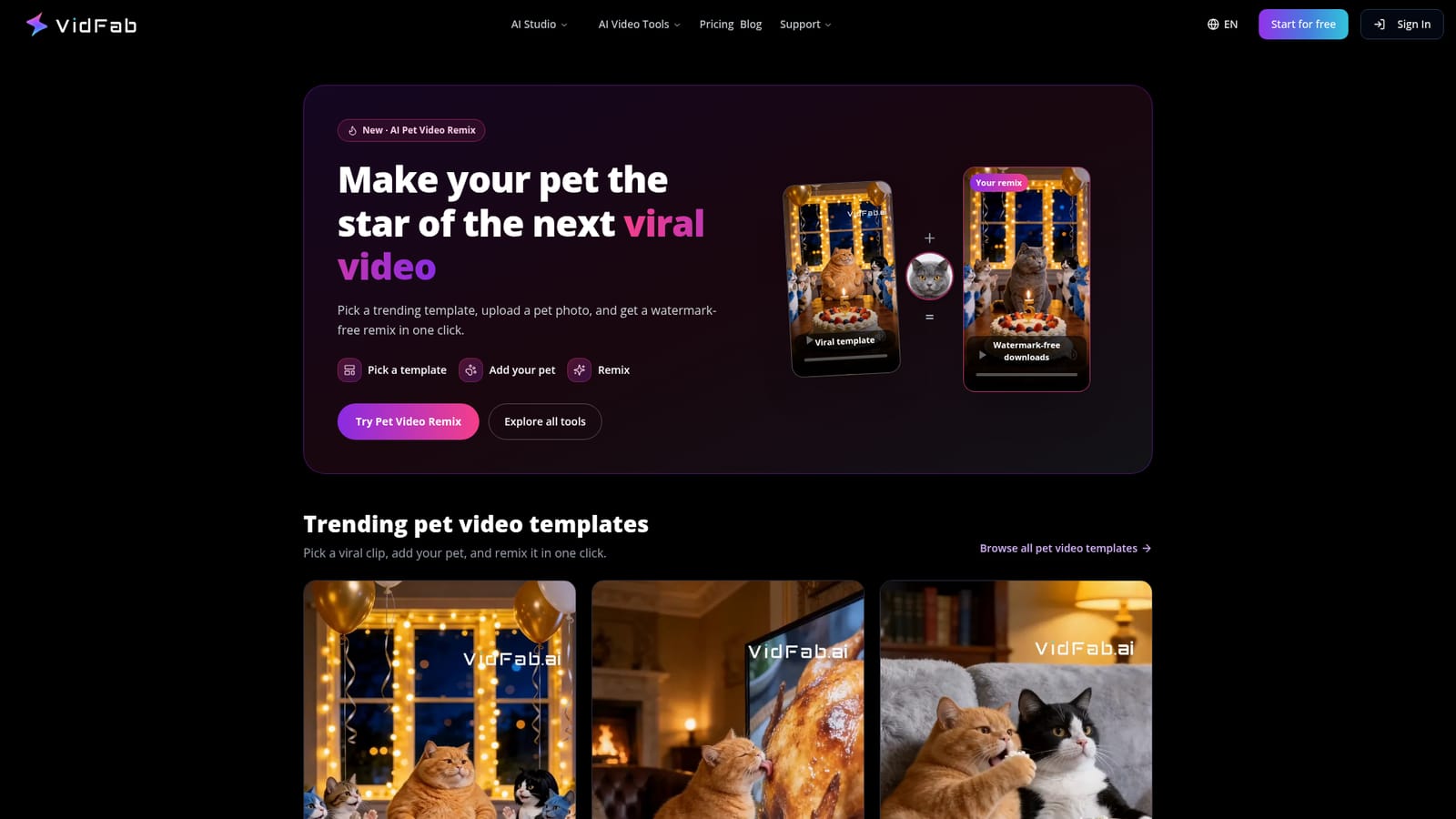
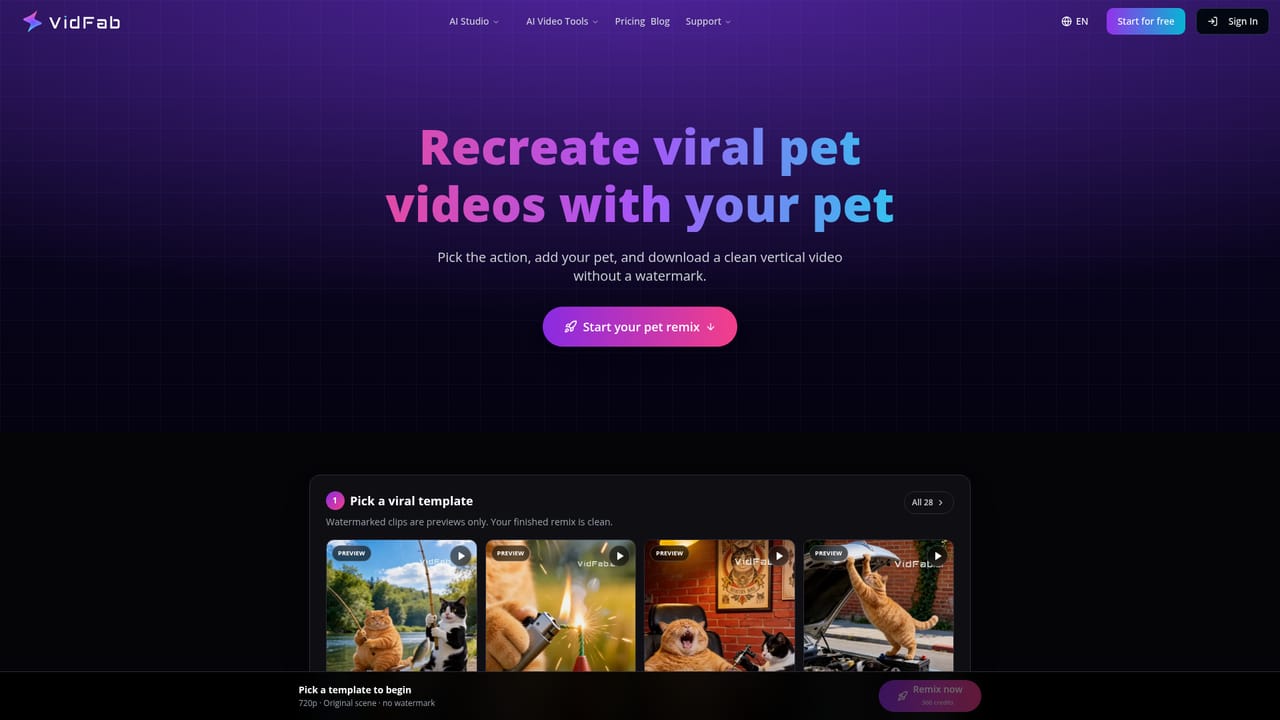
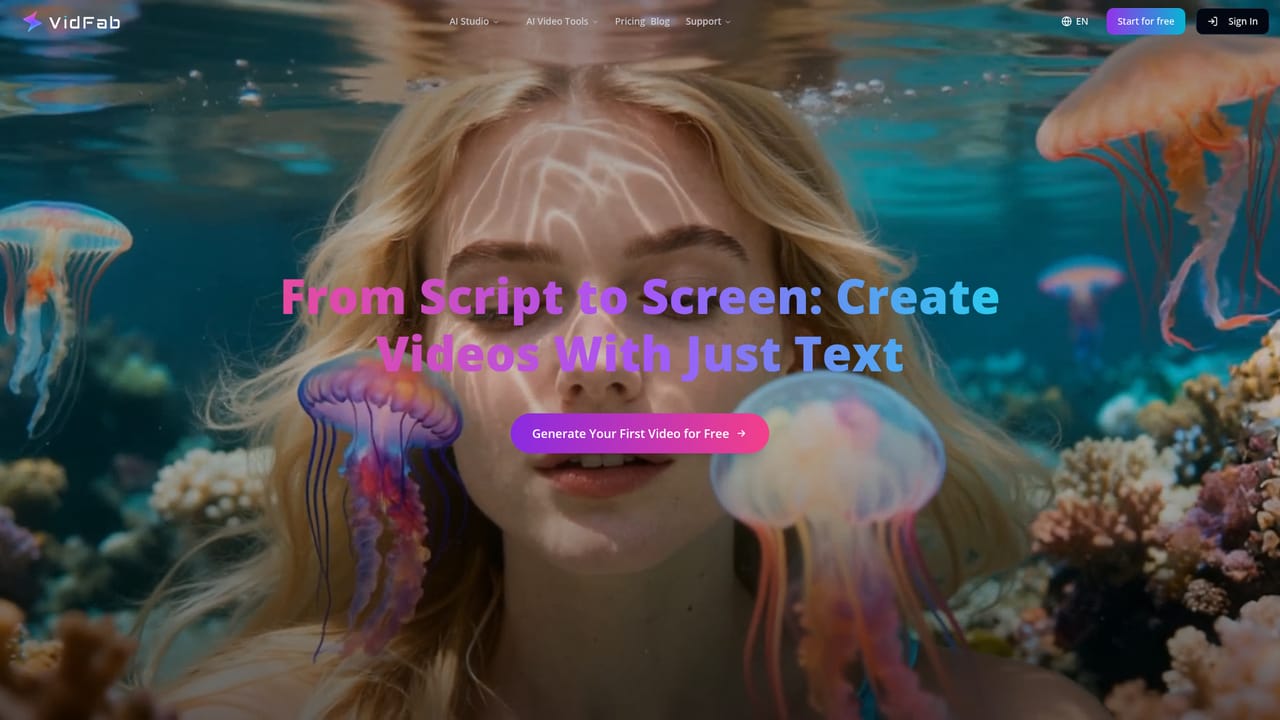
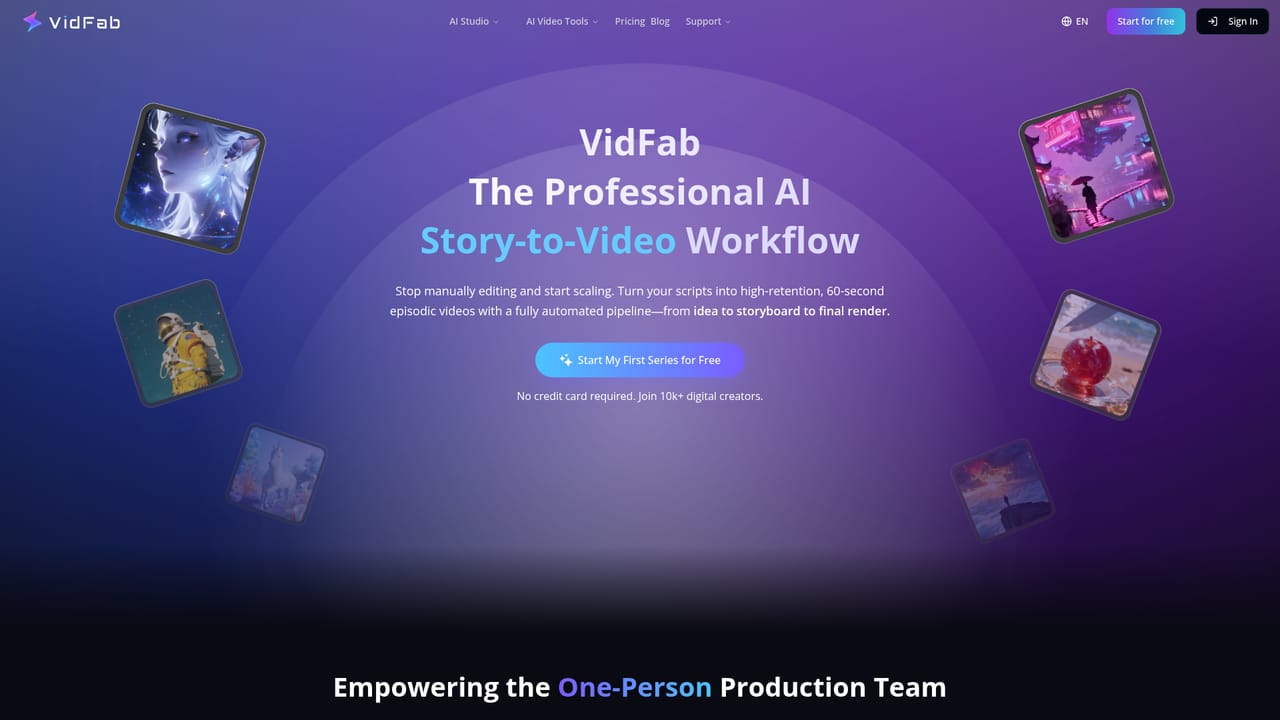
VidFab is a browser-based AI video platform that combines template remixing, text and image generation, and episodic story tools under one roof. Nothing needs to be installed, and no traditional editing software is involved. The site groups its offerings into three areas: remixing viral formats, creating from scratch, and producing short-form social videos. The remix side is built around photo-driven templates. Users pick a trending clip, upload a picture, and receive a finished video, with watermark-free downloads advertised for the pet remix feature. Pet templates such as Birthday Wish, TV Roast and Popcorn Prank run 10 to 15 seconds. Related generators turn a single photo into a dance video, or photos of two people into hug and kiss videos, and a one-click effects page and a photo-to-video animator round out the group. For original work, VidFab offers text-to-video, image-to-video, text-to-image and image-to-image tools, plus a Story to Video workflow that converts a script into episodic clips of 15 to 60 seconds. A beta Video Agent can start from an outline, a YouTube Shorts link or AI-pitched concepts, write the script, split it into shots and assemble the result. A feature called Identity Lock is meant to keep characters and visual style consistent across shots, which matters for anyone building a recurring series. Users can run up to four generations at once and refine a single shot without regenerating the whole video. Output is exported in 9:16 or 16:9 HD for TikTok, Reels, Shorts and YouTube, and scripts can be written in any language. Dedicated pages cover a TikTok generator, a Shorts generator, a storyboard generator and a video prompt writer. Among alternatives, VidFab sits between single-model generators and full video editors. It suits social creators, marketers and hobbyists who want quick, shareable clips and character-consistent series without timeline editing. Teams needing precise manual control over cuts, audio and effects will still want a conventional editor alongside it.

How do you use VidFab?

  1. 1Choose a starting point
    Open the VidFab homepage and decide between remixing a viral template, creating from scratch, or making a social video.
    VidFab — Choose a starting point
  2. 2Remix a pet template
    Pick a template such as Birthday Wish or TV Roast, upload a pet photo, and run the remix to get a watermark-free clip.
    VidFab — Remix a pet template
  3. 3Generate from a prompt
    Write a text prompt to produce a cinematic clip, or use the prompt generator to improve the wording first.
    VidFab — Generate from a prompt
  4. 4Build a story series
    Paste a script into Story to Video to get 15 to 60 second episodes, keeping characters consistent with Identity Lock.
    VidFab — Build a story series
  5. 5Export for your platform
    Choose 9:16 or 16:9 HD output and download the video for TikTok, Reels, Shorts or YouTube.

Pros and cons

Pros

  • Runs entirely in the browser, so no downloads or editing software are neededAI
  • One-click viral templates turn a single photo into a finished clipAI
  • Identity Lock aims to keep characters and style consistent across episodesAI
  • Covers text, image and story inputs plus image generation in one placeAI
  • Exports 9:16 and 16:9 HD video suited to major short-form platformsAI

Cons

  • Homepage gives no pricing, credit limits or plan details, so cost is unclearAI
  • Video Agent is still labelled beta and may change or be unreliableAI
  • Template-driven remixes offer limited room for original creative controlAI
  • No timeline editor is mentioned, so fine manual editing needs another toolAI
  • No API, integrations or support options are described on the homepageAI

How much does VidFab cost?

Features

Pet, dance, hug and kiss video remixes, one-click effects, photo-to-video, text-to-video, image-to-video, text-to-image, image-to-image, Story to Video, a beta Video Agent, Identity Lock for consistent characters, parallel generations, storyboard and prompt generators, and HD 9:16 or 16:9 export.

Frequently asked questions about VidFab

  • How do you use VidFab?
    The walkthrough on this page covers 5 steps: 1. Choose a starting point 2. Remix a pet template 3. Generate from a prompt 4. Build a story series 5. Export for your platform.
  • What platforms does VidFab support?
    VidFab is available on Web App.
  • What are the limitations of VidFab?
    Homepage gives no pricing, credit limits or plan details, so cost is unclear. Video Agent is still labelled beta and may change or be unreliable. Template-driven remixes offer limited room for original creative control.

Status

StatusActive
Views0
Outbound clicks0
Added10/18/2026

Platforms

Web App

Pricing

Freemium