Free trial
A free trial is offered, and a free plan is also mentioned. Details sit on the plans page rather than the campaign page.
Learn moreScript, prompt, record and edit a polished video in a single pass

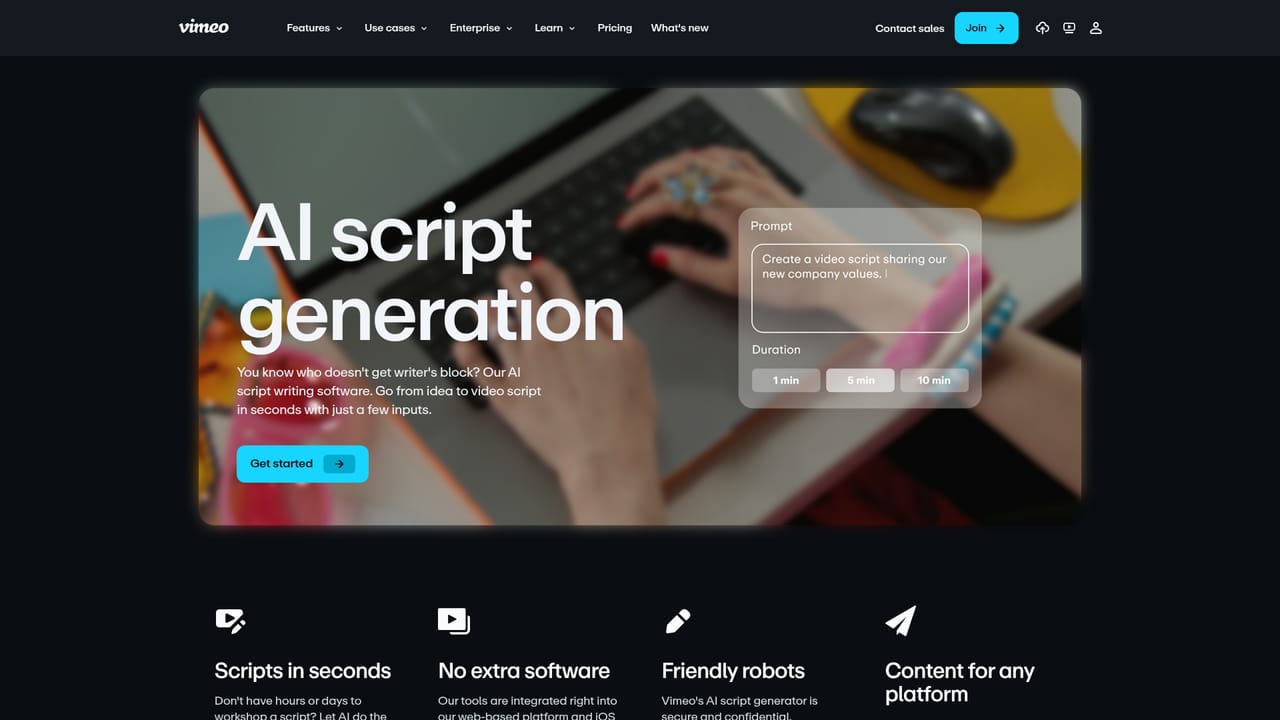
Vimeo AI is a script tool. Vimeo's one-take toolkit combines an AI script generator, an on-screen teleprompter and a transcript-based editor that cuts filler words and pauses by deleting text. It suits presenters and marketing teams who want a finished talking-head video from a single recording without a separate production workflow.
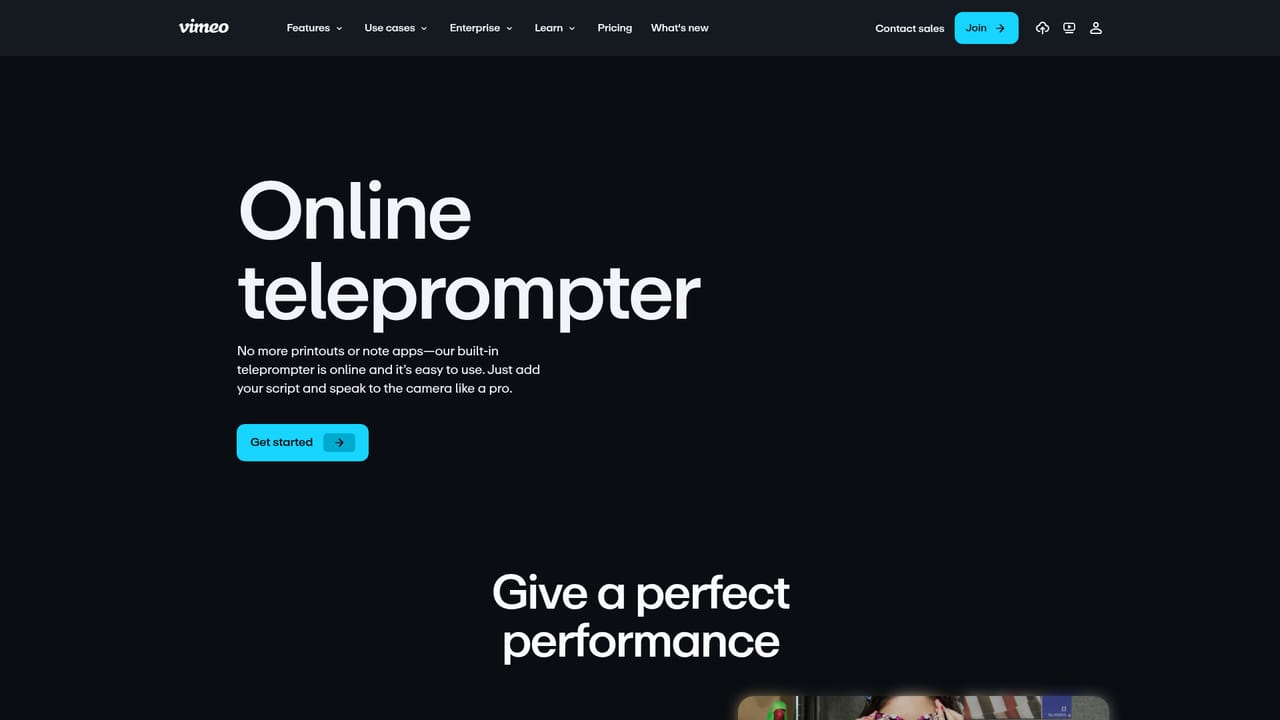
Vimeo AI is a bundle of assistive features inside the Vimeo video platform built around one goal: getting a usable, presentable video out of a single recording session. The workflow starts with an AI script generator that takes a short description of your intent and returns a draft script in seconds. From there, a built-in online teleprompter displays large, readable direction on screen so a presenter can speak directly to the camera without memorizing lines or juggling cue cards. Recording and post-production sit in the same place, which is the core of the pitch: fewer tools to move between before a video is publishable. The editing layer is the part that distinguishes it from a plain recorder. Vimeo's editor generates a transcript and lets you work on the video by working on the text. You select filler words such as "um" and "uh," or awkward pauses, and delete them from the transcript; the matching footage disappears from the timeline. Deleting any unwanted passage of text cuts the corresponding clip, and new clips can be assembled the same way. In the demo Vimeo publishes on the campaign page, filler words and gaps are flagged with their durations, with controls to undo, redo, split or restore deleted material, so the transcript edit stays reversible rather than destructive. It is aimed at people who need to appear on camera competently without a production crew: internal communications leads, marketing and social teams, PR consultants, freelancers producing client work, and educators or founders recording explainers. The mobile app carries the same idea to phones, pairing teleprompter-assisted capture with the AI editor and sharing, which suits recording away from a desk. Vimeo positions these tools as one part of a broader video platform covering hosting, streaming at up to 4k and 8k HDR with Dolby Vision, player customization, permissions and automated chapters, brand kits and SEO. That makes it a reasonable home for teams already distributing video through Vimeo. Buyers who only need a script or teleprompter app, or who want deep frame-level editing control, will find it a narrower fit.
A free trial is offered, and a free plan is also mentioned. Details sit on the plans page rather than the campaign page.
Learn moreThe page does not list prices or plan tiers. It points to a plans page and notes that a free plan exists alongside a free trial.
Learn moreNo support channels or documentation links are described on the campaign page. Enterprise buyers are routed to a contact form to request a demo.
Learn moreAI script generation from a short description, a built-in online teleprompter, and transcript-based editing that deletes filler words, pauses and unwanted clips. The broader platform adds 4k and 8k HDR streaming with Dolby Vision, player customization, permissions, automatic chapters, brand kits and SEO optimization.
Learn more AI Angels400+ customizable AI girlfriends for NSFW chat, voice calls, and roleplay
 Candy AIExperience the future of companionship with AI friends who chat, role-play, and connect with you on a human level.
 ourdream.aiA vast AI roleplay platform with millions of characters for chat, images, video and voiceAI Angels400+ customizable AI girlfriends for NSFW chat, voice calls, and roleplayCandy AIExperience the future of companionship with AI friends who chat, role-play, and connect with you on a human level.ourdream.aiA vast AI roleplay platform with millions of characters for chat, images, video and voice


