Free trial
New users start with 6 free credits and no card is required. That is enough for six design variants before deciding whether to buy a pack.
Learn morePhoto-driven AI room and garden redesigns in seconds

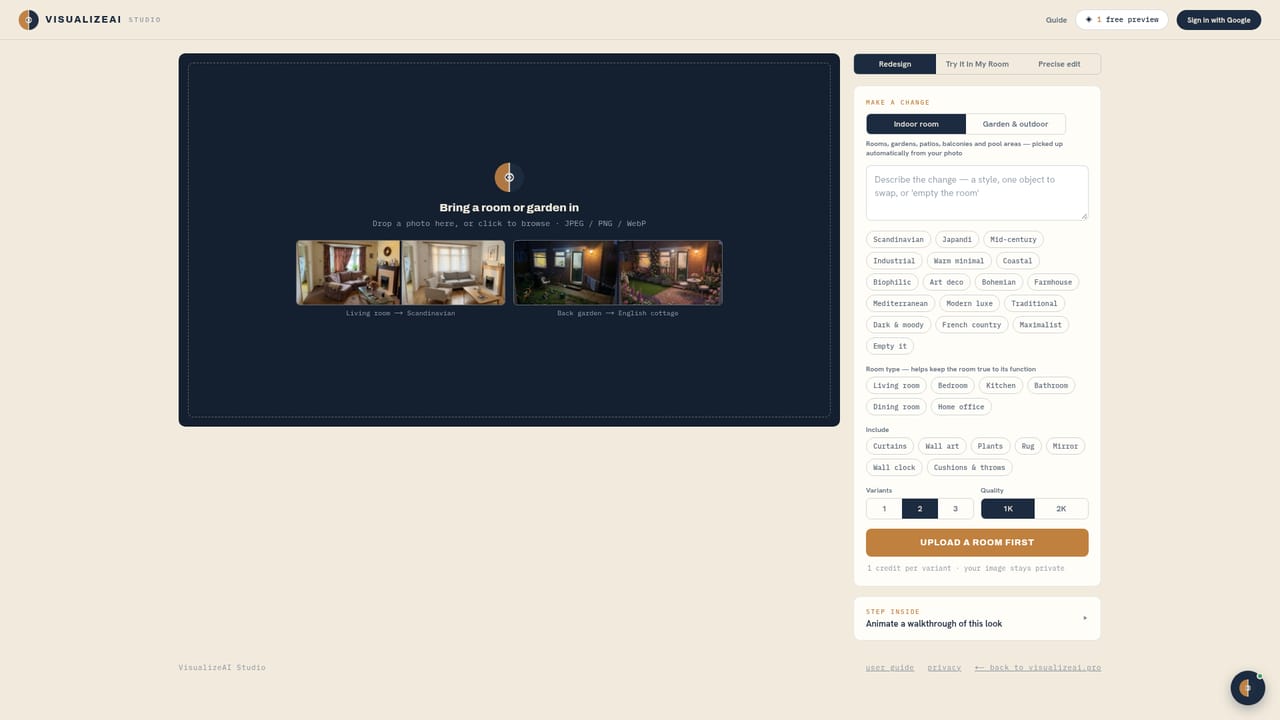
VisualizeAI is an exterior home design tool. Upload a photo of a room or garden, choose from more than 30 styles, and get a photorealistic redesign in seconds. Credit packs are one-time purchases with commercial usage rights, and new users start with 6 free credits.
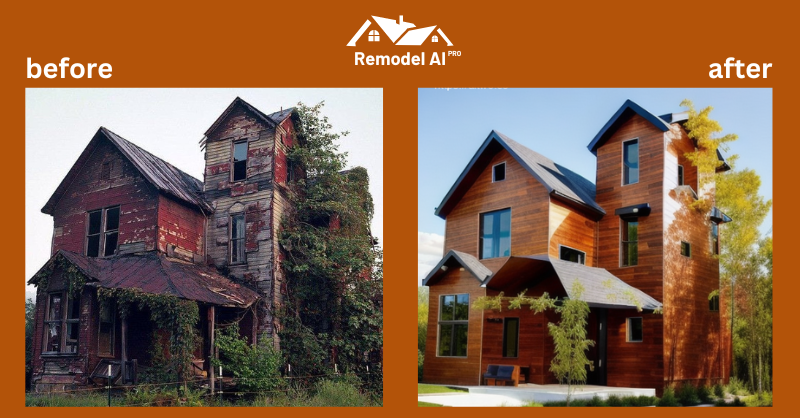
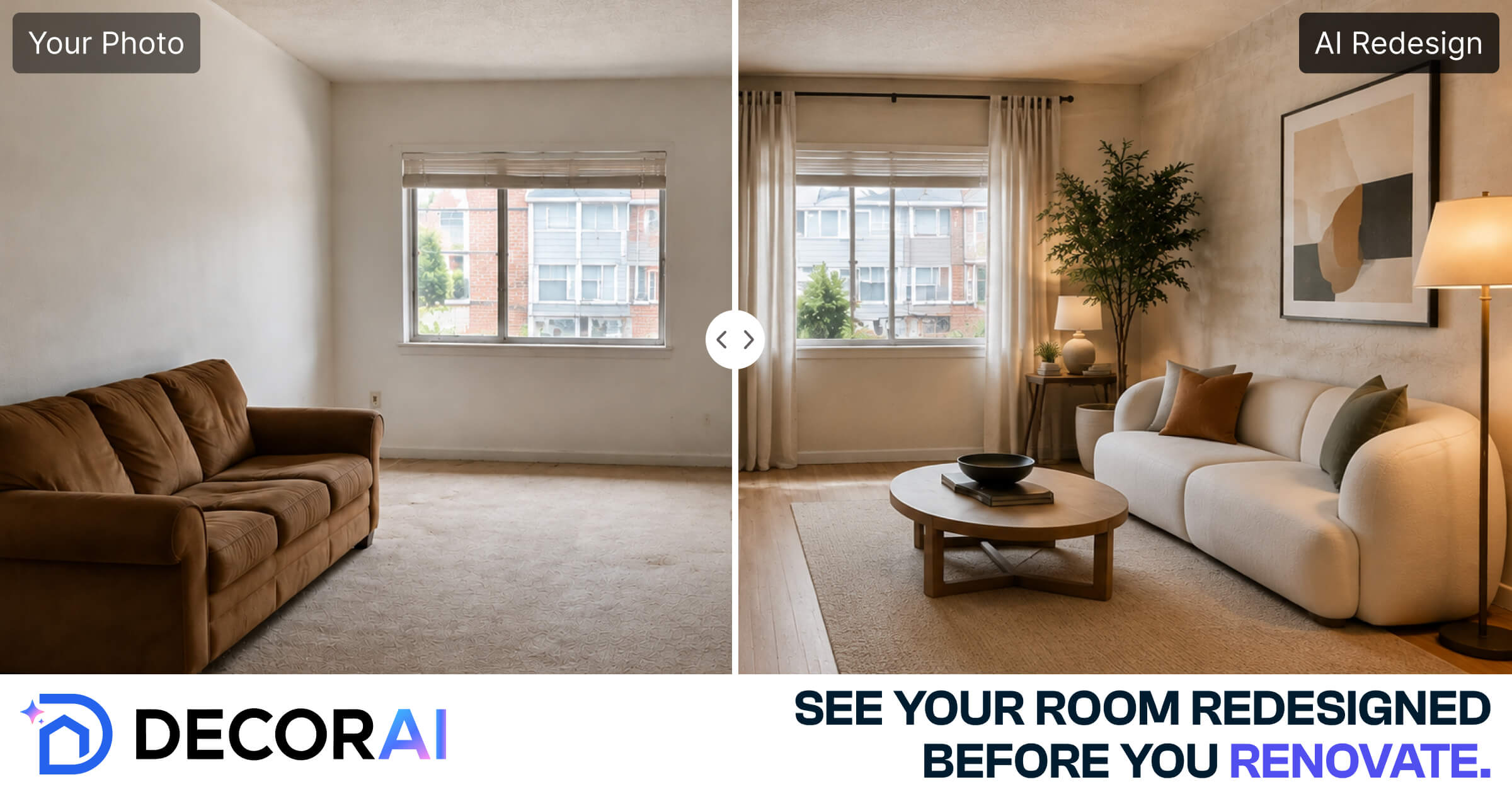
VisualizeAI is a browser-based interior and exterior design tool that reworks a room or garden from a single photograph. You upload a picture of a bedroom, kitchen, living room, office, bathroom, patio or pool area, pick a style from a library of more than 30 looks, and the service returns a photorealistic render of that same space in the new style. The homepage shows the comparison format directly: an original image on one side, the AI redesign on the other, with a draggable handle so you can inspect what changed. The styles named on the site include modern, japandi, scandinavian, boho, farmhouse, art nouveau, art deco, mediterranean, industrial, minimalist and English cottage. The intended audience is broad: homeowners testing ideas before committing to a renovation, real estate agents dressing up listings, and working designers who want to show clients a fast visual option. No design training is required, and the tool makes no claim to produce measured floor plans or shopping lists. It is a visual ideation layer, not a CAD replacement, so the practical workflow is to iterate on styles and keep the variants that read best. Usage is credit based rather than subscription based. A single design variant costs one credit, and short walkthrough videos consume roughly 9 to 12 credits each. Packs are one-time purchases at $9 for 60 credits, $19 for 150, or $39 for 350, and paid packs include commercial usage rights, which matters for listing photos and marketing material. New accounts receive 6 free credits with no card required. Compared with full interior design software, VisualizeAI trades precision for speed and simplicity: fewer controls, no furniture catalogues stated on the homepage, but near-instant turnaround from a phone photo. Compared with generic image generators, the value is in the constrained room-redesign workflow, so results stay anchored to the geometry of the original shot instead of drifting into an unrelated scene.

New users start with 6 free credits and no card is required. That is enough for six design variants before deciding whether to buy a pack.
Learn moreCredit packs are one-time purchases, not subscriptions: $9 for 60 credits, $19 for 150, $39 for 350. One design variant costs 1 credit, short videos about 9 to 12 credits. Paid packs include commercial usage rights. New users get 6 free credits.
Learn moreUpload a room or garden photo, select from 30+ styles including modern, japandi, scandinavian, boho, art deco, mediterranean, industrial and minimalist, and receive a photorealistic redesign in seconds. Renders cover bedrooms, kitchens, living rooms, offices, bathrooms, patios and pool areas. Short walkthrough videos can also be generated.
Learn more AI Angels400+ customizable AI girlfriends for NSFW chat, voice calls, and roleplay
 Candy AIExperience the future of companionship with AI friends who chat, role-play, and connect with you on a human level.
 ourdream.aiA vast AI roleplay platform with millions of characters for chat, images, video and voiceAI Angels400+ customizable AI girlfriends for NSFW chat, voice calls, and roleplayCandy AIExperience the future of companionship with AI friends who chat, role-play, and connect with you on a human level.ourdream.aiA vast AI roleplay platform with millions of characters for chat, images, video and voice