Free trial
New accounts receive $2 in free credits plus 3 free voice clonings, which the site equates to 400 transcription minutes or 7,692 synthesis characters. No card requirement is stated.
Learn moreVoice cloning, text to speech and transcription billed per use

Voice Vector is a natural text to speech tool. Pay-as-you-go speech platform combining voice cloning from a 1 to 2 minute sample, text to speech in 20 languages with 100+ voices, and speech to text in 100+ languages with srt or txt export.
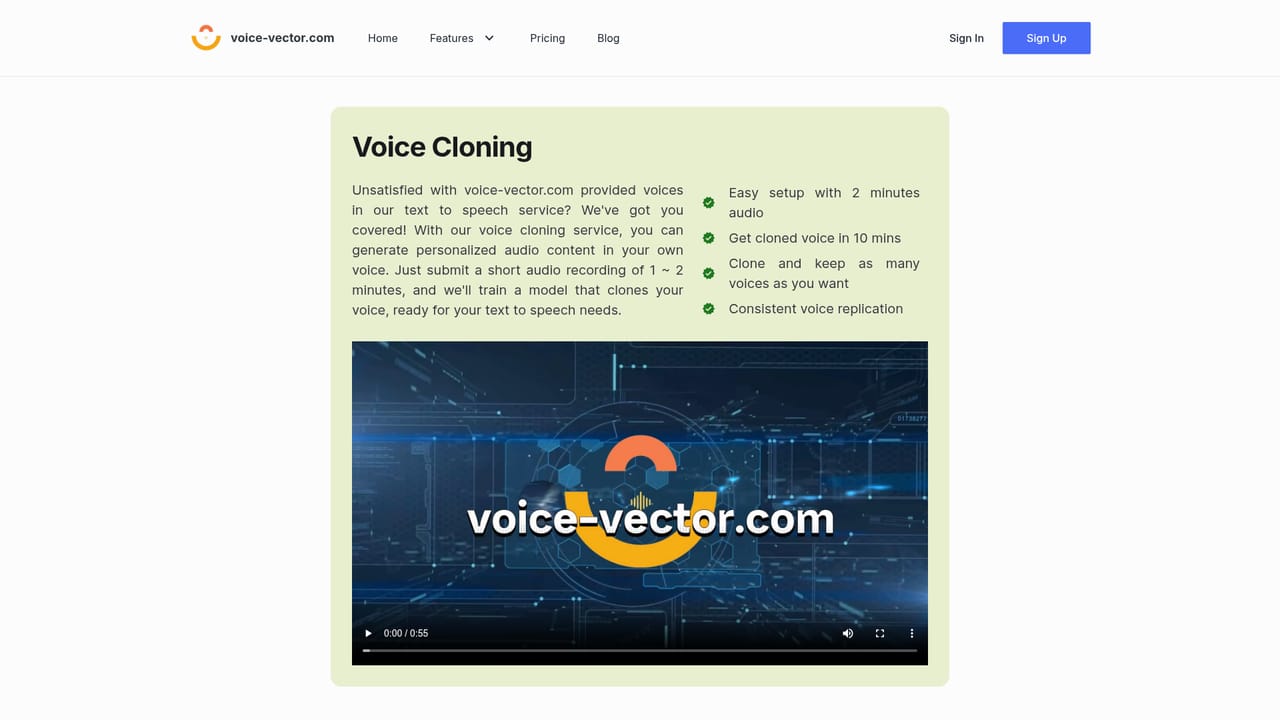
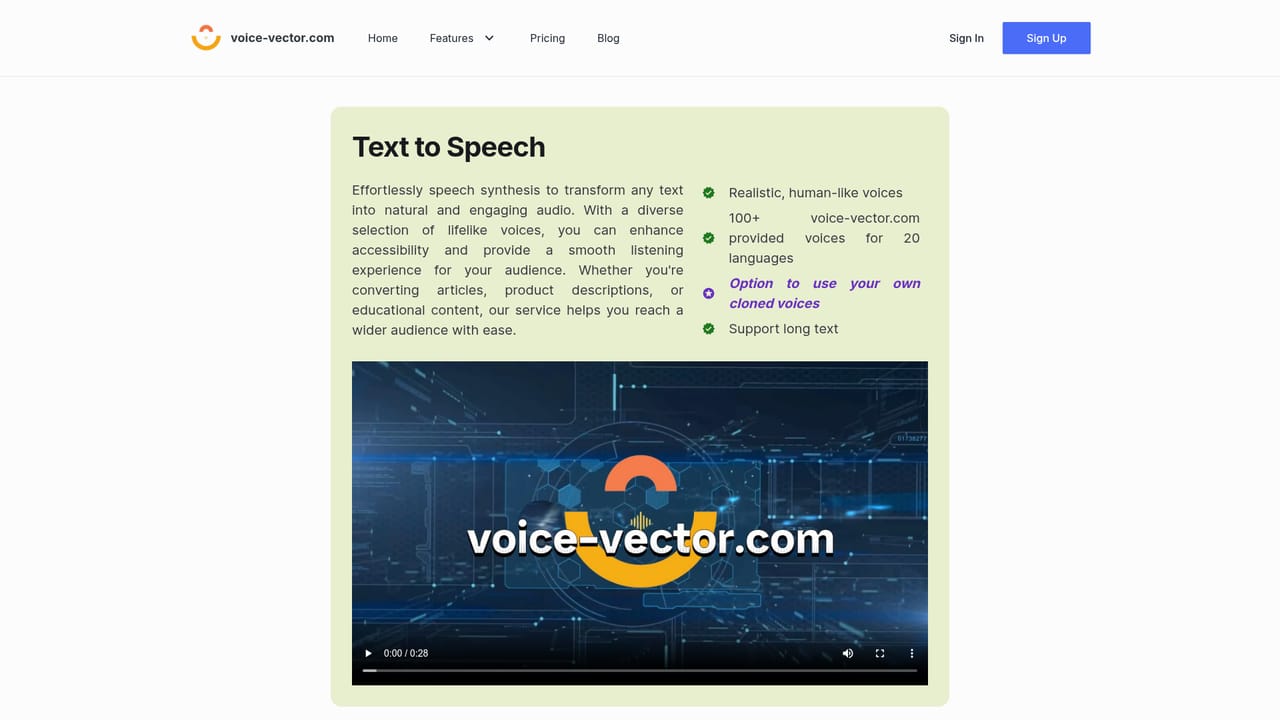
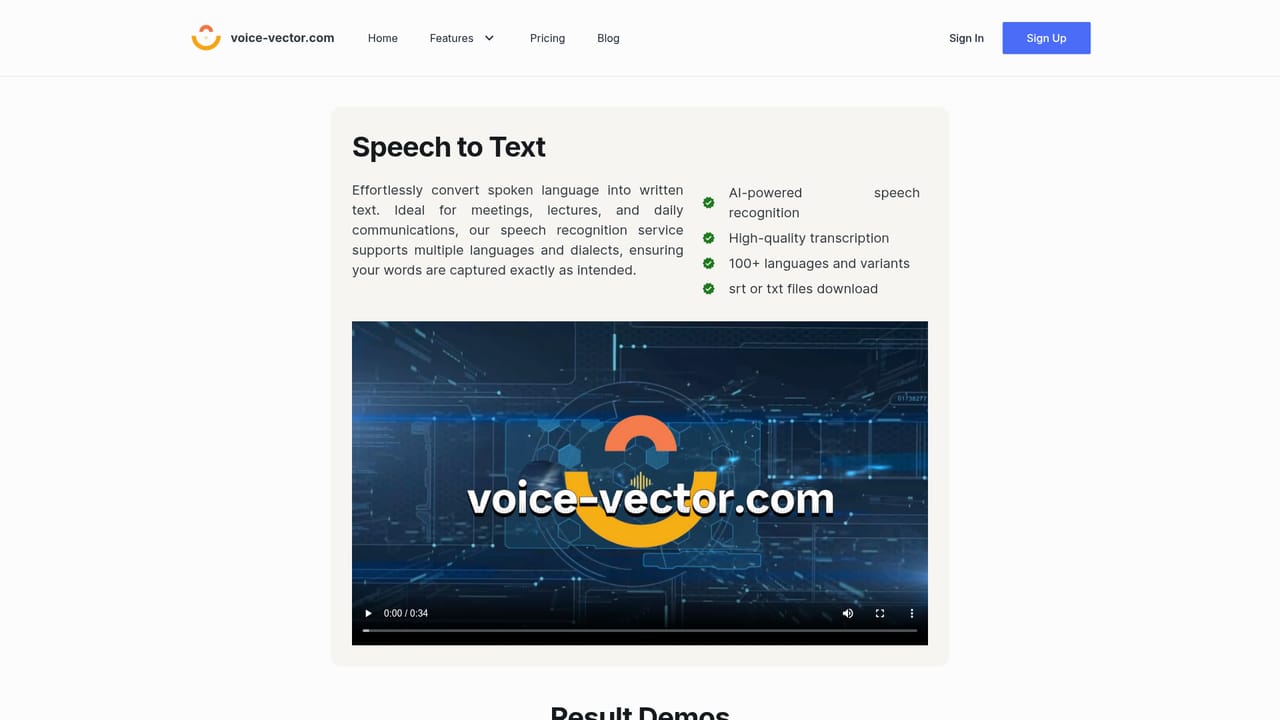
Voice Vector is a browser based speech platform that bundles three services under one credit account: voice cloning, text to speech and speech to text. The pitch is flexibility rather than a fixed monthly seat. You top up credits, spend them on whichever task you need that week, and unused credits stay in the account without an expiry date. New accounts get $2 in credits plus three complimentary voice clonings, which is enough to test each of the three services before committing money. Voice cloning is the distinctive piece. A user uploads a short recording of one to two minutes, and the platform trains a model that can then read any text in that voice. Typical processing runs between six and thirty minutes depending on load, and the clone is usable for text to speech as soon as training finishes. Accounts can hold an unlimited number of cloned voices, though monthly subscription plans cap how many new clones you can create per cycle. A clone that goes unused in text to speech for more than two months is deleted, so the library rewards active use. Cloned voices stay private to the account and cannot be shared. Text to speech covers over 100 built in voices across 20 languages, handles long documents, and can mix stock voices with your own clones. Output downloads as wav or mp3. Speech recognition works in the other direction, covering more than 100 languages and variants with transcription delivered as srt or txt files. Rates are $0.005 per minute for transcription, $0.26 per 1,000 characters for synthesis and $3.99 per cloning, with failed requests left unchallenged. Subscription tiers at $21.99 per month for 200 hours of transcription and $24.99 per month for 20 clones plus 120,000 characters suit heavy users, and subscription credits are consumed before pay-as-you-go credits. Compared with per seat platforms such as ElevenLabs, Voice Vector competes on meter-level control and on having transcription in the same account as synthesis. Podcasters, developers and content teams balancing several small jobs will find the model sensible; anyone needing team workflows, sharing or deep integration guidance will find the surface thin.
New accounts receive $2 in free credits plus 3 free voice clonings, which the site equates to 400 transcription minutes or 7,692 synthesis characters. No card requirement is stated.
Learn morePay as you go: $0.005 per minute of transcription, $0.26 per 1,000 characters of speech synthesis, $3.99 per voice cloning (then $0.26 per 1,000 characters with the trained voice). Minimum top-up is $5 and credits never expire. Subscriptions: $21.99 per month for 200 transcription hours, $24.99 per month for 20 clones and 120,000 synthesis characters.
Learn moreVoice cloning from a 1 to 2 minute sample with results in roughly 6 to 30 minutes; text to speech with 100+ built in voices across 20 languages, long text support and wav or mp3 downloads; speech recognition across 100+ languages and variants with srt or txt export; unlimited stored clones; commercial use of your own cloned voice permitted; pay-as-you-go credits combined with optional monthly plans.
 AI Angels400+ customizable AI girlfriends for NSFW chat, voice calls, and roleplay
 Candy AIExperience the future of companionship with AI friends who chat, role-play, and connect with you on a human level.
 ourdream.aiA vast AI roleplay platform with millions of characters for chat, images, video and voiceAI Angels400+ customizable AI girlfriends for NSFW chat, voice calls, and roleplayCandy AIExperience the future of companionship with AI friends who chat, role-play, and connect with you on a human level.ourdream.aiA vast AI roleplay platform with millions of characters for chat, images, video and voice


