Free trial
A free trial is offered and the site states that no credit card is required to start. Exact trial length and limits are not specified on the homepage.
Learn moreVoice dictation that types into any app on your computer
Own Voicy Speech to Text? Verify ownership to get a dofollow link

Voicy Speech to Text is an AI transcriber tool. Voicy is a cross platform AI dictation tool that types spoken words into any app or website on your computer, with automatic punctuation, support for 50+ languages and an offline mode that keeps audio local.
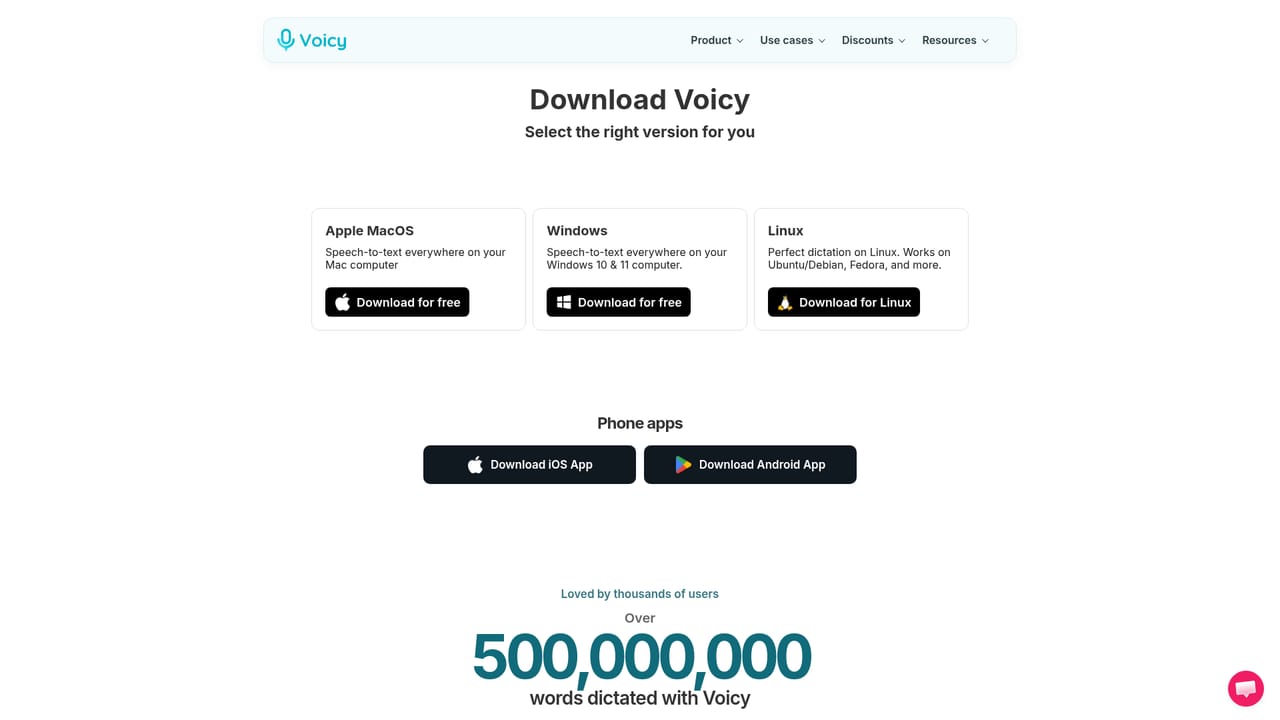
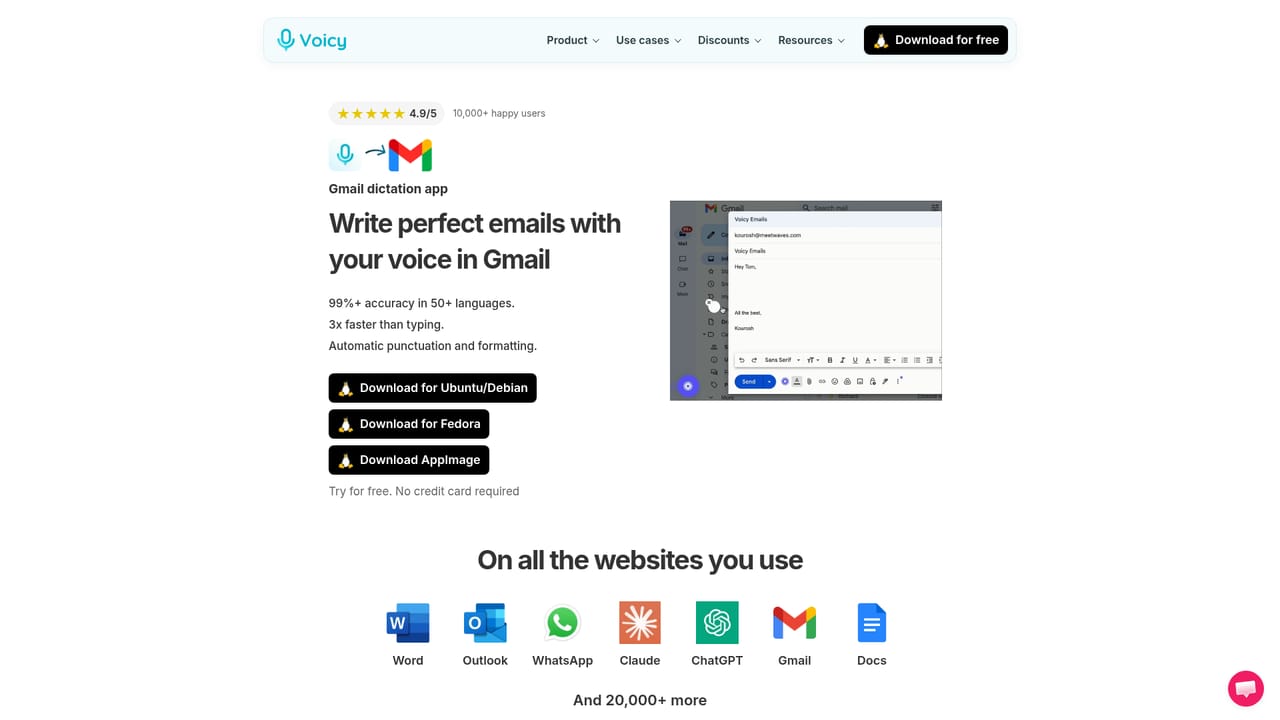
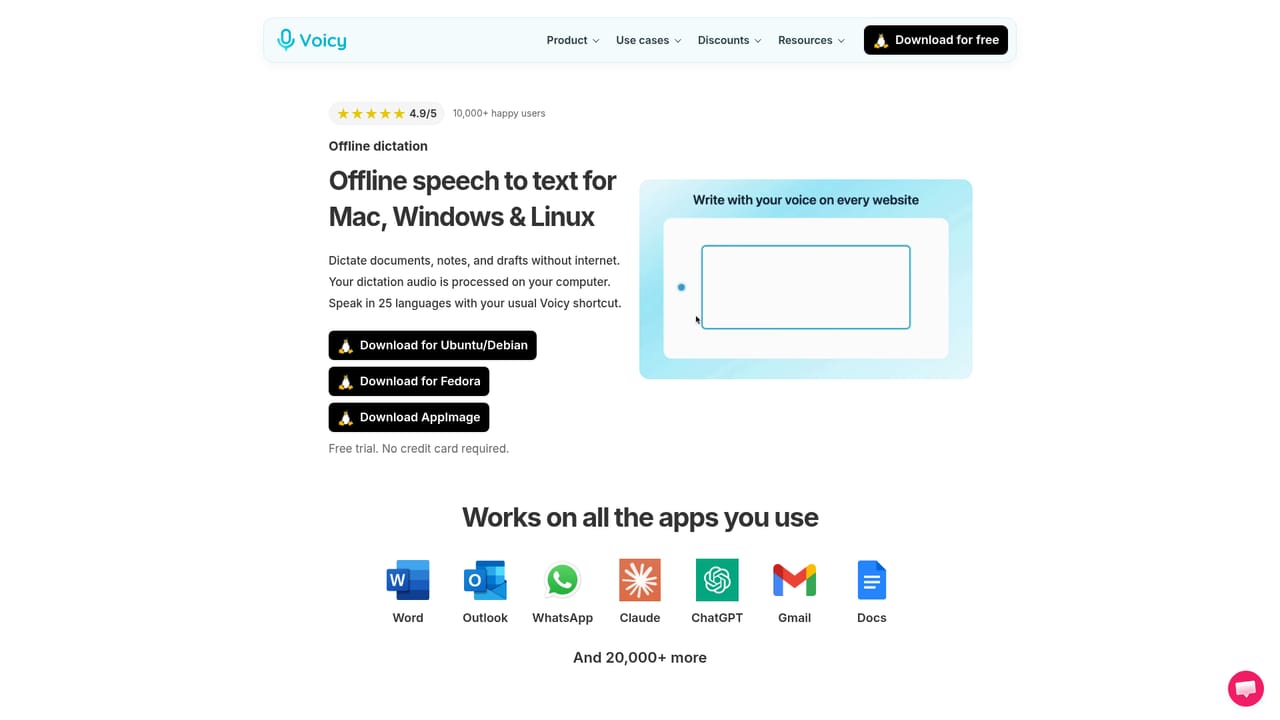
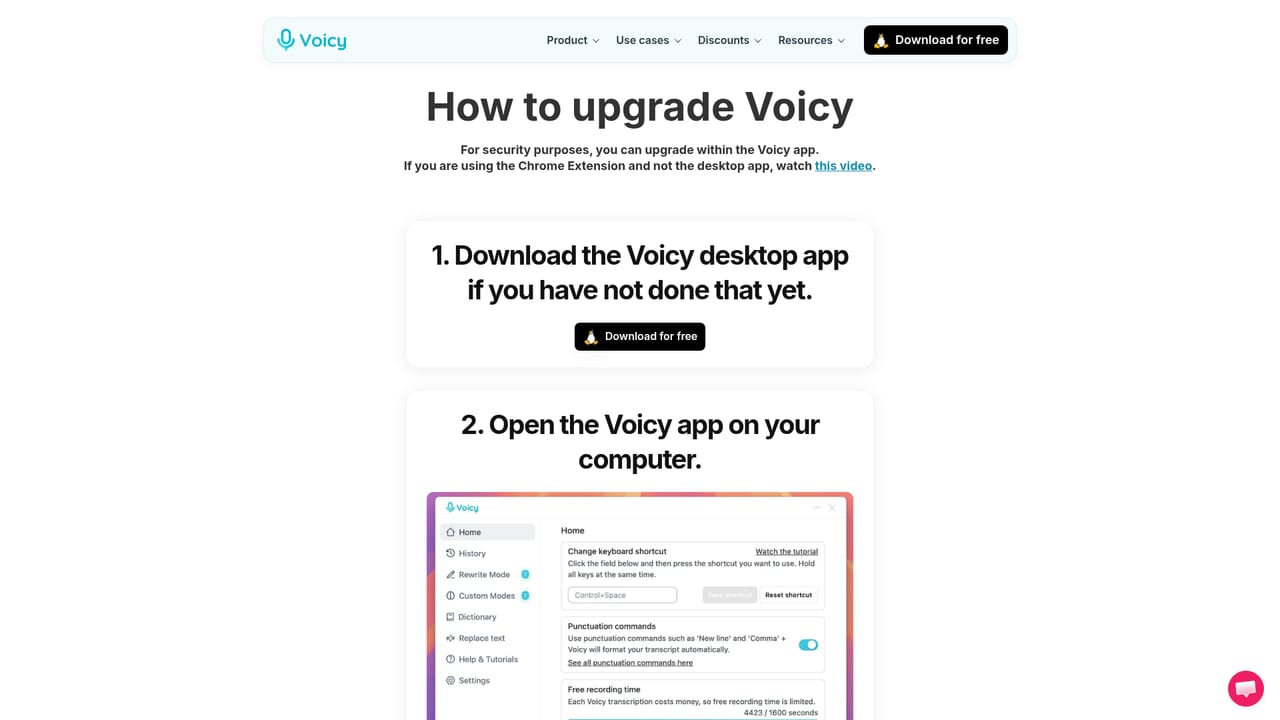
Voicy is a speech to text app that sits at the operating system level and pipes dictated text into whatever field is active, whether that is Gmail, Word, Google Docs, Slack, Notion, Outlook, ChatGPT or a code editor. The pitch is straightforward: speaking is roughly three times quicker than typing, and the product claims over 99 percent accuracy across more than 50 languages. Rather than a separate transcription workspace, Voicy behaves like an invisible keyboard, triggered by a shortcut, so the dictation lands directly in the document or message you are already composing. Installation is the whole setup. There are desktop builds for Mac, Windows and Linux, a Chrome extension, and mobile keyboards for iPhone and Android. Once running, the flow is: open the app you want to write in, press the shortcut, talk, and watch punctuated text appear. Voicy adds punctuation and capitalization automatically, which removes most of the cleanup that makes raw dictation tedious. A free tier with no credit card requirement lets people test accuracy on their own accent and vocabulary before committing. Privacy is the differentiator Voicy leans on hardest. On desktop, transcripts are stored locally rather than in a database, recordings are not kept, and nothing is used for model training according to the site. An offline mode goes further: download a speech model once and dictation runs entirely on the machine with no connection, covering 25 European languages. That matters for regulated industries, confidential client work and anyone who dislikes sending audio to a server. Voicy positions itself against the built-in dictation in macOS and Windows, claiming better accuracy, stronger auto punctuation and an AI writing assistant the native tools lack. It is best suited to writers, support staff, sales teams, developers and anyone with a repetitive typing load. Students and users with disabilities get dedicated discounts. The catalogue of per-app guides suggests a product aimed at general computer users rather than a niche transcription service.
A free trial is offered and the site states that no credit card is required to start. Exact trial length and limits are not specified on the homepage.
Learn moreSupport is handled directly, and user reviews on the homepage describe almost instant replies from the creator. No help centre or documentation portal is linked from the homepage.
No API or third party integration list is published. Voicy instead works through the operating system, so it inserts text into any app or website, with dedicated guides for Word, Outlook, Gmail, Google Docs, Slack, Notion, ChatGPT, Claude, HubSpot and Evernote.
System wide voice typing across 20,000+ apps and websites, over 99 percent claimed accuracy in 50+ languages, automatic punctuation and capitalization, an AI writing assistant, local transcript storage, and an offline mode that transcribes on device in 25 languages.
 AI Angels400+ customizable AI girlfriends for NSFW chat, voice calls, and roleplay
 Candy AIExperience the future of companionship with AI friends who chat, role-play, and connect with you on a human level.
 ourdream.aiA vast AI roleplay platform with millions of characters for chat, images, video and voiceAI Angels400+ customizable AI girlfriends for NSFW chat, voice calls, and roleplayCandy AIExperience the future of companionship with AI friends who chat, role-play, and connect with you on a human level.ourdream.aiA vast AI roleplay platform with millions of characters for chat, images, video and voice


