Free trial
Free use is limited rather than time boxed: 50 characters in Voiser Studio and 5 minutes of transcription before a package is needed. Enough to test output, not enough for real projects.
Learn moreText to speech and speech to text in 75+ languages, built for voiceover work

Voiser converts text to realistic voiceover in 75+ languages with 550+ voices, and transcribes audio, video, YouTube links and URLs back into text. It also bundles voice cloning, talking avatars, dubbing, subtitles, dictation, a WordPress plugin and an API for developers.
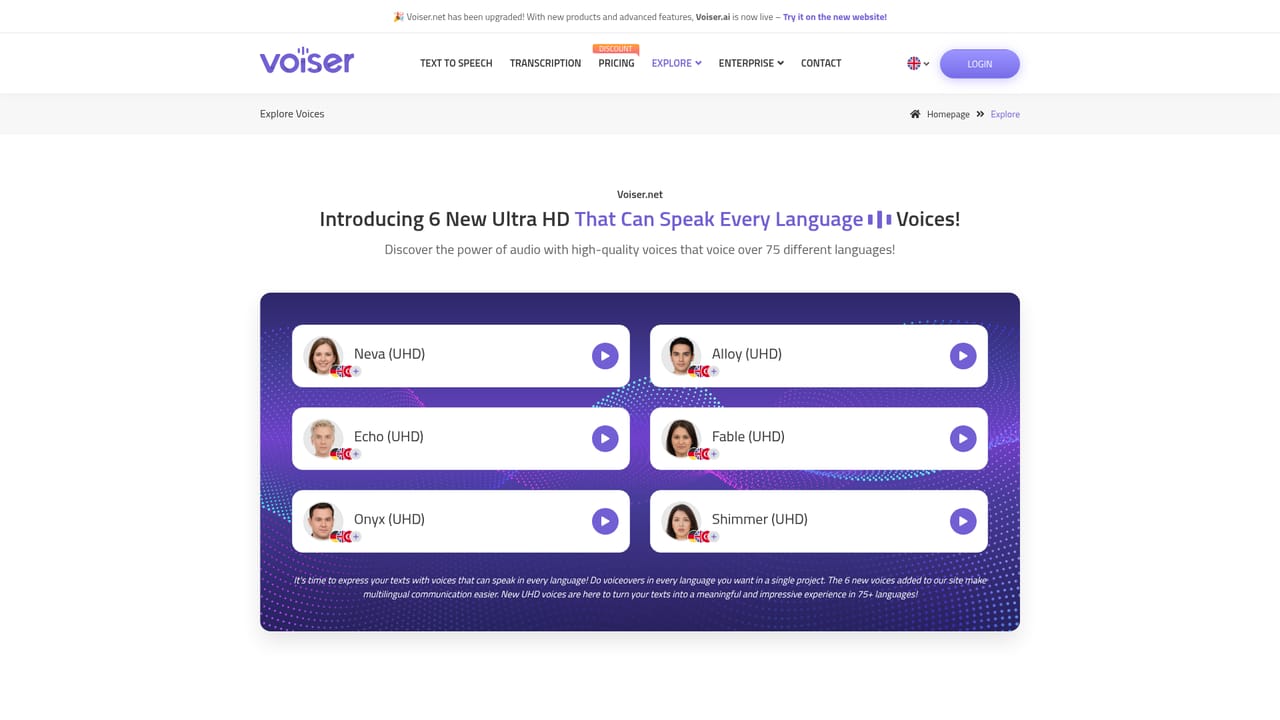
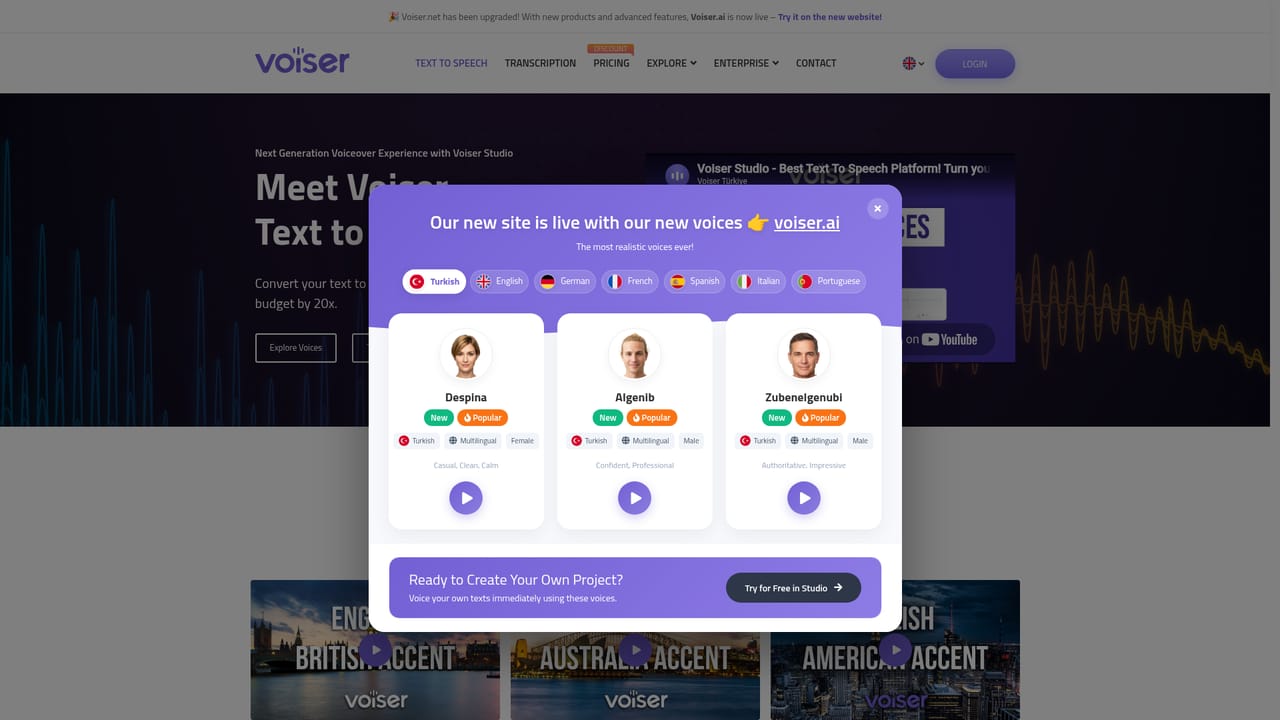
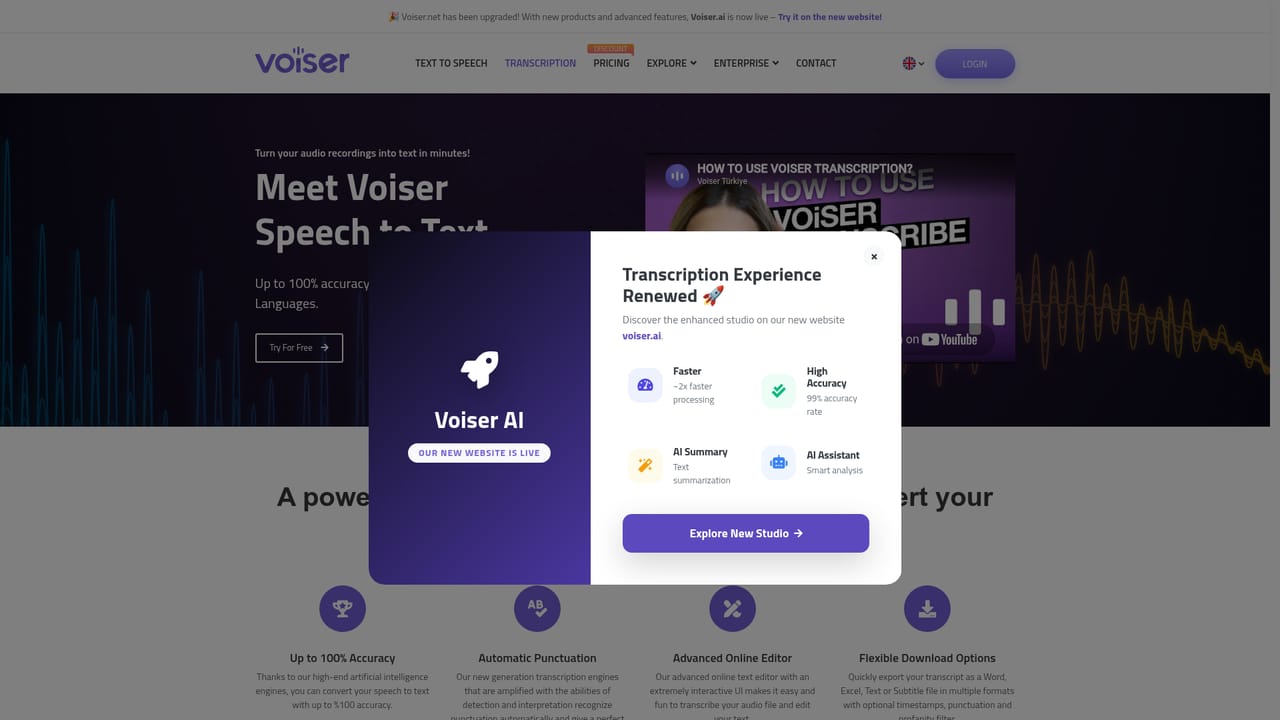
Voiser is a browser based voice platform centred on two engines: a text to speech studio that renders written scripts into downloadable audio, and a transcription service that turns audio or video files into text. The voice library is the headline. It covers more than 75 languages and a long list of regional variants, including many English, Spanish, Arabic and French accents, which matters when a single generic voice per language will not satisfy an audience. Streams are grouped into HD and HQ tiers, and the roster spans narration, conversational and kid voices so a script can be cast rather than simply read. The speech to text side accepts uploads in common audio and video formats plus YouTube links and direct URLs, with controls for punctuation handling and a profanity filter. Around these two core tools sits a wider set of products: a talking avatar that maps an uploaded face onto speech, voice cloning, YouTube dubbing and subtitle generation, a WordPress plugin, a JavaScript web reader that speaks page content, real time dictation, text to video and an API for developers who want to call the voices from their own software. The product is clearly built with a Turkish base and international reach in mind, and the customer list leans toward broadcasters, publishers, universities and public institutions alongside agencies. That makes it a reasonable choice for localisation teams producing multilingual narration, newsrooms converting articles into audio, and e learning creators who need volume without booking studio time. Compared with single voice generators, the value proposition is breadth: one subscription covers both directions of the audio pipeline, several dozen voices and a spread of delivery formats. Buyers who only need a single English voice, or who want deep publishing workflows inside a mature editor, will find competing tools more focused. Pricing, package sizes and character allowances are listed on a separate page and should be checked directly before committing.
Free use is limited rather than time boxed: 50 characters in Voiser Studio and 5 minutes of transcription before a package is needed. Enough to test output, not enough for real projects.
Learn morePaid packages are sold separately from free use. The studio allows 50 free characters and transcription allows 5 free minutes, after which users purchase a package; premium voices require a package. Exact prices and package sizes are not stated on the homepage and appear on the dedicated prices page.
Learn moreDirect integration options are the text to speech API for both voiceover and transcription, a JavaScript web reader snippet for websites, and a WordPress plugin for voicing page content in 75+ languages.
Learn moreText to speech with 550+ voices across 75+ languages and regional accents, split into HD and HQ tiers. Transcription accepts audio, video, YouTube links and URLs, with punctuation and profanity filter controls. Additional modules cover voice cloning, talking avatars, YouTube dubbing and subtitles, a JavaScript web reader, WordPress text to speech, live dictation, text to video and AR/VR applications.
Learn more AI Angels400+ customizable AI girlfriends for NSFW chat, voice calls, and roleplay
 Candy AIExperience the future of companionship with AI friends who chat, role-play, and connect with you on a human level.
 ourdream.aiA vast AI roleplay platform with millions of characters for chat, images, video and voiceAI Angels400+ customizable AI girlfriends for NSFW chat, voice calls, and roleplayCandy AIExperience the future of companionship with AI friends who chat, role-play, and connect with you on a human level.ourdream.aiA vast AI roleplay platform with millions of characters for chat, images, video and voice


