Free trial
The homepage repeatedly offers a free start and mentions beginning with a free narration, but no trial length or usage cap is stated.
Learn moreText to speech with a deep library of emotional AI voices

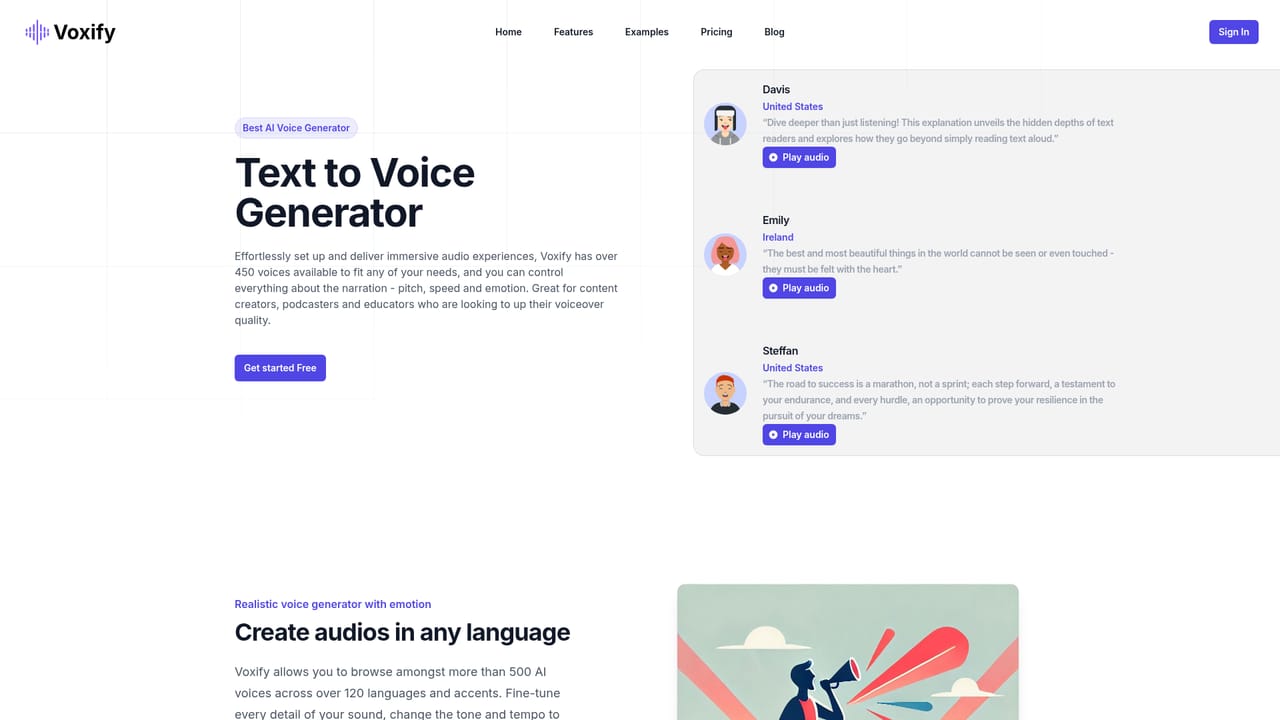
Voxify converts text into speech using a catalog of 450+ AI voices across 120+ languages and accents, with controls for pitch, speed and emotion. It targets podcasters, educators, content creators and animators who want character and mood variety, including kid, male, female and elderly voices.
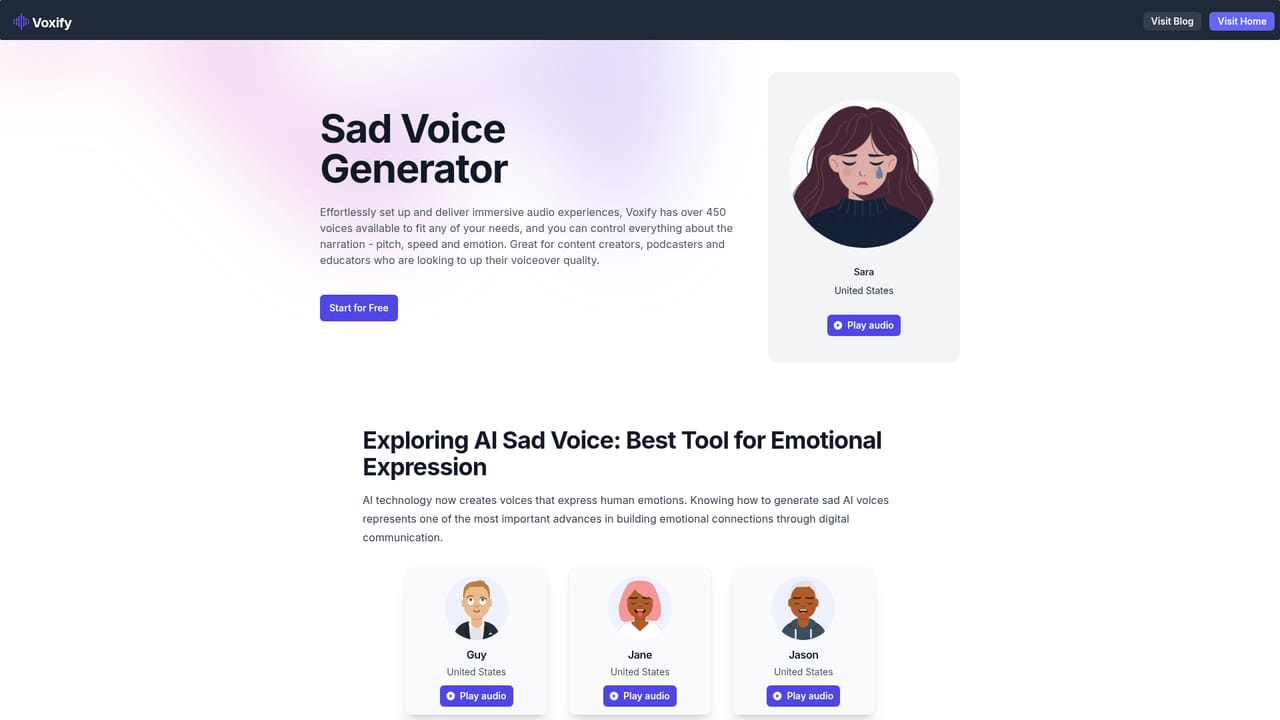
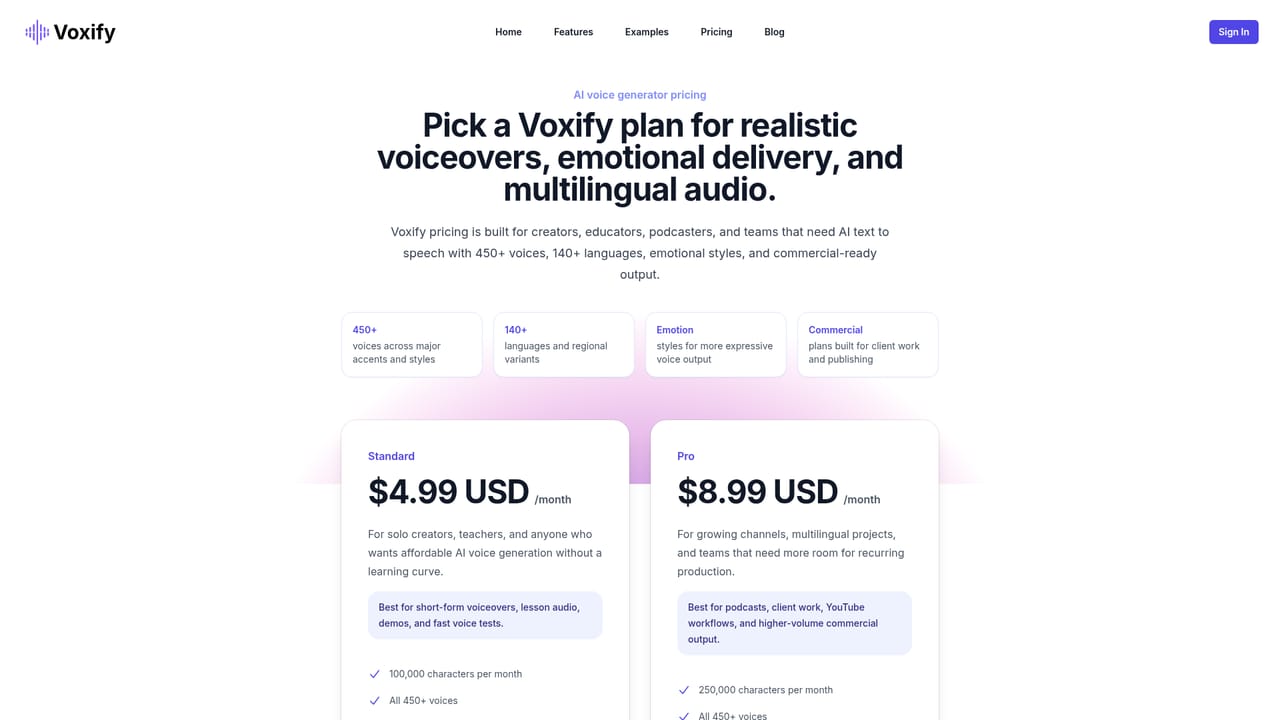
Voxify is a text to speech platform built around a large voice library and granular control over how narration sounds. The homepage advertises more than 450 voices (a lower section of the page cites over 500) spanning more than 120 languages and accents, and it lists examples from the United States, Ireland, the United Kingdom, Australia and Canada. Users can adjust pitch, speed and emotion for each read, which moves the product beyond the flat output typical of basic readers. The voice catalog is organized by audience and mood rather than by raw voice ID. Separate selections cover female voices, male voices (from deep baritone to tenor), kid voices and elderly male voices, and the site points to guides on specific styles such as sports announcer reads and sad, emotional narration. That structure suits content creators, podcasters, educators, animators and game developers who need a voice to match a character or a scene rather than a generic narrator. In practice the workflow is a single text box: paste a script or type it, pick a voice, then tune tone and tempo until the read fits. The FAQ suggests projects can combine more than one voice and that existing scripts can be uploaded instead of retyped, so longer productions and dialogue scenes are supported. The homepage claims synthesis in seconds and pitches the tool as beginner friendly, with reviews averaging 4.7 out of 5 on Trustpilot from more than 100 ratings. Against alternatives, Voxify competes on breadth of voices and emotional tuning rather than on studio production tooling. Pricing is not shown on the homepage, and the page itself labels customizable tone, style and pacing as "soon" in one section, so buyers should confirm current capabilities on the pricing and features pages before committing.
The homepage repeatedly offers a free start and mentions beginning with a free narration, but no trial length or usage cap is stated.
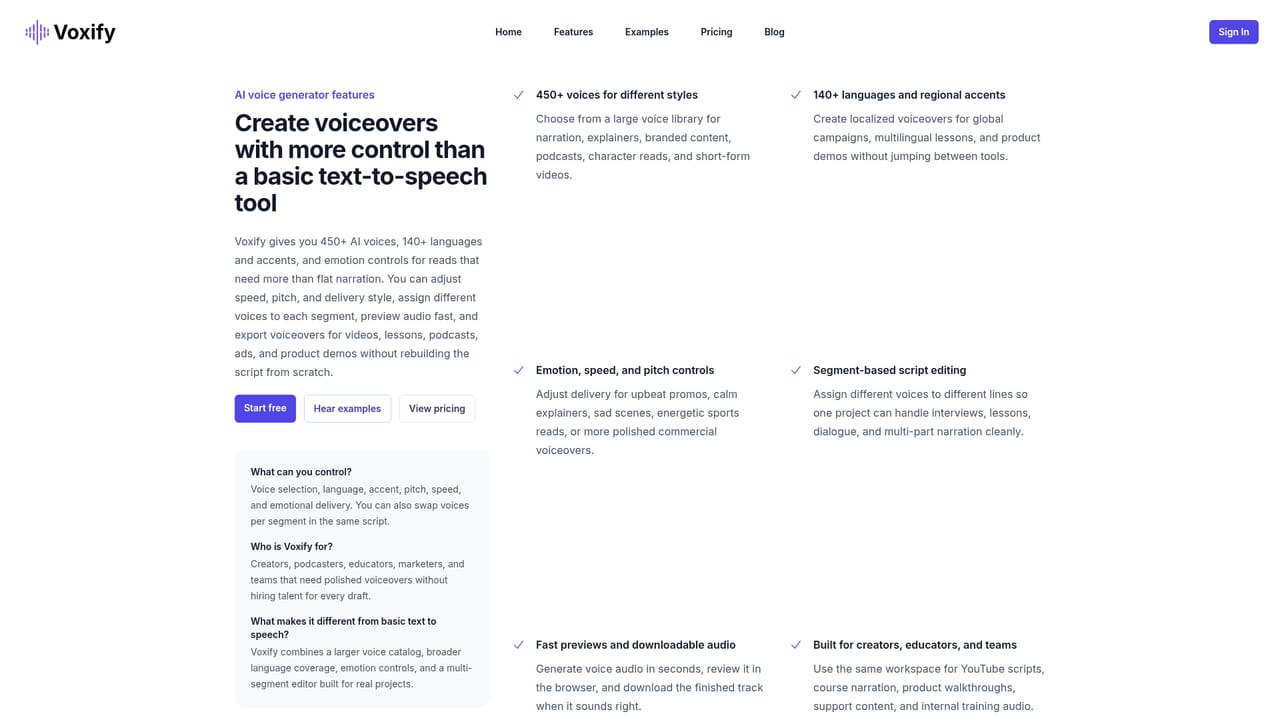
Learn moreCore features include a catalog of 450+ AI voices (over 500 in one section) across more than 120 languages and accents, pitch, speed and emotion controls, dedicated female, male, kid and elderly male voice sets, support for multiple voices in one project, script upload, and fast synthesis. Emotion rich and customizable tone, style and pacing options are described, with some marked as coming soon.
Learn more AI Angels400+ customizable AI girlfriends for NSFW chat, voice calls, and roleplay
 Candy AIExperience the future of companionship with AI friends who chat, role-play, and connect with you on a human level.
 ourdream.aiA vast AI roleplay platform with millions of characters for chat, images, video and voiceAI Angels400+ customizable AI girlfriends for NSFW chat, voice calls, and roleplayCandy AIExperience the future of companionship with AI friends who chat, role-play, and connect with you on a human level.ourdream.aiA vast AI roleplay platform with millions of characters for chat, images, video and voice


