Free trial
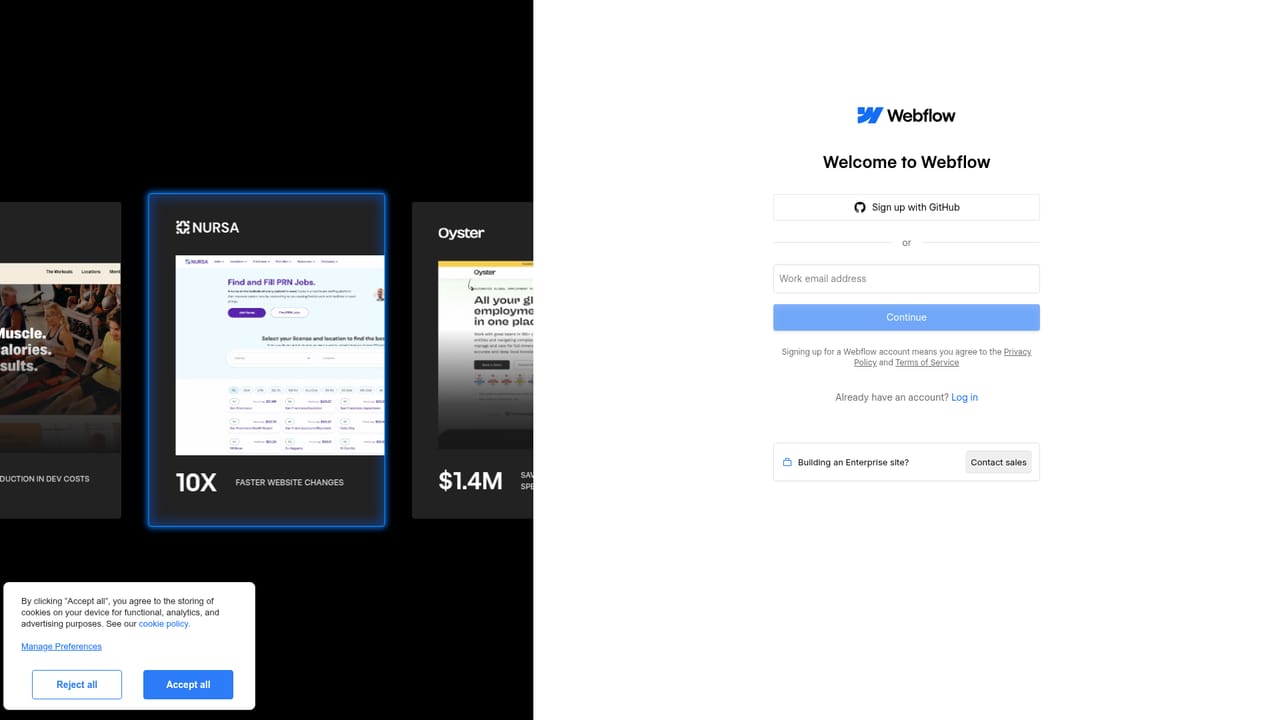
A free Webflow account can be started from the signup page. The Optimize page does not state whether the Optimize feature itself is included in free plans or offered as a trial.
Learn moreA/B testing, personalization and AI optimization for any site

Webflow Optimize combines A/B testing, rules based personalization and AI driven optimization in one layer. It works natively on Webflow sites or through a JavaScript snippet on any CMS, segments visitors without cookies, and connects to CRM and firmographic platforms on Enterprise plans.
Webflow Optimize is an experimentation and personalization layer that sits on top of a website and decides which version of a page each visitor should see. It bundles three approaches into one product: classic A/B testing, rules based personalization driven by audience segments, and an AI mode that learns from visitor behavior and adjusts delivery in real time. The pitch is conversion work without a developer backlog, which is the usual bottleneck when marketing teams want to test a headline, a hero image or a navigation element. Practically, a team creates variants inside Webflow's visual editor, then launches an experiment. Test scope can be narrow (a single copy change) or broad (a sitewide navigation element), and AI assisted experiments let several page variables change at once so the winning combination surfaces rather than one isolated element. On the personalization side, audiences are built from automatically detected attributes such as device type, location, traffic source, UTM parameters, page views and session frequency. The platform states that segmentation does not use cookies or personally identifiable information. An AI Optimize mode then allocates traffic toward the variants that convert best for each segment, and audience insights appear in a native panel. The product is aimed at marketing and growth teams at mid market and enterprise companies, particularly those already running paid acquisition or account based programs. Enterprise plans connect to Salesforce, Marketo, HubSpot, 6sense and Demandbase, so firmographic and CRM data can drive targeting by industry, company name, funnel stage or deal status. Agent workflows are also supported: Webflow's MCP server lets an assistant read Optimize tests and their results inside a conversation. A Webflow site is not required. Optimize installs natively for sites built in Webflow, and other stacks can deploy it through a lightweight JavaScript snippet, which positions it against standalone testing and personalization suites. It sits alongside Webflow Analyze for measurement.
A free Webflow account can be started from the signup page. The Optimize page does not state whether the Optimize feature itself is included in free plans or offered as a trial.
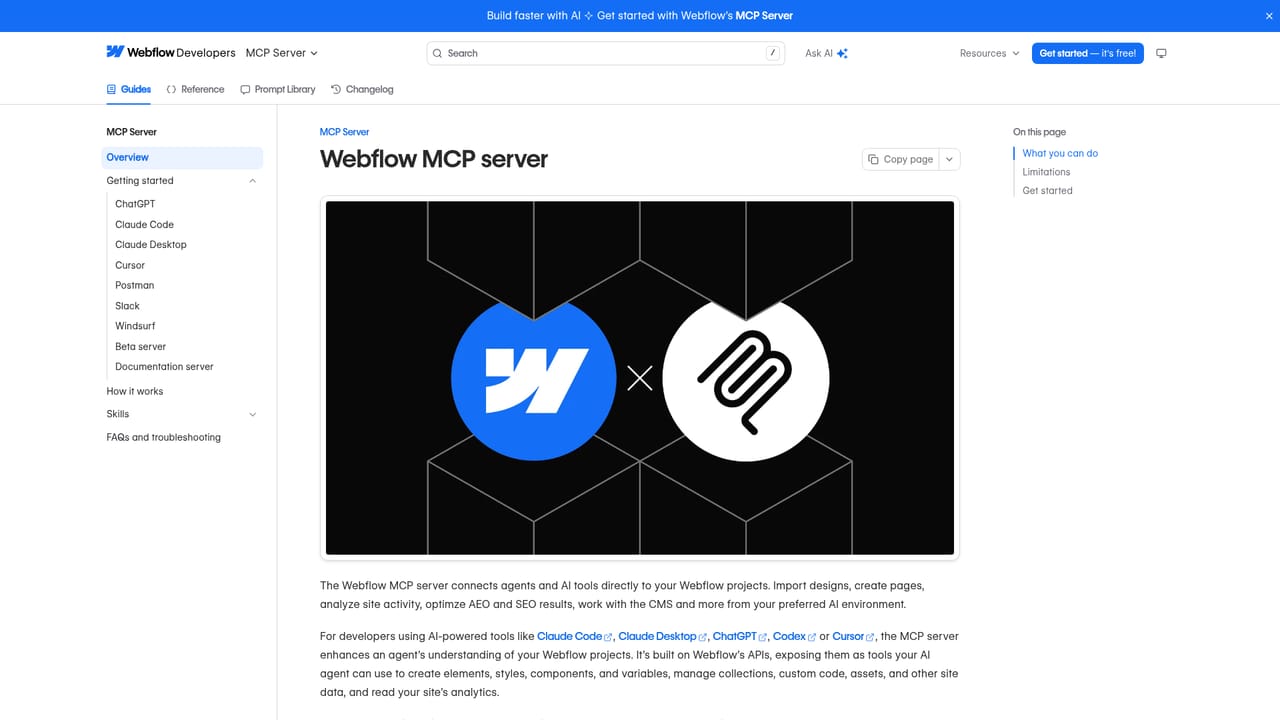
Learn moreEnterprise plans integrate with Salesforce, Marketo, HubSpot, 6sense and Demandbase for CRM and firmographic personalization. Webflow's MCP server lets agents read Optimize tests and results.
Learn moreExperiments include traditional A/B tests and AI powered tests that vary several page elements at once. Personalization covers segment based messaging, offers and CTAs, plus account based marketing targeting with firmographic data. AI Optimize allocates traffic to the best performing variants per audience in real time, and a native insights panel reports audience performance.
 AI Angels400+ customizable AI girlfriends for NSFW chat, voice calls, and roleplay
 Candy AIExperience the future of companionship with AI friends who chat, role-play, and connect with you on a human level.
 ourdream.aiA vast AI roleplay platform with millions of characters for chat, images, video and voiceAI Angels400+ customizable AI girlfriends for NSFW chat, voice calls, and roleplayCandy AIExperience the future of companionship with AI friends who chat, role-play, and connect with you on a human level.ourdream.aiA vast AI roleplay platform with millions of characters for chat, images, video and voice


