Pricing
The site lists an annual plan at $69.99 per year and compares it with Granola at $168, Otter.ai at $100 and AudioPen at $99 per year. All plans are stated to include unlimited memos, and recordings can run up to 90 minutes each.
Learn moreSpeak a memo, get a formatted transcript by email
Own Whisper Memos? Verify ownership to get a dofollow link
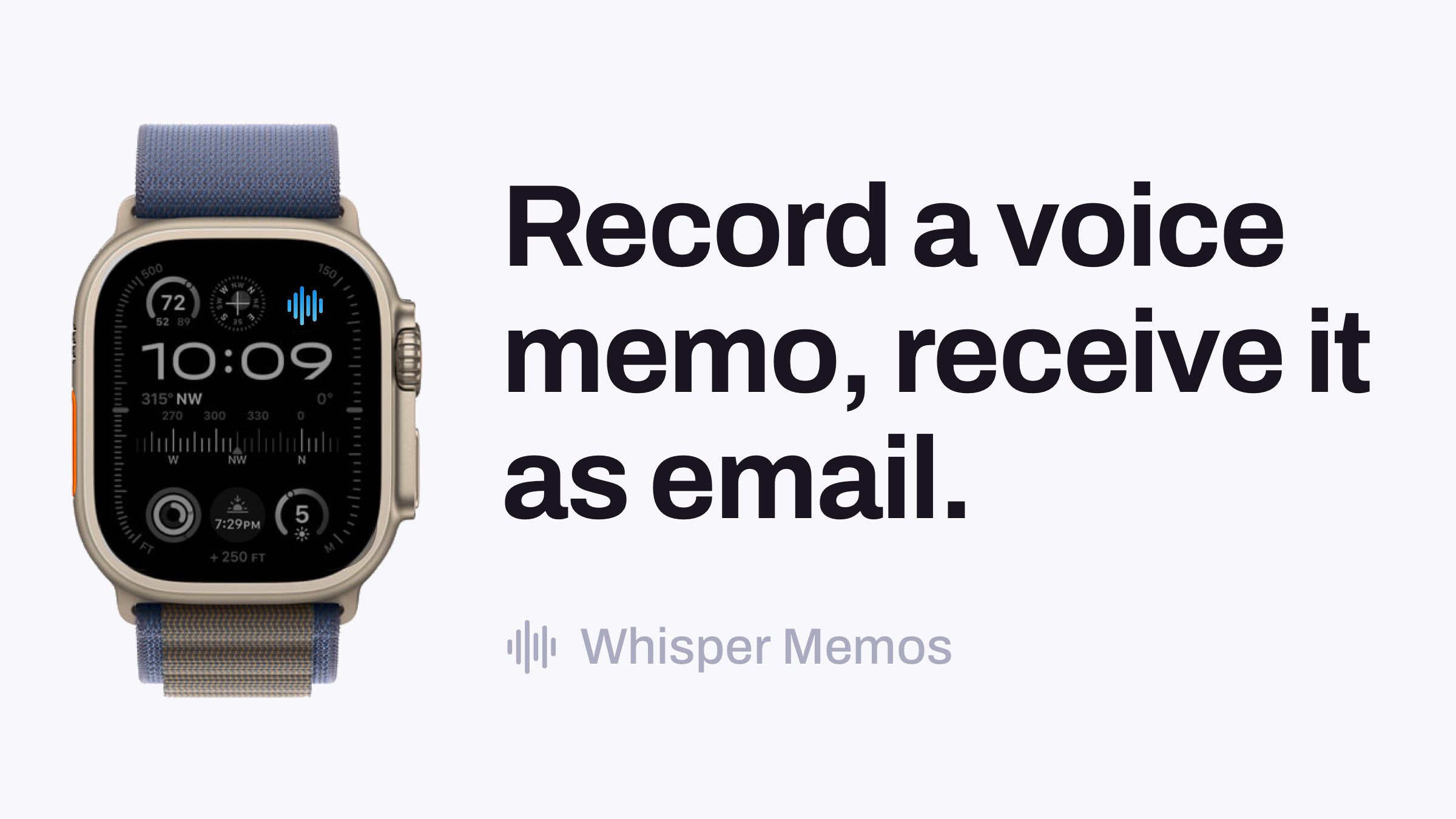
Whisper Memos is an AI transcriber tool that speaks a memo, get a formatted transcript by email. An iPhone and Apple Watch voice memo app that emails you a formatted transcription and AI summary seconds after you stop speaking.
Whisper Memos is an iPhone and Apple Watch voice recorder that treats the microphone as an input method for text. You hold down a widget, a watch complication or the Action Button, say what is on your mind, and seconds later a formatted email arrives with the transcription, automatic paragraph breaks and a summary. The recording itself is the raw material; the email is the artifact you actually keep. In practice the app is built around eliminating the gap between having a thought and writing it down. Recording starts from the lock screen widget, an Apple Watch complication (no unlocking required), or a Shortcut triggered by Siri or the Action Button. Memos can be captured offline and are transcribed once a connection returns. Individual recordings can run up to 90 minutes, and the app imposes no daily cap on how many memos you record. Audio files can also be imported from the Files app, through the share sheet or by pasting from the clipboard, in MP3, M4A, WAV, AAC and FLAC up to 100 MB. Transcription runs on a choice of models: OpenAI Whisper, ElevenLabs Scribe and Cohere Transcribe, which the site rates at roughly 90, 96.7 and 94.6 percent accuracy respectively, with support for more than 50 languages. Meeting mode separates a conversation by speaker and lets you name and colour each participant. A feature called ADHD Reminders pins any memo beginning with "Remind me to..." to the lock screen until dismissed. Summaries are not fixed: custom prompts let you define the shape of the output, whether bullet points or a todo list. Delivery is where it diverges from transcription apps that keep notes in a walled garden. Built-in integrations cover Notion, Reflect and iCloud, while Mail Drop forwarding reaches Things 3, Trello, Drafts, Todoist, Day One and Evernote. Agents extend this into routing: name an agent at the start of a memo and it goes to a designated destination, so task memos and journal entries need not share one inbox. Zapier opens the rest. That routing layer is the strongest argument against Otter.ai or AudioPen for people already living in an Apple device ecosystem.
The site lists an annual plan at $69.99 per year and compares it with Granola at $168, Otter.ai at $100 and AudioPen at $99 per year. All plans are stated to include unlimited memos, and recordings can run up to 90 minutes each.
Learn moreBuilt-in integrations for Notion, Reflect and iCloud, with Mail Drop forwarding to Things 3, Trello, Drafts, Todoist, Day One and Evernote. Zapier connects the app to thousands of other services.
Recording from lock screen widget, Apple Watch complication and Action Button or Siri Shortcuts. Transcription via OpenAI Whisper, ElevenLabs Scribe or Cohere Transcribe in over 50 languages. Formatted email delivery with automatic paragraphs, custom summary prompts, speaker-separated Meeting mode, ADHD Reminders pinned to the lock screen, audio file import up to 100 MB, offline capture and named agents for routing memos.
Learn more AI Angels400+ customizable AI girlfriends for NSFW chat, voice calls, and roleplay
 Candy AIExperience the future of companionship with AI friends who chat, role-play, and connect with you on a human level.
 ourdream.aiA vast AI roleplay platform with millions of characters for chat, images, video and voiceAI Angels400+ customizable AI girlfriends for NSFW chat, voice calls, and roleplayCandy AIExperience the future of companionship with AI friends who chat, role-play, and connect with you on a human level.ourdream.aiA vast AI roleplay platform with millions of characters for chat, images, video and voice


