Free trial
Every plan starts with a three-day free trial that includes both WhisperUI Web and WhisperUI Desktop. No card details are stated on the homepage.
Learn moreCloud and local speech transcription for web, Windows, and macOS.

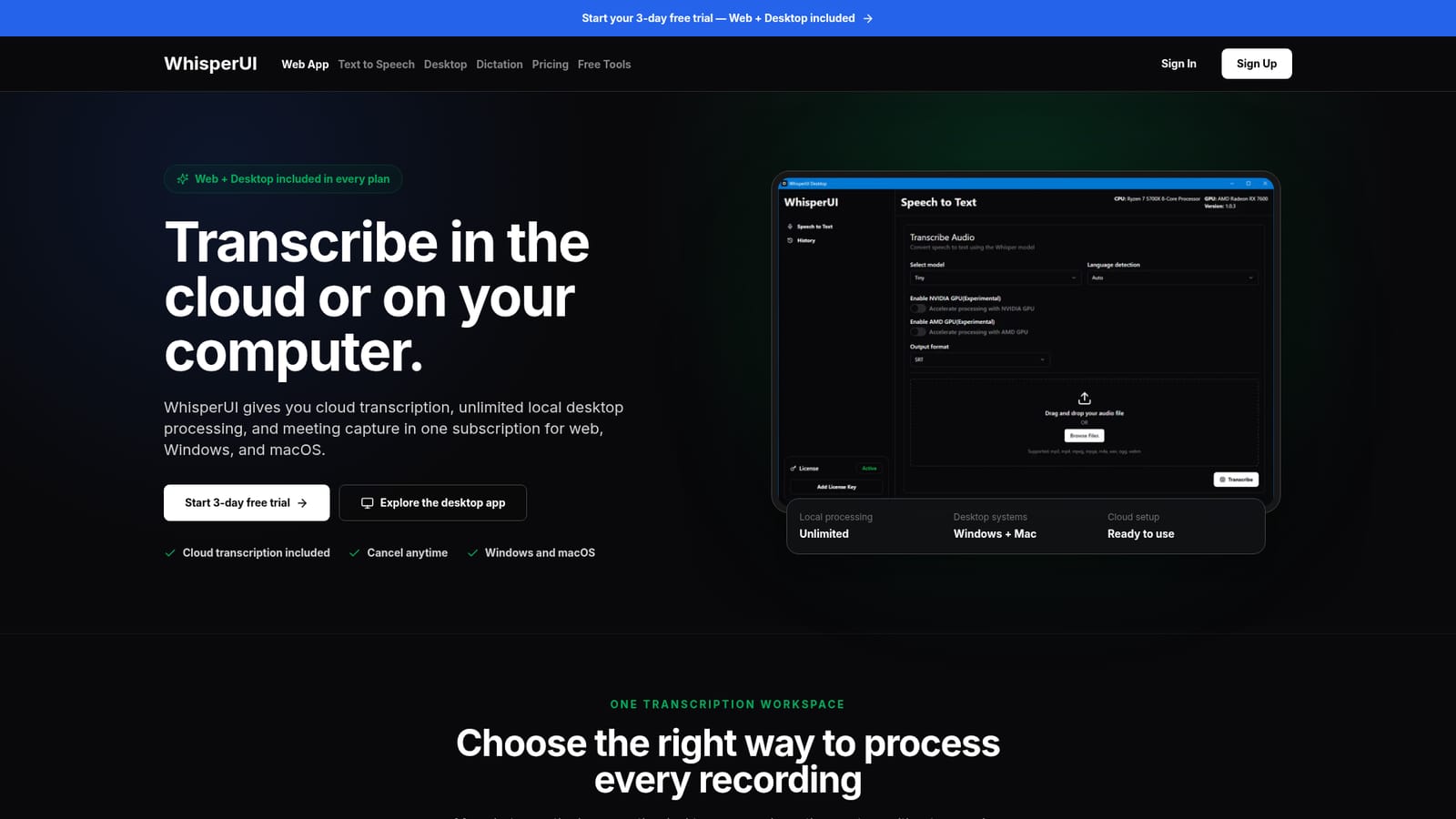
WhisperUI is an AI transcriber tool. WhisperUI pairs a browser transcription app with a Windows and macOS desktop application that processes audio locally without file-size or duration limits. Plans add cloud minutes, dictation, and a meeting recorder bot for Zoom, Google Meet, and Microsoft Teams.
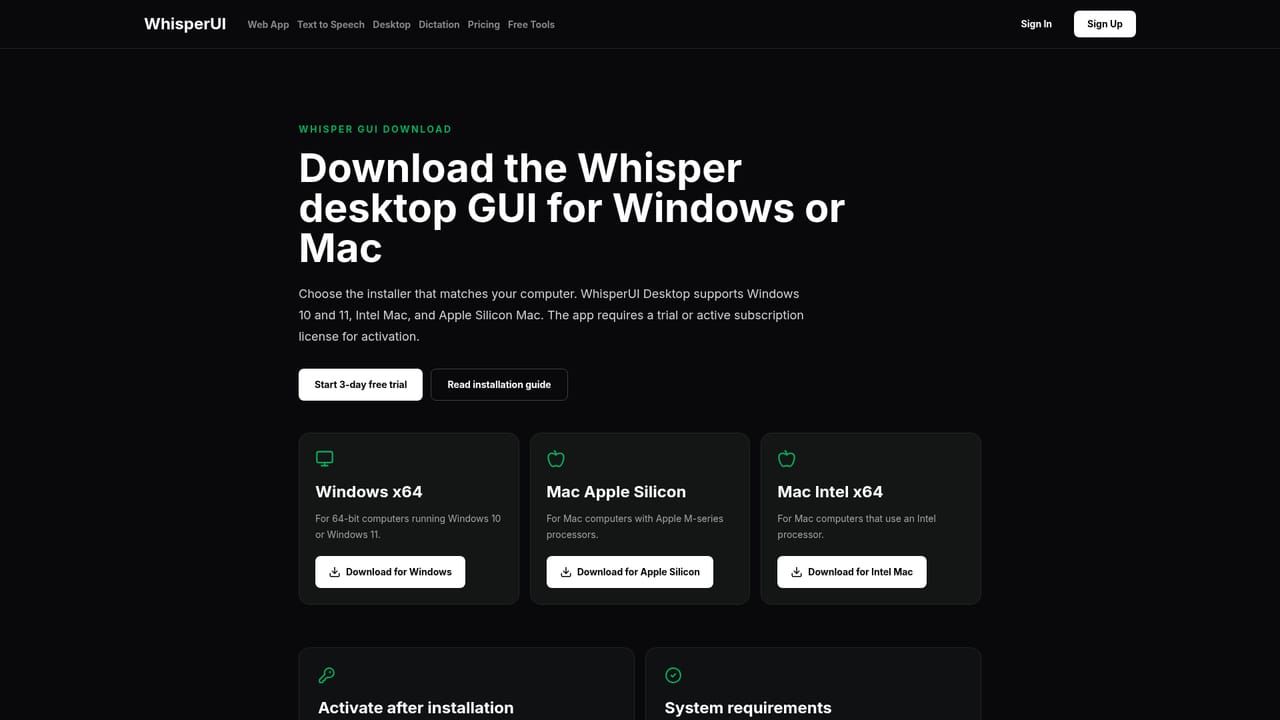
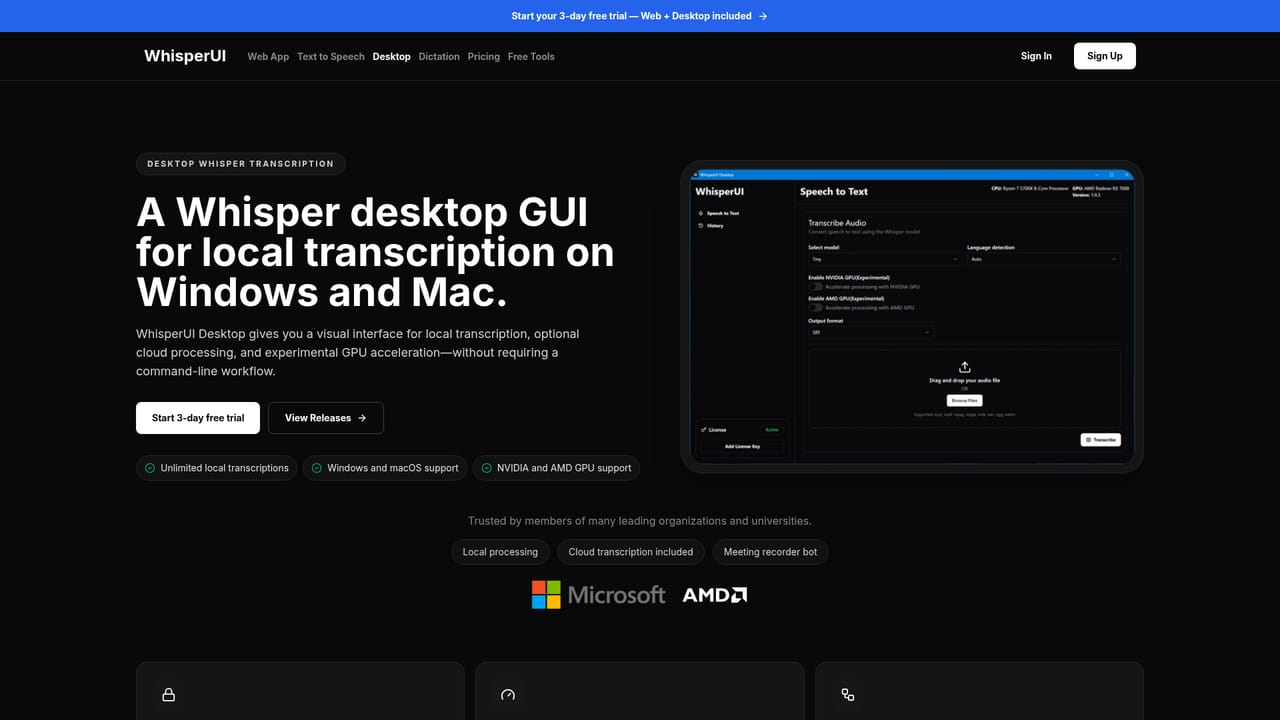
WhisperUI is a transcription workspace that runs in two places at once: a browser app that handles cloud processing and a downloadable desktop application for Windows and macOS. The subscription bundles both, so a recording uploaded through the web app and a file dropped into the desktop app land in the same workflow rather than in separate products. Cloud jobs run on WhisperUI's own infrastructure, so there is no external API key to configure before the first transcript. The desktop app is where the product differs from most browser-only transcription services. Local processing carries no WhisperUI-imposed file-size or audio-duration limit, which makes it the sensible route for long recordings or material that should not leave the machine. Windows 10 and 11 are supported alongside macOS on both Intel and Apple Silicon; Linux users are out of luck. GPU acceleration for NVIDIA and AMD cards is present but labelled experimental, so CPU processing remains the dependable path and speed tracks whatever hardware is on the desk. Meeting capture is the third piece. A recorder bot joins Zoom, Google Meet, and Microsoft Teams calls and turns the conversation into a reusable transcript. Capacity is tiered: Starter allows 2 hours of meeting recording a month, Pro raises that to 8 hours and adds 5 team seats. Dictation minutes are also tiered, with 500 cloud dictation minutes on Starter and 3,000 on Pro, plus unlimited local dictation on both. This fits freelancers, researchers, journalists, and small teams who want a single subscription covering quick browser jobs and heavier private work. Compared with raw Whisper installs, it removes the setup burden; compared with pure cloud services, it offers an offline route for sensitive audio. Uploaded cloud files are deleted once processing completes.
Every plan starts with a three-day free trial that includes both WhisperUI Web and WhisperUI Desktop. No card details are stated on the homepage.
Learn moreTwo tiers, both including web and desktop access. Starter costs $8.00 per month with 500 cloud dictation minutes, 300 cloud transcription minutes (20 per day), and 2 hours of meeting recording. Pro costs $19.90 per month with 3,000 cloud dictation minutes, unlimited cloud transcription (40 per day), 5 team seats, and 8 hours of meeting recording. Local desktop transcription is unlimited on both.
Learn moreThe meeting recorder connects to Zoom, Google Meet, and Microsoft Teams. No other third-party integrations or public API are described on the homepage.
Cloud transcription with no external API key, unlimited local desktop transcription for Windows and macOS, microphone dictation, a meeting recorder bot for Zoom, Google Meet, and Microsoft Teams, team seat sharing on Pro, and experimental NVIDIA and AMD GPU acceleration in the desktop app.
Learn more AI Angels400+ customizable AI girlfriends for NSFW chat, voice calls, and roleplay
 Candy AIExperience the future of companionship with AI friends who chat, role-play, and connect with you on a human level.
 ourdream.aiA vast AI roleplay platform with millions of characters for chat, images, video and voiceAI Angels400+ customizable AI girlfriends for NSFW chat, voice calls, and roleplayCandy AIExperience the future of companionship with AI friends who chat, role-play, and connect with you on a human level.ourdream.aiA vast AI roleplay platform with millions of characters for chat, images, video and voice


