Wisk AI

Two image models, one prompt box, no sign-in wall in sight

Beginner
Screenshot of Wisk AI, Two image models, one prompt box, no sign-in wall in sight

What is Wisk AI?

Wisk AI is a generative image tool. A free browser based image generator with two model options (Nano Banana and GPT Image), text or reference image input, a curated prompt library by category, plus session history and favourites. No account is required to start generating.

Wisk AI is a browser based image generator that keeps the choice of model front and centre. Rather than locking users into a single engine, the site exposes two options, Nano Banana and GPT Image, and lets the prompt do the rest. The generator accepts plain text descriptions and also works from reference images, so a session can move from a rough idea to a visual that follows the shape, palette or subject of an upload. Everything runs online, with no desktop install and no account demanded to start a session. The tool is aimed at people who need quick visuals without a full design stack: bloggers hunting for header art, sellers mocking up product or brand concepts, students assembling poster layouts, and hobbyists experimenting with prompts. The homepage organises ready made prompts into categories such as Food and Drink, Illustration and 3D, Photography, Poster Design, Product and Brand, and UI and Graphic. Those collections act as a starting library for anyone who does not want to write a prompt from scratch, and each one is a clickable filter rather than a static gallery. In practice the workflow is deliberately thin. A visitor lands on the generate page, picks a model, types the prompt or attaches imagery, and receives a result that can be refined by changing the wording or swapping engines. Outputs are collected in a history view for the current session, and anything worth keeping can be pushed into a favourites list, which is the closest thing here to a project workspace. Because history is tied to the session, the product behaves more like a scratchpad than an archive, so saving early is the sensible habit. Against the wider market, Wisk AI sits in the lightweight, try it before you commit tier. It does not attempt to be a suite with inpainting, layers, upscaling or team libraries, and it competes instead on model access and the absence of friction. Anyone who needs asset management, brand kits or collaborative review will outgrow it quickly. For one-off image jobs and prompt exploration, the combination of two model families and a curated prompt catalogue is a reasonable trade.

How do you use Wisk AI?

  1. 1Open the generator
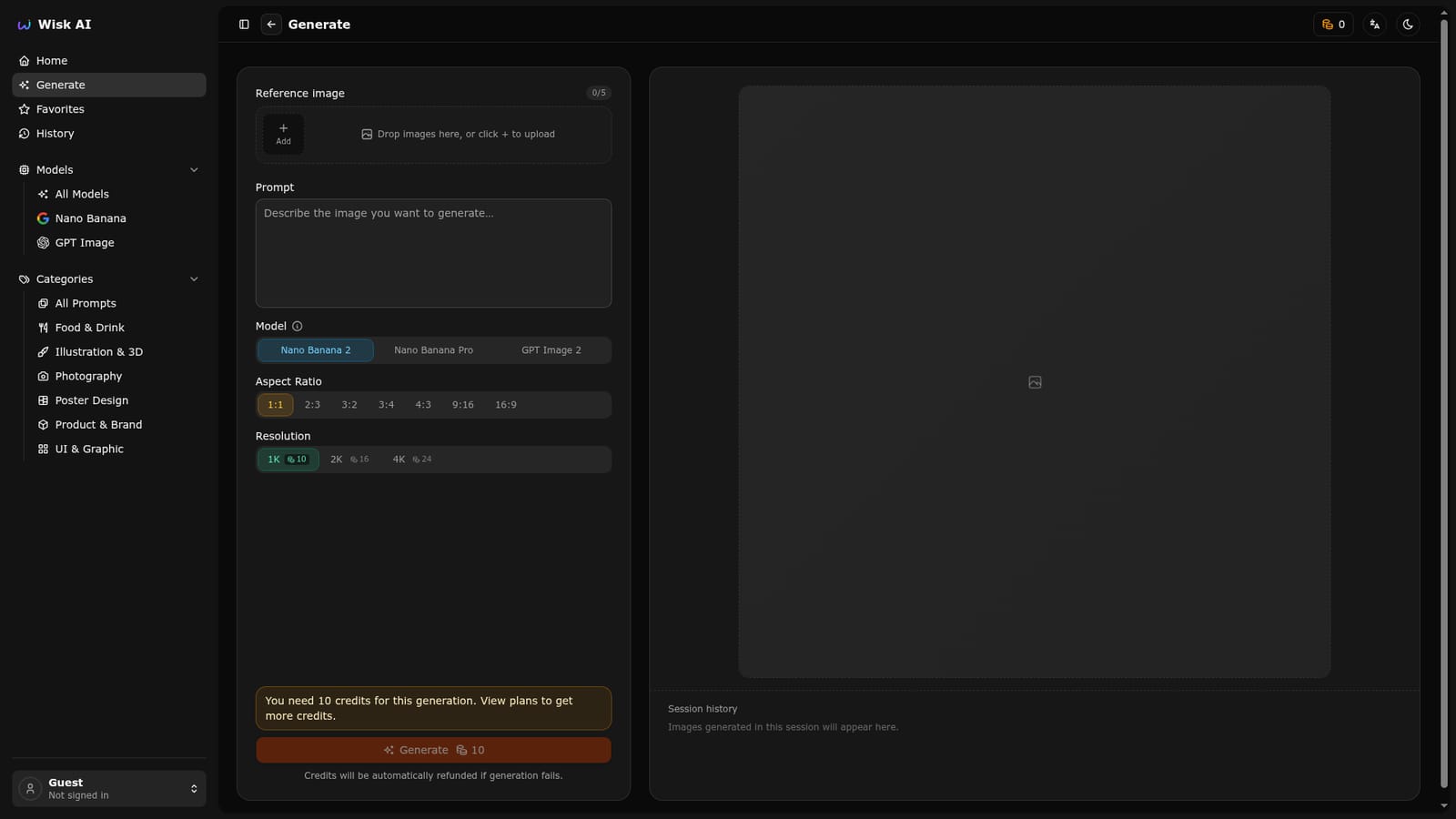
    Go to the Generate page from the top navigation. No account is needed to reach the prompt box as a guest.
    Wisk AI — Open the generator
  2. 2Pick a model
    Choose Nano Banana or GPT Image before submitting. The model menus on the homepage lead to the same generator with that engine preselected.
    Wisk AI — Pick a model
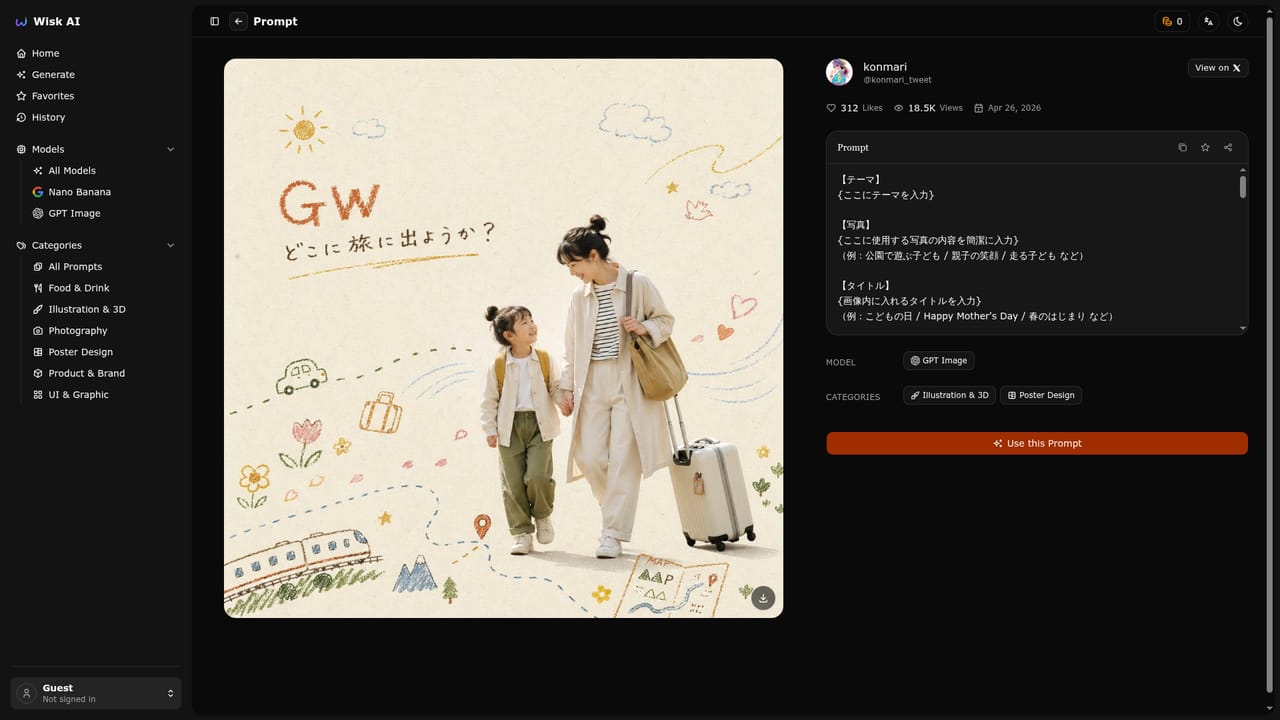
  3. 3Borrow a prompt from a category
    If you are unsure what to write, browse a category such as Photography or Poster Design and start from one of the listed prompts.
  4. 4Generate and iterate
    Submit the prompt, then reword it or switch models to compare results. Reference images can be supplied when you want the output to follow an existing visual.
  5. 5Save the keepers
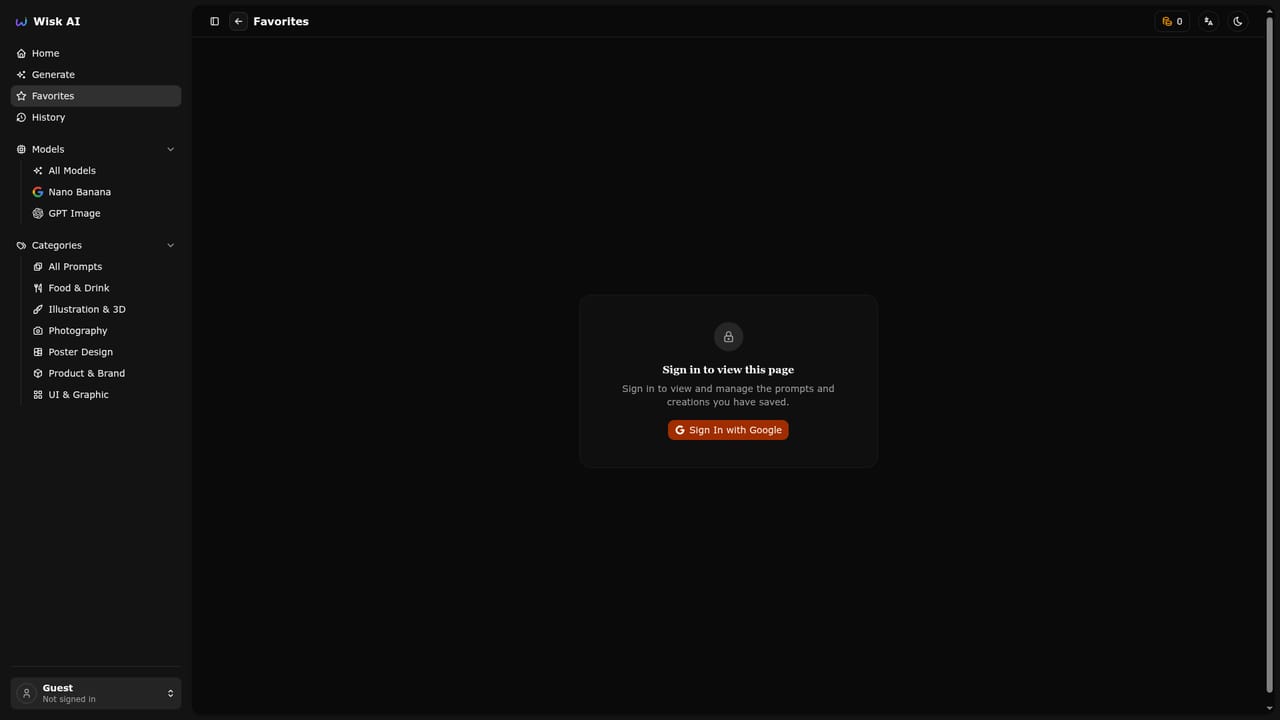
    Move results you want to keep into Favorites before closing the tab, since session history does not persist as a library.
    Wisk AI — Save the keepers
  6. 6Review the session
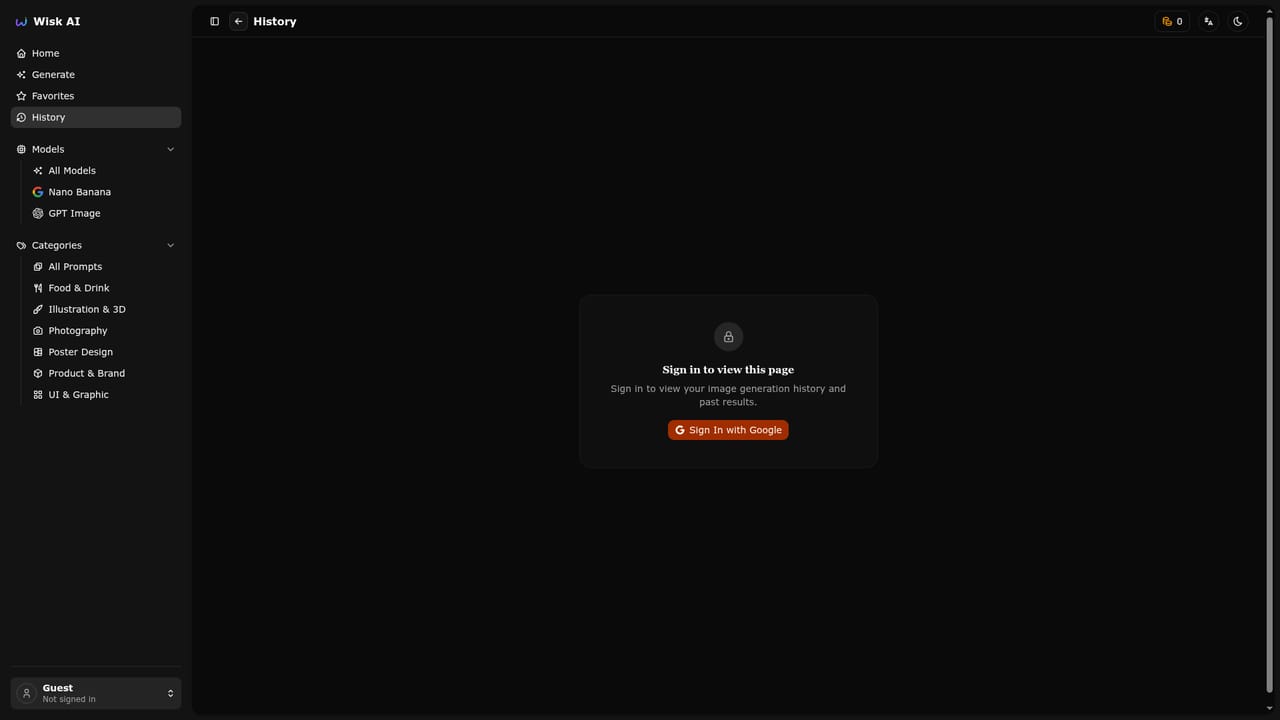
    Use the History view to look back over images generated during the current session.
    Wisk AI — Review the session

Pros and cons

Pros

  • Model choice is explicit: switch between Nano Banana and GPT Image for the same promptAI
  • Works from text prompts and reference images rather than text aloneAI
  • Curated prompt categories cover food, photography, posters, product and UI workAI
  • No sign-in required for guest sessions, which lowers the barrier to testingAI
  • History and favourites give a basic way to retrieve earlier resultsAI

Cons

  • Homepage gives no pricing detail, so cost beyond free use is unclearAI
  • History is session bound, meaning work is effectively lost when a session endsAI
  • No documented editing tools such as inpainting, outpainting or upscalingAI
  • Only an active prompt library and two models, with no API or automation options mentionedAI
  • No visible help documentation or support channel on the siteAI

How much does Wisk AI cost?

Features

Two selectable image models, Nano Banana and GPT Image, with text to image and reference image input. A prompt catalogue sorted into Food and Drink, Illustration and 3D, Photography, Poster Design, Product and Brand, and UI and Graphic. Favorites and session History views sit alongside the generator for retrieving results.

Learn more

Frequently asked questions about Wisk AI

  • How do you use Wisk AI?
    The walkthrough on this page covers 6 steps: 1. Open the generator 2. Pick a model 3. Borrow a prompt from a category 4. Generate and iterate 5. Save the keepers 6. Review the session.
  • What platforms does Wisk AI support?
    Wisk AI is available on Web App.
  • What are the limitations of Wisk AI?
    Homepage gives no pricing detail, so cost beyond free use is unclear. History is session bound, meaning work is effectively lost when a session ends. No documented editing tools such as inpainting, outpainting or upscaling.

Status

StatusActive
Views0
Outbound clicks0
Added10/21/2026

Platforms

Web App

Pricing

Free