Free trial
A Free plan at $0 per month is available for experimenting, with limited AI chat tokens, up to 3 private files, 100 shaders and 25 MB image uploads. No time-limited trial is described.
Learn moreAI design canvas whose output is real React and Tailwind code

Wonder is an AI design canvas where generated and hand-edited screens are backed by real code. Designers can copy React and Tailwind output or connect coding agents through MCP, with a free plan and a per-seat Pro tier.
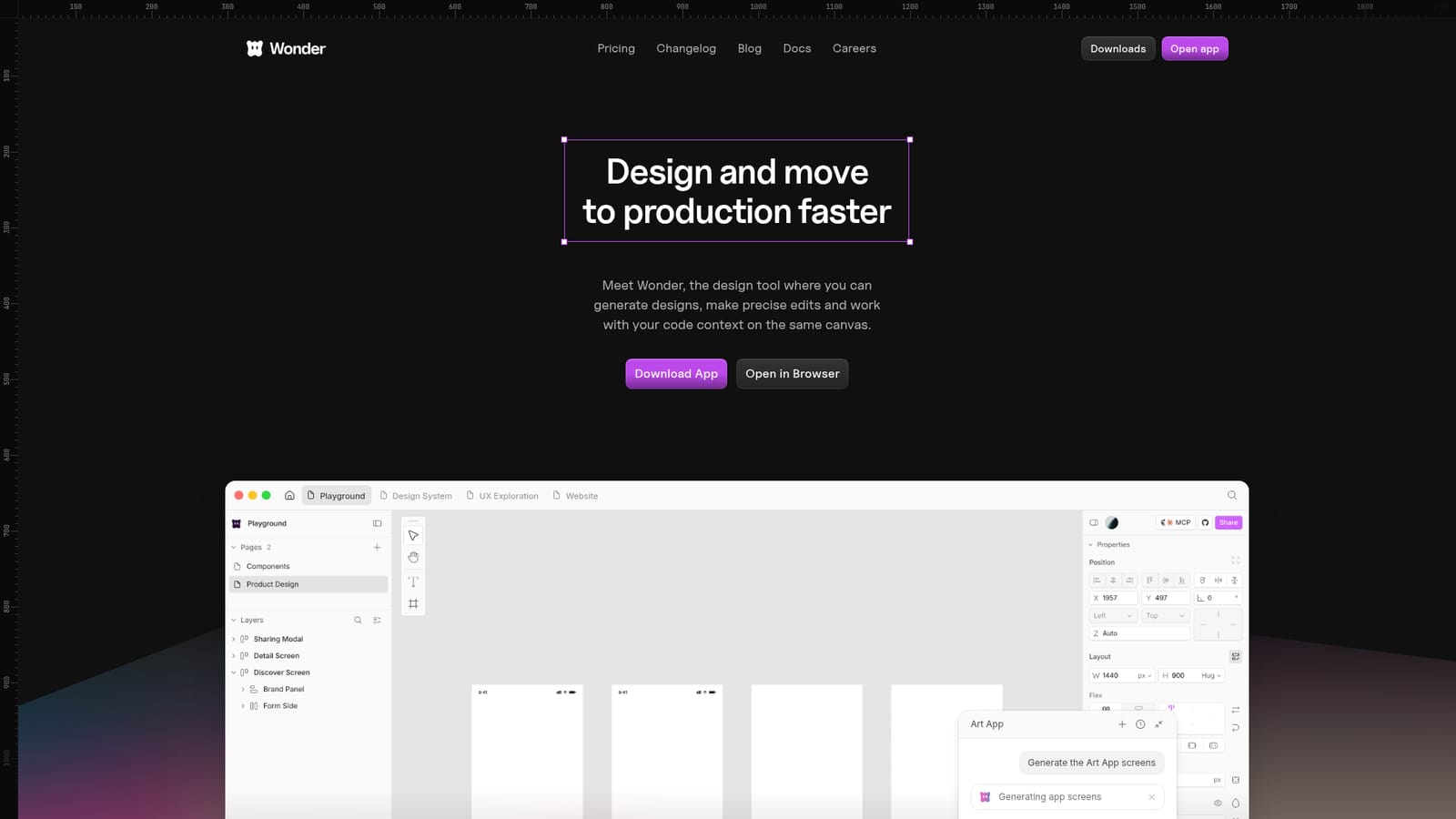
Wonder is a design tool that places AI generation, manual editing and code context on a single canvas. Rather than producing static mockups that a developer later rebuilds, it uses a design format that maps one to one to code, so a finished screen can be copied out as React and Tailwind or handed to a coding agent. It is published by Aquila Labs and runs in the browser, with a downloadable app offered as well. In practice, a designer describes what is needed in a chat panel, picks a model (the homepage shows Claude Opus 4.6), and the agent generates screens, such as a complete set of mobile app views. From there the familiar editing surface takes over: a layers panel, a properties panel and a toolbar. Quick actions cover changing a theme, creating variants, swapping images, adjusting spacing and editing copy. Images can be generated directly on the canvas instead of leaving placeholders, and a shader library adds interactive visual effects. Earlier designs act as context for later ones, which supports exploring iterations without starting over. The code link goes both ways. Wonder MCP connects the canvas to coding agents including Claude Code, Cursor and Codex, so a team can start from what is already built, iterate visually and push the result back toward production. This targets product designers, design engineers and small product teams who want to remove the handoff step between design and implementation. Pricing follows a three tier model. The Free plan limits AI chat tokens and caps private files at three. Pro costs $16 per user per month billed yearly and adds $20 of monthly AI tokens, unlimited private files, full editor collaboration and priority support. Enterprise adds SAML/SSO and admin controls. Among alternatives, Wonder sits between traditional vector design tools and AI app generators: it keeps a visual canvas for precise edits while treating code as the underlying source rather than an export afterthought.
A Free plan at $0 per month is available for experimenting, with limited AI chat tokens, up to 3 private files, 100 shaders and 25 MB image uploads. No time-limited trial is described.
Learn moreFree is $0 per month with limited AI chat tokens and up to 3 private files. Pro is $16 per user per month billed yearly (save 20%), adding $20 monthly AI tokens, unlimited private files and priority support. Enterprise is custom, with SAML/SSO and admin controls.
Learn moreFree users get community support through Slack and Discord. Pro adds priority support, and Enterprise includes dedicated support and priority onboarding.
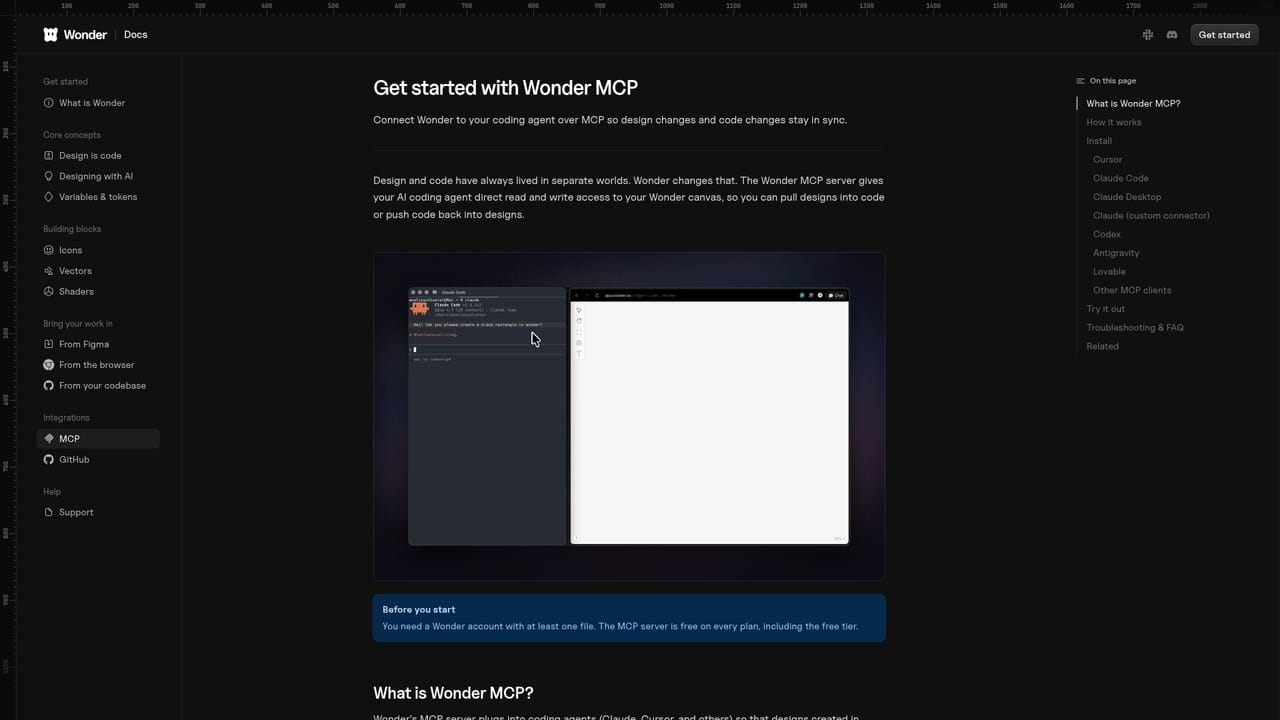
Wonder MCP connects the canvas to coding agents including Claude Code, Cursor and Codex. The AI chat offers models such as Anthropic's Claude Opus 4.6.
Learn moreAI agent that generates screens from prompts, a canvas with layers and properties panels, quick actions for variants and themes, on-canvas image generation, a shader library, design to React and Tailwind code export, and an MCP connection to coding agents.


