Free trial
No time limited trial is described. The free plugin version serves as the trial, with 6 previews per request, 3 downloads per day and 768px output, plus a 14 day money back guarantee on Pro purchases.
Learn moreAI image generation inside your WordPress dashboard

WPZone is a generative image tool. A WordPress plugin that generates AI images from text prompts directly in the media library, Gutenberg and the Divi builder, with a prompt weighting system for prioritizing parts of a prompt. Free version available, Pro adds more previews per request, unlimited downloads and 2048px output.
AI Image Lab is a WordPress plugin from WP Zone that generates images from text prompts without leaving the WordPress admin. Instead of opening a separate image tool, exporting a file and uploading it, the plugin puts prompt fields and generation controls next to the places where images actually get used: the media library, the Gutenberg block editor and the Divi builder. Generated output comes from third party engines such as Stable Diffusion, which WP Zone runs on its own servers. The feature that separates it from a plain text to image box is prompt weighting. Individual phrases in a prompt can be assigned a weight from 1 to 5, so a phrase that matters more to the composition can be pushed forward while secondary details stay in the background. The plugin also exposes other image settings alongside the prompt. WP Zone positions the product for bloggers, site owners and content creators who want original visuals without a design team, a stock photo subscription or a separate AI account. In practice the workflow is short. Install the plugin, connect it to a WP Zone account, open a post or page, and write a prompt where the image is needed. A request returns a batch of preview images, six on the free plan and ten on Pro, and the chosen one is downloaded into the site. The free tier caps downloads at three per day and limits resolution to 768px, while Pro lifts the download cap and allows images up to 2048px. Free previews carry a watermark that is removed on download. Compared with Midjourney, DALL·E or a standalone Stable Diffusion setup, AI Image Lab trades prompt-crafting depth for placement convenience. It is the easier call for a WordPress site owner who wants a usable image in a post in a couple of minutes, and the weaker one for anyone who needs fine control over style, seed or model choice. WP Zone states that generated images may be used for any lawful purpose including commercial use, subject to the service terms.
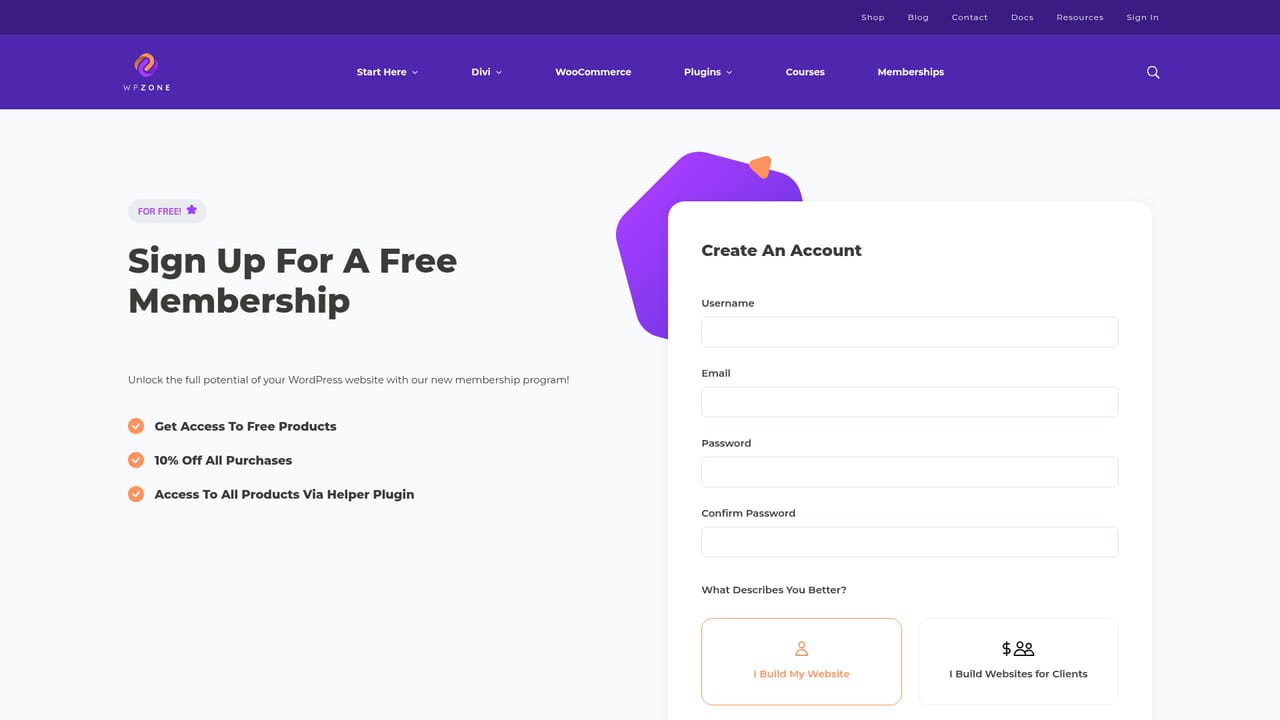
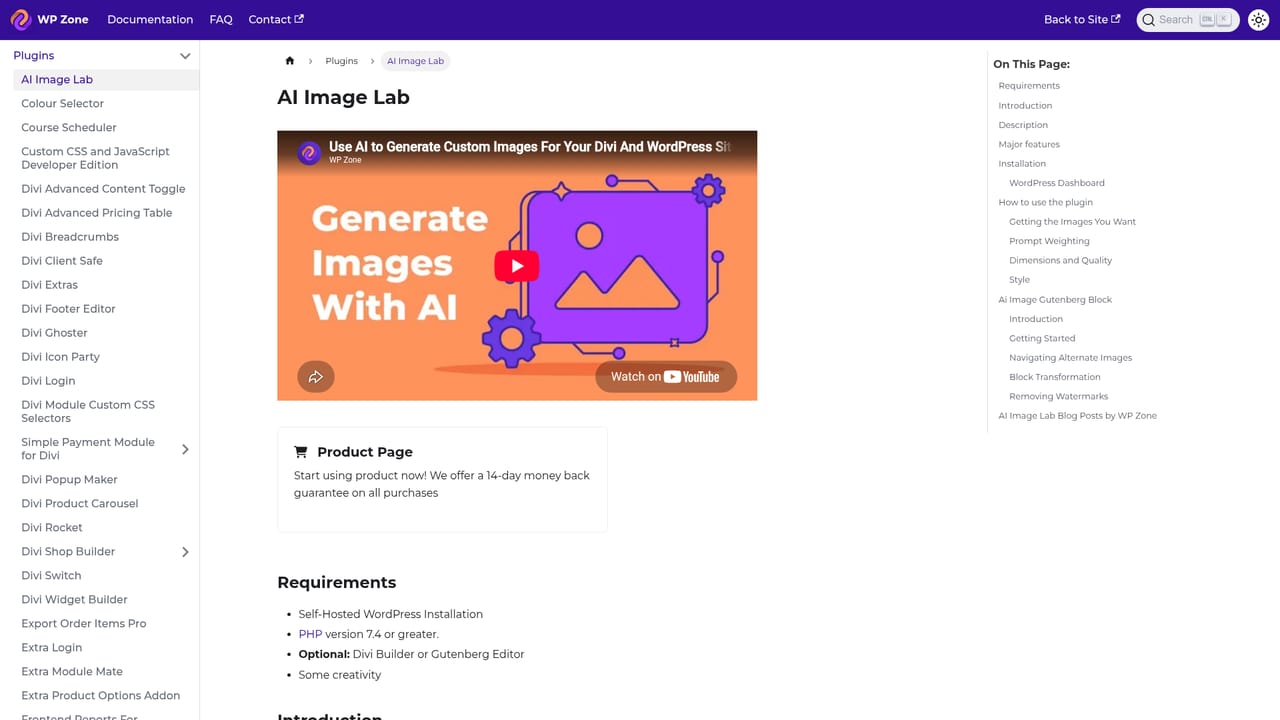
No time limited trial is described. The free plugin version serves as the trial, with 6 previews per request, 3 downloads per day and 768px output, plus a 14 day money back guarantee on Pro purchases.
Learn moreFree version available from WordPress.org. Pro is billed monthly with cancellation allowed at any time and is not included in the Annual or Lifetime membership, though members get a discount on the monthly cost. A 14 day money back guarantee applies, and free membership signup gives 10 percent off. No price figures are listed on the homepage.
Learn morePremium technical support is listed for both the free and Pro versions, and WP Zone publishes plugin documentation plus a changelog. The FAQ covers account connection delays and points users to support when Pro features do not appear.
Learn moreBuilt for WordPress and tested with the Gutenberg block editor and the Divi builder, with Divi 5 support listed as coming soon. Generation can be triggered from the WordPress media library as well as from pages and posts.
Learn moreText to image generation inside WordPress with prompt weighting from 1 to 5 per phrase and other image settings. Works from the media library, the Gutenberg block editor and the Divi 4 builder. Free accounts get 6 previews per request and 3 downloads per day at 768px, while Pro raises this to 10 previews, unlimited downloads and 2048px output. Watermarked previews are removed on download.
Learn more AI Angels400+ customizable AI girlfriends for NSFW chat, voice calls, and roleplay
 Candy AIExperience the future of companionship with AI friends who chat, role-play, and connect with you on a human level.
 ourdream.aiA vast AI roleplay platform with millions of characters for chat, images, video and voiceAI Angels400+ customizable AI girlfriends for NSFW chat, voice calls, and roleplayCandy AIExperience the future of companionship with AI friends who chat, role-play, and connect with you on a human level.ourdream.aiA vast AI roleplay platform with millions of characters for chat, images, video and voice


