Free trial
The homepage offers a free start through the registration page, so the product can be tried before any paid commitment. No trial length or paid tier details are stated on the homepage.
Learn moreA distraction free writing app with AI help for structure and repurposing
Own Write Minimal? Verify ownership to get a dofollow link

Write Minimal is an AI summarizer tool. A distraction free writing app with clean typography, an inline formatting editor and AI that organizes, summarizes and repurposes drafts into blog posts, tweets or LinkedIn posts.
Write Minimal is a writing environment built around a single idea: strip away everything that is not the text. The interface presents what the product describes as a high quality blank sheet of paper, with typography tuned to read well at any screen size and an inline editor for formatting without leaving the page you are drafting. The pitch is that a quieter surface produces better and longer writing sessions, and the layout is deliberately sparse rather than feature dense. The AI layer sits behind the editor rather than in front of it. It is positioned for organization, summarization and structuring, meaning you can hand it a messy draft and ask for order, or take an existing piece and reshape it for a different destination. The homepage specifically calls out repurposing writing into a blog post, a tweet or a LinkedIn post with a single click, which makes the product most relevant to people who write once and publish in several places. That puts Write Minimal in the company of note and drafting tools rather than full document suites. It competes on feel and focus, not on databases, wikis or team permissions, and the marketing leans heavily on craft: the claim is about the pleasure of typing, not about the number of panels on screen. Writers, newsletter authors, bloggers and social media operators who already know what they want to say are the natural audience. Someone who needs structured project documentation or heavy collaborative editing will likely need a second tool. The homepage is thin on operational detail. Pricing tiers, export formats, storage limits, sync behavior and collaboration features are not described there, and the only public page listed is the registration endpoint where the free start flow begins. A demo video is offered for anyone who wants to see the editor in motion before committing. Treat the presentation as a strong signal of design intent and confirm the practical specifics, especially pricing and data handling, directly on the site before adopting it as a daily driver.
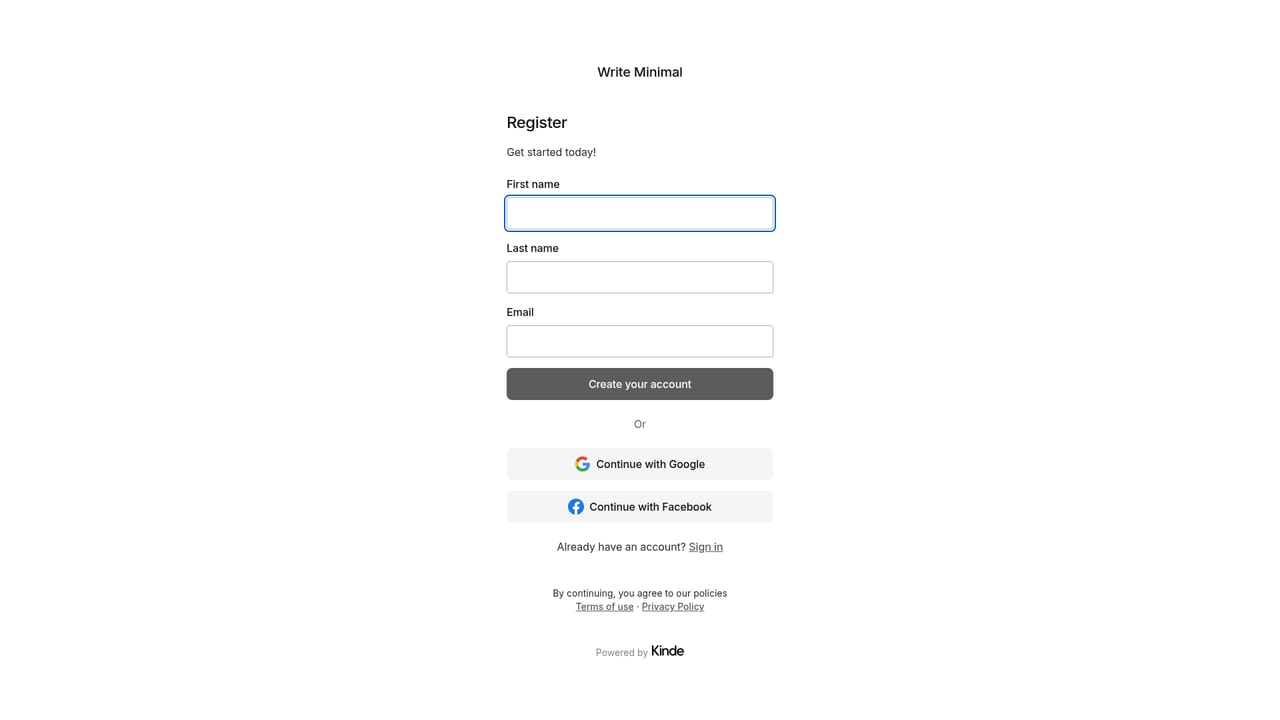
The homepage offers a free start through the registration page, so the product can be tried before any paid commitment. No trial length or paid tier details are stated on the homepage.
Learn moreA distraction free editor with a single focused writing surface, typography built to render well on any screen size, and inline formatting for headings, emphasis and other common needs. AI handles organization, summarization and structuring of existing drafts, and can repurpose a piece into a blog post, tweet or LinkedIn post in one action.
 AI Angels400+ customizable AI girlfriends for NSFW chat, voice calls, and roleplay
 Candy AIExperience the future of companionship with AI friends who chat, role-play, and connect with you on a human level.
 ourdream.aiA vast AI roleplay platform with millions of characters for chat, images, video and voiceAI Angels400+ customizable AI girlfriends for NSFW chat, voice calls, and roleplayCandy AIExperience the future of companionship with AI friends who chat, role-play, and connect with you on a human level.ourdream.aiA vast AI roleplay platform with millions of characters for chat, images, video and voice


