Free trial
A free starting option is offered on the homepage; paid plan details and any usage limits are not stated there.
Learn moreAI transcription for audio and video, with summaries in 98 languages

Yescribe turns audio and video files into text with AI, claiming 99.9 percent accuracy across 98 languages, uploads up to 5 hours and AI summaries, aimed at professionals in healthcare, legal, finance, media and research.
Yescribe is a web based transcription service that converts audio and video files into text using AI models, including Whisper. The workflow is deliberately short: a file is uploaded, the platform's GPU clusters process it, and a transcript comes back within minutes. Export options cover several formats, and finished transcripts can be shared, including as public links of the kind shown in the site's sample interviews with Sam Altman, Bill Gates and Elon Musk. The feature set goes beyond raw transcription. The site advertises accuracy around 99.9 percent, support for 98 languages (Javanese and Zulu are named as examples of the long tail), single uploads of up to 5 hours, and AI generated summaries described as interactive and query-able. Format coverage is broad: MP4, MP3, WAV and MOV are listed alongside FLV and AAC. The company positions privacy as a core promise, and its FAQ addresses how data is secured, though the detail sits behind the questions rather than on the page itself. Yescribe targets working professionals rather than hobbyists. The homepage names healthcare, legal and law enforcement, financial services, hospitality and tourism, technology and engineering, and real estate as its verticals, and testimonials come from a student, a sales director, an IT support specialist and a journalist. In practice that means lecture capture, meeting records, interview notes, consultation documentation and compliance style record keeping are the intended jobs. Among transcription tools, Yescribe competes on breadth of language coverage, long file support and speed rather than on editing depth or ecosystem. The homepage makes no mention of speaker diarization, native integrations, a mobile app, an API or team collaboration features, so buyers who need those capabilities should verify them before committing. The free entry point and example transcripts make it easy to judge output quality on real audio first.
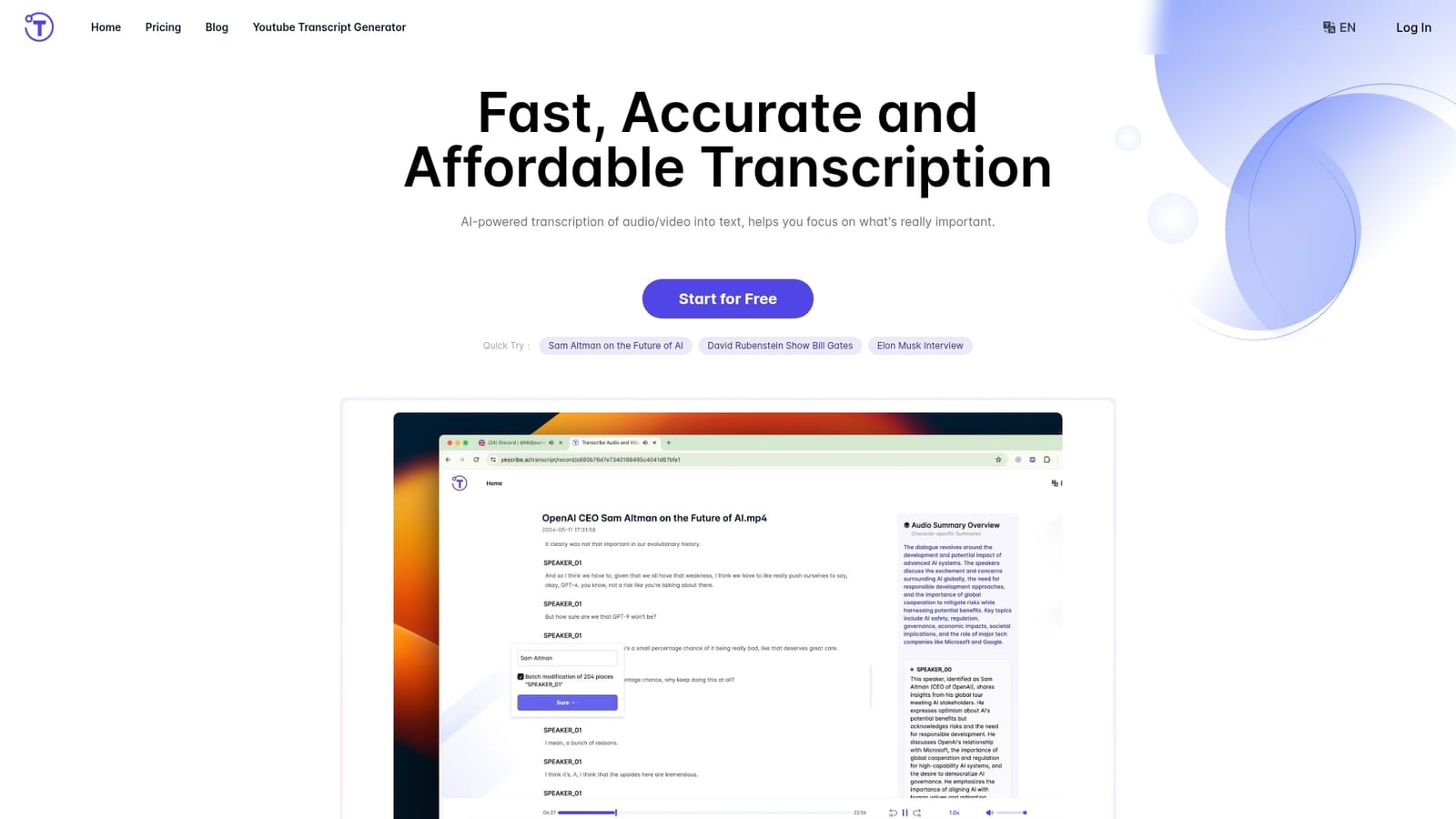
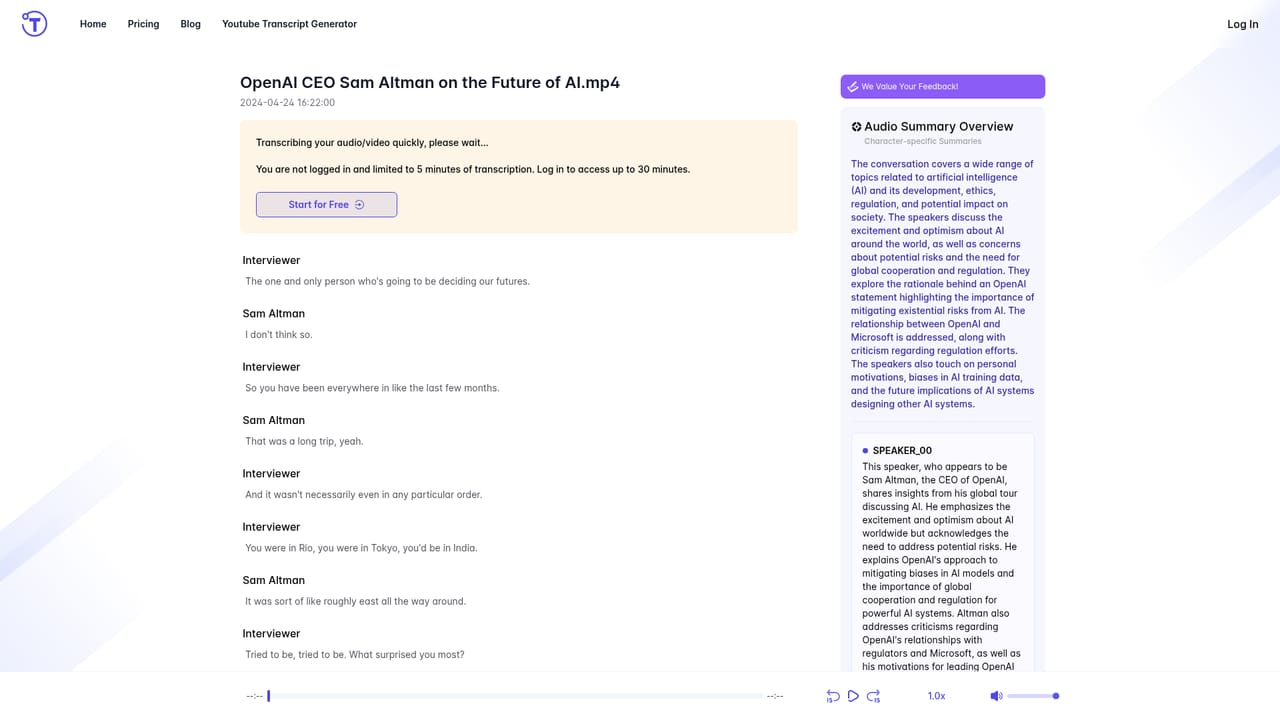
A free starting option is offered on the homepage; paid plan details and any usage limits are not stated there.
Learn moreTranscription of audio and video to text with claimed 99.9 percent accuracy, support for 98 languages and formats including MP4, MP3, WAV, MOV, FLV and AAC. Uploads can run up to 5 hours, processing uses GPU clusters for rapid results, and AI summaries give query-able overviews. The service is presented as private and secure, with export and sharing options for finished transcripts.
 AI Angels400+ customizable AI girlfriends for NSFW chat, voice calls, and roleplay
 Candy AIExperience the future of companionship with AI friends who chat, role-play, and connect with you on a human level.
 ourdream.aiA vast AI roleplay platform with millions of characters for chat, images, video and voiceAI Angels400+ customizable AI girlfriends for NSFW chat, voice calls, and roleplayCandy AIExperience the future of companionship with AI friends who chat, role-play, and connect with you on a human level.ourdream.aiA vast AI roleplay platform with millions of characters for chat, images, video and voice


