Pricing
The homepage advertises a limited-time 50% sign-up discount but lists no plan names or prices, so current costs must be checked on the site.
Learn moreTurn one selfie into headshots and avatars in about 10 seconds
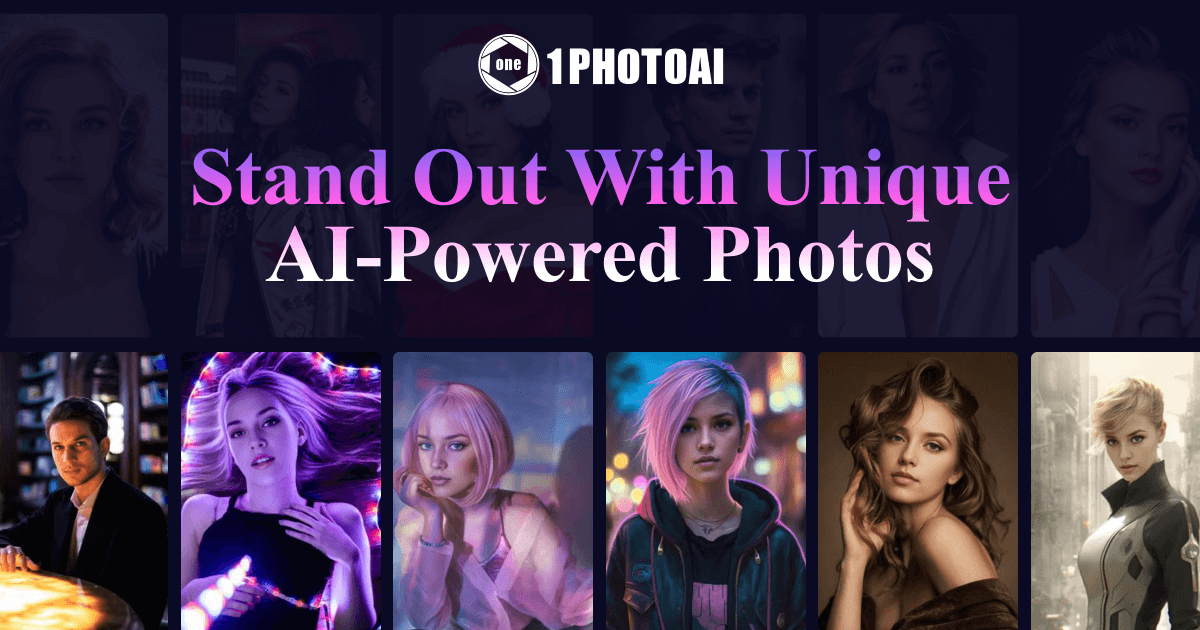
1PhotoAI is an anime generator tool that turns one selfie into headshots and avatars in about 10 seconds. 1PhotoAI is a web-based AI photo generator that creates professional headshots, social media avatars and anime images from a single selfie, drawing on a library of more than 2,000 styles and rendering in about 10 seconds.
1PhotoAI is a web-based AI photo generator that turns a single selfie into finished portraits. The homepage promises results in roughly 10 seconds. Its core output is the professional headshot, the kind of picture used on networking profiles, resumes and company pages. The same upload can also be turned into social media avatars and anime-style images, so one service covers both a serious work portrait and a playful profile picture. The workflow is intentionally short. A user uploads one selfie, chooses from a library the site describes as more than 2,000 photo styles, and receives generated images. The homepage describes no lengthy training stage, which sets it apart from headshot services that ask for a dozen or more source photos and make people wait for processing. A dedicated avatar generator section covers stylized personas for digital presence, while a separate headshot entry point serves the more formal use case. Sample galleries on the page show a wide spread of outfits, backgrounds and looks, though the quality a given person gets will depend on the photo they supply. The audience is broad: job seekers who need a polished profile picture without booking a studio, freelancers and consultants building a personal brand, and creators who want a consistent avatar across platforms. Teams that only need a handful of portraits and care more about speed than hands-on control are a natural fit as well. Among alternatives, 1PhotoAI sits in the crowded group of headshot and avatar generators. Its pitch rests on speed, the single-selfie input and the sheer number of styles, backed by a claim of more than 150,000 users and a Product Hunt featured badge. The homepage advertises a limited-time 50% sign-up discount but shows no price list, so buyers should confirm plan details, usage limits and image rights on the site before committing. Anyone who needs fine control over lighting, retouching or brand-consistent output may find a dedicated photo editor or a studio session a better match.
The homepage advertises a limited-time 50% sign-up discount but lists no plan names or prices, so current costs must be checked on the site.
Learn moreGenerates AI photos from a single selfie in about 10 seconds. Offers more than 2,000 styles, professional headshots for networking profiles, a dedicated AI avatar generator for social media, and anime-style image output.
 AI Angels400+ customizable AI girlfriends for NSFW chat, voice calls, and roleplay
 Candy AIExperience the future of companionship with AI friends who chat, role-play, and connect with you on a human level.
 ourdream.aiA vast AI roleplay platform with millions of characters for chat, images, video and voiceAI Angels400+ customizable AI girlfriends for NSFW chat, voice calls, and roleplayCandy AIExperience the future of companionship with AI friends who chat, role-play, and connect with you on a human level.ourdream.aiA vast AI roleplay platform with millions of characters for chat, images, video and voice