Integrations
The Ask ChatGPT feature connects to ChatGPT using an account already signed in on the active Arc profile. No other integrations are described on the page.
Browser AI suite that previews links and tidies tabs and downloads

Arc Max is an optional AI feature set inside the Arc browser: link previews on shift-hover, a ChatGPT shortcut in the command bar, automatic tidying of pinned tab titles, and smart renaming for downloads.
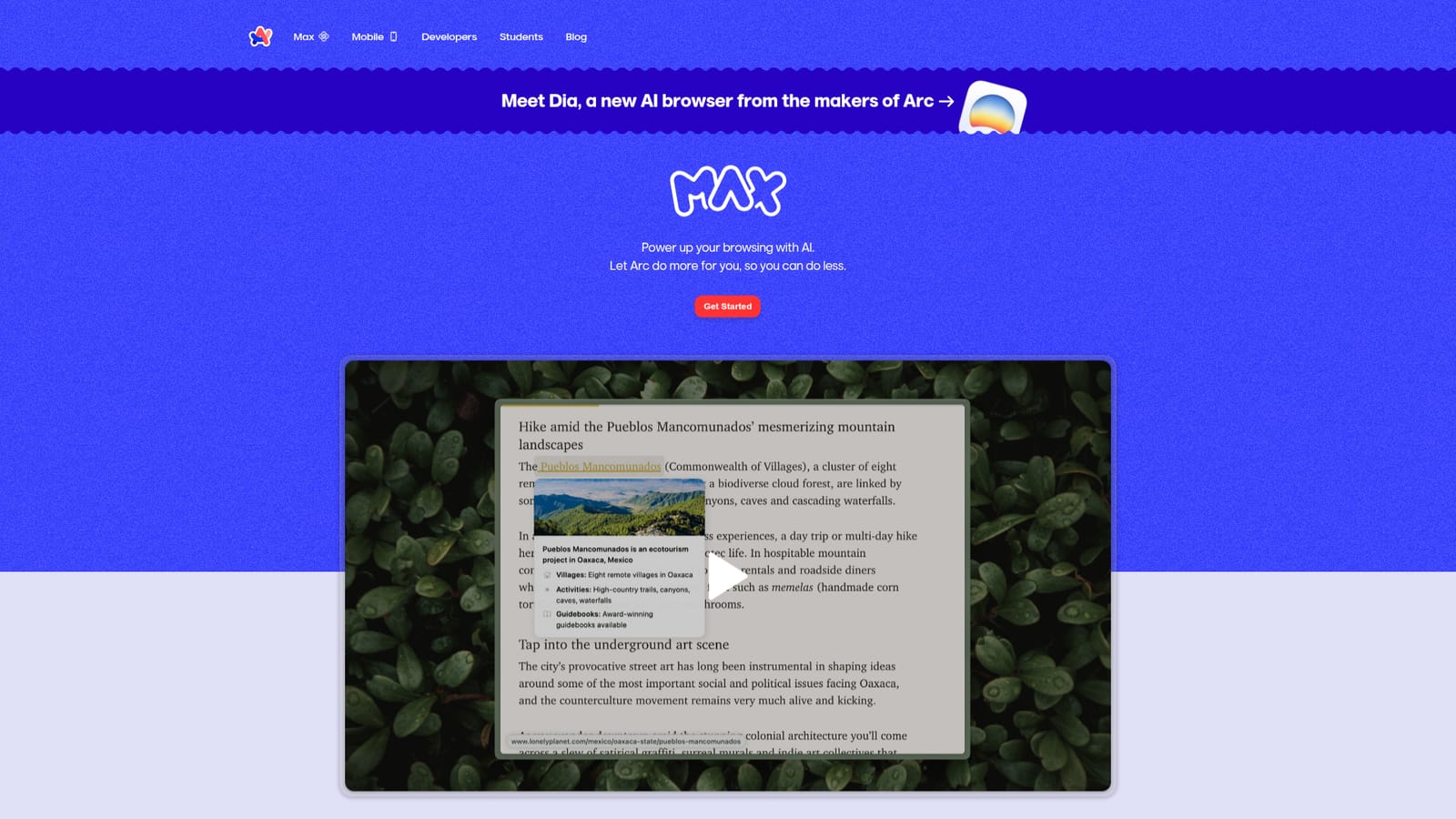
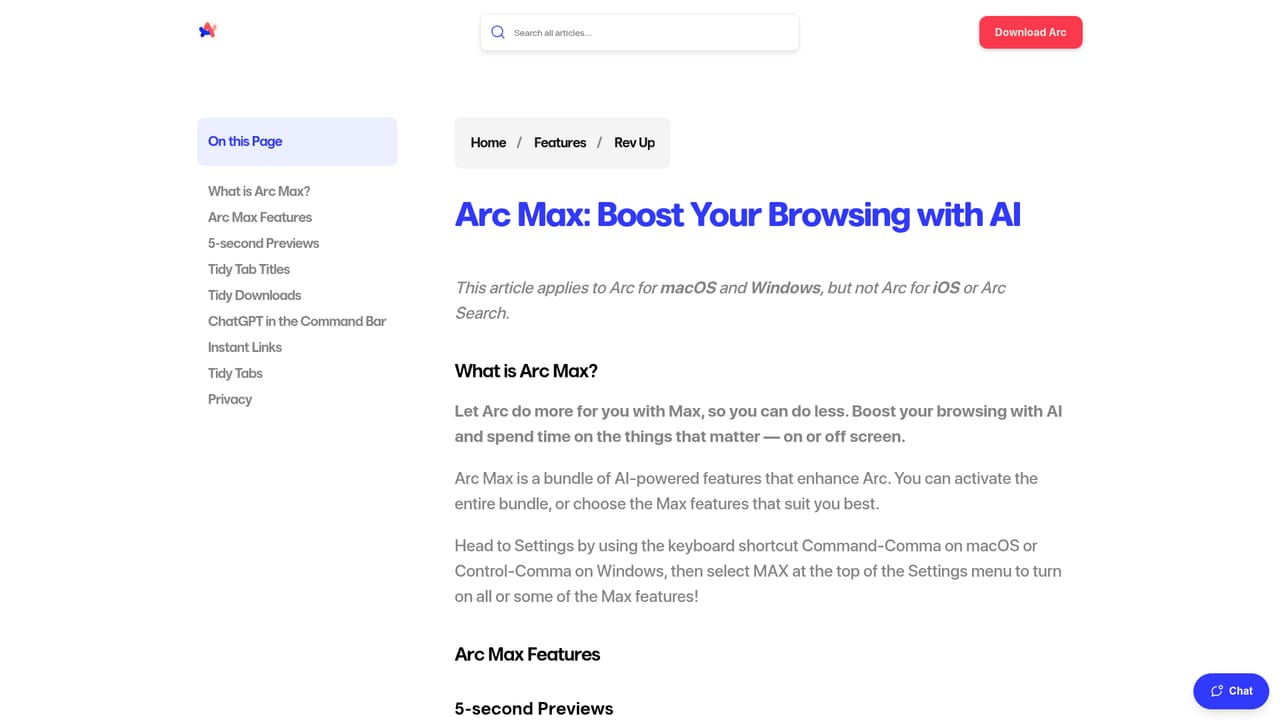
Arc Max is a bundle of AI features layered into the Arc browser. Rather than selling a standalone assistant, it turns everyday browsing actions into small time savers: link previews, smarter tab names, cleaner download filenames and a shortcut for asking ChatGPT. The pitch on the homepage is modest and literal, letting the browser do more so the person doing the browsing can do less. The suite covers four areas. 5 Second Previews lets you hover over any link and press shift to see a generated preview of the page before committing a click. Ask ChatGPT drops a query box into the command bar: you type ChatGPT, hit Tab and get an answer without leaving the current tab. Tidy Tab Titles renames pinned tabs with shorter, cleaner labels so the sidebar stays readable. Tidy Downloads renames downloaded files smartly and keeps them easier to find later. This is aimed at heavy browser users rather than AI specialists: researchers juggling dozens of tabs, people who download files constantly, and anyone who wants a quick answer inline without opening a separate chatbot. Setup is an opt-in switch. You open the command bar with Cmd + T, type Arc Max, and select which features to turn on, so nothing runs unless you enable it. Compared with full AI browsers such as Dia (also from the Arc team), Max is a feature layer on top of an existing browser rather than a new product to migrate to. Compared with general assistants, its scope is narrow and practical: it does not try to write documents or generate images. The ChatGPT shortcut also requires a ChatGPT account signed in on the same Arc profile, so the value depends on what you already use.
The Ask ChatGPT feature connects to ChatGPT using an account already signed in on the active Arc profile. No other integrations are described on the page.
5 Second Previews generates a page preview when you hover a link and press shift. Ask ChatGPT answers questions from the command bar (requires a ChatGPT account signed in on your Arc profile). Tidy Tab Titles shortens and renames pinned tabs automatically, and Tidy Downloads renames files smartly so they are easier to locate later.
Learn more AI Angels400+ customizable AI girlfriends for NSFW chat, voice calls, and roleplay
 Candy AIExperience the future of companionship with AI friends who chat, role-play, and connect with you on a human level.
 ourdream.aiA vast AI roleplay platform with millions of characters for chat, images, video and voiceAI Angels400+ customizable AI girlfriends for NSFW chat, voice calls, and roleplayCandy AIExperience the future of companionship with AI friends who chat, role-play, and connect with you on a human level.ourdream.aiA vast AI roleplay platform with millions of characters for chat, images, video and voice


